Wstęp
This manual provides essential information for the safe and efficient operation of your Blaupunkt 32HCE4000S LED TV. Please read these instructions thoroughly before use and retain them for future reference.
Informacje dotyczące bezpieczeństwa
Ważne instrukcje bezpieczeństwa:
- Nie wystawiaj telewizora na działanie deszczu ani wilgoci.
- Nie blokuj otworów wentylacyjnych.
- Zapewnij prawidłowe uziemienie.
- Odłączaj urządzenie podczas burzy z piorunami lub gdy nie jest używane przez dłuższy czas.
- Wszelkie prace serwisowe należy powierzać wykwalifikowanemu personelowi.
Organizować coś
1. Unpacking the TV
Carefully remove the TV from its packaging. Ensure all components are present: TV unit, remote control, power cable, and stand components.
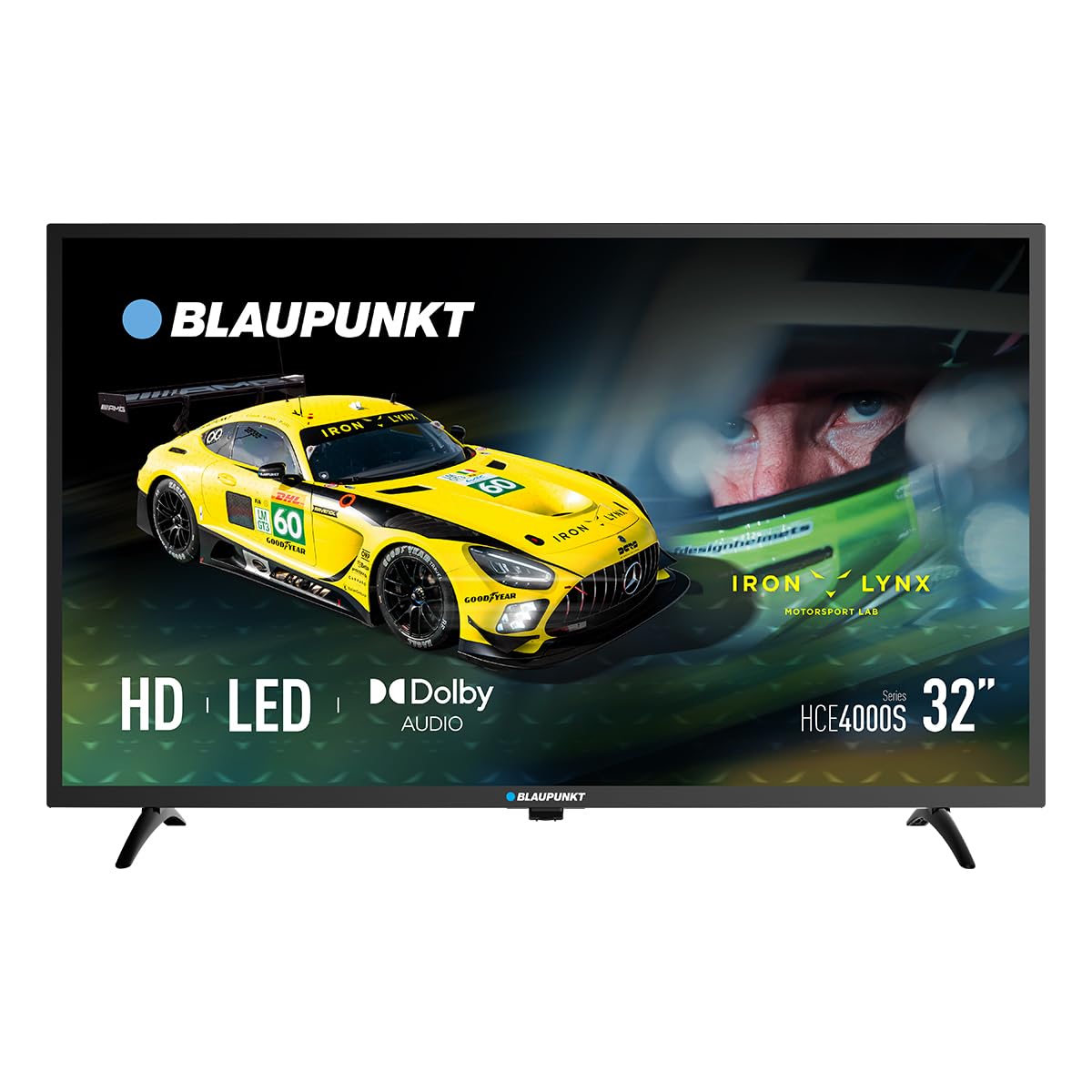
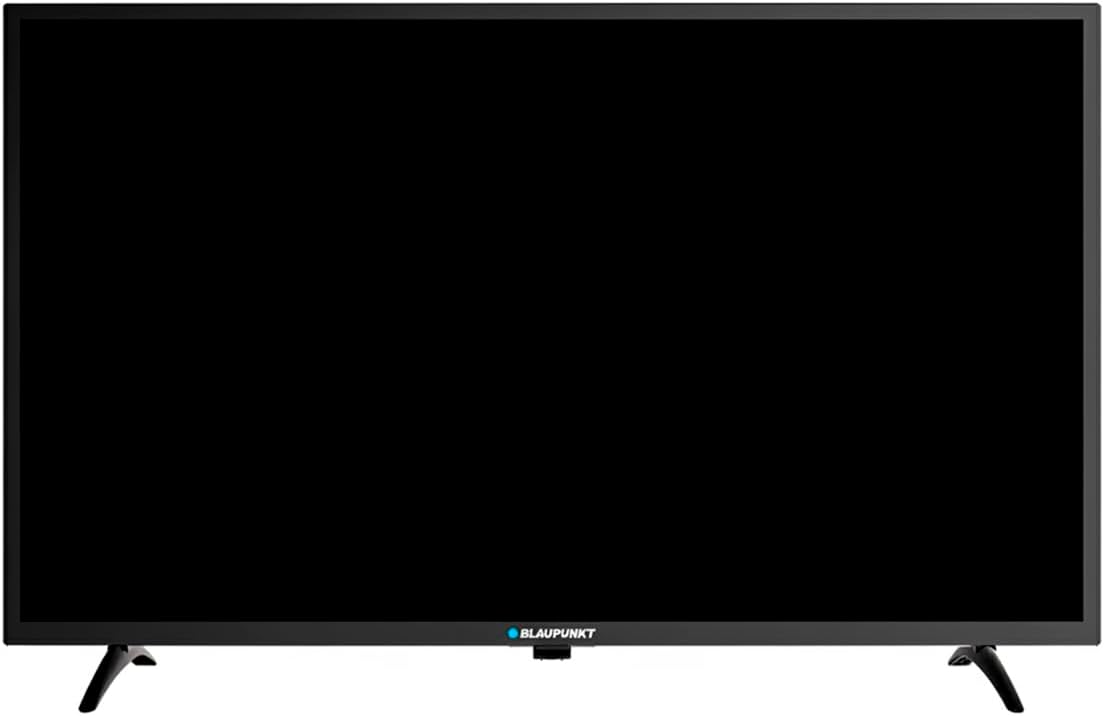
Obraz: Przód view of the Blaupunkt 32HCE4000S LED TV with its stand.
2. Mocowanie stojaka
Place the TV screen-down on a soft, flat surface. Align the stand components with the mounting holes on the bottom of the TV. Secure with the provided screws. Ensure the stand is firmly attached before placing the TV upright.
Obraz: Tył view of the Blaupunkt 32HCE4000S LED TV, highlighting the VESA mounting points and various input/output ports.
Alternatively, for wall mounting, use a VESA-compatible wall mount (not included) and follow the mount's instructions. The TV supports VESA mounting.
3. Podłączanie urządzeń zewnętrznych
Telewizor oferuje wiele opcji łączności:
- Porty HDMI: Podłącz odtwarzacze Blu-ray, konsole do gier i inne urządzenia z obsługą HDMI.
- Port USB: Do odtwarzania multimediów z urządzeń pamięci masowej USB.
- DVB-T2 / DVB-S2 Tuners: For terrestrial and satellite digital television reception.
- YPbPr Input: For older analog video devices.
- SPDIF Optical Output: Do cyfrowego wyjścia audio do soundbarów lub systemów kina domowego.
- Gniazdo CI: For conditional access modules (CAM) for encrypted channels.

Obraz: Bok view of the Blaupunkt 32HCE4000S LED TV, illustrating the accessible side ports.

Obraz: Druga strona view of the Blaupunkt 32HCE4000S LED TV, showing additional side ports for connectivity.
4. Podłączenie zasilania
Connect the power cable to the TV and then to a suitable power outlet (220 Volts). The TV consumes 33 watts during operation.
Instrukcja obsługi
1. Zdalne sterowanieview
The remote control allows full functionality of your TV. Insert two AAA batteries (not included) into the remote control, observing polarity.

Image: Blaupunkt TV remote control, displaying buttons for power, navigation, volume, channel selection, and media playback functions.
Key functions include power on/off, channel selection, volume control, source input selection, and menu navigation.
2. Konfiguracja początkowa i skanowanie kanałów
Upon first power-on, the TV will guide you through an initial setup process. This includes language selection, country, and channel scanning for DVB-T2 (terrestrial) and DVB-S2 (satellite) signals. Follow the on-screen prompts.
3. Media Playback via USB
Insert a USB storage device into the USB port. The TV's media player will typically launch automatically or can be accessed via the 'Source' menu. Navigate to your desired media files (photos, music, videos) and select to play.
4. Elektroniczny przewodnik po programach (EPG)
Press the 'EPG' button on your remote control to access the Electronic Program Guide. This displays program schedules for digital channels, allowing you to view upcoming shows and set reminders.
5. Funkcje audio
The TV supports Dolby Audio, providing clear and sufficient sound for various content. Adjust volume using the 'VOL +/-' buttons on the remote.

Image: The TV screen shows the Dolby Audio logo, indicating enhanced sound quality, while a family enjoys watching content.
Konserwacja
Czyszczenie telewizora:
- Zawsze odłączaj telewizor od zasilania przed czyszczeniem.
- Do przecierania ekranu i obudowy używaj miękkiej, suchej ściereczki.
- Do not use liquid cleaners or aerosol sprays directly on the TV.
Składowanie:
- If storing the TV for an extended period, ensure it is in a cool, dry place, protected from dust and extreme temperatures.
Rozwiązywanie problemów
| Problem | Możliwa przyczyna | Rozwiązanie |
|---|---|---|
| Brak zasilania | Power cable disconnected; power outlet faulty | Sprawdź podłączenie kabla zasilającego; spróbuj użyć innego gniazdka. |
| Brak obrazu, ale dźwięk jest | Wybrano nieprawidłowe źródło sygnału wejściowego; problem z urządzeniem zewnętrznym | Press 'Source' button on remote to select correct input; check external device connections. |
| Brak dźwięku, ale obraz jest | Wyciszenie lub zbyt niski poziom głośności; problem z zewnętrznym systemem audio | Unmute or increase volume; check external audio connections if applicable. |
| Pilot nie działa | Rozładowane lub nieprawidłowo włożone baterie; przeszkoda między pilotem a telewizorem | Wymień baterie i upewnij się, że czujnik podczerwieni telewizora jest w zasięgu wzroku. |
Specyfikacje
- Marka: Blaupunkt
- Model: 32HCE4000S
- Rozmiar ekranu: 32 cali
- Technologia wyświetlania: PROWADZONY
- Rezolucja: HD/Full HD (1366x768 / 1920x1080 pixels) - Note: Product data contains conflicting resolution information (1080p, 800x480, and 1366x768 on energy label). We refer to the product title's 'HD/Full HD' claim.
- Proporcje obrazu: 16:9
- Częstotliwość odświeżania: 60 Hz
- Audio: Dolby Audio, 2.0 Channel Surround Sound
- Łączność: HDMI, USB, YPbPr, SPDIF Optical, CI Slot
- Tunery: DVB-T2 / DVB-S2
- Pobór mocy: 33 Watts (Operating) / 26 kWh/1000h (Energy Label)
- Tomtage: 220 wolty
- Kompatybilność montażu: Wall mount, Table stand (VESA compatible)
- Wymiary produktu: 1 x 1 x 1 cm (w przybliżeniu, zgodnie z danymi produktu)
- Waga produktu: 88.2 XNUMX kg (Note: This weight appears unusually high for a 32-inch TV and may be an error in the source data.)
- Rok modelowy: 2024

Image: Energy efficiency label for the Blaupunkt 32HCE4000S TV, indicating an energy class F rating and 26 kWh/1000h energy consumption. A QR code is also visible for more information.
For more detailed energy information, scan the QR code or visit: https://eprel.ec.europa.eu/qr/238597900
Gwarancja i wsparcie
Your Blaupunkt 32HCE4000S TV comes with a standard manufacturer's warranty. Please refer to the warranty card included in your packaging for specific terms and conditions.
For technical support, service, or inquiries, please contact Blaupunkt customer service. Contact details can typically be found on the manufacturer's official webmiejscu lub w dokumentacji gwarancyjnej.
The product includes a user manual. Software updates are guaranteed until an unknown date, as per product information.


