1. Wprowadzenie
This manual provides essential information for the GIGABYTE Gaming A16 PRO laptop. It covers setup, operation, maintenance, and troubleshooting to ensure you get the most out of your device. The Gaming A16 PRO is designed for high-performance computing, featuring advanced components for gaming, productivity, and creative tasks.
2. Konfiguracja
2.1 Rozpakowywanie
Carefully remove all items from the packaging. The box should contain the following:
- GIGABYTE Gaming A16 PRO Laptop
- Zasilacz
- Instrukcja obsługi (ten dokument)
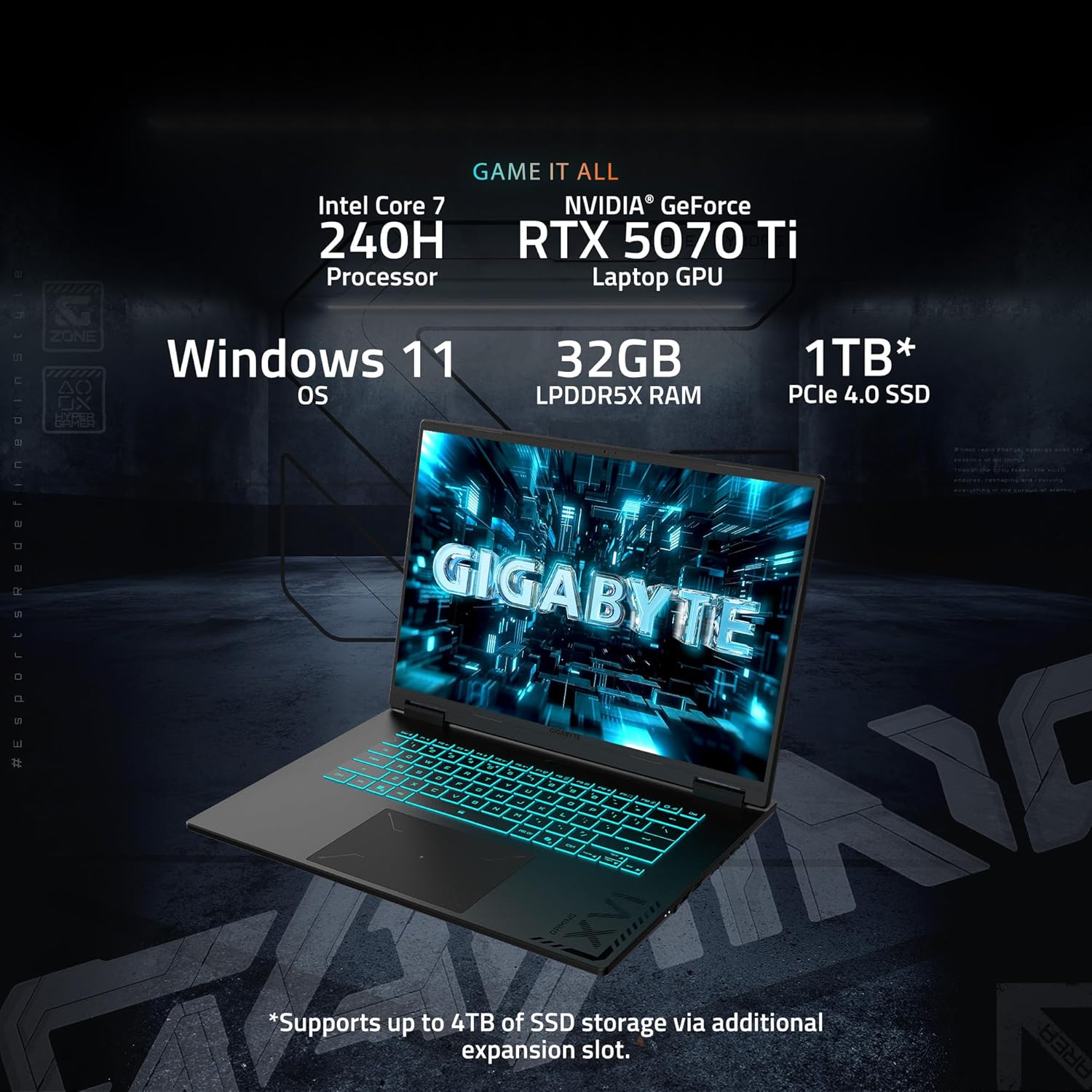
Rycina 2.1: Przód view of the GIGABYTE Gaming A16 PRO Laptop.
2.2 Power Adapter Connection
Connect the power adapter to the DC-in port on the laptop and then plug the adapter into a power outlet. It is recommended to fully charge the laptop before initial use.

Figure 2.2: Right side of the laptop with DC-in port visible.
3. Korzystanie z laptopa
3.1 Klawiatura i touchpad
The GIGABYTE Gaming A16 PRO features a comfortable keyboard with good key travel, suitable for extended typing and gaming sessions. The touchpad has been redesigned for improved responsiveness and a larger surface area for navigation.
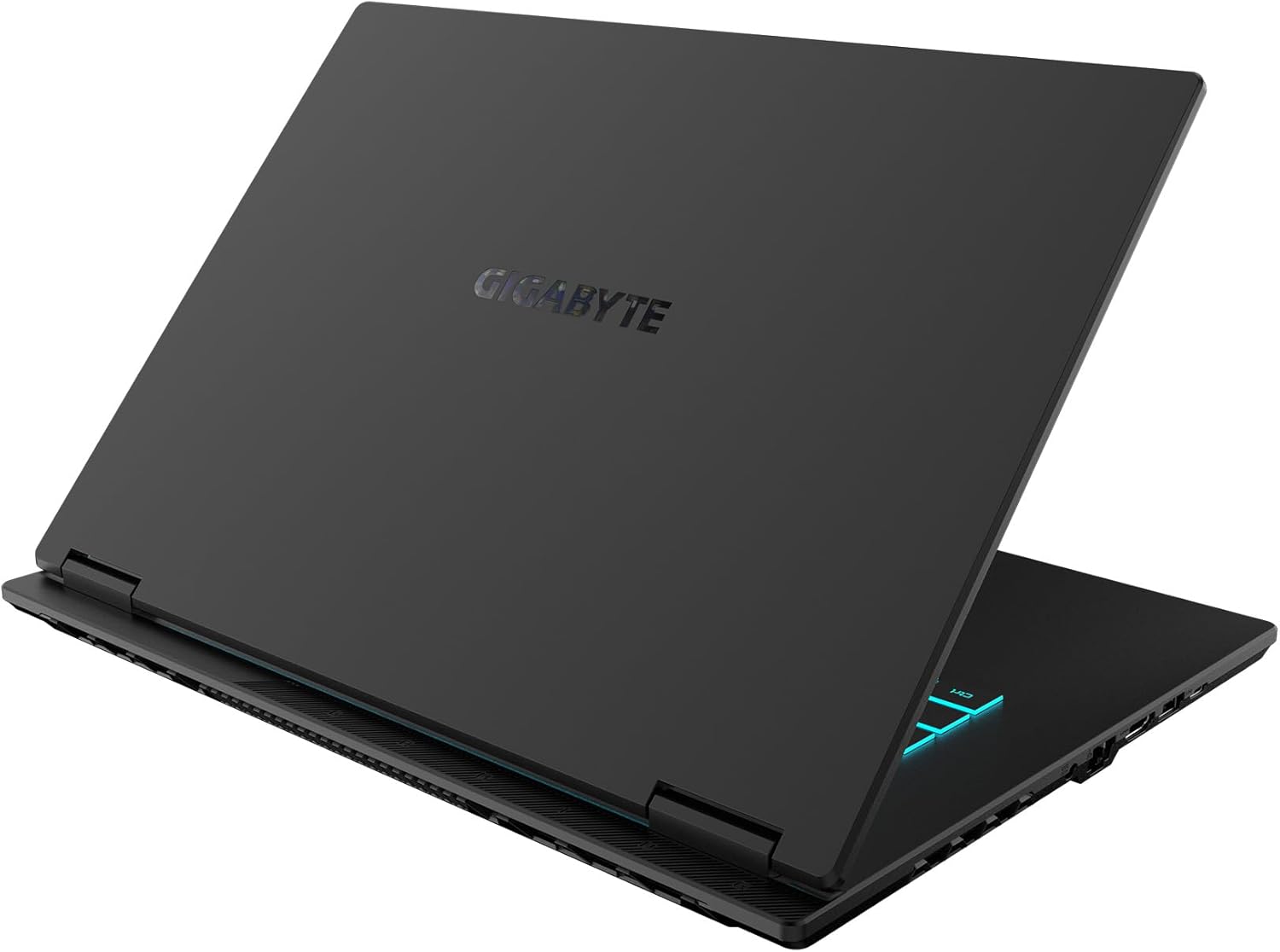
Rysunek 3.1: Góra view pokazu laptopaasing klawiatura i touchpad.
3.2 Wyświetlacz
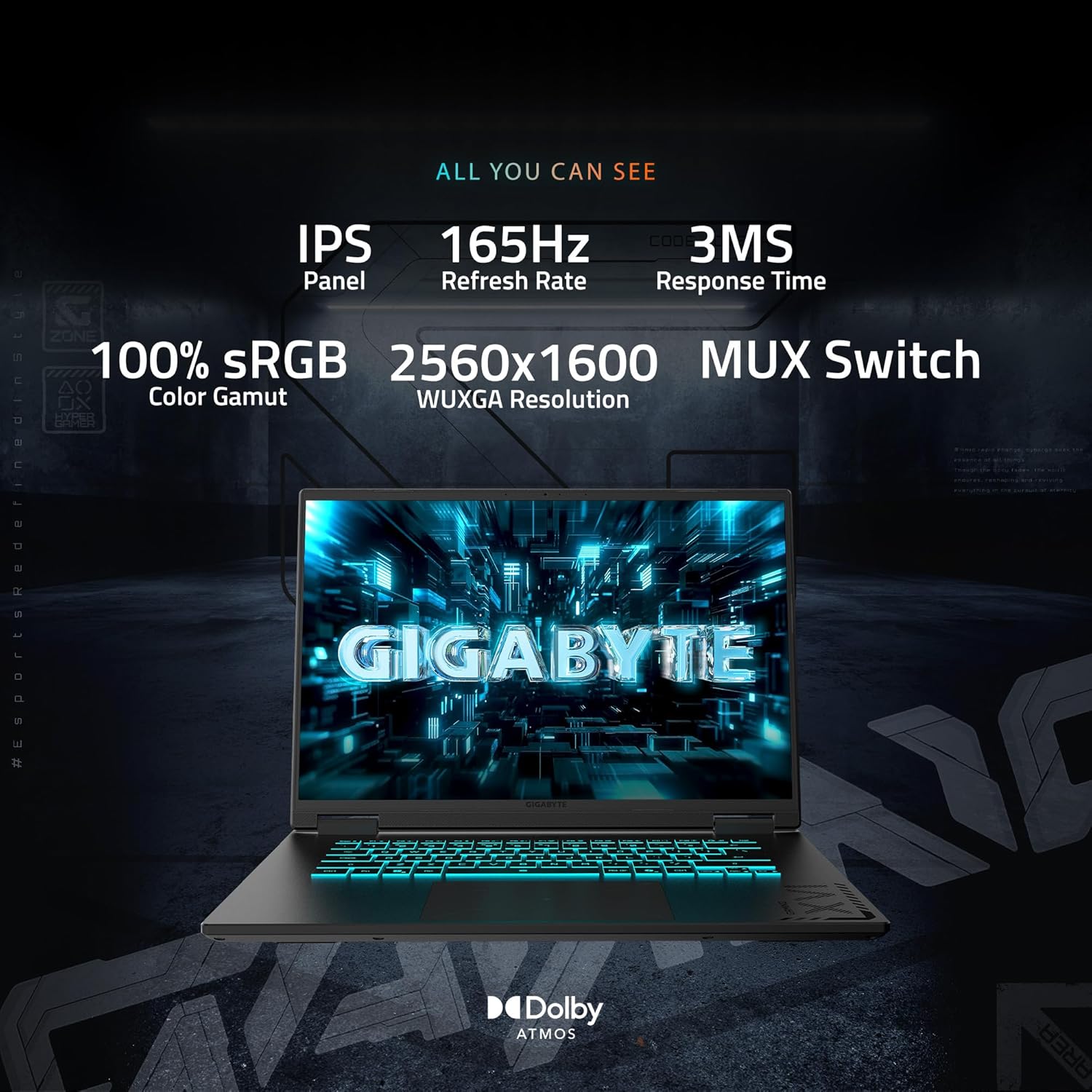
Experience visuals on a 16-inch WQXGA (2560x1600) display with a 165Hz refresh rate and a 16:10 aspect ratio. The 4-sided super-slim bezels maximize the viewing area, providing an immersive experience for both gaming and media consumption. The display also features an IPS panel with 100% sRGB color gamut and a 3ms response time for vibrant and fluid visuals.

Figure 3.2: The laptop display highlighting its key specifications.
Dźwięk 3.3
The laptop integrates Dolby Atmos® for an immersive audio experience. While the built-in speakers provide adequate sound, for optimal audio quality, especially during gaming or media playback, external headphones or speakers are recommended.
3.4 GiMATE AI Assistant
The GIGABYTE Gaming A16 PRO includes GiMATE, an intelligent AI agent designed to personalize your computing experience by adapting system operations to your needs. This feature aims to provide intuitive and intelligent control over your laptop's performance and settings.
3.5 NVIDIA Advanced Optimus with MUX Switch
The laptop supports NVIDIA Advanced Optimus with a MUX Switch, allowing you to dynamically switch between the integrated GPU for improved battery life and the discrete NVIDIA GPU for higher performance in demanding applications and games.
4. Funkcje i specyfikacje
4.1 Podstawowe komponenty
- Edytor: Intel Core Ultra 7 240H (2.5 GHz, 10 Processors)
- Grafika: NVIDIA GeForce RTX 5070 Ti Laptop GPU with 12 GB GDDR6 RAM
- Pamięć: 32 GB LPDDR5X RAM (5600 MHz)
- Składowanie: 1 TB PCIe 4.0 SSD (Supports up to 4TB via additional expansion slot)
Rysunek 4.1: Koniecview of the laptop's main components.
4.2 Display Details
- Rozmiar: 16 cali
- Rezolucja: 2560 x 1600 pikseli (WQXGA)
- Częstotliwość odświeżania: 165 Hz
- Typ panelu: IPS
- Gama kolorów: 100% sRGB
- Czas reakcji: 3 ms
- Jasność: 370 nitów
4.3 Porty i łączność
- 1x port USB 2.0
- 3 porty USB 3.0
- 1x Type-C USB 3.2 Gen1 (supports DisplayPort 1.4 and Power Delivery 3.0)
- 1x Audio Combo Jack
- 1x HDMI 2.1
- 1x RJ-45 (Ethernet)
- 1x DC-in Jack
- Bezprzewodowy: 802.11ax, Bluetooth

Rysunek 4.2: Szczegółowy view of the laptop's various ports.
4.4 Układ chłodzenia
The laptop is equipped with WINDFORCE INFINITY EX Cooling Technology, featuring a 158 fan-blade Frost Fan Design and 3D VortX air-channeling to maximize airflow. This system is designed to maintain optimal temperatures and minimize noise, especially during low-power scenarios with the help of GIGABYTE GiMATE AI Cooling feature.

Figure 4.3: Underside of the laptop, showing the cooling vents.
4.5 Bateria
The GIGABYTE Gaming A16 PRO offers up to 12 hours of battery life, supporting extended usage for study or work without constant recharging.
4.6 Charakterystyka fizyczna
- Wymiary (dł. x szer. x wys.): 15.17 x 0.91 x 11.55 cala
- Waga: 5.07 funta
- Kolor: Czarny tytan
- Hinge Design: 180-degree hinge for versatile usage scenarios.
5. Konserwacja
5.1 Czyszczenie
Regularly clean the laptop's screen, keyboard, and chassis with a soft, lint-free cloth. For the screen, use a specialized screen cleaner. Ensure vents are clear of dust to maintain optimal cooling performance.
5.2 Aktualizacje oprogramowania
Keep your operating system (Windows 11 Home), drivers, and applications updated to ensure system stability, security, and performance. Check the GIGABYTE support webwitryna, w której znajdziesz najnowsze aktualizacje sterowników do Twojego modelu.
5.3 Pielęgnacja baterii
To prolong battery lifespan, avoid fully discharging the battery frequently. If storing the laptop for an extended period, ensure the battery is charged to approximately 50-60% and store it in a cool, dry place.
6. Rozwiązywanie Problemów
6.1 Typowe problemy
- Laptop się nie włącza: Ensure the power adapter is securely connected and the battery has sufficient charge.
- Problemy z wyświetlaniem: Check external display connections if applicable. Ensure display drivers are updated.
- Niska wydajność: Close unnecessary applications, check for background processes, and ensure adequate ventilation.
6.2 GiMATE Software Behavior
Some users have reported that the GiMATE software, particularly its AI features, can consume significant RAM or interfere with GPU settings, especially after unplugging the power adapter. If you experience unexpected performance drops or GPU issues, consider reviewing GiMATE settings or, if necessary, uninstalling the software and managing drivers manually. Always ensure your NVIDIA drivers are correctly installed and up-to-date.
6.3 Zarządzanie termiczne
Under heavy load, the cooling fans will operate at higher speeds, which may produce noticeable noise. This is normal behavior for high-performance gaming laptops. Ensure the laptop is placed on a hard, flat surface to allow for proper airflow through the bottom vents. Using a laptop stand with additional ventilation can further improve cooling efficiency.
7. Gwarancja i wsparcie
Your GIGABYTE Gaming A16 PRO laptop comes with a standard manufacturer's warranty. For detailed information regarding warranty coverage, terms, and conditions, please refer to the warranty card included with your product or visit the official GIGABYTE support website. For technical assistance, driver downloads, or service requests, please contact GIGABYTE customer support.
Return Policy: A 30-day return policy is typically offered for refund or replacement. Please check with your retailer for specific return details.
8. Informacje dotyczące bezpieczeństwa
- Do not expose the laptop to extreme temperatures, humidity, or direct sunlight.
- Unikaj umieszczania ciężkich przedmiotów na laptopie.
- Use only the provided power adapter or a GIGABYTE-approved replacement.
- Nie próbuj samodzielnie demontować ani naprawiać laptopa. Skontaktuj się z wykwalifikowanym personelem serwisowym.
- Aby zapobiec porażeniu prądem elektrycznym lub uszkodzeniu laptopa, należy trzymać go z dala od płynów.


