Wstęp
This manual provides detailed instructions for the assembly, operation, and maintenance of your BEISHI Arc-shaped Art Mobile TV Stand. Designed for televisions ranging from 50 to 100 inches, this stand features a unique curved design, two-tier wooden shelves for storage, and lockable wheels for mobility. It supports a maximum weight of 220 lbs and is compatible with VESA mounting patterns up to 900x600mm. Please read this manual thoroughly before assembly and use to ensure safe and correct installation.
Informacje dotyczące bezpieczeństwa
Ważne instrukcje bezpieczeństwa:
- Always secure the TV stand to the wall using the provided safety straps to prevent tip-over.
- Ensure the stand is fully assembled and stable before placing any television or heavy items on it.
- Follow the assembly instructions carefully to avoid injury or damage to the product.
- Keep the area around the TV stand clear of obstructions to prevent accidents during movement.
- Nie przekraczać maksymalnego udźwigu wynoszącego 100 kg (220 funtów).
- Nie należy pozwalać dzieciom wspinać się na stojak pod telewizor ani bawić się nim.
- Regularnie sprawdzaj wszystkie śruby i połączenia, aby mieć pewność, że są dobrze dokręcone i bezpieczne.
Zawartość opakowania
Przed rozpoczęciem montażu należy sprawdzić, czy wszystkie części są obecne i nieuszkodzone. Jeśli brakuje którejkolwiek części lub jest ona uszkodzona, należy przerwać montaż i skontaktować się z obsługą klienta.
Typowa zawartość opakowania obejmuje:
- Main support frames (arc-shaped base and vertical posts)
- Two wooden storage shelves
- TV mounting brackets and hardware (screws, spacers, washers for various TV models)
- Caster wheels (4, with locking mechanism)
- Assembly hardware (bolts, nuts, wrenches, Allen keys)
- Cable management clips/ties
- Anti-tip safety straps
- Instrukcja obsługi
Instrukcja montażu
Follow these steps carefully for proper assembly. It is recommended to have two people for assembly, especially when mounting the TV.
Step 1: Attach Caster Wheels to the Base
Secure the four caster wheels to the bottom of the arc-shaped base frames using the provided bolts and wrench. Ensure that the locking wheels are positioned at the front for easy access.

Image: Detail of the locking caster wheels on the stand's base.
Step 2: Assemble the Main Support Frames
Connect the vertical posts to the arc-shaped base frames. Use the designated bolts and tighten them securely. Ensure the frames are aligned correctly as per the diagrams in the included manual.

Image: The unique curved design of the stand's frame and shelves.
Step 3: Install the Wooden Shelves
Attach the two wooden shelves to the main support frames at the desired heights. The shelves provide space for media devices, soundbars, and other accessories. Ensure they are level and firmly secured.

Image: The TV stand with a soundbar and other items on its two wooden shelves, demonstrating storage capacity.
Step 4: Attach TV Mounting Brackets to the TV
Identify the correct VESA mounting holes on the back of your television. Select the appropriate screws, washers, and spacers from the provided hardware kit. Attach the vertical TV mounting brackets to the back of your TV. Refer to your TV's manual for specific VESA pattern details.

Image: VESA compatibility chart and stand dimensions, crucial for TV mounting.
Krok 5: Zamontuj telewizor na stojaku
With assistance, carefully lift the television and hook the attached mounting brackets onto the horizontal bars of the TV stand. Secure the TV in place using the safety screws or locking mechanisms on the brackets. Ensure the TV is centered and level.
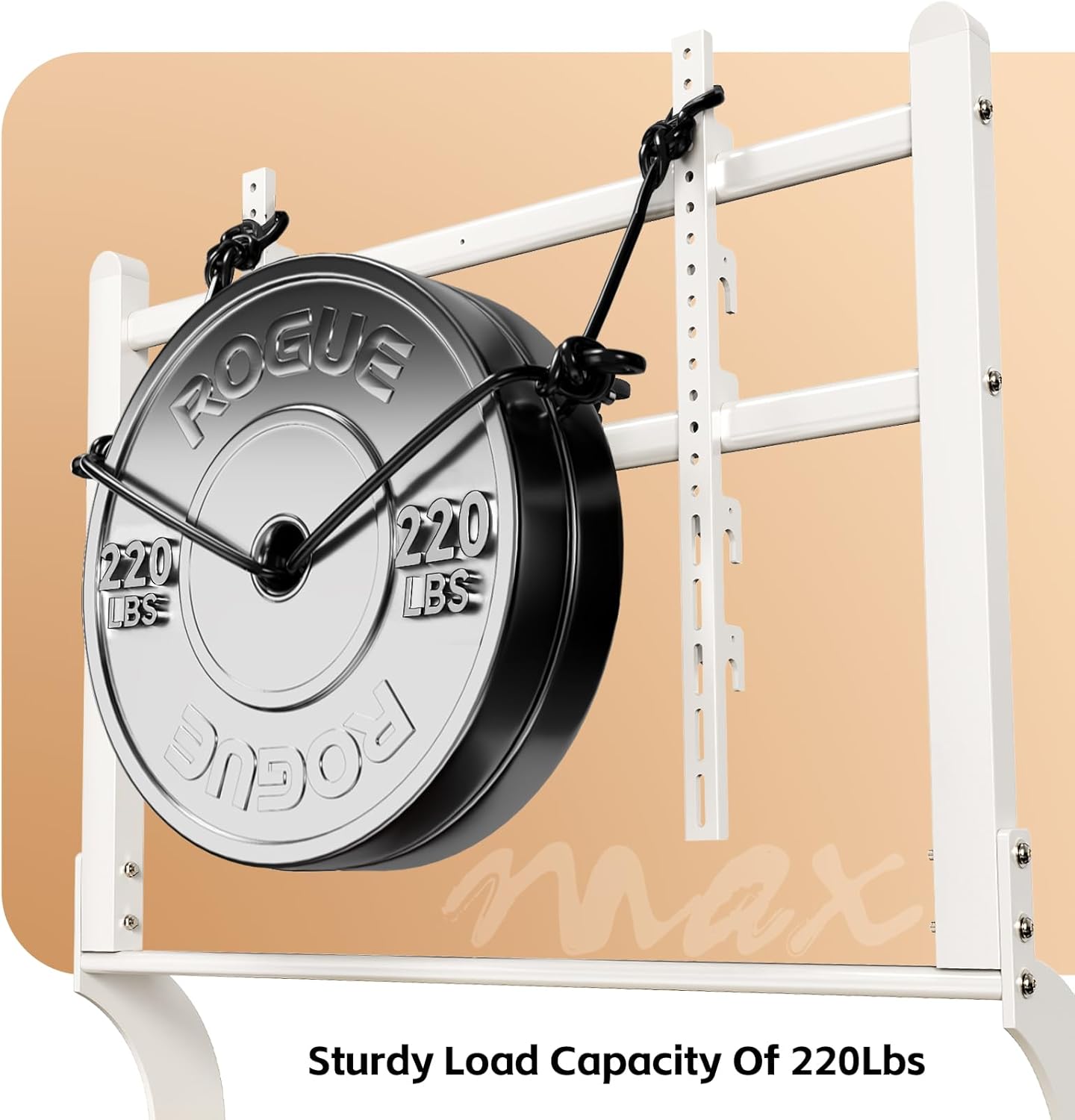
Image: Visual representation of the stand's 220 lbs load capacity, emphasizing its robustness.
Step 6: Cable Management and Anti-Tip Straps
Use the provided cable management clips or ties to organize and secure all cables, preventing tangles and trip hazards. Attach the anti-tip safety straps from the top of the TV stand to a wall stud or solid anchor point to prevent accidental tip-overs, especially in households with children or pets.
Instrukcja obsługi
Przesuwanie stojaka pod telewizor
To move the TV stand, unlock all four caster wheels. Gently push the stand to its desired location. Once positioned, lock all four wheels to ensure stability and prevent unintended movement.
Regulacja wysokości telewizora
The TV mounting brackets allow for height adjustment. Loosen the securing bolts on the vertical TV mounting bars, adjust the TV to the preferred height (between 48.43" and 56.3"), and then securely tighten the bolts. Always ensure the TV is level after adjustment.

Image: Detailed dimensions of the TV stand, illustrating the adjustable height feature.
Utilizing Storage Shelves
The two wooden shelves are designed to hold various media components such as DVD players, gaming consoles (PS4, PS5, Xbox, Switch), soundbars, and other accessories. Distribute weight evenly on the shelves for optimal stability.
Konserwacja
- Czyszczenie: Przetrzyj podstawkę miękką, suchą ściereczką. W przypadku uporczywych zabrudzeń użyj lekko zwilżonej ściereczki.amp Przetrzyj szmatką z łagodnym mydłem i natychmiast osusz. Unikaj środków czyszczących o działaniu ściernym i rozpuszczalników.
- Sprawdzenie sprzętu: Periodically inspect all bolts, screws, and connections to ensure they are tight. Re-tighten if necessary to maintain stability.
- Funkcjonalność koła: Keep the caster wheels clean and free of debris to ensure smooth movement. Lubricate if needed.
Rozwiązywanie problemów
| Problem | Możliwa przyczyna | Rozwiązanie |
|---|---|---|
| Stojak jest niestabilny lub chwiejny. | Luźne połączenia, nierówna podłoga, przeładowane półki. | Ensure all bolts are securely tightened. Move to a level surface. Redistribute or reduce weight on shelves. |
| Kółka jezdne nie kręcą się płynnie. | Debris in wheels; wheels locked. | Clear any obstructions from the wheels. Unlock the caster wheels. |
| Telewizor nie jest wypoziomowany po zamontowaniu. | Brackets unevenly attached; stand on uneven surface. | Re-adjust TV mounting brackets. Ensure the stand is on a level surface. |
| Brak części podczas montażu. | Błąd w opakowaniu. | Do not proceed with assembly. Contact BEISHI customer support immediately. |
Specyfikacje
- Model: B0FMDJG3S2
- Marka: BEISHI
- Kolor: Kremowy biały
- Kompatybilne rozmiary telewizorów: 50-100 cala
- Maksymalny udźwig: 220 funta (100 kg)
- Zgodność z VESA: 100x100mm do 900x600mm
- Zakres regulacji wysokości: 48.43" - 56.3"
- Waga przedmiotu: 42.6 funta
- Wymiary opakowania: 47.5 x 25 x 4.5 cala
- Półki: 2-tier wooden shelves
- Ruchliwość: Blokowane kółka jezdne
- Wymagany montaż: Tak
Gwarancja i wsparcie
For any questions, missing parts, or support needs regarding your BEISHI Arc-shaped Art Mobile TV Stand, please contact BEISHI customer service. Refer to your purchase documentation for specific warranty details. Keep your proof of purchase for warranty claims.
You can visit the official BEISHI store for more information: BEISHI Store on Amazon