Produkt ponadview
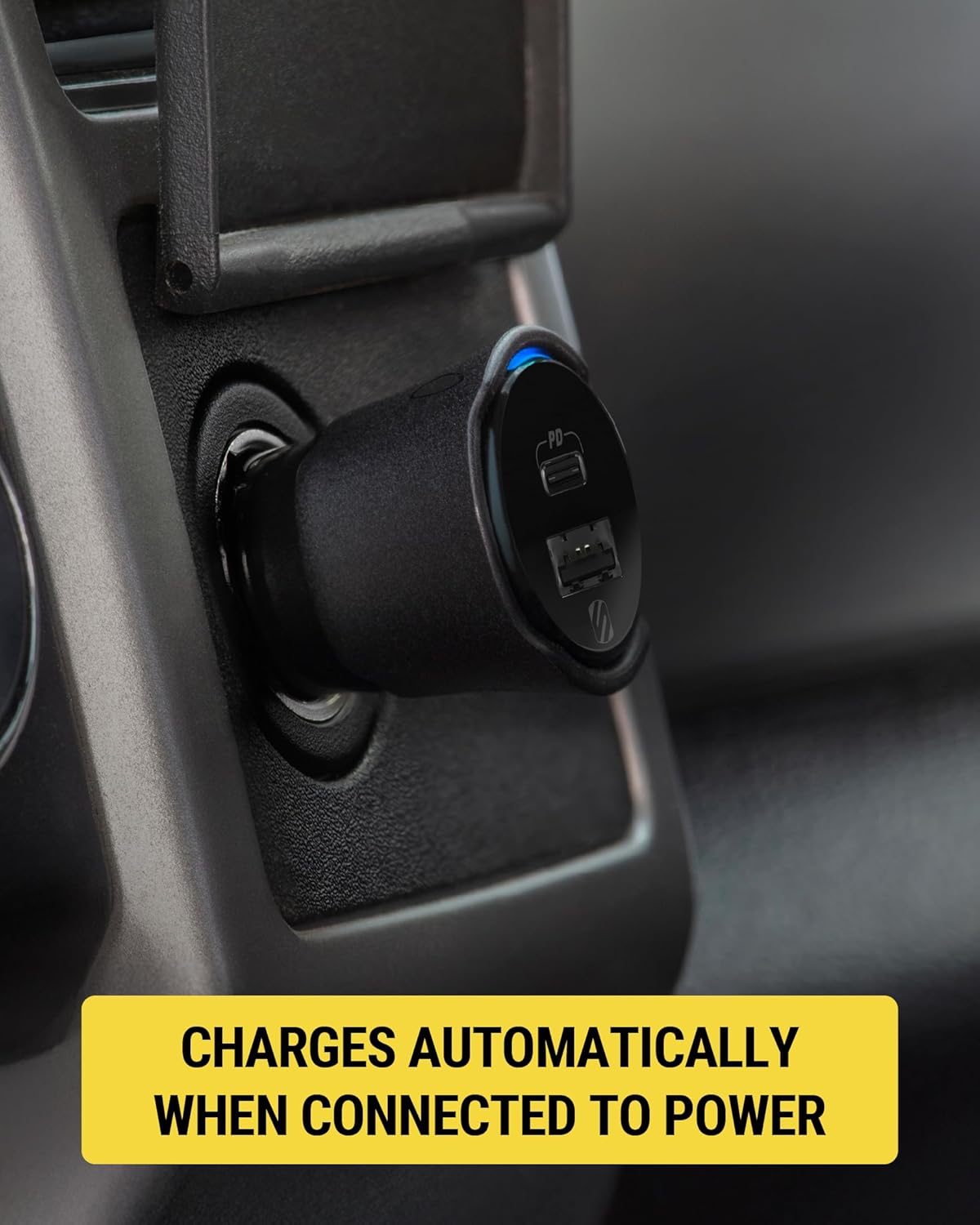
The Scosche FoundIT Charge is a dual-port car charger designed for your vehicle's 12V cigarette lighter socket. It features 32W total power output, including a 20W USB-C Power Delivery port and a 12W USB-A port. A key feature is its built-in locator, compatible with Apple Find My and Android Find Hub, allowing users to track the charger's location. The device includes an internal rechargeable battery to maintain locator functionality even when unplugged.
Główne cechy:
- Built-in Locator: Compatible with Apple Find My and Android Find Hub for tracking.
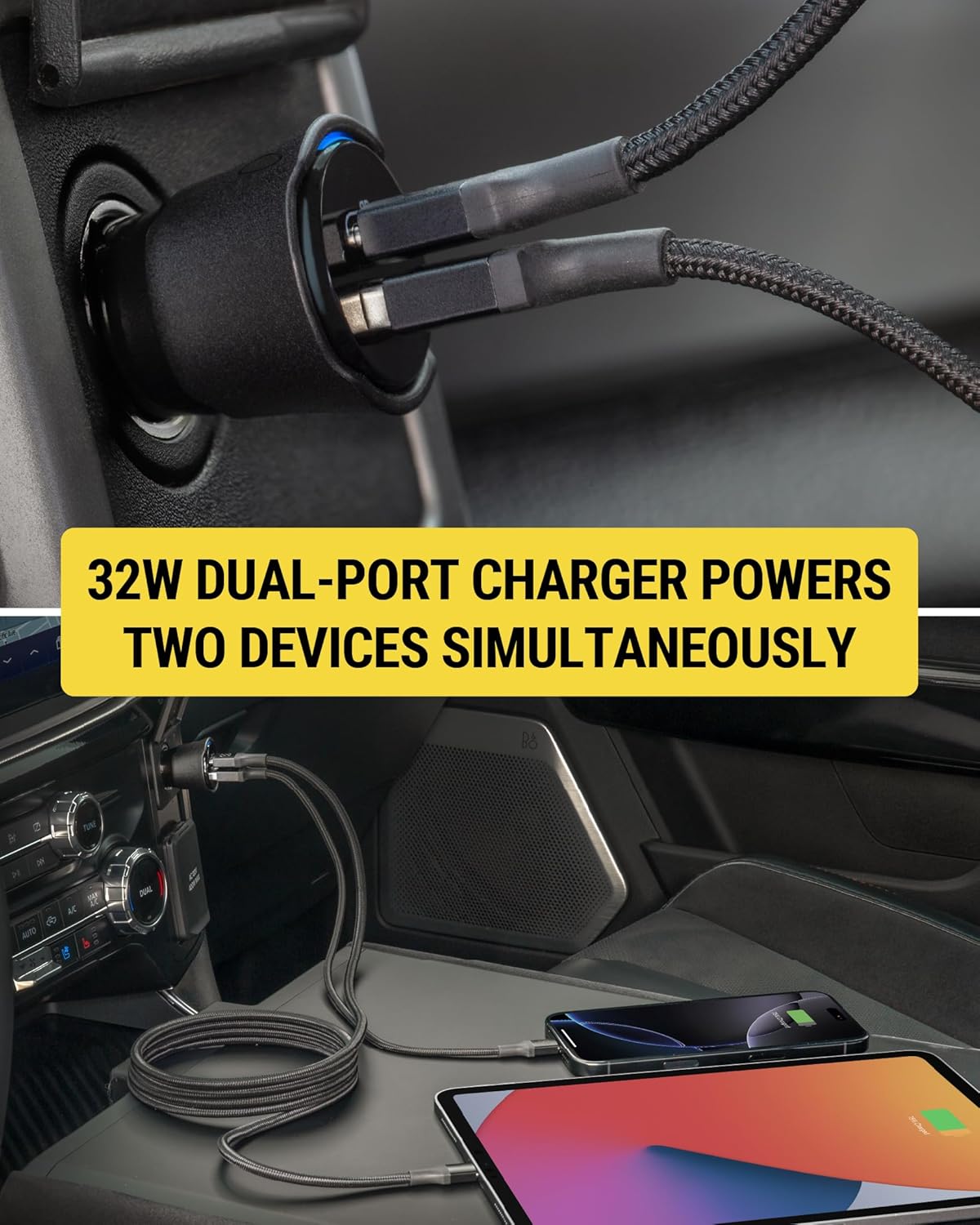
- Ładowanie za pomocą dwóch portów: One 20W USB-C PD port and one 12W USB-A port for simultaneous charging.
- Całkowita wydajność: 32W combined power output.
- Bateria wewnętrzna: Maintains locator function when unplugged or vehicle is off.
- Ochrona prywatności: Encrypted location data, visible only to authorized users.
- Automatyczne włączanie: Activates when connected to the vehicle's 12V socket.

Konfiguracja i instalacja
- Insert into 12V Socket: Plug the Scosche FoundIT Charge directly into your vehicle's 12V cigarette lighter socket. The charger will power on automatically.
- Download Locator App:
- For Apple devices: Download the Apple Find My app from the App Store.
- For Android devices: Download the Android Find Hub app from the Google Play Store.
- Paruj urządzenie: Follow the on-screen instructions within the chosen locator app to pair your Scosche FoundIT Charge. The app will guide you through the connection process, typically involving a prompt when the device is first detected.
- Sprawdź połączenie: Once paired, confirm that the charger's location is visible within the app.

Instrukcja obsługi
Urządzenia ładujące:
- USB-C PD Port (20W): Use this port with a compatible USB-C cable for fast charging of modern smartphones (e.g., iPhone 12 series and newer, Samsung Galaxy S23/S24/S25) and tablets.
- Port USB-A (12 W): Use this port with a compatible USB-A cable to charge other accessories such as older smartphones, headphones, or GPS units.
- Jednoczesne ładowanie: Both ports can be used simultaneously to charge two devices. The total output is 32W.
Using the Locator Function:
- Locate Your Charger: Open the Apple Find My or Android Find Hub app on your paired device. The app will display the last known location of your FoundIT Charge.
- Odtwórz dźwięk: If within Bluetooth range, you can use the app to make the charger emit a sound, helping you pinpoint its exact location.
- Uzyskaj wskazówki: The app can provide directions to the charger's location, useful for finding your parked vehicle or a misplaced charger.
- Udostępnij lokalizację: You can share the charger's location with trusted individuals through the app.

Oficjalny film o produkcie:
Konserwacja
- Bateria wewnętrzna: The FoundIT Charge contains an internal rechargeable battery that powers the locator function. This battery recharges automatically when the charger is plugged into a live 12V socket. It can maintain the locator function for up to 3 months between charges. Regular use in your vehicle will keep the internal battery charged.
- Czyszczenie: Do czyszczenia zewnętrznej części ładowarki należy używać suchej, miękkiej ściereczki. Unikaj stosowania płynnych środków czyszczących i rozpuszczalników.
- Składowanie: Jeśli ładowarka nie będzie używana przez dłuższy czas, należy ją przechowywać w chłodnym i suchym miejscu.
Rozwiązywanie problemów
| Problem | Możliwa przyczyna | Rozwiązanie |
|---|---|---|
| Urządzenie się nie ładuje. |
|
|
| Locator not updating or found. |
|
|
| Niska prędkość ładowania. |
|
|
Specyfikacje
- Model: CPD32LT (FoundIT Charge)
- Wejście: 12 Volts (from vehicle's 12V socket)
- Wyjście:
- USB-C PD Port: 20W
- USB-A Port: 12W
- Całkowite wyjście: 32W
- Łączność: Bluetooth (for locator function)
- Waga: Około 3.2 uncji
- Wymiary: Approximately 2.55 inches (length) x 1.21 inches (diameter)
- Tworzywo: Plastikowy
- Cechy szczególne: Fast Charging, Multi-Device Charging, Built-in Locator (Apple Find My & Android Find Hub compatible)
