Wstęp
Thank you for choosing the GOBOULT Crown Smart Watch. This manual provides essential information for the proper setup, operation, and maintenance of your device. Please read it thoroughly to ensure optimal performance and longevity of your smartwatch.
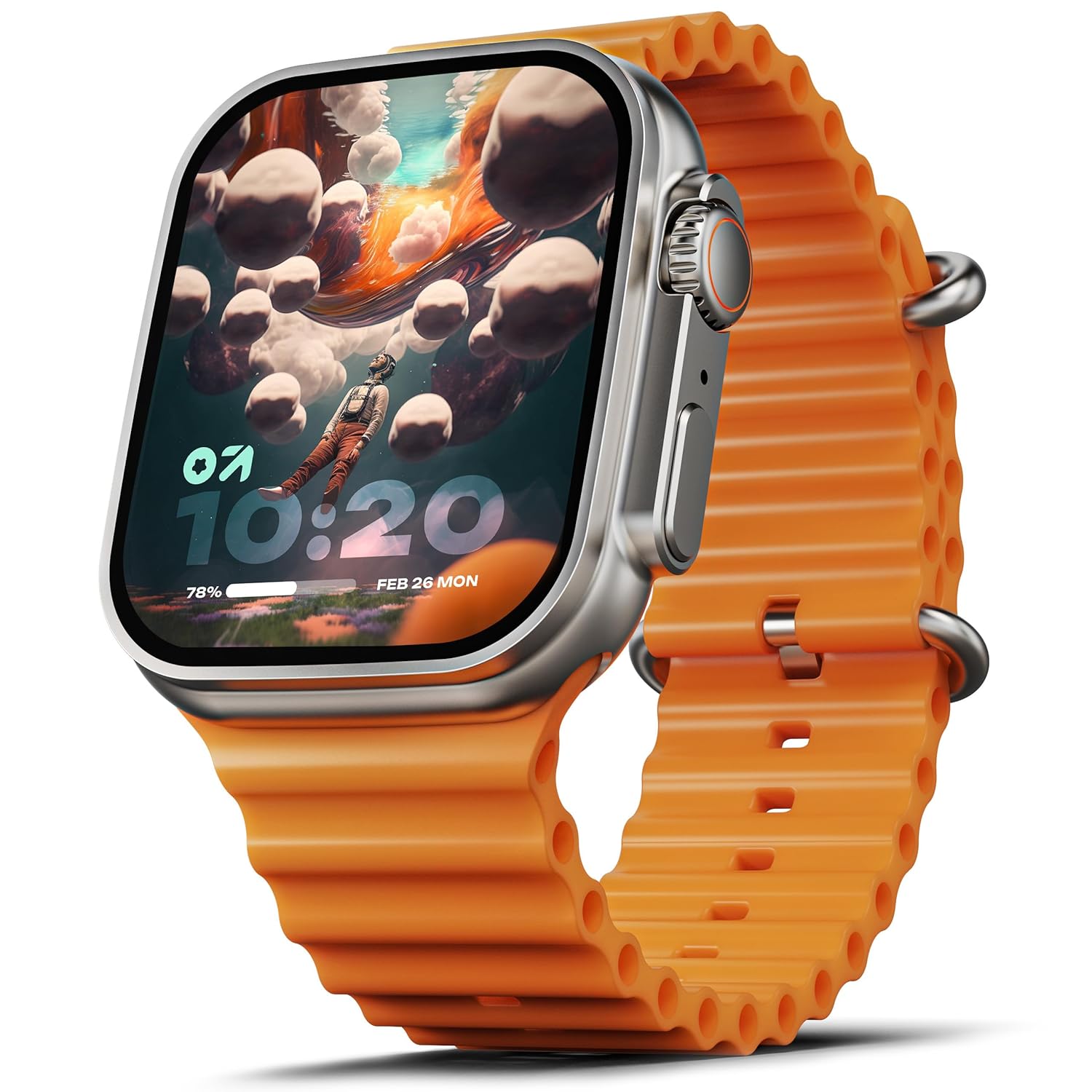
Image: The GOBOULT Crown Smart Watch, featuring a large display and an orange silicone strap.
Co jest w pudełku
Po rozpakowaniu sprawdź, czy w opakowaniu znajdują się wszystkie poniższe elementy:
- GOBOULT Crown Smart Watch
- Kabel ładujący
- Instrukcja obsługi
- Karta gwarancyjna
Pierwsze kroki
1. Ładowanie inteligentnego zegarka
Before initial use, fully charge your GOBOULT Crown Smart Watch. Connect the provided charging cable to the charging port on the back of the watch and to a standard USB power adapter. The watch display will indicate charging status.
2. Włączanie/wyłączanie zasilania
To power on, press and hold the side button until the GOBOULT logo appears. To power off, navigate to the settings menu on the watch, select 'Power Off', and confirm.
3. Parowanie ze smartfonem
- Download the official GOBOULT companion app from your smartphone's app store (available for Android and iOS).
- Upewnij się, że Bluetooth jest włączony w Twoim smartfonie.
- Open the GOBOULT app and follow the on-screen instructions to search for and pair with your Crown Smart Watch.
- Potwierdź prośbę o sparowanie na telefonie i zegarku.
Instrukcja obsługi
Wyświetlacz i nawigacja

Image: Close-up of the smartwatch display, highlighting its 1.95-inch size and 900 Nits brightness for clear visibility.
- Wyświetlacz HD 1.95": The large, high-definition screen provides clear visuals and responsive touch interaction.
- Jasność 900 nitów: Zapewnia doskonałą widoczność nawet w jasnych warunkach atmosferycznych.
- Working Rotating Crown: Use the functional rotating crown on the side of the watch to scroll through menus, zoom in/out, and switch watch faces.
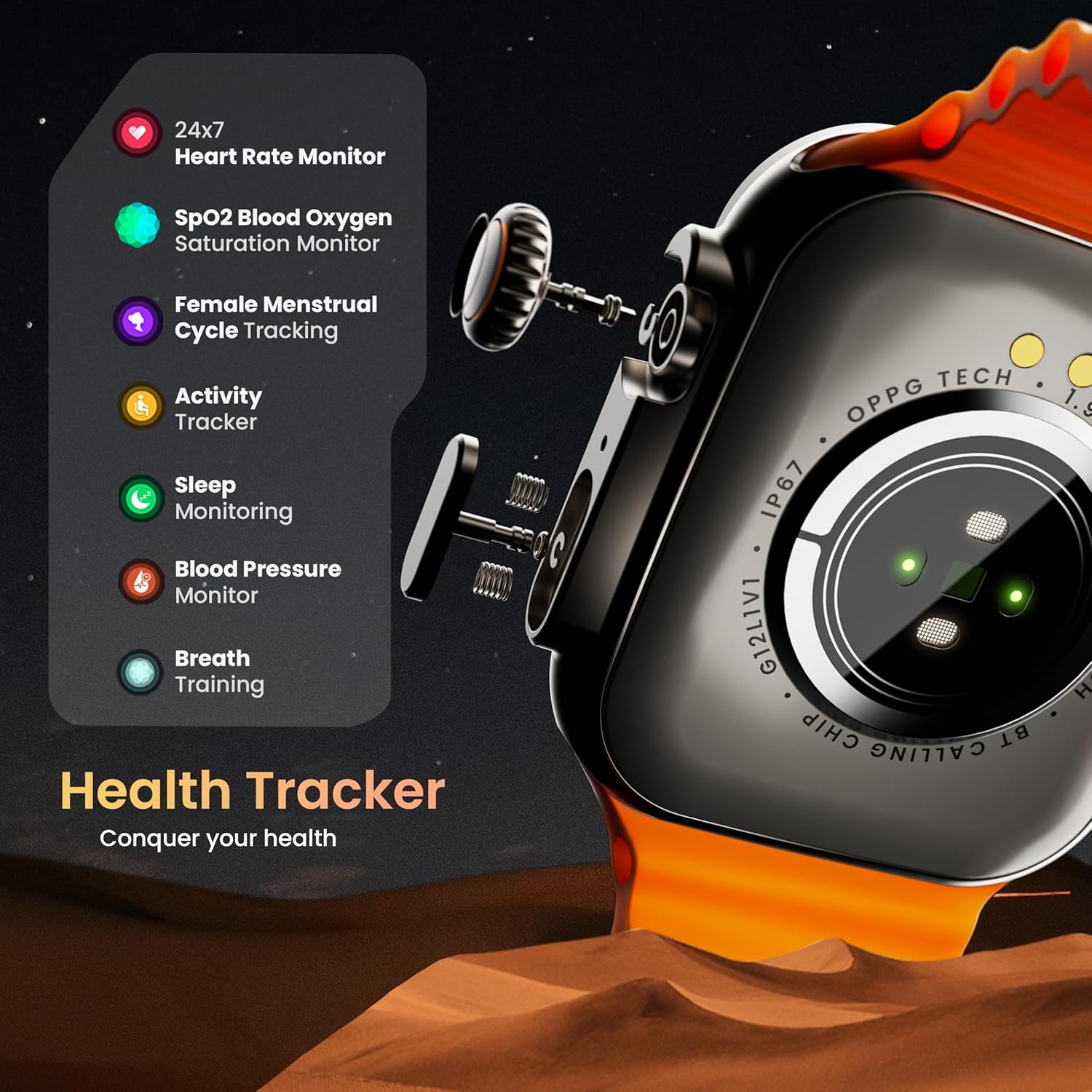
Obraz: Wybuch view illustrating the internal mechanism of the working rotating crown, used for navigation and control.
Połączenia Bluetooth

Image: The smartwatch screen showing an incoming call, alongside diagrams explaining Bluetooth 5.2 calling features like call answer/reject, dial pad, and contact sync.
The GOBOULT Crown Smart Watch supports Bluetooth Calling 5.2, allowing you to make and receive calls directly from your wrist. It features a built-in speaker and microphone for clear communication.
- Odbieranie/odrzucanie połączeń: Tap the green icon to answer or the red icon to reject an incoming call.
- Klawiatura numeryczna: Access the dial pad on the watch to make outgoing calls.
- Synchronizuj kontakty: Sync your phone's contacts to the watch via the companion app.
Monitorowanie zdrowia
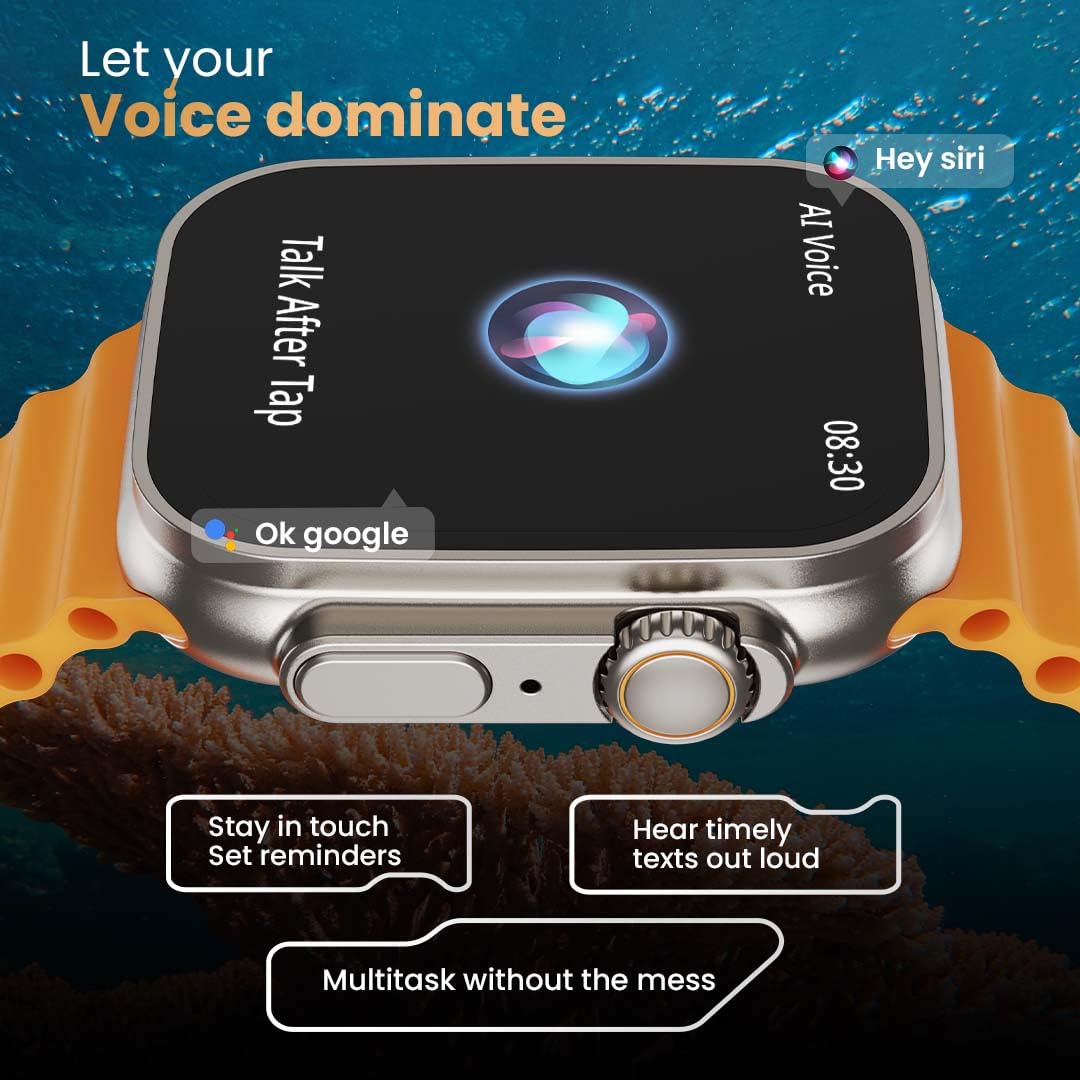
Image: The rear of the smartwatch showing its health sensors, accompanied by a list of health metrics it tracks, including heart rate, SpO2, and sleep.
The watch is equipped with an advanced health suite to help you monitor your well-being:
- Monitor pracy serca 24/7: Stale monitoruje tętno przez cały dzień.
- Monitor saturacji krwi SpO2: Mierzy poziom tlenu we krwi.
- Monitorowanie snu: Analizuje wzorce i jakość snu.
- Monitor aktywności: Rejestruje kroki, dystans i spalone kalorie.
- Śledzenie cyklu menstruacyjnego u kobiet: Provides insights and predictions for menstrual cycles.
- Trening oddechowy: Ćwiczenia oddechowe wspomagające relaksację.
Tryby sportowe
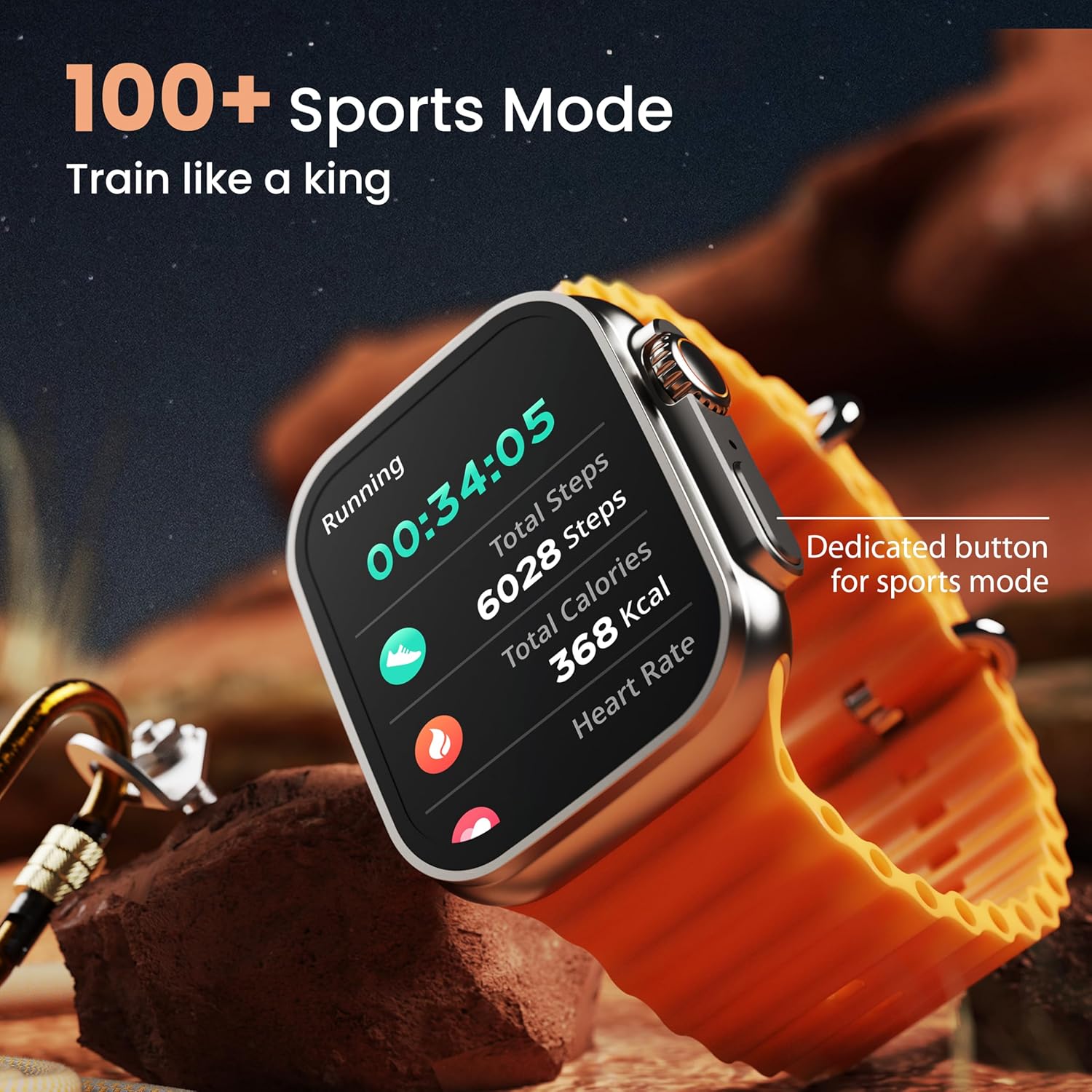
Image: The smartwatch screen showing a 'Running' sports mode with real-time metrics like duration, total steps, calories, and heart rate. A dedicated button for sports mode is also visible.
With over 120 sports modes, the GOBOULT Crown Smart Watch can track a wide range of physical activities. Select your desired sport from the watch menu to record real-time metrics, performance insights, and track your progress.
Personalizacja

Obraz: Pokaz kolażuasing various watch faces, including custom and animated options, along with different UI styles available for personalization on the smartwatch.
Spersonalizuj swoje doświadczenie ze smartwatchem:
- 100+ Cloud-Based Watch Faces: Choose from a wide selection of watch faces available through the companion app.
- Opcje personalizacji: Customize your screen with widgets, backgrounds, and layouts to match your style.
- 8 UI Styles: Select from different user interface styles for menu navigation.
Funkcje dodatkowe
- Asystent głosowy AI: Interact with your watch using voice commands (e.g., "Hey Siri" or "Ok Google") for tasks like setting reminders or hearing texts aloud.
- Znajdź mój telefon: If your paired phone is misplaced, use this feature on your watch to make it ring/vibrate.
- Mini gry: Enjoy pre-installed mini-games directly on your watch.
- Powiadomienia i przypomnienia: Receive SMS, WhatsApp, social media, and mail notifications. Set goal achievement reminders.
- Kalkulator: A basic calculator function is available on the watch.
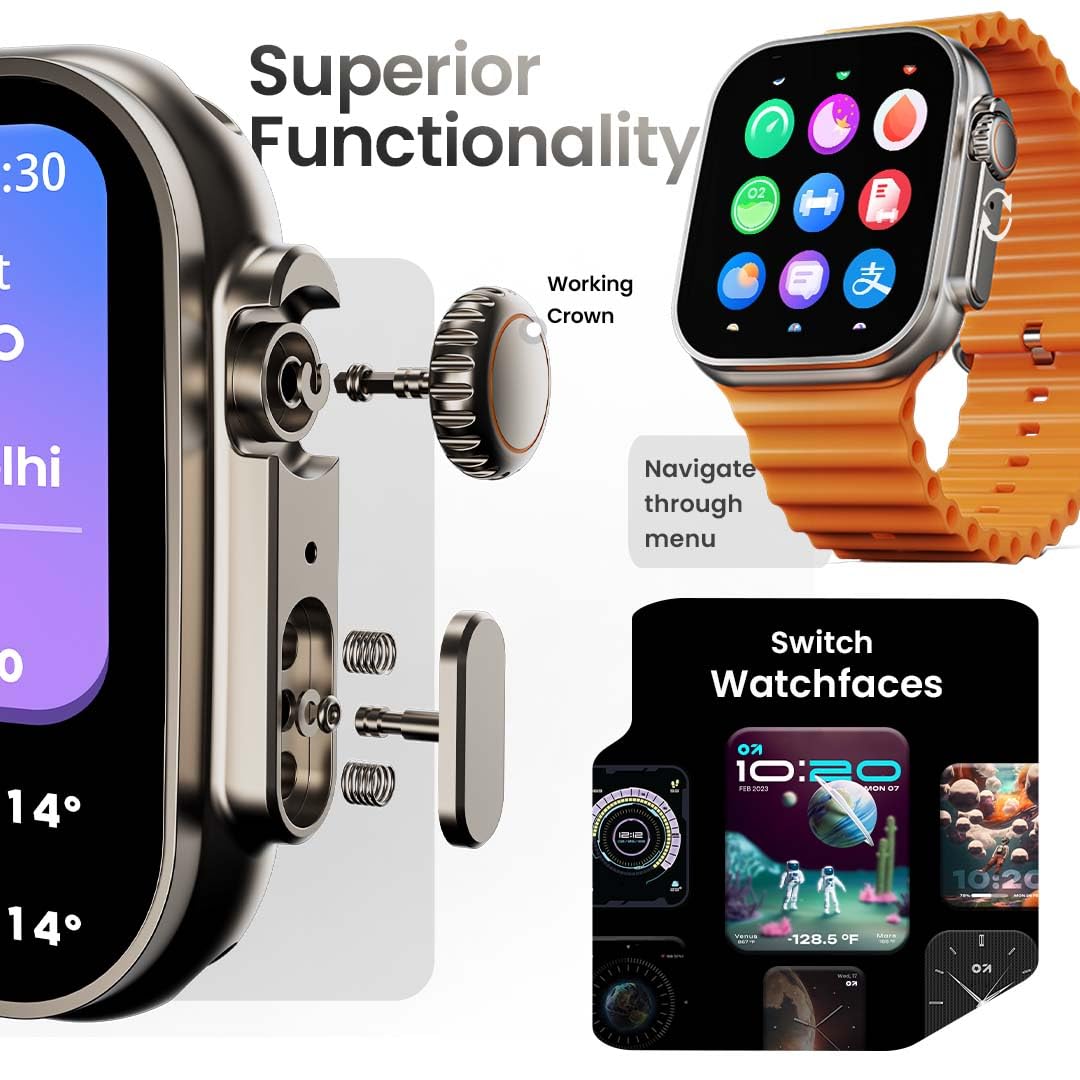
Image: The smartwatch screen showing the AI Voice Assistant interface, indicating support for voice commands like "Hey Siri" and "Ok Google".
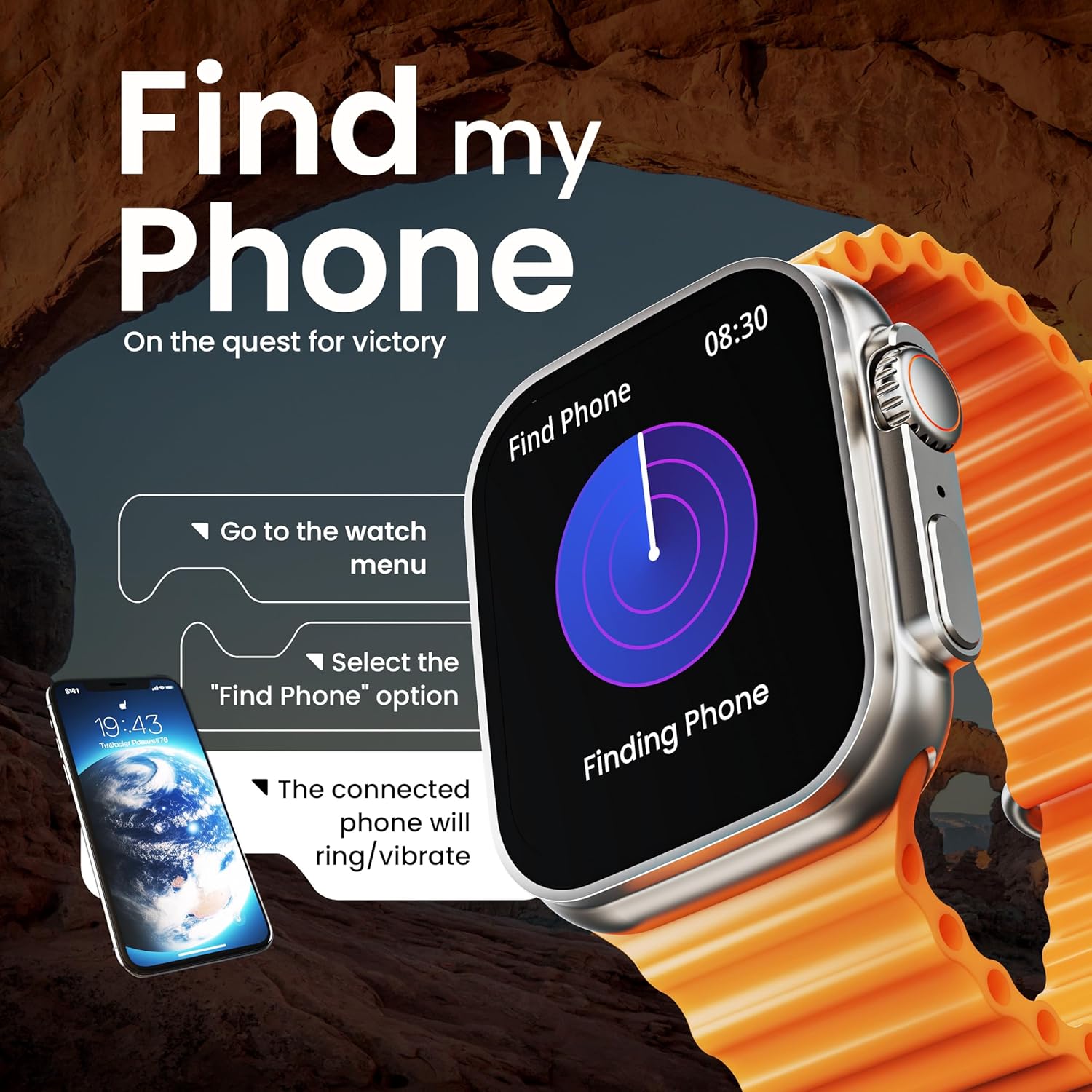
Image: The smartwatch screen illustrating the 'Find Phone' feature, with instructions on how to activate it to locate a connected smartphone.
Obraz: Pokaz ekranu smartwatchaasing a selection of mini-games available on the device, such as 'Young Bird', 'Hamster', and 'Battleships'.

Image: The smartwatch screen showing a calculator interface, along with a pop-up notification and a list of reliable and robust features like sync notifications and reminders.
Konserwacja
Czyszczenie
Regularly clean your smartwatch and strap to prevent skin irritation and maintain device hygiene. Use a soft, lint-free cloth. If necessary, slightly dampPrzetrzyj szmatkę wodą. Unikaj silnych środków chemicznych i materiałów ściernych.
Odporność na wodę
The GOBOULT Crown Smart Watch is IP67 water resistant. This means it is protected against dust and can withstand immersion in water up to 1 meter for up to 30 minutes. It is suitable for daily use and light splashes but not recommended for swimming, showering, or diving.
Pielęgnacja paska
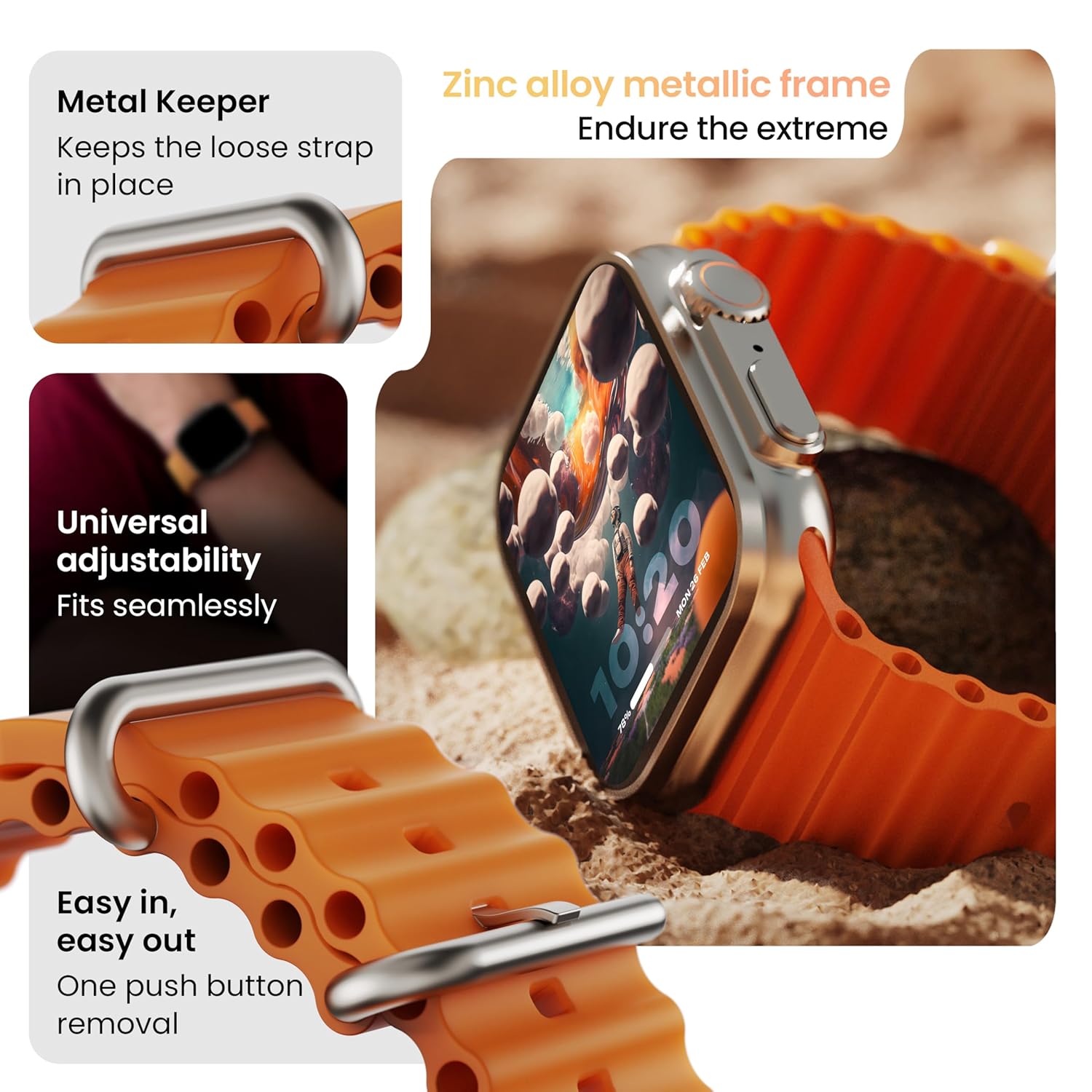
Obraz: Szczegółowy view of the smartwatch strap, highlighting features such as the metal keeper for securing the loose end, universal adjustability for a seamless fit, and a push-button mechanism for easy removal.
The skin-friendly silicone strap is designed for comfort. Ensure it is not too tight or too loose for accurate health tracking. Clean the strap regularly, especially after workouts, to remove sweat and dirt.
Rozwiązywanie problemów
Zegarek się nie włącza
- Upewnij się, że zegarek jest w pełni naładowany. Podłącz go do ładowarki na co najmniej 30 minut.
- Naciśnij i przytrzymaj przycisk boczny przez 10–15 sekund, aby podjąć próbę wymuszonego ponownego uruchomienia.
Problemy z parowaniem
- Upewnij się, że Bluetooth jest włączony w Twoim telefonie i zegarku.
- Ensure the watch is within the Bluetooth range (approximately 10 meters).
- Uruchom ponownie telefon i zegarek.
- Wyczyść pamięć podręczną Bluetooth w telefonie lub zapomnij o urządzeniu i spróbuj sparować je ponownie.
Niedokładne dane dotyczące zdrowia
- Upewnij się, że zegarek ściśle przylega do nadgarstka, ale nie jest za ciasny.
- Wyczyść czujniki z tyłu zegarka.
- Avoid excessive movement during measurements for better accuracy.
Powiadomienia się nie pojawiają
- Sprawdź, czy zegarek jest prawidłowo połączony z telefonem przez Bluetooth.
- Verify notification permissions for the GOBOULT app in your phone's settings.
- Ensure 'Do Not Disturb' mode is not active on either your phone or watch.
Specyfikacje
| Funkcja | Szczegół |
|---|---|
| Marka | GOBOULT |
| Model | Inteligentny zegarek Crown |
| Rozmiar wyświetlacza | 1.95 cali |
| Jasność wyświetlacza | X NUMX Nits |
| Łączność | Bluetooth 5.2 |
| System operacyjny | Android Wear 1.0, iOS compatible |
| Czas pracy baterii (średni) | 7 dni |
| Czas ładowania akumulatora | 150 minut |
| Pojemność baterii | 300 mlnamp Godziny |
| Odporność na wodę | IP67 |
| Waga przedmiotu | 40 gramów |
| Zawarte komponenty | Smartwatch, kabel ładujący, instrukcja obsługi, karta gwarancyjna |
Gwarancja i wsparcie
Your GOBOULT Crown Smart Watch comes with a Warranty Card included in the box. Please refer to this card for detailed information regarding warranty coverage and terms. For technical support or further assistance, please contact GOBOULT customer service through the contact information provided on the warranty card or the official GOBOULT webstrona.


