1. Koniec produktuview
The BUGANI Luster Bluetooth Speaker is a portable wireless stereo speaker designed for high-quality audio output with dynamic colorful lighting. It features Bluetooth 5.3 connectivity, IPX6 waterproofing, and extended playtime, making it suitable for various indoor and outdoor environments.

Image: The BUGANI Luster Bluetooth Speaker, showcasing its design and the vibrant light effects, surrounded by water splashes to highlight its waterproof capabilities.
2. Co znajduje się w pudełku
- BUGANI Luster Bluetooth Speaker
- Kabel ładujący USB-C
- Kabel wejścia AUX
- Szybki przewodnik
- Odpinana smycz
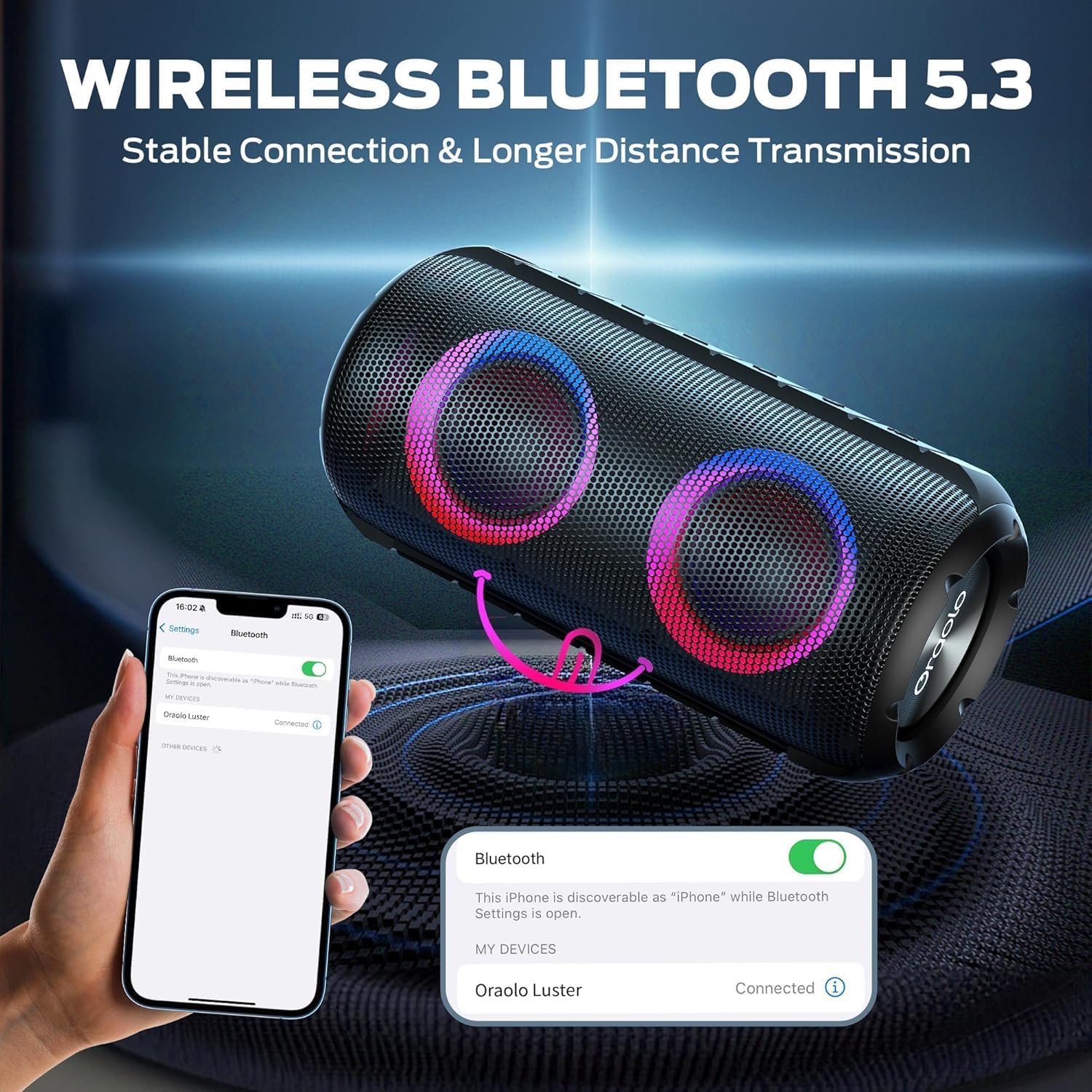
Image: The BUGANI Luster Bluetooth Speaker with its detachable lanyard, illustrating its portability and ease of carrying.
3. Konfiguracja
3.1 Pierwsze ładowanie
Before first use, fully charge the speaker. Connect the provided USB-C cable to the speaker's charging port and the other end to a USB power adapter (not included) or a computer's USB port. The charging indicator light will show the charging status.
3.2 Włączanie/wyłączanie zasilania
- Włączanie: Naciśnij i przytrzymaj przycisk zasilania (⏻) for 2-3 seconds until you hear an audible prompt and the lights illuminate.
- Wyłączone: Naciśnij i przytrzymaj przycisk zasilania (⏻) for 2-3 seconds until you hear an audible prompt and the lights turn off.
3.3 parowanie Bluetooth
- Sprawdź, czy głośnik jest włączony i czy znajduje się w trybie parowania Bluetooth (co sygnalizuje migające niebieskie światło).
- Włącz Bluetooth na swoim urządzeniu (smartfonie, tablecie itp.) i wyszukaj dostępne urządzenia.
- Select "BUGANI Luster" from the list of devices.
- Po nawiązaniu połączenia usłyszysz dźwięk potwierdzający, a kontrolka Bluetooth zaświeci się na niebiesko.
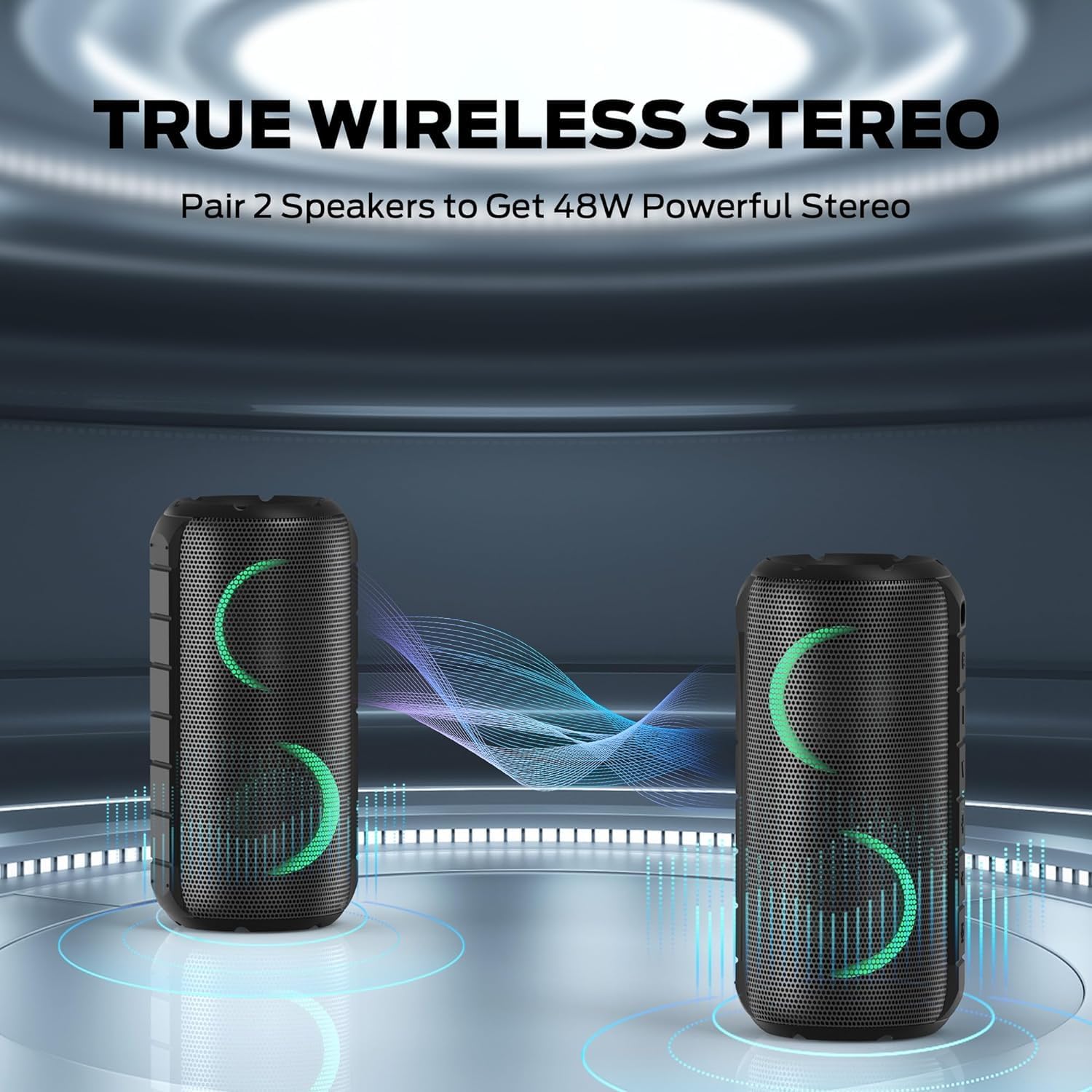
Image: A smartphone displaying its Bluetooth settings, showing a successful connection to the "Oraolo Luster" (BUGANI Luster) speaker, demonstrating the ease of Bluetooth 5.3 pairing.
3.4 Prawdziwe bezprzewodowe parowanie stereo (TWS)
To achieve a more immersive stereo sound, you can pair two BUGANI Luster speakers together.
- Sprawdź, czy oba głośniki są włączone i nie są podłączone do żadnego urządzenia Bluetooth.
- Na jednym głośniku (będzie to głośnik główny) naciśnij przycisk TWS (często oznaczony dwoma połączonymi kółkami lub dedykowaną ikoną TWS). Głośnik przejdzie w tryb parowania TWS.
- The primary speaker will automatically search for the secondary speaker. Once connected, you will hear a confirmation sound, and the lights on both speakers will synchronize.
- Teraz połącz urządzenie z głównym głośnikiem przez Bluetooth, jak opisano w punkcie 3.3. Dźwięk będzie odtwarzany przez oba głośniki w stereo.

Image: Two BUGANI Luster speakers positioned to illustrate their True Wireless Stereo (TWS) pairing capability, creating a wider soundstage.
3.5 Złącze AUX-in
For non-Bluetooth devices, use the provided 3.5mm AUX-in cable.
- Connect one end of the 3.5mm AUX-in cable to the speaker's AUX-in port.
- Podłącz drugi koniec do gniazda wyjściowego audio w urządzeniu.
- Głośnik automatycznie przełączy się na tryb AUX-in.
4. Instrukcja obsługi
4.1 Funkcje przycisków

Obraz: Zbliżenie view of the BUGANI Luster speaker's top panel, clearly showing the control buttons for various functions.
| Przycisk | Funkcja (krótkie naciśnięcie) | Funkcja (długie naciśnięcie) |
|---|---|---|
| ⏻ (Moc) | Brak | Włączanie/wyłączanie zasilania |
| + (Zwiększ głośność) | Zwiększ głośność | Następny utwór |
| - (Ściszanie) | Zmniejsz głośność | Poprzedni utwór |
| ▶‖ (Odtwórz/Pauza) | Odtwórz/Wstrzymaj; Odbierz/zakończ połączenie | Reject Call; Activate Voice Assistant |
| 💡 (Light Mode) | Cycle through Light Modes | Włącz/wyłącz światła |
| TWS (TWS Pairing) | Brak | Wejdź w tryb parowania TWS |
4.2 Colorful Light Show
The speaker features a dynamic RGB light system with 7 colors and 5 light modes. Press the Light Mode button (💡) to cycle through the available modes. Long press the button to turn the lights on or off.

Image: The BUGANI Luster speaker showcasing its vibrant and dynamic colorful light patterns, which enhance the listening experience.
4.3 Rozmowy w trybie głośnomówiącym
Po podłączeniu przez Bluetooth wbudowany mikrofon głośnika umożliwia prowadzenie rozmów telefonicznych w trybie głośnomówiącym.
- Odbieranie/kończenie połączeń: Naciśnij krótko przycisk Odtwórz/Pauza (▶‖).
- Odrzuć połączenie: Naciśnij i przytrzymaj przycisk Odtwórz/Pauza (▶‖).
4.4 Aktywacja asystenta głosowego
Naciśnij i przytrzymaj przycisk Odtwórz/Pauza (▶‖) to activate your phone's voice assistant (e.g., Siri, Google Assistant).
5. Konserwacja
5.1 Czyszczenie
Przetrzyj głośnik miękką, damp ściereczką. Nie używaj środków czyszczących o działaniu ściernym, alkoholu ani rozpuszczalników chemicznych, ponieważ mogą one uszkodzić powierzchnię lub elementy wewnętrzne.
5.2 Wodoodporność (IPX6)
The speaker has an IPX6 waterproof rating, meaning it is protected against powerful water jets. It is suitable for use in rainy conditions or near water bodies like pools and beaches. However, it is nie designed for submersion in water. Ensure the charging port cover is securely closed before exposing the speaker to water.
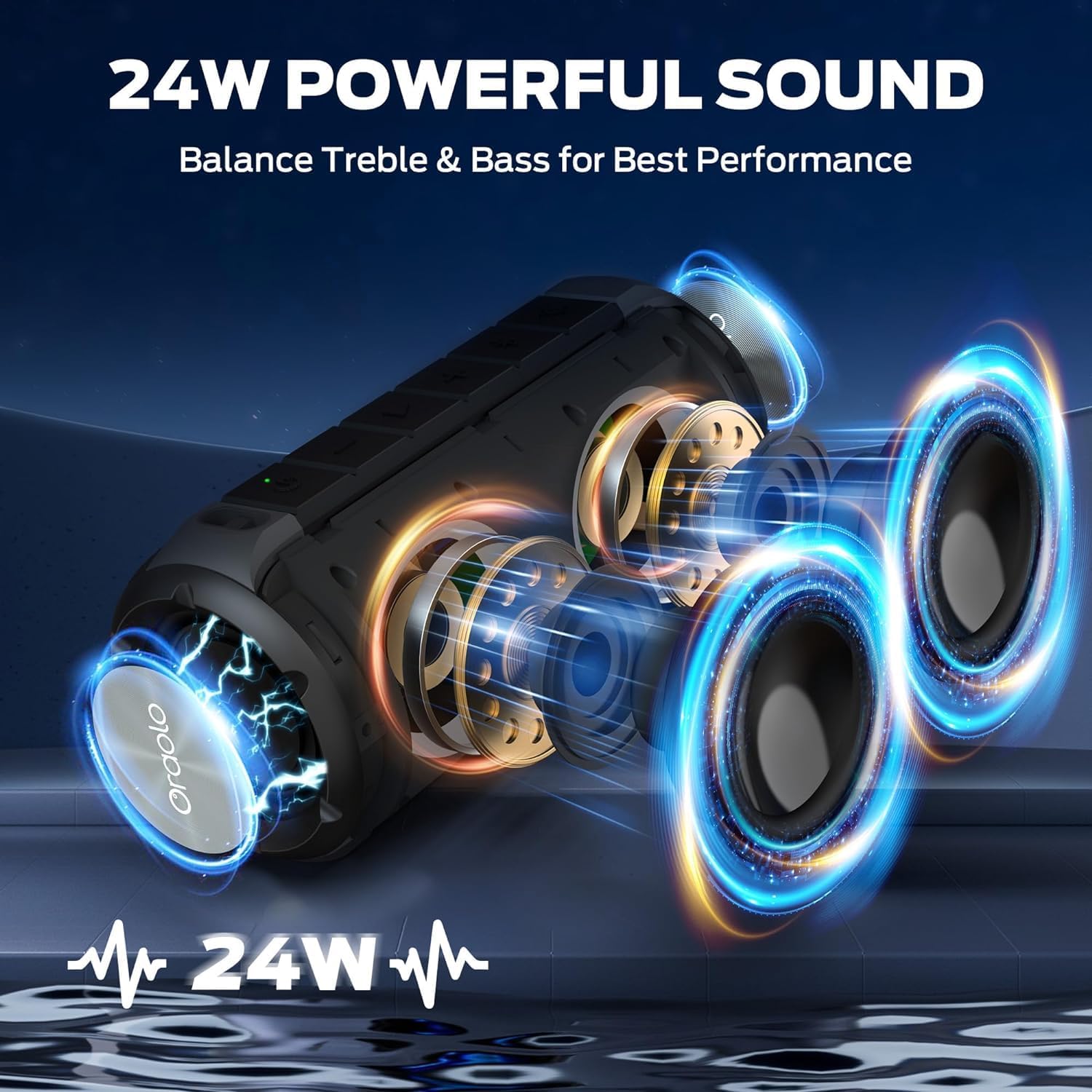
Image: The BUGANI Luster speaker resting on a wet rock with water droplets, visually confirming its IPX6 waterproof rating for outdoor use.
5.3 Przechowywanie
Przechowuj głośnik w chłodnym, suchym miejscu, z dala od bezpośredniego światła słonecznego i ekstremalnych temperatur. W przypadku dłuższego przechowywania, ładuj akumulator do około 50% co kilka miesięcy, aby utrzymać go w dobrym stanie.
6. Rozwiązywanie Problemów
6.1 Brak zasilania
- Upewnij się, że głośnik jest w pełni naładowany.
- Naciśnij i przytrzymaj przycisk zasilania przez 2–3 sekundy.
6.2 Brak dźwięku
- Sprawdź poziom głośności głośnika i podłączonego urządzenia.
- Ensure the speaker is correctly paired via Bluetooth or the AUX-in cable is securely connected.
- Jeśli używasz technologii Bluetooth, spróbuj rozłączyć i ponownie sparować urządzenie.
6.3 Problemy z parowaniem Bluetooth
- Ensure the speaker is within the effective range (up to 33 feet/10 meters) of your device.
- Wyczyść historię parowania Bluetooth na swoim urządzeniu i spróbuj sparować ponownie.
- Wyłącz i włącz ponownie głośnik i urządzenie.
- Upewnij się, że żadne inne urządzenie Bluetooth nie powoduje zakłóceń.
6.4 TWS Pairing Fails
- Sprawdź, czy oba głośniki są w pełni naładowane i nie są połączone z żadnym innym urządzeniem Bluetooth.
- Place the speakers close to each other during the TWS pairing process.
- Follow the TWS pairing steps precisely as described in section 3.4.
7. Specyfikacje
| Funkcja | Szczegół |
|---|---|
| Marka | BUGANI |
| Nazwa modelu | M166 |
| Typ głośnika | Przenośny głośnik stereo |
| Maksymalna moc wyjściowa głośnika | 24 watów |
| Technologia łączności | Bluetooth 5.3, Auxiliary (3.5mm AUX-in) |
| Stopień wodoodporności | IPX6 |
| Pauza w szkole | Do 24 godzin (przy 50% głośności i wyłączonym świetle) |
| Wymiary produktu | 4" gł. x 8" szer. x 4" wys. |
| Waga przedmiotu | 1.34 funta (0.61 kilograma) |
| Baterie | Wymagana 1 bateria AA (w zestawie) |
8. Gwarancja i wsparcie
BUGANI products are manufactured to high-quality standards. For specific warranty information and support, please refer to the warranty card included with your product or visit the official BUGANI webZachowaj paragon jako dowód zakupu na wypadek reklamacji.
For technical assistance or customer service inquiries, please contact BUGANI customer support through their official channels.


