Wstęp
This manual provides essential information for setting up, operating, and maintaining your Philips Ambilight 55MLED920 'The Xtra' Mini LED 4K Smart TV. Please read these instructions carefully before using your television to ensure optimal performance and safety.
Organizować coś
1. Rozpakowanie i zawartość opakowania
Ostrożnie wyjmij wszystkie elementy z opakowania. Upewnij się, że wszystkie wymienione poniżej elementy są obecne:
- Jednostka TV
- Kabel zasilający
- Pilot zdalnego sterowania z 2 bateriami AAA
- Podstawka
- Instrukcja obsługi i karta gwarancyjna
Zachowaj opakowanie, aby móc je transportować i przechowywać w przyszłości.
2. Montaż stojaka lub uchwytu ściennego pod telewizor
Follow the instructions provided in the separate stand installation guide or wall mount kit. Ensure the TV is placed on a stable, level surface or securely mounted to a wall, away from direct sunlight or heat sources.
3. Podłączanie urządzeń
Connect your external devices such as set-top boxes, gaming consoles, or sound systems to the appropriate ports on your TV.

Obraz: Tył i bok view of the Philips Ambilight TV, illustrating the various connectivity ports available for external devices. These include HDMI, USB, Satellite, TV Antenna, Digital Audio Out, and Network connections.
- HDMI: For high-definition audio and video connections (e.g., Blu-ray players, game consoles). This TV supports HDMI 2.1.
- USB: Do podłączania urządzeń pamięci masowej USB w celu odtwarzania multimediów filelub w celu aktualizacji oprogramowania.
- Ethernet (sieć): Do przewodowego połączenia internetowego.
- Wi-Fi: Do bezprzewodowego połączenia internetowego.
- Bluetooth: Do podłączania bezprzewodowych akcesoriów, np. słuchawek lub głośników.
- Antena/Satelita: Do podłączania sygnałów transmisyjnych.
- Cyfrowe wyjście audio: Do podłączania zewnętrznych systemów audio.
4. Podłączenie zasilania
Connect the power cable to the TV and then to a wall outlet. The TV will enter standby mode.
Obsługa telewizora
1. Pilot zdalnego sterowania
The included remote control allows you to navigate menus, adjust settings, and control your TV's functions. Insert the two AAA batteries as indicated in the battery compartment.
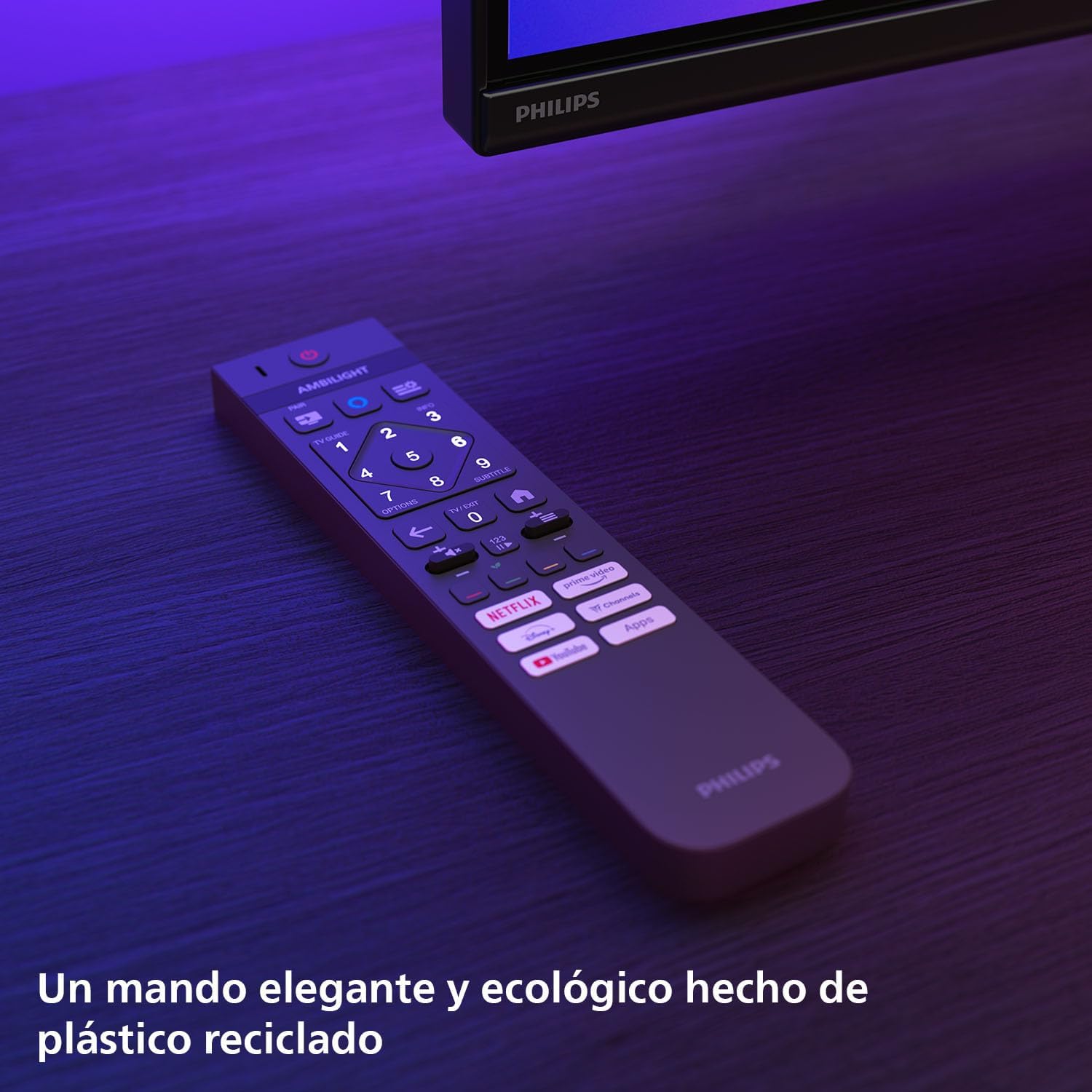
Obraz: The Philips TV remote control, designed for ease of use and made from recycled plastic, shown illuminated by the TV's Ambilight feature.
2. Włączanie/wyłączanie zasilania
Press the power button on the remote control or on the TV to turn the TV on or off. Pressing it once will put the TV into standby mode.
3. Funkcja Ambilight
Your Philips Ambilight TV features reactive LED lights integrated into the back of the screen. These lights project colors onto the wall behind the TV, matching the on-screen content to create an immersive viewing experience. You can customize Ambilight settings through the TV menu.

Obraz: The Philips Ambilight TV in a living room setting, showcasing its reactive LED lights that extend the visual experience beyond the screen by projecting matching colors onto the surrounding wall.
4. Picture Quality (P5 Picture Engine, Mini LED, Quantum Dot, HDR)
The TV utilizes the P5 Picture Engine to deliver vibrant colors, natural skin tones, and sharp contrast. Combined with Quantum Dot Mini-LED technology, it produces deeper blacks, brighter whites, and a wider color spectrum for clear, detailed images. It supports various HDR formats for enhanced depth and contrast.
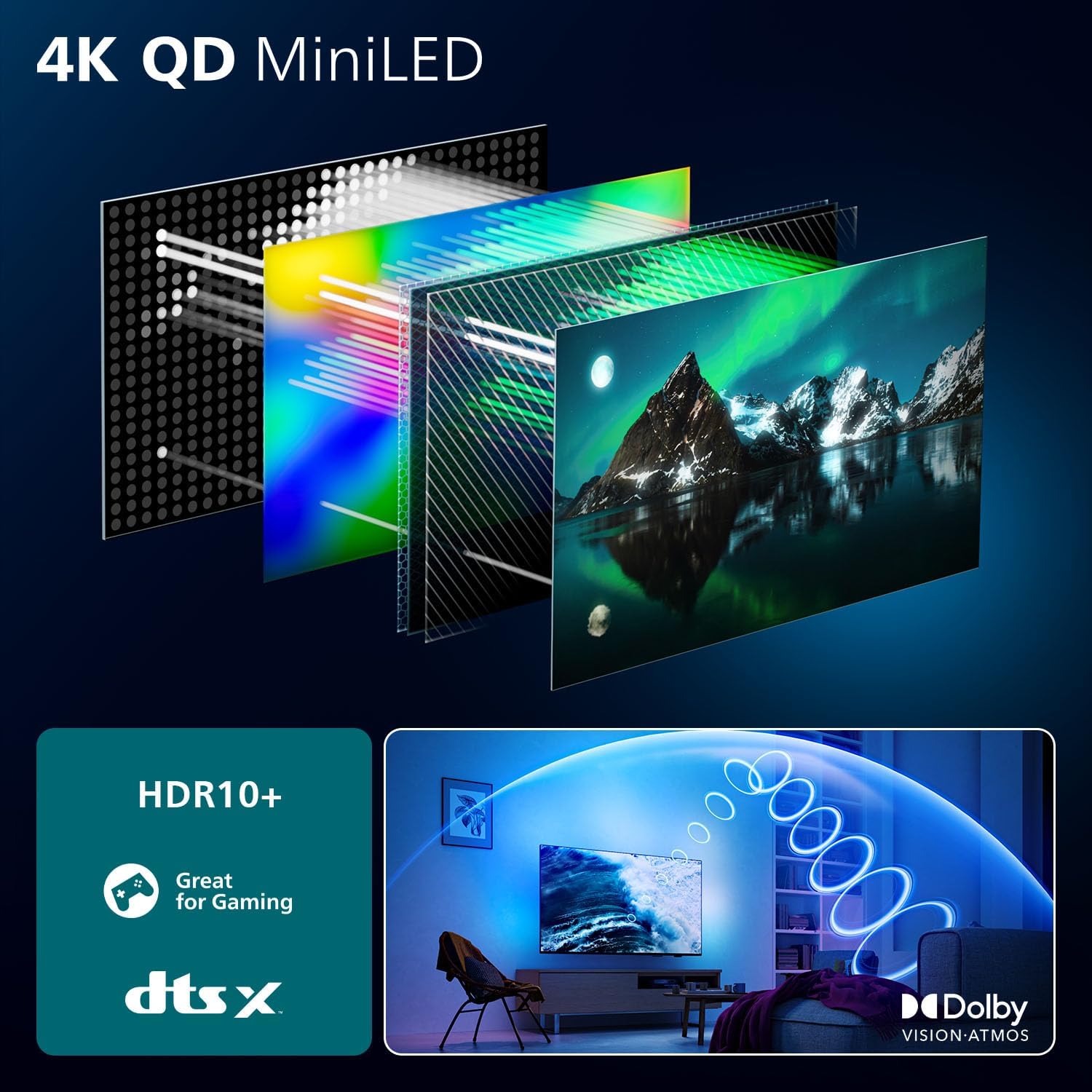
Obraz: A detailed diagram illustrating the internal structure of the 4K QD MiniLED display, highlighting the layers responsible for producing enhanced color and contrast.
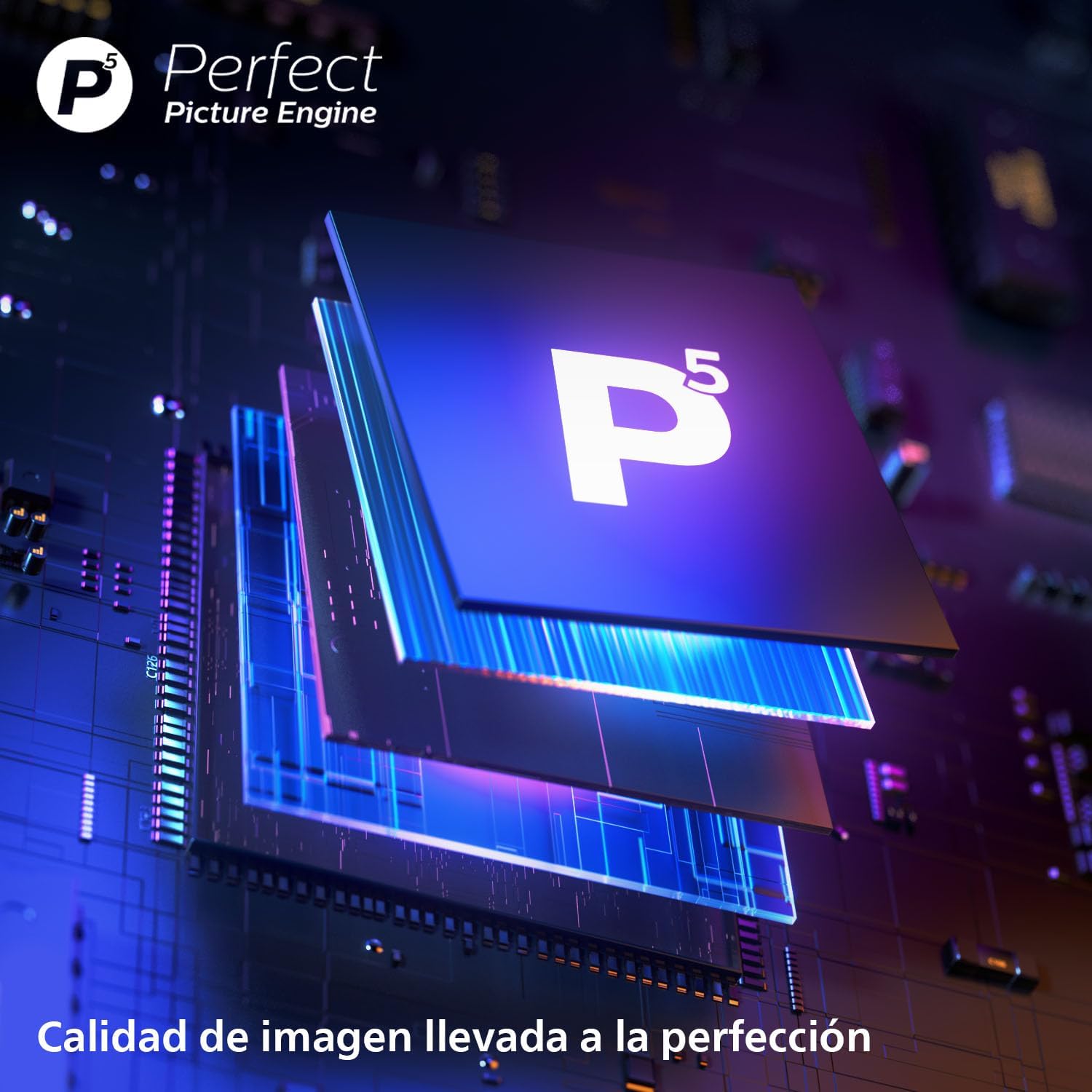
Obraz: Zbliżenie view of the P5 Perfect Picture Engine microchip, symbolizing the advanced image processing capabilities that ensure brilliant and detailed visuals.
5. Sound Quality (Dolby Atmos, IntelliSound)
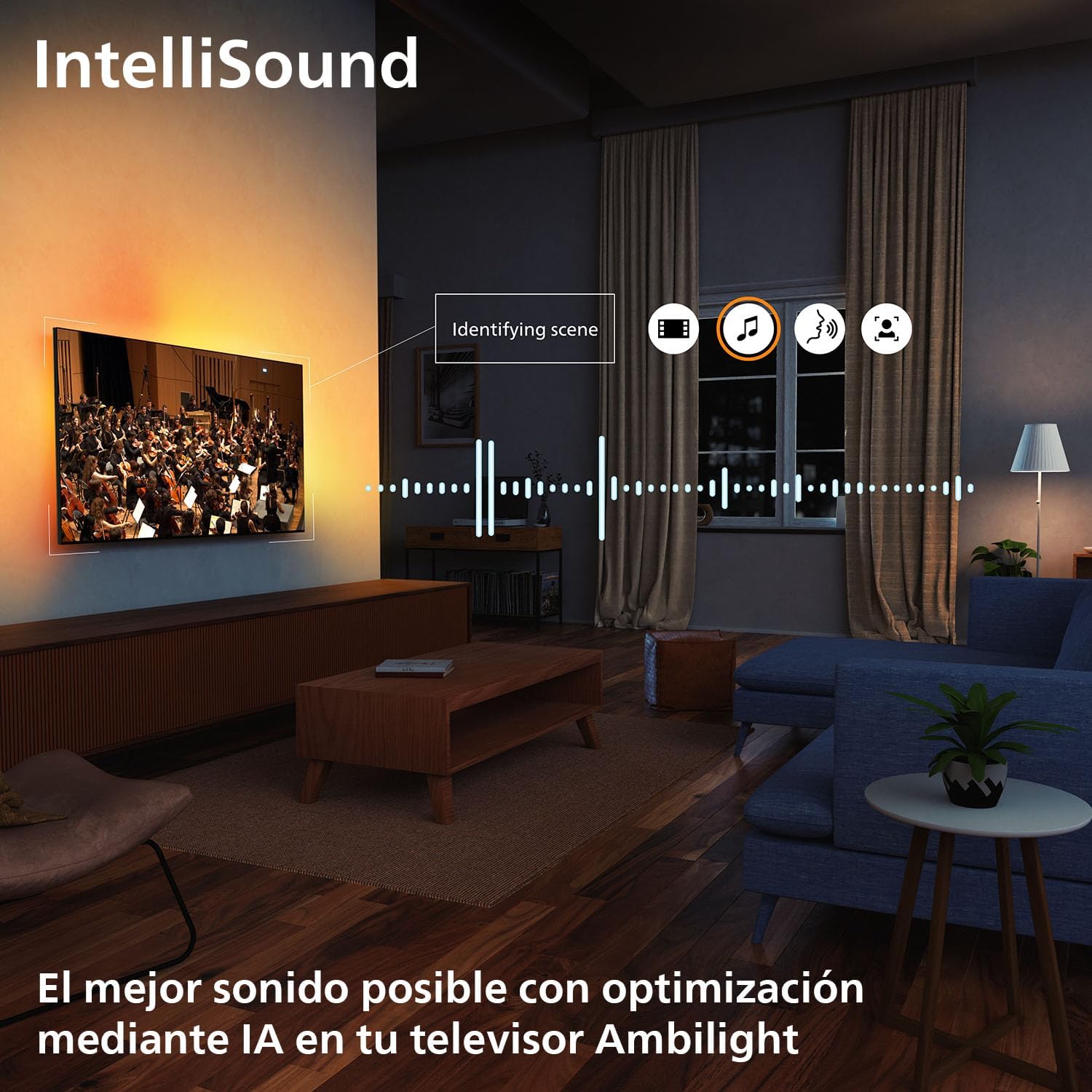
Experience immersive audio with Dolby Atmos, which creates a three-dimensional sound experience. The integrated IntelliSound engine uses AI to optimize audio settings automatically based on the content you are watching, whether it's news, music, or movies.
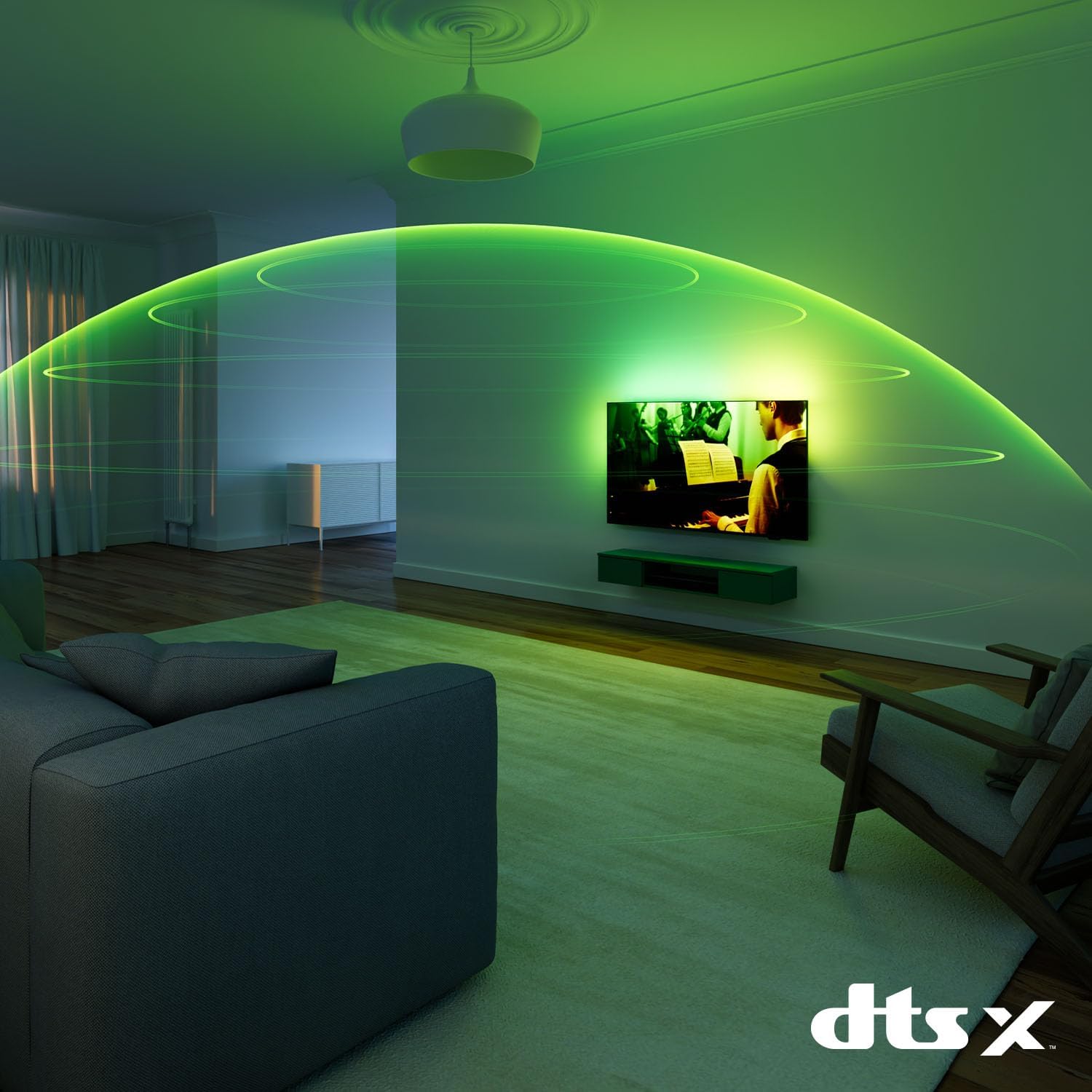
Obraz: A visual representation of immersive sound technology in a living room, with sound waves emanating from the Philips Ambilight TV, indicating a rich audio experience.
6. Smart TV Features (Titan OS, Voice Assistant, Matter)
Twój telewizor działa na System operacyjny Titan, providing access to streaming services and apps. The intuitive interface allows for easy navigation and content discovery. The TV is compatible with Materiał for seamless integration into your smart home network and supports voice assistants like Aleksa I Asystent Google for hands-free control.

Obraz: The Philips TV displaying the Titan OS smart TV interface, featuring popular streaming applications and indicating compatibility with Alexa and Matter smart home systems.
Obraz: Illustrations demonstrating the TV's integration with voice assistants, showing interactions with both Google Home and Alexa devices for controlling the TV and querying information.
7. Funkcje gier
This TV is optimized for gaming with features like Technologia AMD FreeSync, A Częstotliwość odświeżania 120 Hz (up to 144 Hz VRR via HDMI for PC gaming), and a dedicated Game Mode. These features ensure smooth, tear-free gameplay and ultra-low input lag.

Obraz: A gaming setup featuring the Philips Ambilight TV, emphasizing its high refresh rate (up to 144Hz VRR) and AMD FreeSync Premium for a smooth gaming experience.
Konserwacja
- Czyszczenie ekranu: Delikatnie przetrzyj ekran miękką, niepozostawiającą włókien ściereczką. W przypadku uporczywych zabrudzeń użyj specjalnego środka czyszczącego nałożonego na ściereczkę, a nie bezpośrednio na ekran.
- Czyszczenie szafki: Do czyszczenia obudowy telewizora używaj miękkiej, suchej ściereczki. Unikaj stosowania środków czyszczących o właściwościach ściernych i rozpuszczalników.
- Aktualizacje oprogramowania: Ensure your TV's software is up to date for optimal performance and new features. You can usually find this option in the TV's settings menu under "Software Update" or "About TV".
Rozwiązywanie problemów
If you encounter issues with your TV, try the following common solutions before contacting support:
- Brak zasilania: Check if the power cable is securely connected to both the TV and the wall outlet. Ensure the outlet is working.
- Brak obrazu/dźwięku: Sprawdź, czy wybrano prawidłowe źródło sygnału wejściowego. Sprawdź wszystkie połączenia kablowe z urządzeniami zewnętrznymi.
- Pilot nie działa: Wymień baterie. Upewnij się, że między pilotem a czujnikiem podczerwieni telewizora nie ma żadnych przeszkód.
- Słaba jakość obrazu: Sprawdź źródło sygnału. Dostosuj ustawienia obrazu (jasność, kontrast, ostrość) w menu telewizora.
- Brak połączenia z internetem: W przypadku połączenia Wi-Fi sprawdź router i ustawienia sieciowe. W przypadku połączenia przewodowego upewnij się, że kabel Ethernet jest prawidłowo podłączony.
For more detailed troubleshooting, refer to the full user manual or visit the Philips support webstrona.
Specyfikacje
| Funkcja | Szczegół |
|---|---|
| Marka | Philips |
| Numer modelu | 55MLED920/12 |
| Rozmiar ekranu | 55 cali |
| Technologia wyświetlania | Miniaturowa dioda LED |
| Rezolucja | 4K |
| Częstotliwość odświeżania | 120 Hz (up to 144 Hz VRR) |
| Cechy specjalne | AMD FreeSync, Ambilight, Game Mode, Automatic Volume Leveler, Ambient Light Sensor |
| Technologia łączności | Bluetooth, Ethernet, HDMI, USB, Wi-Fi |
| Proporcje obrazu | 16:9 |
| Wymiary produktu | 28 x 122.6 x 77.8 cm; waga 11.7 kg |
| System operacyjny | System operacyjny Titan |
Gwarancja i wsparcie
Your Philips Ambilight TV comes with a manufacturer's warranty. Please refer to the warranty card included in your package for details on coverage and terms. For technical support, product registration, or to download the full user manual, please visit the official Philips support webwitryny lub skontaktuj się z obsługą klienta.
Wsparcie online: www.philips.com/support


