1. Wprowadzenie
This manual provides essential information for the safe and efficient operation of your Next YE-65GFSG8-QLED 65-inch UHD 4K Google QLED TV. Please read this manual thoroughly before using the television and retain it for future reference. Your new television combines QLED display technology with the Google TV operating system, offering a high-quality viewing experience and smart features.
2. Ważne informacje dotyczące bezpieczeństwa
Always follow these basic safety precautions when operating your television:
- Źródło zasilania: Upewnij się, że telewizor jest podłączony do źródła zasilania o napięciu zgodnym z podanym w specyfikacji.tagZakres.
- Wentylacja: Nie blokuj otworów wentylacyjnych. Pozostaw odpowiednią ilość miejsca wokół telewizora, aby zapewnić prawidłowy przepływ powietrza.
- Woda i wilgoć: Nie wystawiaj telewizora na działanie deszczu ani wilgoci. Nie stawiaj na nim przedmiotów wypełnionych płynami, takich jak wazony.
- Czyszczenie: Przed czyszczeniem odłącz telewizor od gniazdka elektrycznego. Użyj miękkiej, suchej ściereczki. Nie używaj środków czyszczących w płynie ani w aerozolu.
- Umieszczenie: Ustaw telewizor na stabilnej, równej powierzchni. Unikaj umieszczania go w bezpośrednim świetle słonecznym lub w pobliżu źródeł ciepła.
- Błyskawica: Podczas burzy z piorunami lub gdy nie używasz telewizora przez dłuższy czas, odłącz go od zasilania i odłącz antenę.
- Serwisowanie: Nie próbuj samodzielnie naprawiać tego produktu. Wszelkie czynności serwisowe należy powierzyć wykwalifikowanemu personelowi serwisowemu.
3. Zawartość opakowania
Verify that all items are present in your TV package:
- Next YE-65GFSG8-QLED 65-inch UHD 4K Google QLED TV
- Zdalne sterowanie
- Kabel zasilający
- Stojak pod telewizor (2 sztuki) i śruby
- Instrukcja obsługi (ten dokument)
- Szybki przewodnik
4. Konfiguracja
4.1 Fizyczna instalacja
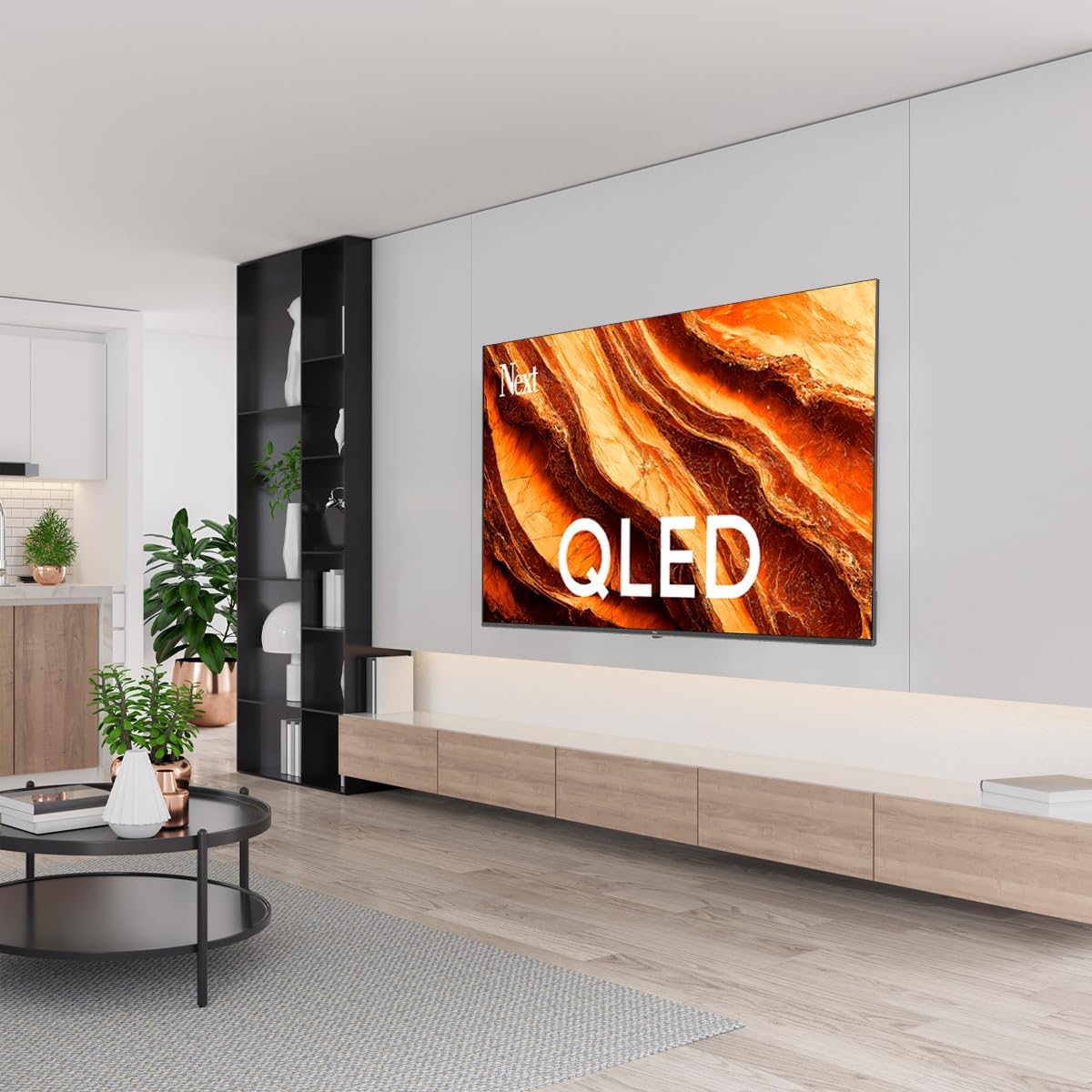
You can install your TV on a stand or mount it on a wall. Ensure the TV is placed on a stable surface or securely mounted.

Obraz: TV Dimensions. This image illustrates the physical dimensions of the 65-inch television, including its width, height, and diagonal screen size of 164 cm (65 inches).
Montaż stojaka:
- Ostrożnie połóż telewizor ekranem do dołu na miękkiej, płaskiej powierzchni, aby zapobiec uszkodzeniu ekranu.
- Attach the two stand pieces to the designated slots on the bottom of the TV.
- Secure the stands with the provided screws.
- Ostrożnie podnieś telewizor i ustaw go w pozycji pionowej na stabilnej powierzchni.
Montaż na ścianie:
For wall mounting, use a VESA-compatible wall mount kit (sold separately) that matches the TV's VESA pattern. Follow the instructions provided with your wall mount kit. It is recommended to have professional assistance for wall mounting.
4.2 Podłączanie urządzeń peryferyjnych
Podłącz urządzenia zewnętrzne do odpowiednich portów z tyłu telewizora.
Obraz: Rear Panel Connections. This image displays the various input and output ports located on the back of the television, including HDMI, USB, DVB-S, DVB-T, CI Module, Mini AV-IN, Optical Out, and Ethernet.
- HDMI (ARC): Connect Blu-ray players, game consoles, or other HDMI devices. HDMI 1 supports Audio Return Channel (ARC).
- USB (2x): Podłącz urządzenia pamięci masowej USB w celu odtwarzania multimediów.
- DVB-S / DVB-T: Connect satellite (DVB-S) or terrestrial (DVB-T) antenna cables.
- CI Module: Insert a Common Interface (CI) module for encrypted digital channels.
- Mini AV-IN: Connect older devices using an AV adapter cable.
- Wyjście optyczne: Connect to an external audio system for digital audio output.
- Ethernet: Podłącz kabel Ethernet, aby uzyskać przewodowe połączenie z Internetem.
- Moc: Podłącz kabel zasilający do telewizora, a następnie do gniazdka ściennego.
4.3 Pierwsze włączenie i pierwsza konfiguracja
- After connecting all cables, plug the power cord into an electrical outlet.
- Naciśnij przycisk zasilania na pilocie lub na telewizorze.
- The TV will guide you through the initial setup process, which includes:
- Wybór języka
- Łączenie się z siecią Wi-Fi lub Ethernet
- Signing in with your Google Account (required for Google TV features)
- Akceptuję regulamin
- Channel scanning (for DVB-S/T)
- Aby dokończyć konfigurację, postępuj zgodnie z instrukcjami wyświetlanymi na ekranie.
5. Obsługa telewizora
5.1 Funkcje zdalnego sterowania
The remote control allows you to navigate the TV's features. Familiarize yourself with its buttons:
- Moc: Włącza lub wyłącza telewizor.
- Asystent Google: Aktywuje polecenia głosowe.
- Panel nawigacyjny (góra/dół/lewo/prawo/OK): Umożliwia poruszanie się po menu i wybieranie opcji.
- Z powrotem: Powrót do poprzedniego ekranu.
- Dom: Dostęp do ekranu głównego Google TV.
- Głośność +/-: Dostosowuje poziom głośności.
- Kanał +/-: Zmienia kanały telewizyjne.
- Wejście: Wybiera źródła wejściowe (HDMI, AV itp.).
- Przyciski aplikacji: Bezpośredni dostęp do popularnych aplikacji streamingowych.
5.2 Navigating Google TV Interface
Google TV organizes your entertainment with a personalized home screen. Content from your apps is brought together and organized for easy discovery.

Obraz: Google TV Interface. This image shows the main Google TV home screen with various streaming app icons and content recommendations, demonstrating the user interface.
- Ekran główny: Displays personalized recommendations, installed apps, and quick access to content.
- Karta Dla Ciebie: Provides tailored content suggestions based on your viewnawyków.
- Karta na żywo: Accesses live TV channels from integrated services.
- Karta Aplikacje: Shows all installed applications. You can download more from the Google Play Store.
- Karta biblioteki: Accesses your purchased or rented content from Google Play.
5.3 Ustawienia obrazu i dźwięku
Aby dostosować ustawienia obrazu i dźwięku:
- Naciśnij Ustawienia button (usually a gear icon) on your remote.
- Przejdź do Wyświetlacz i dźwięk.
- Ustawienia obrazu: Adjust brightness, contrast, color, sharpness, and select picture modes (e.g., Standard, Vivid, Movie, Game). Your QLED TV offers enhanced color saturation.
- Ustawienia dźwięku: Adjust bass, treble, balance, and select sound modes (e.g., Standard, Music, Movie, Speech).

Obraz: QLED Color Saturation. This image visually demonstrates the high color saturation achieved with QLED technology, showing a vibrant and rich color display.

Obraz: HDR (High Dynamic Range). This image illustrates the visual impact of HDR, showcasing improved contrast and color detail in a scene when HDR is enabled versus when it is off.
5.4 Ustawienia sieciowe
To connect your TV to the internet:
- Naciśnij Ustawienia przycisk na pilocie.
- Przejdź do Sieć i Internet.
- Wybierać Wi-Fi to connect to a wireless network or ensure Sieć Ethernetowa is connected for a wired connection.
- W przypadku sieci Wi-Fi wybierz sieć z listy i wpisz hasło.
6. Konserwacja
6.1 Czyszczenie telewizora
- Zawsze odłączaj telewizor od zasilania przed czyszczeniem.
- Do delikatnego przecierania ekranu i obudowy telewizora używaj miękkiej, suchej i niepozostawiającej włókien ściereczki.
- W przypadku uporczywych plam delikatnieampen the cloth with water or a specialized screen cleaner (ensure it's safe for TV screens). Never spray cleaner directly onto the screen.
- Unikaj stosowania środków czyszczących o właściwościach ściernych, wosków i rozpuszczalników.
6.2 Aktualizacje oprogramowania
Your TV may receive software updates to improve performance and add new features. It is recommended to keep your TV's software updated.
- Upewnij się, że telewizor jest podłączony do Internetu.
- Naciśnij Ustawienia przycisk na pilocie.
- Przejdź do System > O > Aktualizacja systemu.
- Wybierać Sprawdź dostępność aktualizacji.
- Postępuj zgodnie z instrukcjami wyświetlanymi na ekranie, aby pobrać i zainstalować dostępne aktualizacje.
7. Rozwiązywanie Problemów
Jeśli masz problemy z telewizorem, zapoznaj się z poniższymi typowymi problemami i ich rozwiązaniami:
| Problem | Możliwa przyczyna / rozwiązanie |
|---|---|
| Brak zasilania | Check if the power cord is securely plugged into the TV and the wall outlet. Ensure the outlet is working. |
| Brak obrazu, ale dźwięk jest | Sprawdź źródło sygnału wejściowego. Upewnij się, że podłączone urządzenie jest włączone i działa prawidłowo. |
| Brak dźwięku, ale obraz jest | Check the volume level and mute status. Verify audio cable connections for external devices. Check TV sound settings. |
| Pilot nie działa | Wymień baterie. Upewnij się, że między pilotem a czujnikiem podczerwieni telewizora nie ma żadnych przeszkód. |
| Nie można połączyć się z siecią Wi-Fi | Ensure your Wi-Fi router is on and within range. Re-enter the Wi-Fi password carefully. Try restarting the TV and router. |
| Aplikacje działają wolno lub się zawieszają | Close unused apps. Clear app cache (Settings > Apps > See all apps > [App Name] > Clear cache). Ensure a stable internet connection. |
Jeśli po wypróbowaniu tych rozwiązań problem nadal występuje, skontaktuj się z obsługą klienta.
8. Specyfikacje
Technical specifications for the Next YE-65GFSG8-QLED 65-inch UHD 4K Google QLED TV:
- Marka: Następny
- Rok modelowy: 2025
- Rezolucja: 4K (3840x2160)
- Technologia wyświetlania: QLED
- Rozmiar ekranu: 65 cali (165 cm)
- Proporcje obrazu: 16:9
- Częstotliwość odświeżania: 60 Hz
- Główne cechy: Bezramowa konstrukcja
- Łączność: Bluetooth, Ethernet, HDMI (ARC), USB (2x), Wi-Fi
- Wymiary produktu: 27.8 gł. x 144.6 szer. x 88.9 wys. cm
- Waga: 16.3 kilograma
- System operacyjny: Telewizja Google
- Zawartość zestawu: Zdalne sterowanie
- Kraj pochodzenia: Indyk
9. Gwarancja i wsparcie
Your Next YE-65GFSG8-QLED TV comes with a manufacturer's warranty. Please refer to the warranty card included in your package for specific terms and conditions, including the warranty period and coverage details.
For technical support, service requests, or further assistance, please contact Next customer service. Contact information can typically be found on the manufacturer's webmiejscu lub w dokumentacji gwarancyjnej.
- Wsparcie online: Visit the official Next website for FAQs, troubleshooting guides, and support contact details.
- Centra serwisowe: For hardware issues, locate an authorized service center near you.


