1. Wprowadzenie
This manual provides detailed instructions for the setup, operation, and maintenance of your TMY Native 1080P Mini Projector. Please read this manual thoroughly before using the projector to ensure proper function and longevity.
2. Co znajduje się w pudełku
- TMY Native 1080P Mini Projector
- Zdalne sterowanie
- Przewód zasilający
- Kabel HDMI
- Instrukcja obsługi
- Zestaw do czyszczenia
3. Koniec produktuview
The TMY Native 1080P Mini Projector is designed for versatile home entertainment, offering native 1080P resolution and various connectivity options in a compact form factor.

3.1 Porty łączności
Projektor wyposażony jest w wiele portów umożliwiających podłączanie różnych urządzeń:

- Port HDMI: For connecting devices such as TV sticks, PCs, gaming consoles, and DVD players.
- Port USB: Do podłączania dysków USB w celu odtwarzania multimediów files.
- Gniazdo audio 3.5 mm: For connecting external wired speakers or headphones.
- Pobór mocy: Do podłączenia przewodu zasilającego.
4. Konfiguracja
4.1 Umieszczenie
Position the projector on a stable, flat surface. The projection distance can range from 1.5 meters to 5 meters, producing a screen size from 40 inches to 200 inches. Ensure there are no obstructions between the projector and the projection surface.
4.2 Połączenie zasilania
- Podłącz przewód zasilający do portu wejściowego zasilania projektora.
- Podłącz drugi koniec przewodu zasilającego do gniazdka elektrycznego.
4.3 Pierwsze włączenie zasilania
Naciśnij przycisk zasilania na projektorze lub pilocie, aby włączyć urządzenie. Zaświeci się kontrolka.
4.4 Korekcja ostrości i zniekształceń trapezowych
To achieve a clear and rectangular image, adjust the focus ring and keystone correction dial located on the projector. The projector supports ±15° vertical keystone correction.

5. Instrukcja obsługi
5.1 Podłączanie urządzeń
Projektor oferuje wiele sposobów podłączania urządzeń:

5.1.1 Połączenie HDMI
Connect your device (e.g., TV Stick, PC, gaming console) to the projector's HDMI port using an HDMI cable. Select the corresponding HDMI input source from the projector's menu.
5.1.2 Połączenie USB
Insert a USB drive into the USB port. Navigate to the media player function in the projector's menu to browse and play files.
5.1.3 Połączenie WiFi (przesyłanie obrazu na ekran)
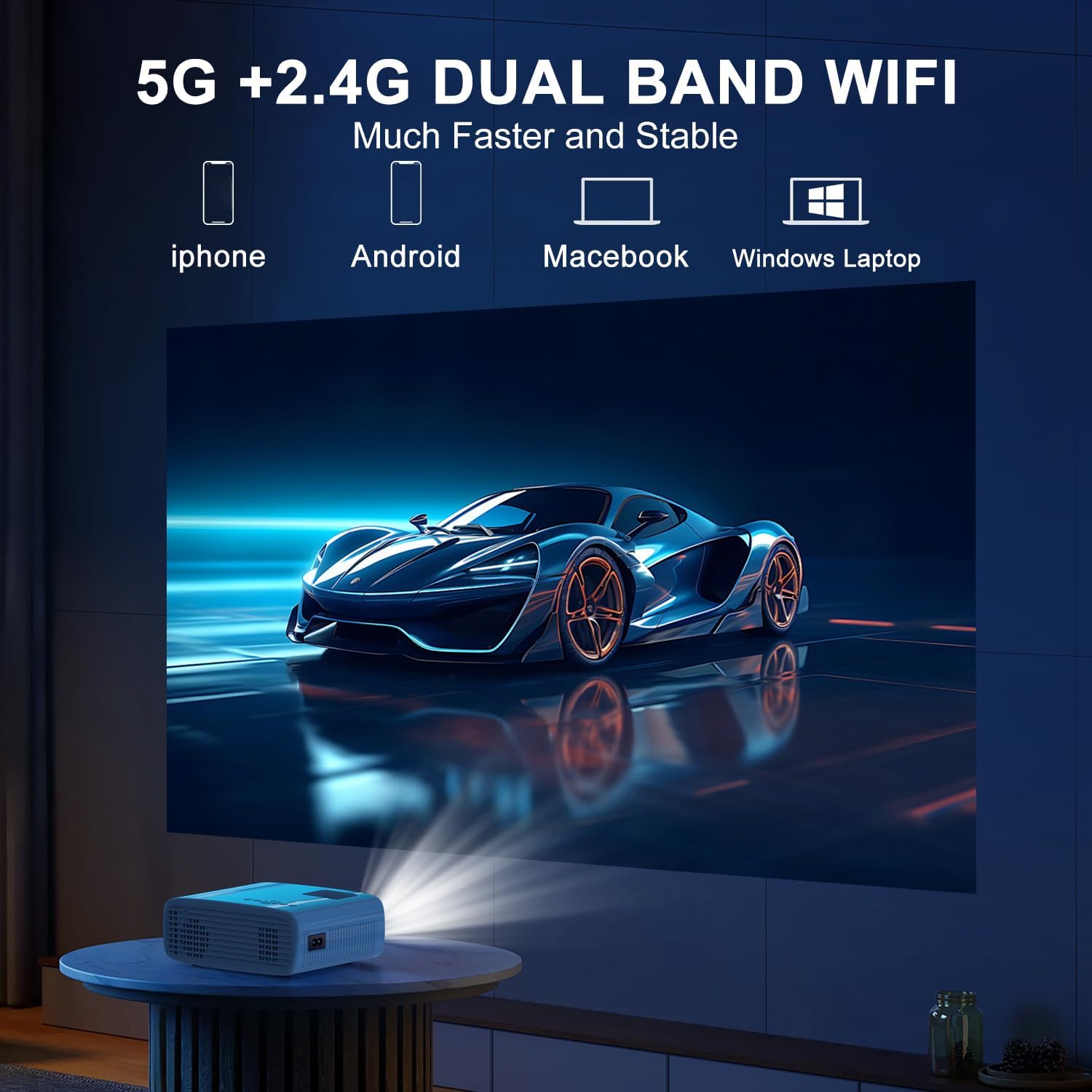
The projector supports 5G/2.4G dual-band WiFi for wireless screen mirroring from compatible smartphones, tablets, and laptops. Access the WiFi settings in the projector's menu to connect to your home network and initiate screen mirroring.

5.1.4 Połączenie Bluetooth
The projector features two-way Bluetooth 5.2 technology. It can connect to external Bluetooth speakers or headphones for audio output. Additionally, it can function as a Bluetooth speaker itself, allowing you to connect your smartphone or tablet to play audio through the projector's built-in speakers.
Notatka:
- Bluetooth does not support screen mirroring with your phone.
- When connecting to external Bluetooth speakers, ensure the speaker is in pairing mode.
5.2 Funkcja zoomu
The projector includes a 100% to 50% zoom function, allowing you to adjust the screen size digitally without physically moving the projector. This feature is accessible through the projector's menu settings.
5.3 Nawigacja po menu
Use the remote control to navigate through the projector's on-screen menu. The menu allows you to select input sources, adjust picture settings (brightness, contrast, color), sound settings, and other system configurations.
6. Konserwacja
6.1 Czyszczenie
- Obiektyw: Use the provided cleaning cloth or a soft, lint-free cloth to gently wipe the projector lens. Avoid abrasive materials.
- Zewnętrzny: Przetrzyj zewnętrzną część projektora miękką, suchą ściereczką. Nie używaj płynnych środków czyszczących ani rozpuszczalników.
- Otwory wentylacyjne: Należy okresowo sprawdzać i czyścić otwory wentylacyjne, aby zapewnić właściwy przepływ powietrza i zapobiec przegrzaniu.
6.2 Przechowywanie
Gdy projektor nie jest używany, należy go przechowywać w chłodnym, suchym miejscu, z dala od bezpośredniego światła słonecznego i ekstremalnych temperatur. Aby zapobiec gromadzeniu się kurzu i uszkodzeniom, należy używać oryginalnego opakowania lub etui ochronnego.
7. Rozwiązywanie Problemów
- Brak zasilania: Upewnij się, że przewód zasilający jest prawidłowo podłączony zarówno do projektora, jak i do gniazdka elektrycznego. Sprawdź, czy gniazdko elektryczne działa.
- Brak obrazka: Verify that the correct input source is selected in the projector's menu. Check all cable connections (HDMI, USB).
- Rozmazany obraz: Adjust the focus ring on the projector until the image is clear. Ensure the projection distance is within the recommended range.
- Obraz nie jest prostokątny: Use the keystone correction dial to adjust the image until it appears rectangular.
- Brak dźwięku: Check the volume settings on both the projector and the connected device. If using external speakers, ensure they are properly connected and powered on.
- Sound/Video Lag: For screen mirroring, ensure a stable WiFi connection. For wired connections, try a different cable or port. Note that Bluetooth does not support screen mirroring and may introduce slight audio delay with external speakers.
- Przegrzanie: Ensure the projector's air vents are not blocked. Operate the projector in a well-ventilated area.
8. Specyfikacje
| Funkcja | Specyfikacja |
|---|---|
| Marka | TMY |
| Model | B0DMW2G124 |
| Rozdzielczość wyświetlacza | Natywna rozdzielczość 1920 x 1080 (1080P) |
| Technologia łączności | 3.5mm Jack, Bluetooth 5.2, HDMI, USB, Wi-Fi (5G/2.4G) |
| Cechy specjalne | 50%-100% Zoom, Built-In Cooling System, Two-way Bluetooth, Wi-Fi Ready |
| Zalecane zastosowania | Gry, kino domowe |
| Waga przedmiotu | 2.51 funta |
| Wymiary opakowania | 9.09 x 8.7 x 4.17 cala |
| Kolor | Biały+Czarny |
9. Gwarancja i wsparcie
For warranty information or technical support, please refer to the warranty card included in your product packaging or contact TMY customer service directly. Contact details can typically be found on the official TMY webstronie lub poprzez platformę zakupową.


