1. Ważne informacje dotyczące bezpieczeństwa
Przed użyciem telewizora prosimy o dokładne zapoznanie się ze wszystkimi instrukcjami bezpieczeństwa. Zachowaj tę instrukcję na przyszłość.
- Nie wystawiaj telewizora na działanie deszczu ani wilgoci.
- Zapewnij odpowiednią wentylację wokół telewizora.
- Nie należy zasłaniać otworów wentylacyjnych takimi przedmiotami jak gazety, obrusy, zasłony itp.
- Chroń przewód zasilający przed deptaniem i przytrzaśnięciem.
- Odłączaj telewizor od zasilania podczas burzy z piorunami lub jeśli nie używasz go przez dłuższy czas.
- Wszelkie prace serwisowe należy powierzać wykwalifikowanemu personelowi.
2. Co znajduje się w pudełku
Sprawdź, czy w opakowaniu znajdują się wszystkie elementy:
- Thomson 43QG5C14 QLED Google Smart TV
- Zdalne sterowanie
- Przewód zasilający
- Central Stand (and screws for assembly)
- Instrukcja obsługi (ten dokument)
- Baterie do pilota
3. Konfiguracja
3.1 Mocowanie stojaka
Carefully place the TV screen-down on a soft, flat surface to prevent damage. Attach the central stand to the bottom of the TV using the provided screws. Ensure the stand is securely fastened.
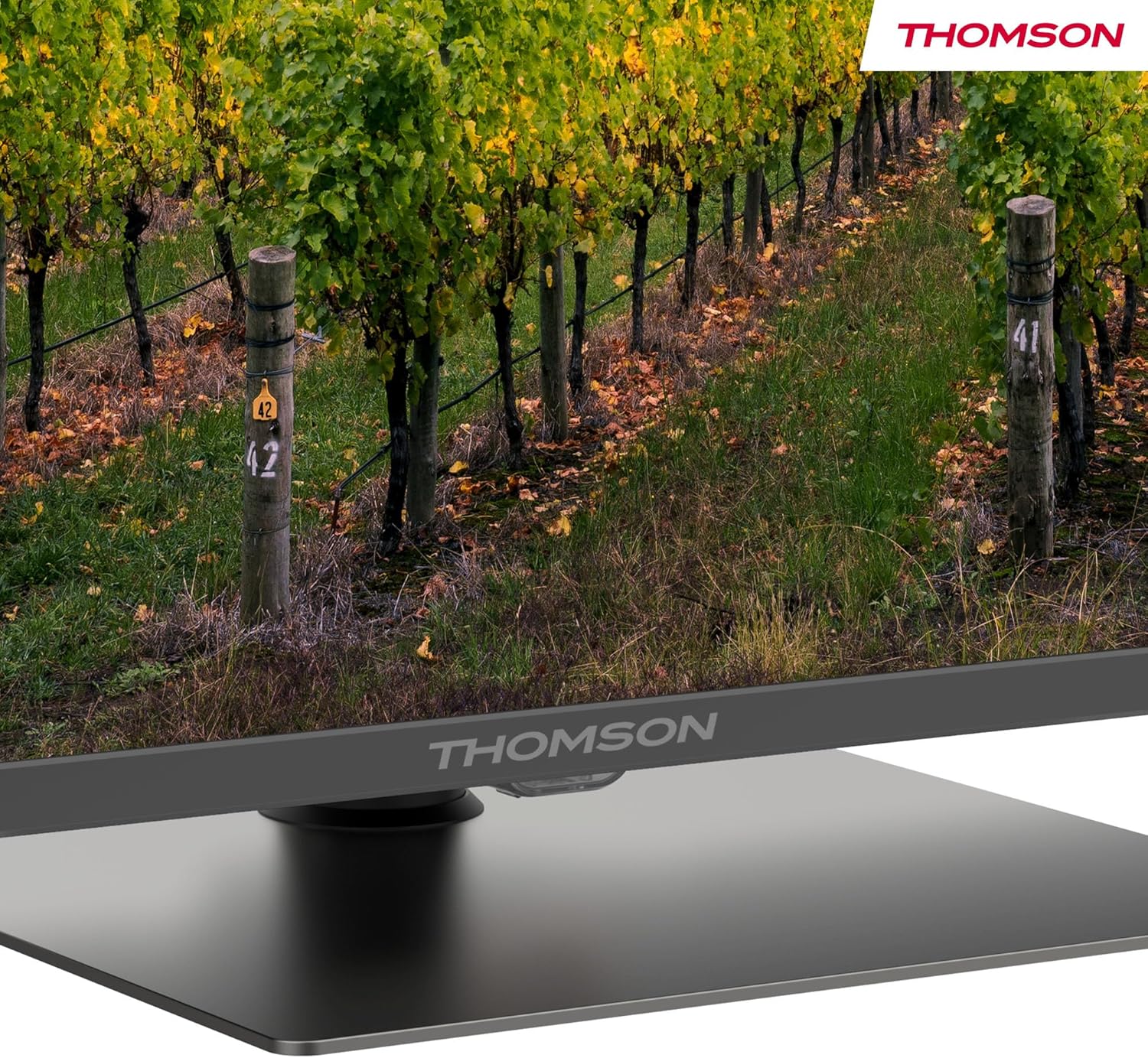
Szczegółowy view of the central stand, featuring the Thomson branding.

This diagram provides the physical measurements of the television, including width, height, and depth, essential for placement and installation.
3.2 Montaż na ścianie (opcjonalnie)
If you choose to wall mount your TV, ensure you use a VESA-compatible wall mount kit (sold separately) and follow the instructions provided with the wall mount. Professional installation is recommended.
3.3 Podłączanie urządzeń peryferyjnych
Connect your external devices such as set-top boxes, gaming consoles, or sound systems to the appropriate ports on the TV. The TV features multiple HDMI and USB ports, as well as a LAN connection.

This image details the available connection ports on the back of the television, including HDMI, USB, LAN, and antenna inputs.
3.4 Konfiguracja początkowa
- Podłącz przewód zasilający do telewizora i gniazdka elektrycznego.
- Naciśnij przycisk zasilania na pilocie lub telewizorze, aby go włączyć.
- Postępuj zgodnie z instrukcjami wyświetlanymi na ekranie, aby wybrać język i kraj, a następnie połącz się z siecią Wi-Fi.
- Zaloguj się na swoje konto Google, aby uzyskać dostęp do funkcji Google TV i pobrać aplikacje.
4. Instrukcja obsługi
4.1 Pilot zdalnego sterowania
The included remote control provides easy access to all TV functions. It features backlit buttons for visibility in low light and dedicated buttons for popular streaming services.

The remote control features dedicated buttons for popular streaming services, a Google Assistant button for voice commands, and backlit keys for ease of use in low light.
4.2 Funkcje Google TV
Your Thomson TV runs on Google TV, offering a personalized entertainment experience. Access over 400,000 movies and shows from various streaming services. Use the integrated Google Assistant for voice control and the built-in Chromecast to stream content from your smart devices.

This image demonstrates the voice control functionality, allowing users to operate the TV and search for content using spoken commands.

The Google TV home screen provides access to a wide range of streaming applications and personalized content recommendations.
4.3 Display Features: QLED, 4K UHD, HDR10
Experience vibrant and realistic colors thanks to QLED technology with Quantum Dots. The 4K UHD resolution delivers crystal-clear images, offering four times the detail of Full HD. HDR10 support ensures balanced brightness, rich contrast, and precise color reproduction.
4.4 Audio Features: Dolby Atmos
Enjoy a dynamic and immersive sound experience with Dolby Atmos technology, bringing cinematic audio directly to your living room.

This image illustrates the immersive audio experience provided by Dolby Atmos, showing sound waves emanating from the television.
4.5 Łączność
- Wi-Fi: Połącz się z siecią domową, aby uzyskać dostęp do Internetu i strumieniować treści.
- Bluetooth 5.1: Podłącz bezprzewodowe słuchawki, soundbary i inne urządzenia Bluetooth.
- HDMI: Multiple HDMI ports (including HDMI 2.1 with eARC) for connecting various external devices.
- USB: USB 2.0 and USB 3.0 ports for media playback from USB drives.
- Potrójny tuner: Integrated tuner for Cable (DVB-C), Satellite (DVB-S2), and Antenna (DVB-T2) reception.
- CI+: Common Interface Plus slot for conditional access modules (CAM) to view szyfrowane kanały.
5. Konserwacja
- Czyszczenie ekranu: Gently wipe the screen with a soft, lint-free cloth. For stubborn marks, use a screen-cleaning solution specifically designed for TVs.
- Czyszczenie szafki: Do czyszczenia obudowy telewizora należy używać miękkiej, suchej ściereczki. Nie należy używać środków czyszczących o właściwościach ściernych ani rozpuszczalników.
- Aktualizacje oprogramowania: Ensure your TV's software is up to date for optimal performance and security. Updates can usually be found in the TV's settings menu.
6. Rozwiązywanie Problemów
Jeśli masz problemy z telewizorem, zapoznaj się z poniższymi typowymi rozwiązaniami:
- Brak zasilania: Check if the power cord is securely connected and the power outlet is working.
- Brak obrazu/dźwięku: Sprawdź, czy wybrano prawidłowe źródło sygnału wejściowego. Sprawdź wszystkie połączenia kablowe.
- Pilot nie działa: Wymień baterie. Upewnij się, że między pilotem a telewizorem nie ma żadnych przeszkód.
- Słaba jakość obrazu: Adjust picture settings (brightness, contrast, sharpness). Check antenna/cable connection.
- Problemy z połączeniem sieciowym: Restart your router. Reconnect the TV to the Wi-Fi network in the settings.
For further assistance, consult the full electronic manual or contact Thomson customer support.
7. Specyfikacje
| Funkcja | Specyfikacja |
|---|---|
| Marka | Thomson |
| Numer modelu | 43QG5C14 |
| Rozmiar ekranu | 43 cali (109 cm) |
| Technologia wyświetlania | QLED |
| Rezolucja | 4K UHD (3840 x 2160) |
| Częstotliwość odświeżania | 60 Hz |
| Cechy specjalne | QLED, Dolby Atmos, Dolby Vision, HDR10 |
| System operacyjny | Telewizja Google |
| Łączność | Bluetooth 5.1, HDMI, USB, Wi-Fi |
| Proporcje obrazu | 16:9 |
| Wymiary produktu (szer. X wys. X gł.) | Wymiary 96 x 59 x 9 cm |
| Waga | 12.5 kilogramów |
Efektywność energetyczna

The energy label indicates the television's energy efficiency class and annual energy consumption.
Aby uzyskać szczegółowe informacje dotyczące zużycia energii, zapoznaj się z EPREL Product Data Sheet.
8. Gwarancja i wsparcie
Your Thomson 43QG5C14 QLED Google Smart TV comes with a 3-letnia gwarancja, ensuring clear images without dead pixels. This product is assembled in Europe, reflecting a commitment to quality.
For technical support, warranty claims, or additional information, please visit the official Thomson website or contact your local customer service.


