1. Wprowadzenie
This manual provides essential instructions for the safe and efficient operation of your RadioShack IPX6 Waterproof Bluetooth Speaker. Please read this manual thoroughly before using the product and retain it for future reference.
The RadioShack IPX6 Waterproof Bluetooth Speaker is designed for portable audio playback, featuring Bluetooth connectivity, dynamic RGB lighting, and a built-in microphone for hands-free calls. Its IPX6 water-resistant rating makes it suitable for various indoor and outdoor environments.

Obraz 1.1: Przód view of the RadioShack IPX6 Waterproof Bluetooth Speaker.
2. Zawartość opakowania
Sprawdź, czy w przesyłce znajdują się wszystkie elementy wymienione poniżej:
- RadioShack IPX6 Waterproof Bluetooth Speaker
- Kabel ładujący USB
- Kabel audio AUX
- Instrukcja obsługi

Image 2.1: Visual representation of key speaker features and specifications.
3. Funkcje produktu
- Wciągający dźwięk: Equipped with 8W of audio power and a 3600mAh battery, this speaker delivers clear highs and deep bass for an engaging listening experience.
- Dynamiczne oświetlenie RGB: Enhance your audio experience with customizable RGB lighting, suitable for various moods and occasions.
- Konstrukcja odporna na warunki atmosferyczne: An IPX6 rating ensures the speaker can withstand splashes and minor water exposure, making it ideal for outdoor use.
- Prawdziwe bezprzewodowe stereo (TWS): Connect two identical speakers wirelessly to create a stereo sound system, expanding the audio output and soundstage.
- Wbudowany mikrofon: Facilitates hands-free calling directly through the speaker, allowing you to stay connected while enjoying music.

Obraz 3.1: Pokaz głośnikówasing its customizable RGB lighting feature.
4. Konfiguracja
4.1 Pierwsze ładowanie
- Before first use, fully charge the speaker. Connect the provided USB charging cable to the speaker's charging port and a compatible USB power adapter (not included).
- Podczas ładowania kontrolka ładowania będzie się świecić, a po pełnym naładowaniu zgaśnie.
4.2 Włączanie/wyłączanie
- To power on, press and hold the Power button until the indicator light illuminates and an audible prompt is heard.
- To power off, press and hold the Power button again until the indicator light turns off and an audible prompt is heard.
4.3 parowanie Bluetooth
- Sprawdź, czy głośnik jest włączony i czy znajduje się w trybie parowania Bluetooth (kontrolka Bluetooth będzie migać).
- Włącz Bluetooth na swoim urządzeniu (smartfonie, tablecie itp.) i wyszukaj dostępne urządzenia.
- Select "RadioShack Speaker" from the list of devices.
- Once paired, the Bluetooth indicator light will become solid, and an audible confirmation will be heard.
4.4 Prawdziwe bezprzewodowe parowanie stereo (TWS)
To pair two RadioShack IPX6 Waterproof Bluetooth Speakers for TWS stereo sound:
- Upewnij się, że oba głośniki są włączone i nie są połączone z żadnym innym urządzeniem Bluetooth.
- On one speaker, press and hold the TWS button (refer to button layout in section 5.1) until an audible prompt indicates TWS pairing mode. This speaker will be the primary unit.
- The second speaker will automatically search for and connect to the primary speaker. An audible prompt will confirm successful TWS pairing.
- Once TWS paired, connect your device to the primary speaker via Bluetooth as described in section 4.3. Audio will now play in stereo through both speakers.
5. Instrukcja obsługi
5.1 Funkcje przycisków
The speaker features a control panel with several buttons:
- Przycisk zasilania: Naciśnij i przytrzymaj, aby włączyć/wyłączyć.
- Przycisk Odtwórz/Pauza: Naciśnij, aby odtworzyć lub wstrzymać dźwięk.
- Zwiększanie głośności (+): Naciśnij, aby zwiększyć głośność. Naciśnij i przytrzymaj, aby przejść do następnego utworu.
- Ściszanie (-): Naciśnij, aby zmniejszyć głośność. Naciśnij i przytrzymaj, aby przejść do poprzedniego utworu.
- Przycisk trybu (M): Press to switch between Bluetooth, AUX, and FM Radio modes.
- Przycisk światła RGB: Press to cycle through RGB lighting modes or turn off the lights.
- Przycisk dzwonienia: Naciśnij, aby odebrać/zakończyć połączenie. Naciśnij i przytrzymaj, aby odrzucić połączenie.
5.2 Odtwarzanie dźwięku
- Tryb Bluetooth: Po pomyślnym sparowaniu dźwięk z podłączonego urządzenia będzie odtwarzany przez głośnik.
- Wejście AUX: Connect an external audio device using the provided 3.5mm AUX cable. The speaker will automatically switch to AUX mode or can be selected using the Mode button.
- Radio FM: In FM Radio mode, press the Play/Pause button to auto-scan and save available stations. Use the Volume Up/Down buttons (press and hold) to navigate between saved stations.

Image 5.1: The speaker's USB and AUX connectivity ports.
5.3 Rozmowy w trybie głośnomówiącym
When connected via Bluetooth, incoming calls will pause music playback. Press the Call button to answer, and press again to end the call. Press and hold the Call button to reject an incoming call.
6. Konserwacja
6.1 Czyszczenie
Przetrzyj głośnik miękką, damp cloth. Do not use abrasive cleaners or solvents. Ensure the charging and AUX ports are dry before use or charging.
6.2 Wodoodporność (IPX6)
The speaker is rated IPX6, meaning it is protected against high-pressure water jets from any direction. It is not designed for submersion. Ensure the rubber flap covering the charging and AUX ports is securely closed to maintain water resistance.
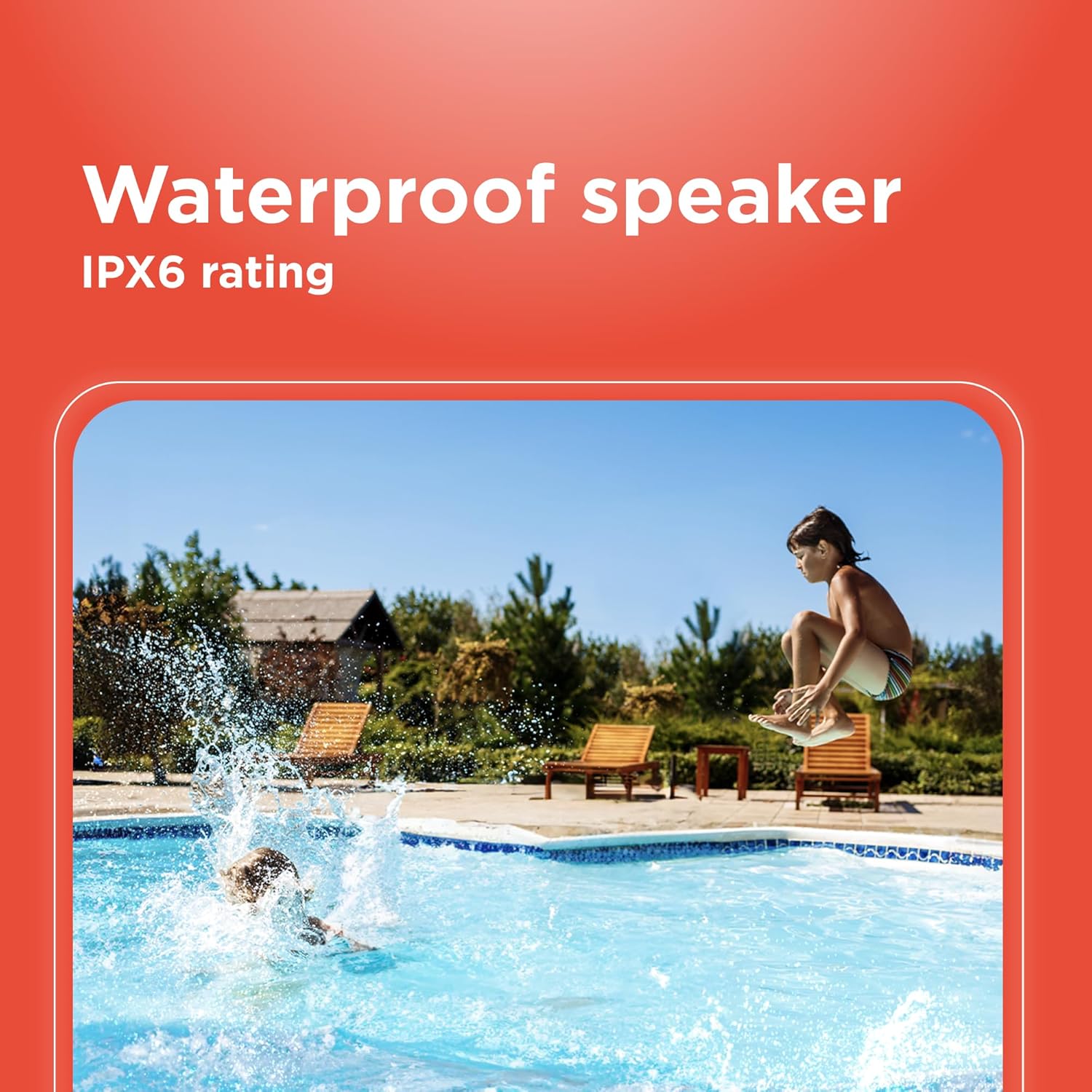
Image 6.1: The speaker's IPX6 water resistance allows for use near water.
6.3 Pielęgnacja baterii
Aby przedłużyć żywotność baterii, unikaj częstego całkowitego rozładowywania głośnika. Ładuj głośnik regularnie, nawet jeśli nie jest używany przez dłuższy czas.
7. Rozwiązywanie Problemów
- Głośnik nie włącza się: Upewnij się, że bateria jest naładowana. Podłącz ją do źródła zasilania i spróbuj ponownie.
- Nie można sparować przez Bluetooth: Ensure the speaker is in pairing mode and within range of your device. Turn off and on both the speaker and your device's Bluetooth. Forget the device on your phone and re-pair.
- Brak dźwięku: Check the volume levels on both the speaker and your connected device. Ensure the correct input mode (Bluetooth, AUX) is selected.
- Słaba jakość dźwięku: Move the speaker closer to your Bluetooth device. Ensure there are no obstructions between the speaker and the device.
- Nieudane parowanie TWS: Ensure both speakers are identical models and not connected to any other Bluetooth device before initiating TWS pairing.
8. Specyfikacje
| Funkcja | Specyfikacja |
|---|---|
| Nazwa modelu | RadioShack Bluetooth Speaker RGB Light 14W |
| Numer modelu przedmiotu | 4001763-PRNT |
| Marka | RadioShack |
| Typ głośnika | Przenośny |
| Technologia łączności | Bluetooth |
| Technologia komunikacji bezprzewodowej | Bluetooth |
| Maksymalna moc wyjściowa głośnika | 8 watów |
| Tryb wyjścia audio | Stereofoniczny |
| Konfiguracja kanału dźwięku przestrzennego | 2.0 |
| Źródło zasilania | Zasilany bateryjnie |
| Typ baterii | 1 bateria litowo-jonowa (w zestawie) |
| Pojemność baterii | 3600 mlnamp Godziny |
| Estimated Playtime | Do 4 godzin |
| jest wodoodporny | True (IPX6 rating) |
| Metoda kontroli | Dotykać |
| Tworzywo | Plastikowy |
| Kolor | Niebieski |
| Wymiary produktu | 4.84" gł. x 11.14" szer. x 4.96" wys. |
| Waga przedmiotu | 4.43 funta (70.9 uncji) |
| Producent | RadioShack |
9. Gwarancja i wsparcie
This RadioShack product comes with a limited warranty. For detailed warranty information, please refer to the warranty card included in your package or contact RadioShack customer support.
For technical assistance, troubleshooting, or service inquiries, please visit the official RadioShack support webstronie lub skontaktuj się z działem obsługi klienta.


