1. Wprowadzenie
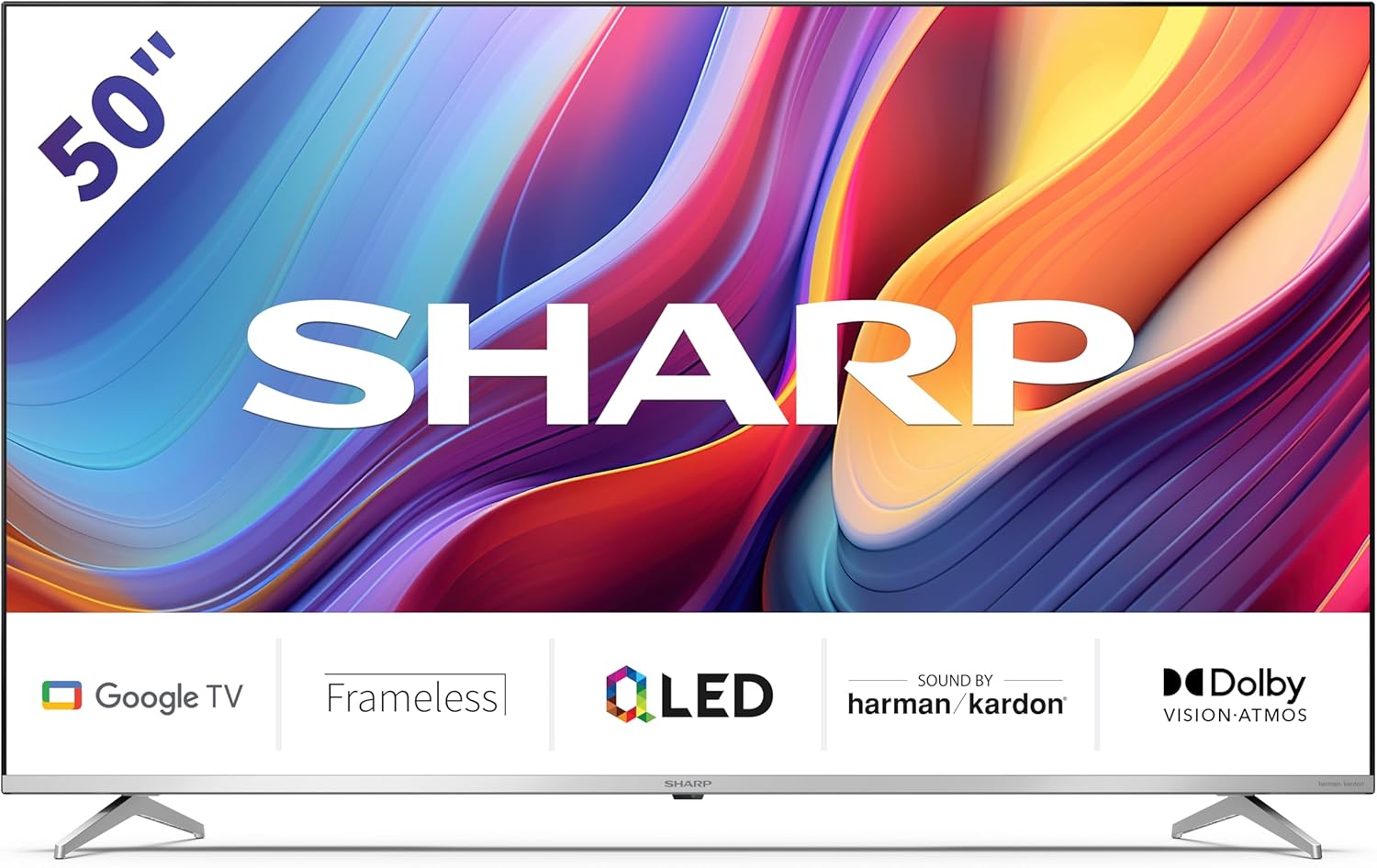
Welcome to the user manual for your new Sharp 50GP6265E 50-inch QLED 4K Ultra HD Google TV. This manual provides essential information for the safe and efficient use of your television. Please read it thoroughly before operating the device and retain it for future reference.
Ważne informacje dotyczące bezpieczeństwa
- Ensure the television is placed on a stable surface to prevent it from falling.
- Nie zasłaniaj otworów wentylacyjnych. Prawidłowy przepływ powietrza jest kluczowy dla zapobiegania przegrzaniu.
- Chroń przewód zasilający przed deptaniem i przytrzaśnięciem.
- Do not expose the TV to rain or moisture to reduce the risk of fire or electric shock.
- Wszelkie prace serwisowe należy powierzać wykwalifikowanemu personelowi.
2. Co znajduje się w pudełku
Po rozpakowaniu należy sprawdzić, czy w opakowaniu znajdują się wszystkie poniższe elementy:
- Sharp 50GP6265E 50-inch QLED 4K Ultra HD Google TV
- Zdalne sterowanie
- 2 baterie AAA (do pilota)
- Szybki przewodnik
- TV stands (if not wall-mounted)
- Kabel zasilający
3. Konfiguracja
3.1 Rozpakowanie
Ostrożnie wyjmij telewizor z opakowania. Zaleca się zachowanie oryginalnego opakowania na wypadek ewentualnego transportu lub serwisowania.
3.2 Instalacja stojaka
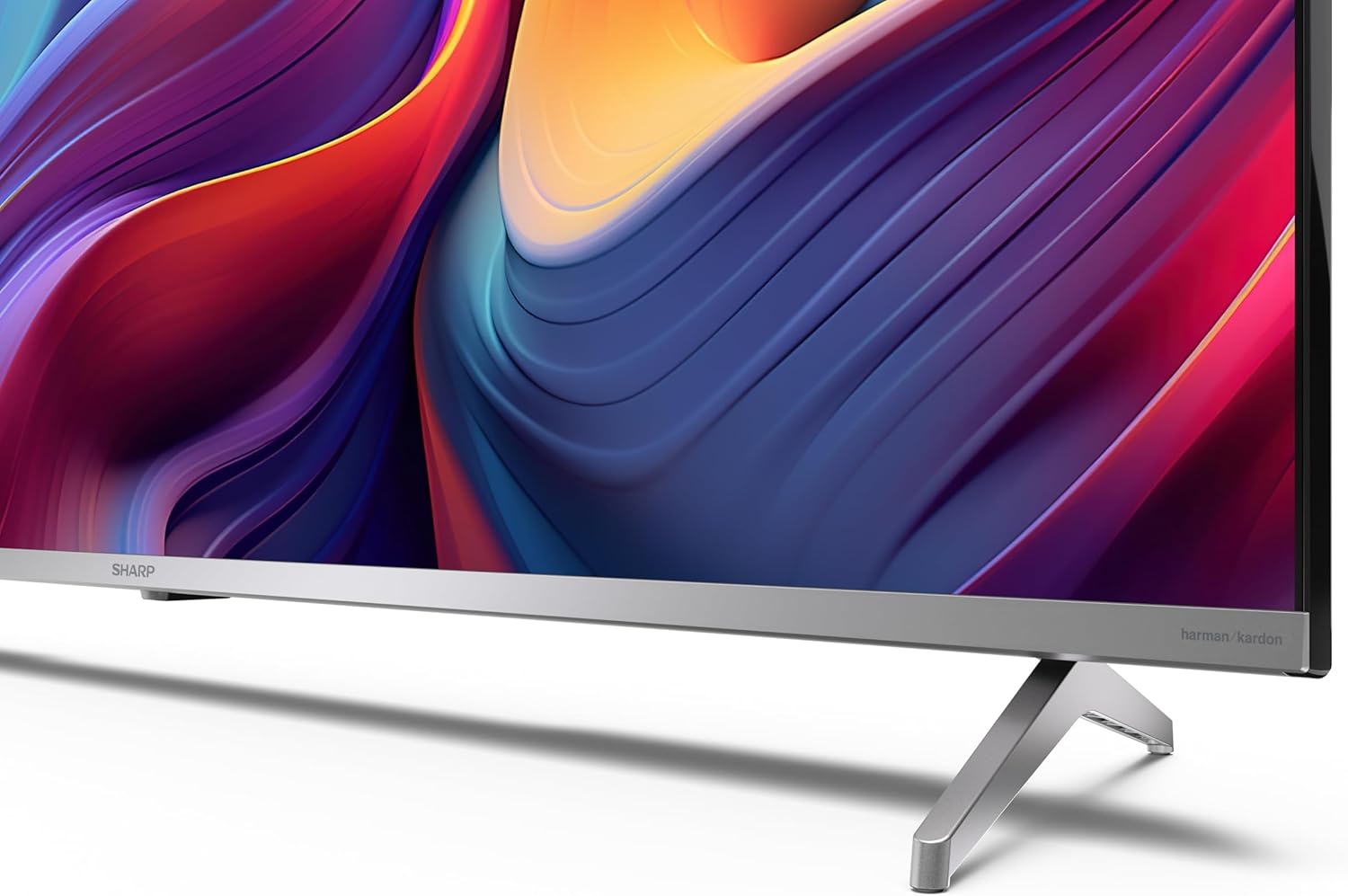
If you are not wall-mounting the television, attach the included stands to the bottom of the TV. Ensure the screws are securely fastened. Refer to the quick start guide for detailed diagrams.
3.3 Montaż na ścianie
For wall mounting, the VESA dimensions required are 400 x 300 mm. Use a compatible wall mount bracket (sold separately) and follow the instructions provided with the bracket. Ensure the wall can support the weight of the television (9.7 kg net weight).

3.4 Podłączanie urządzeń peryferyjnych
Your Sharp TV offers various connectivity options:
- HDMI: Connect external devices such as Blu-ray players, gaming consoles, or set-top boxes using the 4 HDMI 2.1 ports. One port supports eARC for enhanced audio return channel functionality.
- USB: Use the 2 USB ports for connecting external storage devices to play media or for service updates.
- Ethernet: Dla stabilnego przewodowego połączenia internetowego.
- Wi-Fi: Do bezprzewodowego połączenia z Internetem.
- Bluetooth: Podłącz bezprzewodowe słuchawki, soundbary i inne akcesoria obsługujące technologię Bluetooth.

3.5 Pierwsza konfiguracja
After connecting the power cable and turning on the TV, follow the on-screen instructions to complete the initial setup. This typically includes language selection, network connection, and Google account sign-in for Google TV features.
4. Obsługa telewizora
4.1 Pilot zdalnego sterowania
The included remote control allows you to navigate the TV's interface, adjust volume, change channels, and access smart features. Insert the 2 AAA batteries into the remote control, ensuring correct polarity.
4.2 Interfejs Google TV
Your Sharp TV runs on Google TV, which organizes movies, shows, and live TV from all your apps and subscriptions. The home screen provides personalized recommendations and quick access to your favorite content.

Supported internet services include Netflix, Amazon Prime Video, HBO, Disney+, Movistar+, DAZN, Atresmedia, KODI, IPTV, Steamlink, Twitch, VLC, YouTube, Puffin TV Browser, Spotify, Deezer, TuneIn Radio, and many more available on Google Play for Google TV.
4.3 Ustawienia obrazu
Experience stunning visuals with 4K Ultra HD resolution and Quantum Dot technology for vibrant colors. The TV supports Dolby Vision and HDR10 for enhanced contrast and brightness. Access picture settings through the TV menu to customize brightness, contrast, color, and sharpness to your preference. AQUOS Smooth Motion technology provides image interpolation for smoother motion.
4.4 Ustawienia dźwięku
The integrated Harman/Kardon speaker system (2 x 12 W) delivers immersive audio. With Dolby Atmos support, you can enjoy a rich, multi-dimensional sound experience. Adjust sound modes and equalizer settings in the audio menu.
4.5 Funkcje inteligentne
- Asystent Google: Użyj poleceń głosowych, aby wyszukiwać treści, sterować inteligentnymi urządzeniami domowymi i uzyskiwać informacje.
- Wbudowany Chromecast: Cast content from your smartphone, tablet, or computer directly to your TV screen.
5. Konserwacja
5.1 Czyszczenie telewizora
- Zawsze odłączaj telewizor od zasilania przed czyszczeniem.
- Do przecierania ekranu i obudowy użyj miękkiej, suchej ściereczki. W przypadku uporczywych zabrudzeń delikatnie przetrzyj.ampWyczyść ściereczkę wodą lub specjalnym środkiem do czyszczenia ekranów.
- Unikaj stosowania środków czyszczących o właściwościach ściernych, wosków i rozpuszczalników.
5.2 Aktualizacje oprogramowania
Twój telewizor może otrzymywać aktualizacje oprogramowania, które poprawią wydajność i dodadzą nowe funkcje. Upewnij się, że telewizor jest podłączony do internetu, aby automatycznie otrzymywać aktualizacje, lub sprawdź je ręcznie w menu ustawień.
6. Rozwiązywanie Problemów
Jeśli masz problemy z telewizorem, zapoznaj się z poniższymi typowymi problemami i ich rozwiązaniami:
| Problem | Możliwe rozwiązanie |
|---|---|
| Brak zasilania | Sprawdź, czy kabel zasilający jest prawidłowo podłączony do telewizora i gniazdka elektrycznego. Upewnij się, że gniazdko jest sprawne. |
| Brak obrazu, ale dźwięk jest | Sprawdź, czy wybrano prawidłowe źródło sygnału wejściowego. Sprawdź połączenia urządzeń zewnętrznych. |
| Brak dźwięku, ale obraz jest | Check the volume level and mute status. Ensure audio cables are correctly connected for external devices. |
| Pilot nie działa | Wymień baterie AAA. Upewnij się, że między pilotem a czujnikiem podczerwieni telewizora nie ma żadnych przeszkód. |
| Problemy z połączeniem Wi-Fi | Restart your router and the TV. Re-enter the Wi-Fi password. Ensure the TV is within range of your Wi-Fi network. |
7. Specyfikacje
| Funkcja | Szczegół |
|---|---|
| Marka | Ostry |
| Numer modelu | 50GP6265E |
| Rozmiar ekranu | 50 cali |
| Technologia wyświetlania | QLED, Quantum Dot |
| Rezolucja | 4K Ultra HD (3840 x 2160 pikseli) |
| Częstotliwość odświeżania | 60 Hz |
| System operacyjny | Telewizja Google |
| Obsługa HDR | Dolby Vision, HDR10 |
| System audio | Harman/Kardon (2 x 12 W), Dolby Atmos |
| Łączność | 4x HDMI 2.1 (with eARC), 2x USB, Wi-Fi, Bluetooth, Ethernet |
| Cechy specjalne | Google Assistant, Chromecast built-in, AQUOS Smooth Motion |
| Uchwyt ścienny VESA | 400x300mm |
| Wymiary (z podstawką) | 111.6P x 26.5l x 69.3H cm (1116.4 x 692.9 x 264.7 mm) |
| Wymiary (bez podstawki) | 111.6P x 9.2l x 65.1H cm (1116.4 x 651.3 x 91.5 mm) |
| Masa netto | 9.7 kilogramów |
| Klasa efektywności energetycznej (SDR) | G (69 kWh/1000h) |
| Klasa efektywności energetycznej (HDR) | G (98 kWh/1000h) |

Szczegółowe informacje o produkcie i dane dotyczące efektywności energetycznej można znaleźć w bazie danych EPREL: https://eprel.ec.europa.eu/qr/1942440
8. Gwarancja i wsparcie
Information regarding spare parts availability and software updates is not explicitly provided for a guaranteed period. Please refer to the manufacturer's official webwitryna zawierająca najnowsze warunki gwarancji i informacje dotyczące pomocy technicznej.
Producent: SHARP
Urzędnik Webstrona: www.sharpconsumer.com
For customer service inquiries, please visit the Sharp consumer website or contact their support channels as listed on their official site.


