1. Koniec produktuview
The Apera PX-250BT is a versatile music system designed for various audio playback options. It combines a traditional cassette player with modern features such as an FM radio, USB/SD MP3 player, and Bluetooth connectivity, all within a portable unit.
Główne cechy
- FM radio with real cassette player functionality, including roll back and forth.
- Recording function with a built-in microphone, allowing direct recording to cassette.
- Adjustable sound speed for cassette playback (requires a Phillips screwdriver for access).
- Integrated USB and SD card slots for MP3 audio playback.
- Łączność Bluetooth do bezprzewodowego strumieniowania dźwięku z kompatybilnych urządzeń.
- Powered by a standard corded electric wall socket.
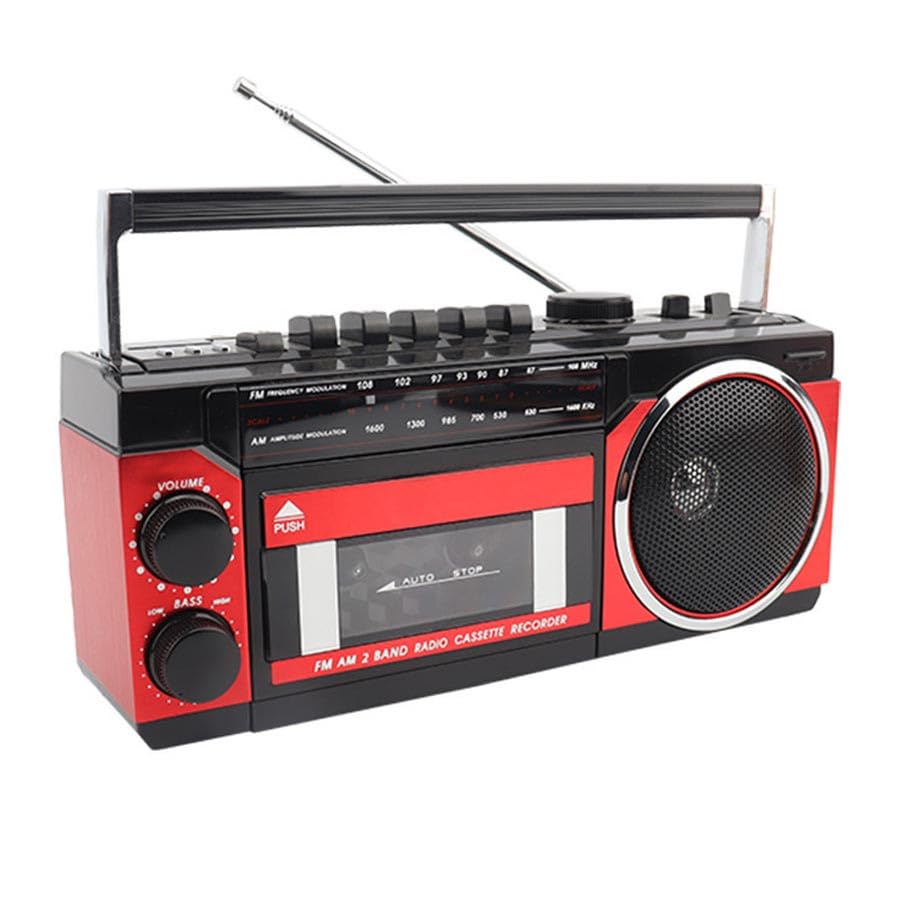
Image: The Apera PX-250BT Music Set, showing its overall design and approximate dimensions (255mm width, 120mm height, 100mm depth).
2. Zawartość opakowania
Sprawdź, czy w przesyłce znajdują się wszystkie elementy:
- Apera PX-250BT Music Set
- Instrukcja obsługi
- Power Cable (for corded electric operation)
3. Sterowanie i połączenia
Familiarize yourself with the various controls and connection ports on your PX-250BT unit for proper operation.
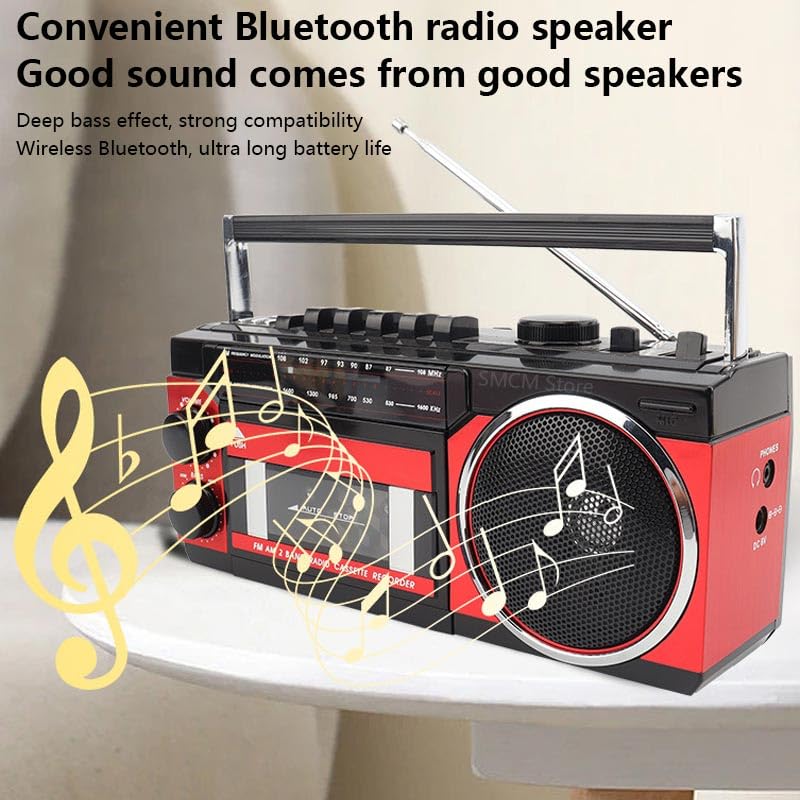
Image: The front panel of the Apera PX-250BT, displaying the cassette deck, radio tuner dial, volume and bass controls, and function buttons.
Elementy sterujące na panelu przednim
- Gałka GŁOŚNOŚCI: Reguluje ogólny poziom wyjściowy dźwięku.
- LOW BASS Knob: Adjusts the bass level for richer sound.
- TUNING Dial: Used to select desired radio frequencies (FM/AM).
- Selektor FUNKCJI: Switches between operating modes: FM/AM Radio, Cassette, USB/SD, and Bluetooth.
- Sterowanie odtwarzaczem kasetowym: Includes buttons for Play, Stop, Fast Forward, Rewind, Record, and Pause.
- USB/SD Controls: Buttons for Play/Pause, Skip Forward, and Skip Back when playing media from USB or SD.
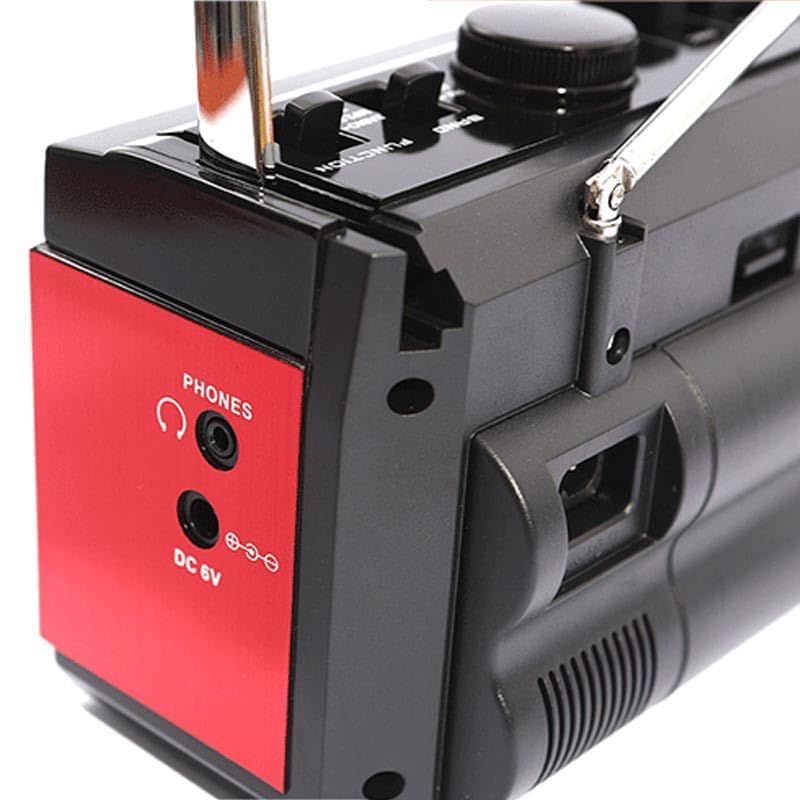
Image: The side panel of the Apera PX-250BT, showing the headphone jack and the DC 6V power input port.
Rear/Side Panel Connections
- Wejście zasilania 6 V DC: Podłącz tutaj dostarczony kabel zasilający.
- TELEFONY Gniazdo: 3.5mm stereo jack for connecting headphones for private listening.
- Port USB: For inserting USB flash drives containing MP3 files.
- Gniazdo karty SD: For inserting SD memory cards containing MP3 files.
- Antena teleskopowa: Rozłóż, aby poprawić odbiór radia.
4. Konfiguracja
Podłączenie zasilania
- Connect the power cable to the DC 6V input port on the unit.
- Plug the other end of the power cable into a standard wall socket.
Regulacja anteny
For optimal FM radio reception, fully extend the telescopic antenna. Adjust its position and orientation for the clearest signal.
5. Instrukcja obsługi
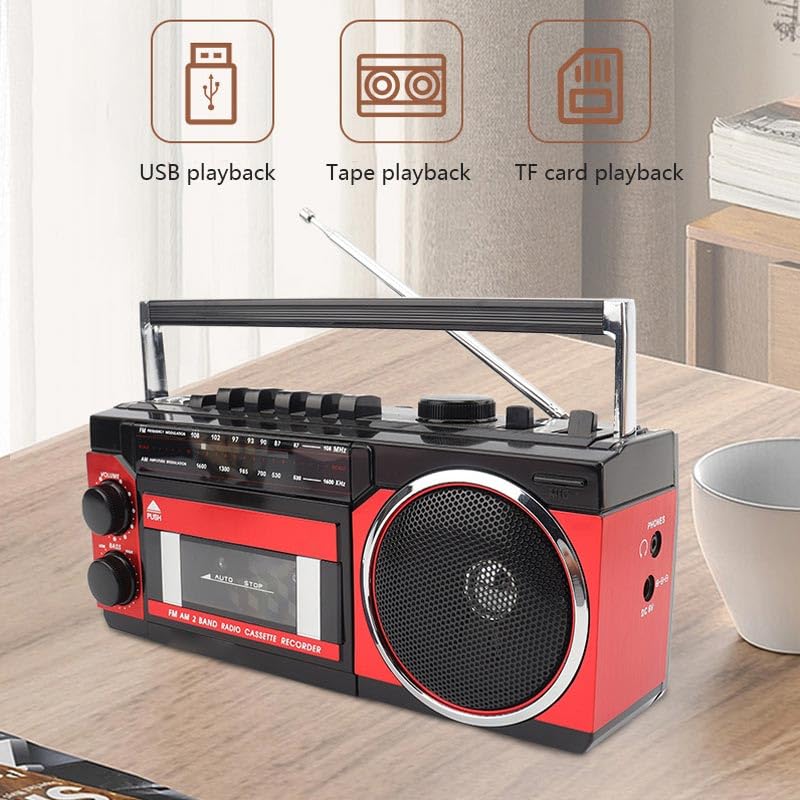
Image: This image illustrates the various playback options of the Apera PX-250BT, including USB playback, tape playback, and TF card playback, indicating its versatility.
Obsługa radia FM
- Set the FUNCTION Selector to "FM" or "Radio".
- Całkowicie wysuń antenę teleskopową.
- Rotate the TUNING Dial to select your desired radio station.
- Adjust the VOLUME and LOW BASS knobs as needed for optimal sound.
Obsługa odtwarzacza kasetowego
- Press the "PUSH" button on the cassette door to open it.
- Insert a cassette tape with the open side facing up.
- Zamknij delikatnie klapkę kasety, aż usłyszysz kliknięcie.
- Set the FUNCTION Selector to "Cassette".
- Naciśnij GRAĆ button to start tape playback.
- Użyj SZYBKO PRZEWIJAJ or PRZEWIJAĆ przyciski do nawigacji po taśmie.
- Naciśnij ZATRZYMYWAĆ SIĘ przycisk, aby zakończyć odtwarzanie.
Nagrywanie na kasetę
The PX-250BT allows recording audio directly to a cassette tape using its built-in microphone.
- Włóż czystą kasetę do magnetofonu kasetowego.
- Set the FUNCTION Selector to "Cassette".
- Naciśnij NAGRYWAĆ button (this may require simultaneously pressing PLAY on some units).
- Mów wyraźnie do wbudowanego mikrofonu znajdującego się na urządzeniu.
- Naciśnij ZATRZYMYWAĆ SIĘ przycisk, aby zakończyć nagrywanie.
USB / SD MP3 Playback
- Włóż dysk flash USB do portu USB lub kartę SD do gniazda karty SD.
- Set the FUNCTION Selector to "USB" or "SD".
- Urządzenie automatycznie wykryje i rozpocznie odtwarzanie plików MP3 filez włożonego nośnika.
- Use the Skip Forward/Back buttons to navigate between tracks.
- Do sterowania odtwarzaniem służy przycisk Odtwórz/Pauza.
Funkcja głośnika Bluetooth
- Set the FUNCTION Selector to "Bluetooth". The unit will enter pairing mode, typically indicated by a flashing light or an audible prompt.
- Na smartfonie lub innym urządzeniu z włączoną funkcją Bluetooth wyszukaj dostępne urządzenia Bluetooth.
- Select "PX-250BT" (or a similar name) from the list to pair. A confirmation sound will indicate successful pairing.
- Odtwórz dźwięk z podłączonego urządzenia.
- Adjust the volume using the unit's VOLUME knob or your connected device's volume controls.
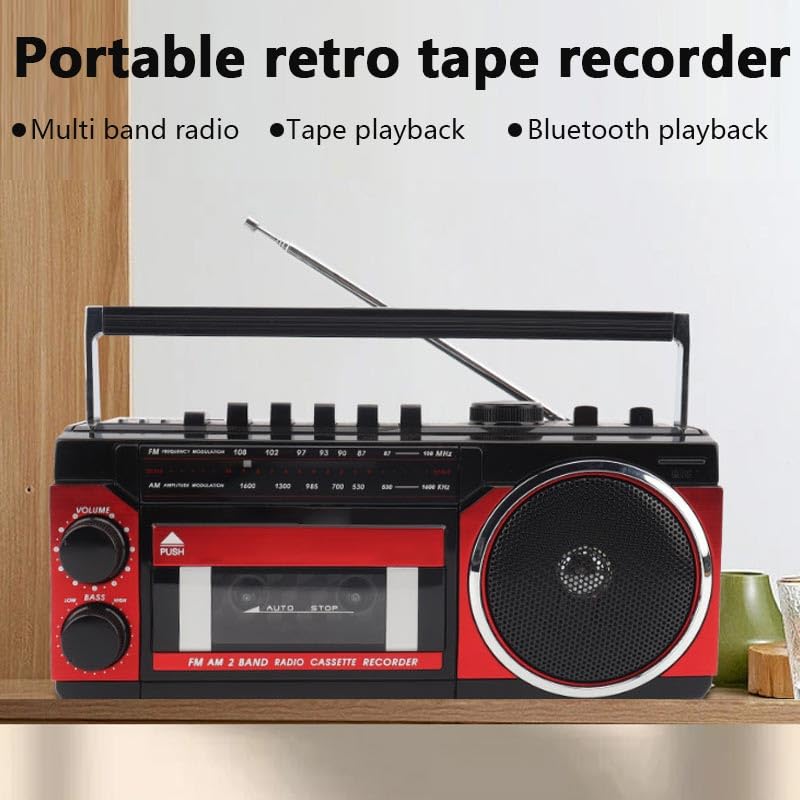
Image: This image highlights the portable and retro design of the Apera PX-250BT, emphasizing its multi-band radio, tape playback, and Bluetooth playback capabilities.
6. Konserwacja
Czyszczenie
Wipe the exterior of the unit with a soft, dry cloth. Do not use abrasive cleaners, solvents, or strong detergents, as these can damage the finish.
Czyszczenie głowicy kasety
To ensure optimal sound quality and prevent damage to your cassette tapes, periodically clean the cassette player's heads and pinch rollers. Use a specialized cassette head cleaning kit, following its instructions carefully.
7. Rozwiązywanie Problemów
Brak zasilania
- Ensure the power cable is securely connected to both the unit and a functional wall socket.
- Check if the wall socket is receiving power by testing it with another appliance.
Brak dźwięku
- Zwiększ głośność za pomocą pokrętła VOLUME.
- Ensure the correct FUNCTION (FM, Cassette, USB, Bluetooth) is selected.
- If using headphones, ensure they are fully plugged into the PHONES jack.
Słaby odbiór radia
- Fully extend and adjust the telescopic antenna for better signal reception.
- Try moving the unit to a different location, away from potential interference sources.
Cassette Playback Issues
- Ensure the cassette tape is inserted correctly and the door is fully closed.
- Clean the cassette player heads and pinch rollers.
- Check if the tape itself is damaged or tangled.
Problemy z parowaniem Bluetooth
- Ensure the unit is in Bluetooth mode and discoverable (indicated by a flashing light or audio prompt).
- Make sure your Bluetooth device's Bluetooth function is enabled and within range (typically 10 meters).
- If previously paired, try forgetting the "PX-250BT" device on your smartphone and attempting to pair again.
8. Specyfikacje
| Marka | Apera |
| Producent | Güneysu Sanal Mağ. Tic. Ltd. Şti. |
| Wymiary opakowania | Wymiary 28 x 14 x 11.5 cm |
| Waga przedmiotu | 1 kilogramów |
| Interfejs sprzętowy | Bluetooth, MicroSD, Radio Frequency, USB |
| Technologia tunera | FM |
| Kompatybilne urządzenia | Smartfon |
| Cechy specjalne | Radio, Cassette Player, USB/SD MP3 Player, Bluetooth Speaker, Recording |
| Źródło zasilania | Elektryczny przewodowy |
| Wymagane baterie | NIE |
| Typ złącza | Bluetooth, USB |
| Obsługiwane pasma radiowe | 1 Band (FM) |
| Typ nośnika | MP3 |
| Obsługuje technologię Bluetooth | Tak |
| Kolor | Czarny / Czerwony |
9. Gwarancja i wsparcie
For detailed warranty information, please refer to the warranty card or documentation included with your purchase. In case of technical issues or for customer support, please contact your retailer or the manufacturer directly. Keep your purchase receipt as proof of purchase for any warranty claims.


