1. Wprowadzenie i koniecview
This manual provides comprehensive instructions for the setup, operation, and maintenance of your Maxview Alphatronics SL Line+ Smart TV. Designed for mobile use, this versatile television operates on both 12v and 240v power, making it ideal for motorhomes, caravans, trucks, and boats. It features a Full HD LED display, integrated DVD player, Wi-Fi, Bluetooth, and access to popular streaming services via WebSystem operacyjny.

Obraz: Przód view of the Maxview Alphatronics SL Line+ Smart TV, highlighting its smart features and integrated DVD player.
Główne cechy obejmują:
- Full HD LED Smart TV with Freeview.
- WebOS for access to Netflix, Amazon Prime, Disney+, iPlayer, ITVX, Sky Store, YouTube, and more.
- Dual power compatibility (12v or 240v).
- Built-in DVD Player, Bluetooth, Wi-Fi, and Ethernet.
- Multiple connectivity options: 2 HDMI ports, USB Port, and AV connections.
2. Co znajduje się w pudełku
Proszę sprawdzić zawartość przesyłki na poniższej liście:
- Alphatronics TV (TVSL/22)
- Zdalne sterowanie
- 240v Mains Lead
- Zasilacz 12 V
- Instrukcja obsługi (ten dokument)

Image: The included remote control for the Maxview Alphatronics Smart TV.
3. Konfiguracja
3.1. Umieszczenie i montaż
Choose a stable and flat surface for your TV. Ensure adequate ventilation around the unit. If mounting, refer to your specific wall mount instructions and ensure the mount is compatible with VESA standards for your TV size.

Obraz: Byłyample of the TV installed within a caravan interior.
3.2. Podłączenie zasilania
The TV can be powered by either 12v DC or 240v AC.
- For 240v AC: Connect the supplied 240v Mains Lead to the TV's AC input and then to a standard wall socket.
- For 12v DC: Connect the supplied 12v Power Adapter to the TV's DC input and then to a 12v power source (e.g., vehicle's 12v socket).
Ensure the correct power source is used to prevent damage.
3.3. Podłączanie urządzeń zewnętrznych
Telewizor posiada różne porty umożliwiające podłączanie urządzeń zewnętrznych:
- Porty HDMI (x2): For high-definition audio and video devices like satellite receivers, game consoles, or laptops.
- Port USB: Do podłączania urządzeń pamięci masowej USB w celu odtwarzania multimediów files.
- AV Connections: Dla starszych urządzeń wykorzystujących sygnał wideo kompozytowy i dźwięk stereo.
- Wejście antenowe/satelitarne: Connect your terrestrial antenna or satellite dish cable for Freeview or satellite TV reception.

Image: Rear panel of the TV displaying available connection ports.
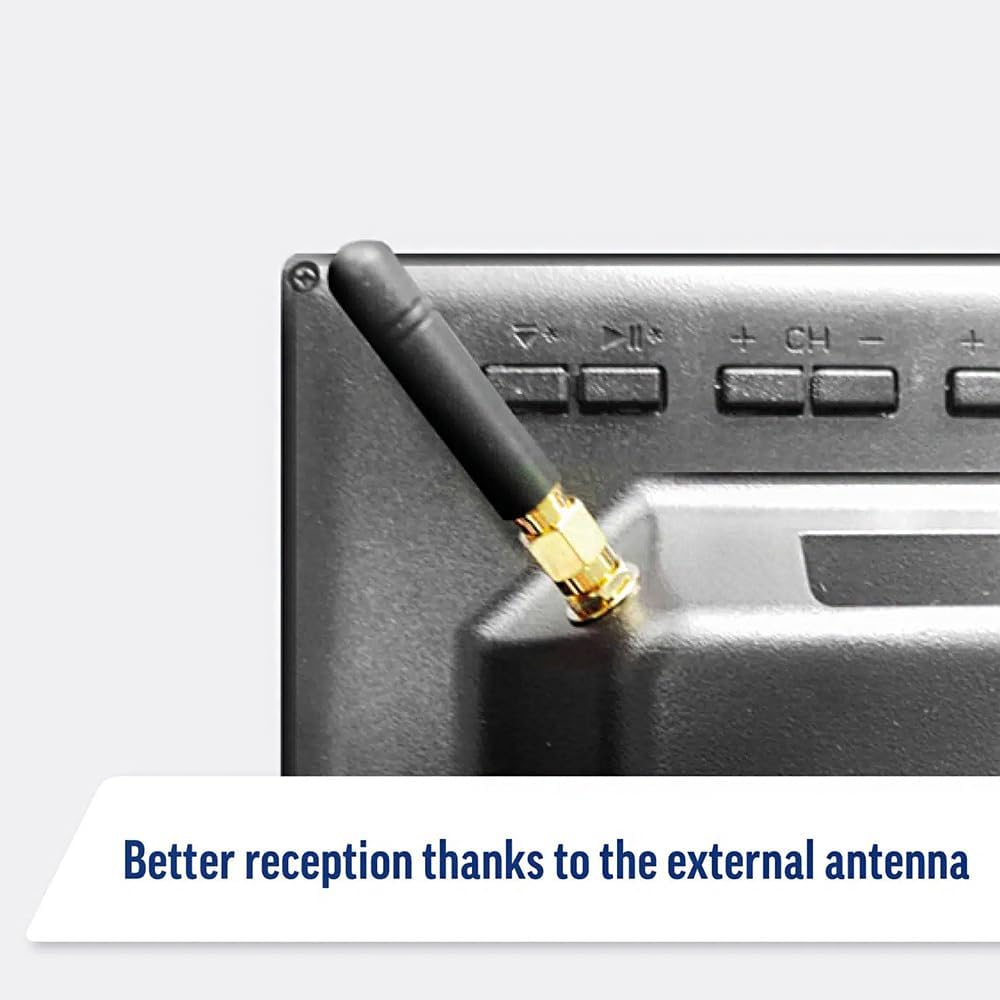
Image: Detail of the external antenna connection for improved signal reception.
3.4. Kreator konfiguracji początkowej
Po pierwszym włączeniu telewizor poprowadzi Cię przez kreatora konfiguracji początkowej. Obejmuje on:
- Wybór języka: Wybierz preferowany język.
- Połączenie internetowe: Connect to your Wi-Fi network or via Ethernet for internet access. This is crucial for Smart TV features.
- Skanowanie kanałów: Scan for available Freeview or satellite channels.
- Ustawienia czasu i daty: Ustaw prawidłową strefę czasową i datę.
4. Obsługa telewizora
4.1. Podstawowe sterowanie
Use the supplied remote control to navigate the TV. Common functions include:
- Przycisk zasilania: Włącza/wyłącza telewizor lub przełącza go w tryb czuwania.
- Zwiększanie/zmniejszanie głośności: Dostosowuje poziom dźwięku.
- Kanał w górę/w dół: Zmienia kanały telewizyjne.
- Źródło/dane wejściowe: Selects the input source (HDMI, AV, TV, DVD).
- Przyciski nawigacyjne (klawisze strzałek, OK): Poruszaj się po menu i wybieraj opcje.
- Przycisk Home: Dostęp do WebOS Smart TV home screen.
- Przyciski szybkiego dostępu: Dedicated buttons for Netflix and Amazon Prime Video for direct access.
4.2. Funkcje Smart TV (WebSystem operacyjny)
Your Maxview Alphatronics TV runs on WebOS, providing a user-friendly interface for accessing a wide range of applications and content.
- Panel główny: Naciśnij Dom button to access the main dashboard, where you can find installed apps, input sources, and settings.
- Sklep z aplikacjami: Pobierz i zainstaluj dodatkowe aplikacje ze zintegrowanego sklepu z aplikacjami.
- Usługi przesyłania strumieniowego: Easily access popular services like Netflix, Amazon Prime Video, Disney+, BBC iPlayer, ITVX, and YouTube.
- Udostępnianie ekranu: Share content from your smartphone or tablet to the TV screen.
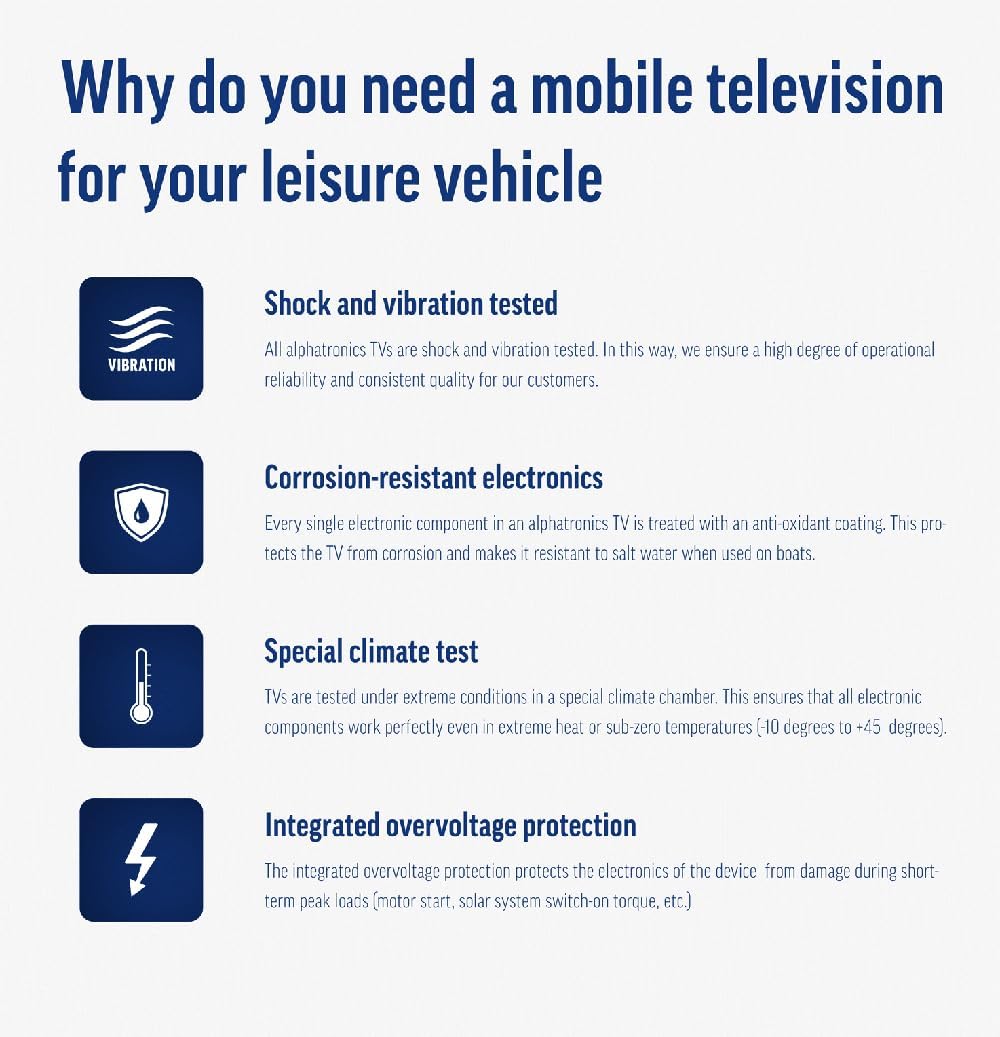
Image: Using a smartphone as a remote control for the TV.
4.3. Obsługa odtwarzacza DVD
The integrated DVD player allows you to enjoy your movie collection on the go.
- Insert a DVD disc into the slot on the side of the TV.
- The TV should automatically switch to the DVD input. If not, press the Źródło/wejście button on your remote and select "DVD".
- Use the remote control's playback buttons (Play, Pause, Stop, Fast Forward, Rewind) to control the DVD.
- To eject the disc, press the Eject button on the remote or the TV.
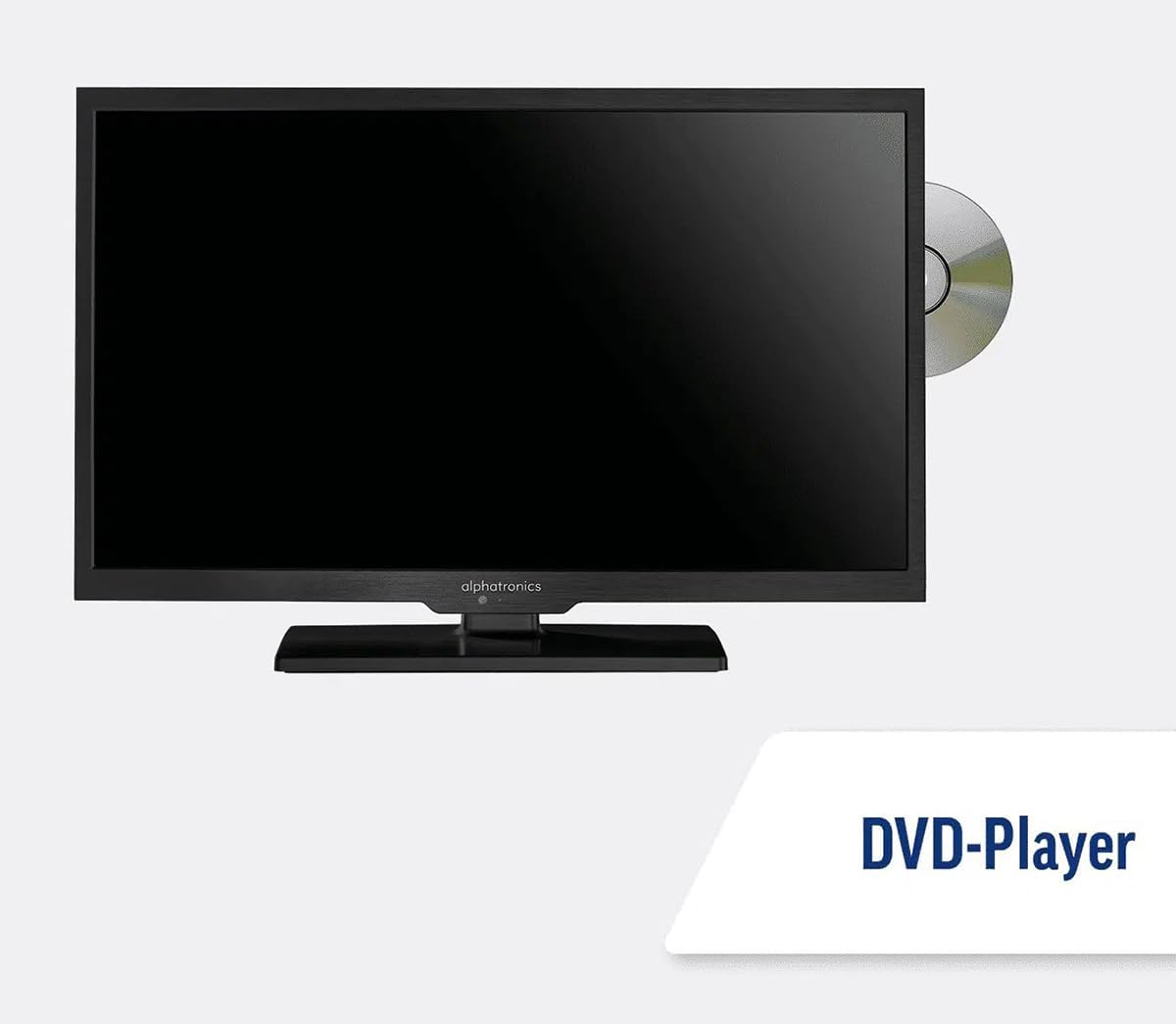
Image: The TV with a DVD disc being inserted into its built-in player.
5. Konserwacja
5.1. Czyszczenie
To clean the TV screen, gently wipe it with a soft, lint-free cloth. For stubborn marks, dampen the cloth slightly with water or a screen-cleaning solution. Do not spray liquid directly onto the screen. Clean the TV casing suchą, miękką ściereczką.
Ostrożność: Przed czyszczeniem zawsze odłączaj telewizor od źródła zasilania.
5.2. Aktualizacje oprogramowania
Your Maxview Alphatronics Smart TV supports automatic software updates via the internet. Ensure your TV is connected to a stable Wi-Fi or Ethernet network to receive the latest firmware and feature enhancements.
- To check for updates manually, navigate to the Ustawienia menu on your TV, then look for Aktualizacja oprogramowania or Informacje o systemie.
- Follow the on-screen prompts to download and install any available updates. Do not power off the TV during an update process.

Image: The TV screen indicating a software update in progress.
6. Rozwiązywanie Problemów
Jeśli masz problemy z telewizorem, zapoznaj się z poniższymi typowymi problemami i rozwiązaniami, zanim skontaktujesz się z pomocą techniczną.
| Problem | Możliwa przyczyna | Rozwiązanie |
|---|---|---|
| Brak zasilania | Power cable disconnected; no power from outlet/source. | Check power connections. Ensure outlet/source is active. Try a different outlet. |
| Brak sygnału | Incorrect input selected; antenna/cable disconnected or faulty. | Naciskać Źródło/wejście to select correct input. Check antenna/cable connections. Perform a channel scan. |
| Brak połączenia internetowego | Wi-Fi password incorrect; router issue; TV too far from router. | Re-enter Wi-Fi password. Restart your router. Move TV closer to router or use Ethernet. |
| DVD nie odtwarza się | Disc dirty or scratched; incorrect input selected; region code mismatch. | Clean the disc. Ensure "DVD" input is selected. Check disc region compatibility. |
| Pilot nie działa | Batteries low/dead; obstruction between remote and TV; remote not paired (if Bluetooth). | Replace batteries. Remove obstructions. Re-pair remote if necessary (refer to TV settings). |
If the problem persists after trying these solutions, please contact Maxview obsługa klienta.
7. Specyfikacje
| Funkcja | Szczegół |
|---|---|
| Numer modelu | TVSL/22 |
| Rozmiar ekranu | 22 cale (widoczna przekątna 56 cm) |
| Technologia wyświetlania | PROWADZONY |
| Rezolucja | 1080p (Pełna rozdzielczość HD) |
| Wymiary produktu (Gł. x Szer. x Wys.) | 12D x 58W x 38H centymetrów |
| Moc wejściowa | 12v DC / 240v AC |
| Łączność | Wi-Fi, Bluetooth, Ethernet |
| Porty | 2x HDMI, 1x USB, AV connections, Antenna/Satellite input |
| Cechy specjalne | Smart TV (WebOS), Built-in DVD Player |
| Proporcje obrazu | 16:9 |
| Producent | Alfatronika |
8. Gwarancja i wsparcie
Your Maxview Alphatronics SL Line+ Smart TV comes with a 3-letnia gwarancja, providing peace of mind regarding your purchase. This warranty covers manufacturing defects and ensures reliable operation.
For warranty claims, technical support, or further assistance, please contact Maxview customer service. You can typically find contact information on the official Maxview webmiejscu lub na materiałach opakowaniowych.
Please have your model number (TVSL/22) and proof of purchase ready when contacting support.
Uwaga: W udostępnionych danych, które można umieścić w niniejszej instrukcji, nie znaleziono żadnych oficjalnych filmów prezentujących produkt pochodzących od sprzedawcy.


