Wstęp
This manual provides comprehensive instructions for the operation, maintenance, and troubleshooting of your EBTOOLS YEEMI K21+ 4G Flip Phone. Designed with seniors in mind, this phone features large buttons, dual screens, and essential functions like SOS and GPS for enhanced safety and ease of use. Please read this manual carefully to ensure proper use and to maximize the phone's capabilities.
1. Konfiguracja
1.1 Zawartość opakowania
Przed rozpoczęciem sprawdź, czy w przesyłce znajdują się wszystkie elementy:
- EBTOOLS YEEMI K21+ 4G Flip Phone
- Bateria
- Kabel USB
- Instrukcja obsługi (ten dokument)

Image: The phone, battery, and USB cable included in the package.
1.2 Wkładanie karty SIM i baterii
- Otwórz tylną pokrywę: Delikatnie podważ tylną pokrywę telefonu.
- Włóż kartę(y) SIM: Locate the SIM card slot(s). This phone supports dual SIM. Carefully insert your 4G compatible SIM card(s) into the designated slot(s) with the gold contacts facing down.
- Włóż baterię: Dopasuj styki baterii do styków telefonu i delikatnie dociśnij baterię, aby znalazła się na miejscu.
- Zamknij tylną okładkę: Załóż tylną pokrywę i upewnij się, że jest pewnie zamocowana.

Image: The phone in its open position, ready for SIM card and battery insertion.
1.3 Ładowanie akumulatora
Przed pierwszym użyciem należy całkowicie naładować baterię telefonu.
- Connect the small end of the USB cable to the phone's charging port.
- Podłącz drugi koniec kabla USB do kompatybilnego zasilacza USB (nie ma go w zestawie) lub do portu USB komputera.
- Wskaźnik ładowania na ekranie pokaże stan ładowania.
2. Instrukcja obsługi
2.1 Włączanie/wyłączanie zasilania
- Włączanie: Naciśnij i przytrzymaj przycisk zasilania/zakończenia połączenia (czerwony przycisk), aż ekran się zaświeci.
- Aby wyłączyć: Press and hold the Power/End Call button until the power off options appear, then select "Power Off".
2.2 Wykonywanie i odbieranie połączeń
- Nawiązywanie połączenia:
- Enter the phone number using the large keypad buttons.
- Press the Call button (green button) to dial.
- Odbieranie połączenia:
- When the phone rings, open the flip to answer, or press the Call button.
- Aby zakończyć połączenie, naciśnij przycisk zasilania/zakończenia połączenia.

Image: The phone showcasing its dual display feature, with the internal screen open and the external screen visible when closed.
2.3 Dual Screens and Large Font
The phone features a 2.6-inch high-definition main screen and a 1.77-inch external color high-definition screen. The external screen displays important information like time, date, and incoming call notifications without needing to open the phone. Large fonts and icons are used throughout the interface for improved readability.

Obraz: Zbliżenie view of the phone's external screen, highlighting its dual SIM dual standby capability.
2.4 SOS and GPS Functionality
For emergencies, the phone is equipped with an SOS button and GPS positioning.
- Konfigurowanie kontaktów SOS: Navigate to the SOS settings in the phone's menu to add emergency contact numbers.
- Aktywacja SOS: In an emergency, press and hold the dedicated SOS button (usually located on the back or side of the phone). The phone will automatically call and send an emergency message with your GPS location to the pre-set SOS contacts.
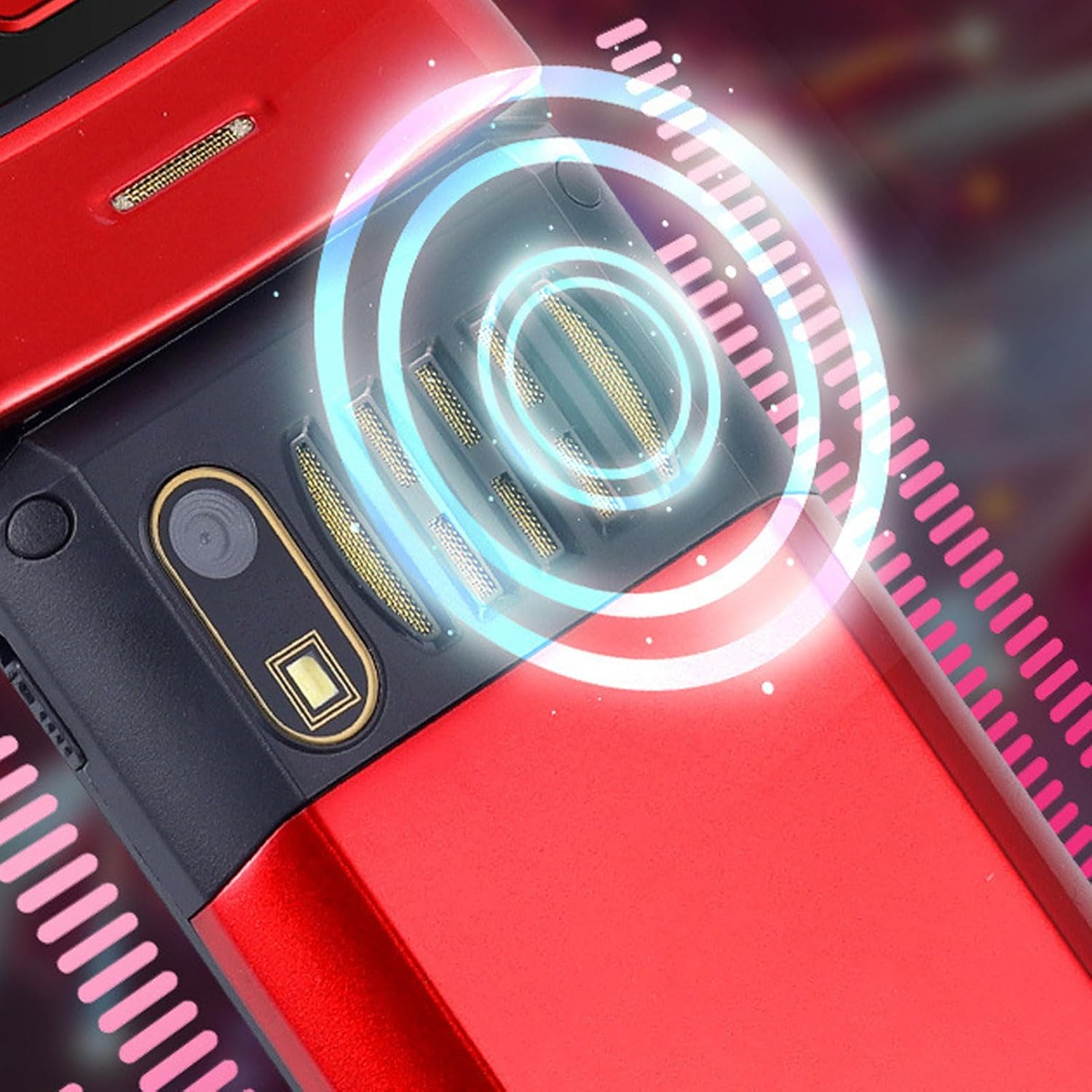
Image: The back of the phone, highlighting the speaker area, which contributes to clear sound for emergency calls.
2.5 Speed Dial and Shortcut Buttons
The phone supports 9 speed dial buttons for quick dialing of family numbers and 3 dedicated shortcut buttons for frequently used functions.
- Ustawianie szybkiego wybierania: Refer to the phone's menu for instructions on assigning contacts to speed dial numbers (typically 2-9).
- Using Shortcut Buttons: The dedicated shortcut buttons provide quick access to features like Camera, Messaging, or FM Radio.
3. Konserwacja
3.1 Pielęgnacja baterii
- Unikaj wystawiania baterii na działanie ekstremalnych temperatur.
- Nie przebijaj, nie demontuj ani nie zwieraj akumulatora.
- Jeżeli telefon nie będzie używany przez dłuższy czas, przed schowaniem należy naładować baterię do około 50%.
3.2 Czyszczenie telefonu
- Use a soft, lint-free cloth to clean the phone's screen and body.
- Nie należy używać silnych środków chemicznych, środków czyszczących w sprayu ani materiałów ściernych.
- Utrzymuj port ładowania i kratkę głośnika w czystości, bez kurzu i zanieczyszczeń.
4. Rozwiązywanie Problemów
If you encounter issues with your phone, please refer to the following common problems and solutions:
| Problem | Możliwa przyczyna | Rozwiązanie |
|---|---|---|
| Telefon się nie włącza. | Bateria jest rozładowana lub nieprawidłowo włożona. | Naładuj akumulator. Upewnij się, że akumulator jest prawidłowo włożony. |
| Nie można wykonywać ani odbierać połączeń. | Brak karty SIM, karta SIM nie została prawidłowo włożona lub brak sygnału sieciowego. | Upewnij się, że karta SIM jest prawidłowo włożona. Sprawdź siłę sygnału sieci. Skontaktuj się z operatorem. |
| Słaba jakość połączeń. | Weak network signal, or speaker/microphone obstruction. | Move to an area with better signal. Clean speaker and microphone openings. |
| Funkcja SOS nie działa. | SOS contacts not set up, or no network signal. | Verify SOS contacts are correctly configured in settings. Ensure phone has network signal. |
5. Specyfikacje
Key technical specifications for the EBTOOLS YEEMI K21+ 4G Flip Phone:
- Model: EBTOOLS1756ogbieh-12
- Łączność: 4G (supports 2G, 3G, and 4G network bands including GSM and CDMA)
- Główny ekran: 2.6-inch High Definition
- Ekran zewnętrzny: 1.77-inch Color High Definition
- Pojemność baterii: 4800mAh (Long Standby Time)
- Cechy: Large Buttons, Dual Screens, SOS with GPS Positioning, 9 Speed Dial Buttons, 3 Dedicated Shortcut Buttons, Clear Sound Speaker
- Wymiary: Około 5.51 x 3.15 x 2.76 cala (wymiary opakowania)
- Kraj pochodzenia: Chiny
6. Gwarancja i wsparcie
Your EBTOOLS YEEMI K21+ 4G Flip Phone comes with a standard manufacturer's warranty. Please refer to the warranty card included in your package for specific terms and conditions. For technical support, troubleshooting assistance beyond this manual, or warranty claims, please contact the seller or manufacturer directly.
Producent: EBTOOLS
Aby uzyskać dalszą pomoc, możesz odwiedzić stronę Sklep EBTOOLS na Amazon.


