1. Koniec produktuview
The Lindy 3m USB 3.2 Gen2 Type-C Active Cable (Model Number: 43348) is designed for high-performance data transfer, video transmission, and charging. This active cable ensures reliable signal integrity over longer distances, making it ideal for connecting various USB-C enabled devices.
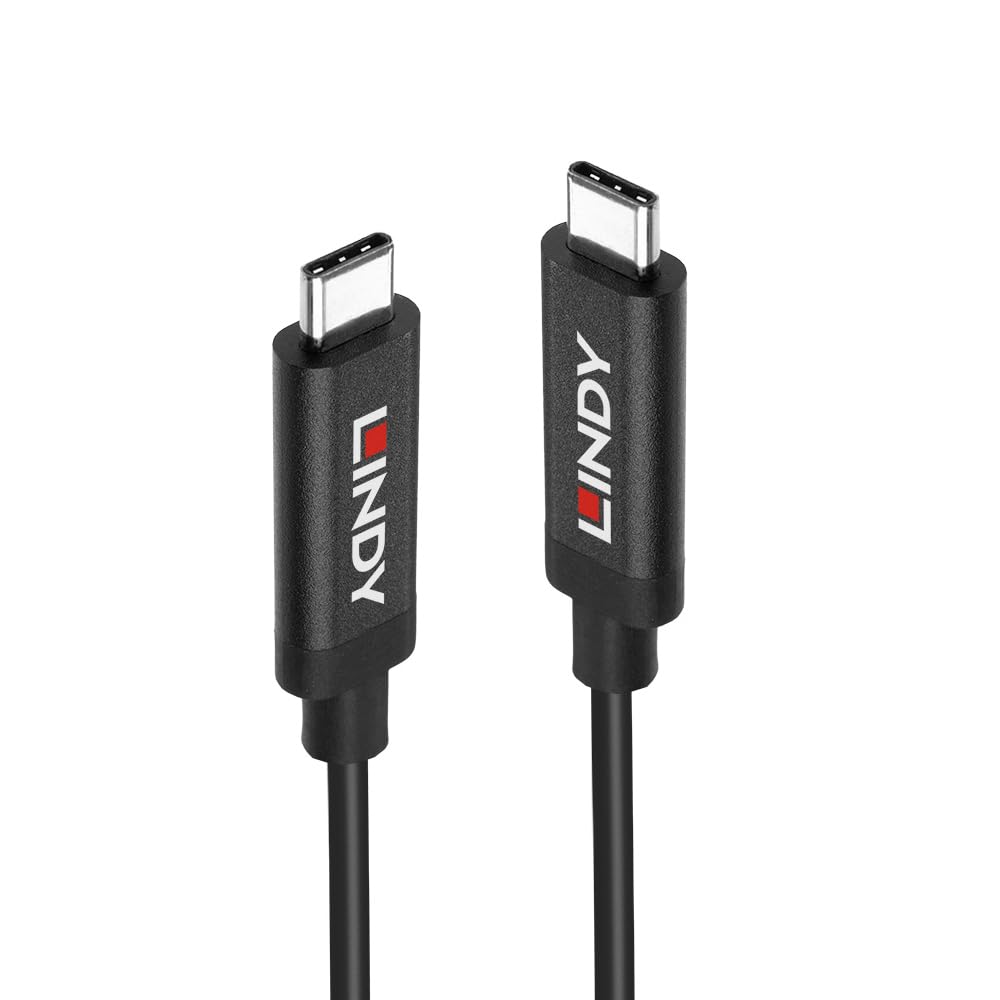
Figure 1.1: The Lindy 3m USB 3.2 Gen2 Type-C Active Cable, showcasing both ends of the cable with their reversible USB-C connectors and Lindy branding.
Główne cechy:
- Supports USB 3.2 Gen 2 (10Gbps) transmission and charging standards.
- Supports DisplayPort 1.4 Alternate Mode for audio and video transmission.
- Supports high resolution 8K@60Hz, high definition audio and video transmission.
- Enhanced Active IC Signal Adjustment, providing longer transmission distance.
- Type-C connector is reversible, allowing connection without checking orientation.
2. Konfiguracja
Setting up the Lindy USB 3.2 Gen2 Type-C Active Cable is straightforward due to its plug-and-play design. No additional drivers or software are typically required for basic functionality.
Kroki połączenia:
- Identify the USB-C ports on your source device (e.g., laptop, tablet, docking station) and your target device (e.g., monitor, external hard drive, USB-C hub).
- Gently insert one end of the Lindy USB-C Active Cable into the USB-C port of your source device. The Type-C connector is reversible, so there is no incorrect way to insert it.
- Insert the other end of the Lindy USB-C Active Cable into the USB-C port of your target device.
- Ensure both connections are firm and secure. The cable will automatically establish the necessary data, video, or power connection.
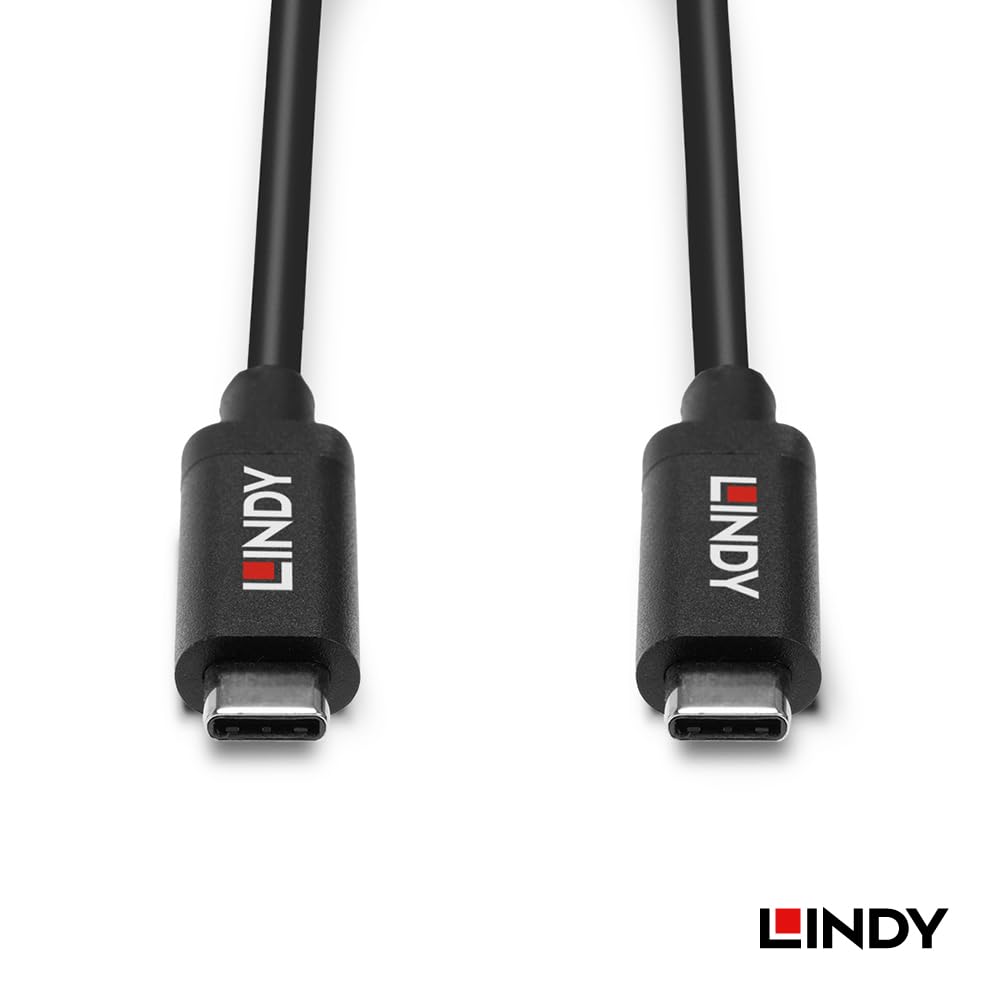
Rysunek 2.1: Szczegółowy view of the Lindy USB-C connectors, highlighting their design for easy and reversible connection.
3. Instrukcja obsługi
Once connected, the Lindy USB 3.2 Gen2 Type-C Active Cable operates automatically, facilitating various functions depending on the capabilities of your connected devices.
Transfer danych:
The cable supports USB 3.2 Gen 2 speeds, allowing for data transfer rates up to 10 Gigabits per second (Gbps). This is suitable for transferring large files quickly between compatible devices such as external SSDs, hard drives, and computers.
Video Output (DisplayPort Alternate Mode):
For devices that support DisplayPort Alternate Mode (DP Alt Mode) over USB-C, this cable can transmit high-resolution video and audio. It supports resolutions up to 8K at 60Hz, providing a clear and vibrant display experience on compatible monitors or televisions.
Power Delivery/Charging:
The cable also supports power delivery, enabling charging of compatible devices. The actual charging speed and power output will depend on the power source and the connected device's power requirements.
Active IC Signal Adjustment:
The integrated active IC (Integrated Circuit) within the cable enhances signal integrity, allowing for stable and reliable performance over its 3-meter length. This is particularly beneficial for maintaining high data and video quality over longer cable runs.
4. Konserwacja
Proper care and maintenance will extend the lifespan of your Lindy USB 3.2 Gen2 Type-C Active Cable.
- Składowanie: When not in use, coil the cable loosely. Avoid tight coiling or sharp bends, as this can damage the internal wires and active components.
- Czyszczenie: Use a soft, dry, lint-free cloth to clean the cable and its connectors. Do not use liquid cleaners or solvents, as they may damage the cable's insulation or internal electronics.
- Obsługiwanie: Zawsze chwytaj za obudowę złącza podczas podłączania i odłączania kabla. Unikaj ciągnięcia bezpośrednio za sam kabel, ponieważ może to spowodować naprężenie połączeń i doprowadzić do uszkodzenia.
- Środowisko: Keep the cable away from extreme temperatures, direct sunlight, and excessive moisture.
5. Rozwiązywanie Problemów
If you encounter issues with your Lindy USB 3.2 Gen2 Type-C Active Cable, consider the following troubleshooting steps:
No Signal or Intermittent Connection:
- Sprawdź połączenia: Ensure both ends of the cable are fully and securely inserted into the respective ports on your devices.
- Test Different Ports: Try connecting the cable to a different USB-C port on both your source and target devices, if available.
- Uruchom ponownie urządzenia: Sometimes, a simple restart of the connected devices can resolve connectivity issues.
- Sprawdź kompatybilność urządzenia: Ensure that both your source and target devices support the functions you are trying to use (e.g., USB 3.2 Gen 2 for 10Gbps data, DisplayPort Alt Mode for video output). Not all USB-C ports support all functionalities.
- Test with Another Cable/Device: If possible, test your devices with a different known-working USB-C cable, or test the Lindy cable with different compatible devices to isolate the problem.
Niska prędkość przesyłu danych:
- Verify USB 3.2 Gen 2 Support: Ensure both connected devices (source and target) support USB 3.2 Gen 2 (10Gbps) speeds. If either device only supports an older USB standard (e.g., USB 2.0 or USB 3.0/3.1 Gen 1), the transfer speed will be limited to the lowest common denominator.
- Check Device Performance: The speed of your storage device (e.g., SSD, HDD) can also be a bottleneck. Ensure your storage device is capable of the desired transfer speeds.
No Video Output or Low Resolution:
- DisplayPort Alt Mode Support: Confirm that your source device's USB-C port supports DisplayPort Alternate Mode. Not all USB-C ports are capable of video output.
- Wejście monitora: Ensure your monitor is set to the correct input source (e.g., USB-C, DisplayPort).
- Ustawienia rozdzielczości: Check your computer's display settings to ensure the desired resolution and refresh rate are selected and supported by both your device and monitor.
6. Specyfikacje
Detailed technical specifications for the Lindy 3m USB 3.2 Gen2 Type-C Active Cable (Model Number: 43348):
| Funkcja | Wartość |
|---|---|
| Marka | Lindy |
| Numer modelu przedmiotu | 43348 |
| Typ złącza | USB typu C |
| Typ kabla | USB |
| Funkcja specjalna | Przesyłanie danych, duża prędkość |
| Szybkość przesyłu danych | Do 10 Gb/s (USB 3.2 Gen 2) |
| Wsparcie wideo | DisplayPort 1.4 Alternate Mode (up to 8K@60Hz) |
| Active IC | Yes, for signal adjustment |
| Długość kabla | 3 metrów |
| Wymiary opakowania | 7.87 x 7.09 x 0.71 cala |
| Waga przedmiotu | 5.29 uncji |
| Data pierwszej dostępności | 23 października 2023 r. |
| Producent | LINDY |
7. Gwarancja i wsparcie
Lindy products are designed for reliability and performance. For specific warranty information regarding your Lindy 3m USB 3.2 Gen2 Type-C Active Cable (Model Number: 43348), please refer to the warranty card included with your purchase or visit the official Lindy webstrona.
For technical support, product inquiries, or assistance with troubleshooting beyond the scope of this manual, please contact Lindy customer service through their official channels. Contact information can typically be found on the Lindy webstronie internetowej lub na opakowaniu produktu.
Zasoby internetowe:
- Official Lindy Webstrona: www.lindy.com (Uwaga: To jest symbol zastępczy URL. Refer to actual product documentation for correct URL.)


