1. Rozpoczęcie pracy
1.1. Zawartość opakowania
Verify that all items are present in your OnePlus Pad Go package:
- OnePlus Pad Go Tablet
- Kabel USB
- Szybki przewodnik
1.2. Urządzenie ponadview
Zapoznaj się z fizycznymi elementami tabletu.

Rycina 1: Przód view of the OnePlus Pad Go tablet.
1.3. Konfiguracja początkowa
- Włączanie: Press and hold the power button located on the side of the tablet until the OnePlus logo appears.
- Wybór języka: Aby wybrać preferowany język, postępuj zgodnie z instrukcjami wyświetlanymi na ekranie.
- Połączenie Wi-Fi: Connect to a Wi-Fi network to access the internet and complete the setup process.
- Konto Google: Zaloguj się na swoje konto Google lub utwórz nowe, aby uzyskać dostęp do usług Google i Sklepu Play.
- SIM Card Insertion (LTE Models): For models with 4G LTE connectivity, carefully insert your Nano-SIM card into the designated tray using the provided SIM ejector tool. Ensure the tablet is powered off before inserting or removing the SIM card.
2. Operating Your OnePlus Pad Go
2.1. Funkcje wyświetlacza
The OnePlus Pad Go features an 11.35-inch (28.85cm) 2.4K (2408x1720 pixels) LCD display with a 7:5 ReadFit ratio and 400 nits brightness. It incorporates eye care technologies such as Low Blue Light (TÜV Rheinland Certified), intelligent brightness adjustment, DC Dimming, and Bedtime Mode to reduce eye strain.
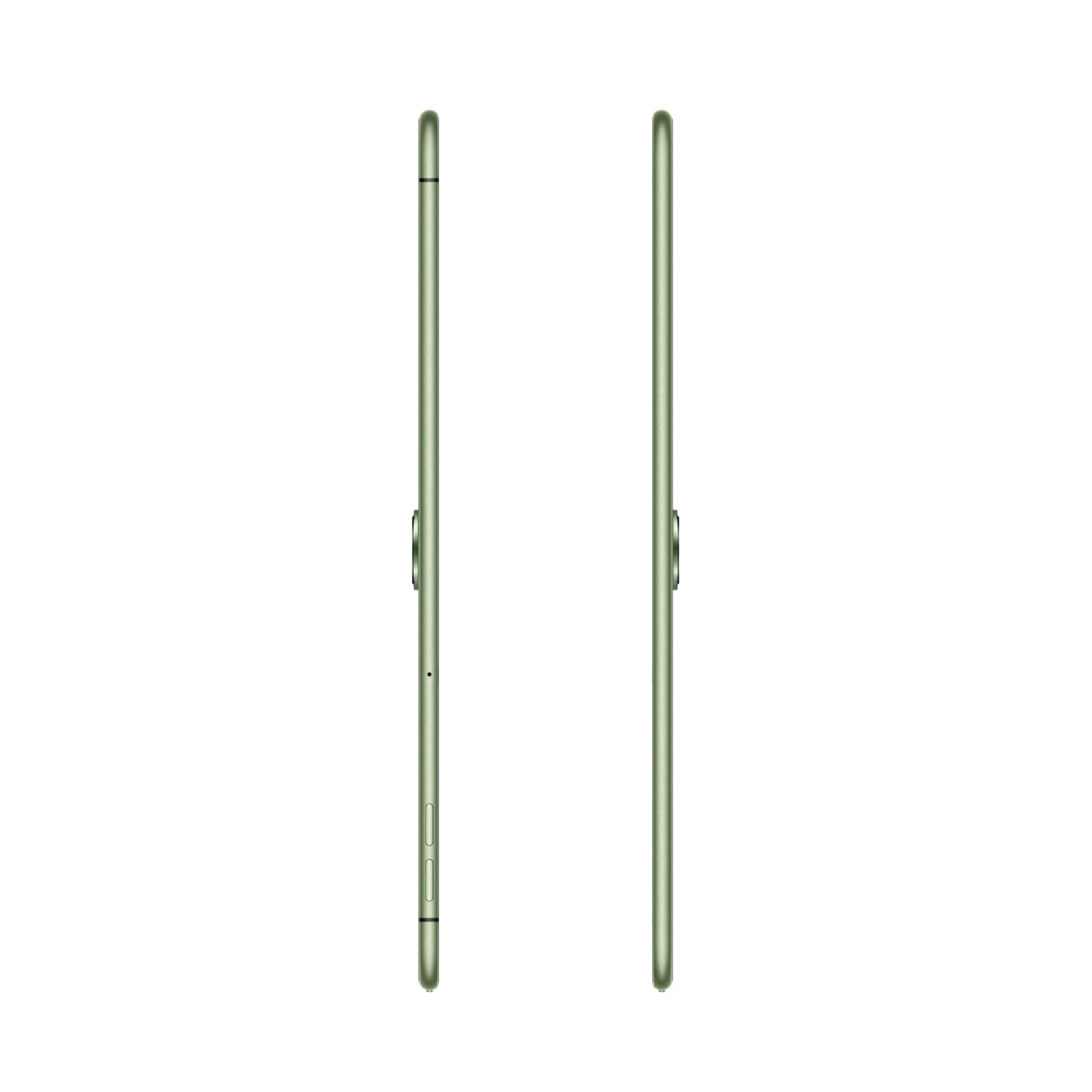
Figure 2: The 2.4K ReadFit Eye Care LCD Display in use.
Wideo 1: Ponadview of OnePlus Pad Go features, including display quality, portability, and audio capabilities.
2.2. Doświadczenie dźwiękowe
Experience immersive sound with the OnePlus Pad Go's Dolby Atmos Quad Speakers. The omnibearing sound field delivers rich and clear audio for all your media consumption.
Video 2: Detailed look at the OnePlus Pad Go's specifications, including RAM, storage, display, audio, and connectivity options.
2.3. Łączność
The tablet supports both Wi-Fi (802.11ac) and 4G LTE connectivity, including calling functionality. Features like Auto Connect, Cross-screen Connection, and Screen Mirroring allow for seamless interaction with other devices.

Figure 3: Demonstrating cross-screen connection between the tablet and a smartphone.
2.4. Wydajność i przechowywanie
Powered by the MediaTek Helio G99 processor and running OxygenOS 13.2, the tablet offers smooth performance. It comes with 8GB of RAM and 256GB of internal storage, expandable up to 1TB via a microSD card.

Figure 4: Visual representation of the tablet's RAM and expandable storage capacity.
2.5. Aparat fotograficzny
The OnePlus Pad Go is equipped with an 8MP primary camera and an 8MP front-facing camera. It supports video capture resolutions of 1080p and 720p.

Rysunek 5: Profesjonalizm bocznyfile of the tablet, indicating the camera placement.
2.6. Bateria i ładowanie
The tablet features an 8000 mAh battery, providing extended usage times. It supports 33W SUPERVOOC fast charging, allowing for quick recharges. Expect up to 514 hours of standby time, 14 hours of video playback, and 40 hours of music playback.

Figure 6: The tablet connected to a charger, emphasizing battery capacity and charging speed.
3. Pielęgnacja i konserwacja
3.1. Czyszczenie tabletu
To clean your OnePlus Pad Go, use a soft, lint-free cloth. For stubborn smudges, slightly dampen the cloth with water or a screen cleaner specifically designed for electronics. Avoid using harsh chemicals, abrasive materials, or aerosol sprays directly on the tablet.
3.2. Żywotność baterii
To maximize battery life, consider the following:
- Dostosuj jasność ekranu do komfortowego poziomu.
- Zamknij nieużywane aplikacje działające w tle.
- Disable Wi-Fi, Bluetooth, or LTE when not in use.
- Unikaj ekstremalnych temperatur.
4. Rozwiązywanie typowych problemów
This section addresses common issues you might encounter with your OnePlus Pad Go.
4.1. Tablet się nie włącza
- Ensure the battery is charged. Connect the tablet to the 33W SUPERVOOC charger and wait a few minutes before attempting to power it on again.
- Naciśnij i przytrzymaj przycisk zasilania przez co najmniej 10–15 sekund, aby wymusić ponowne uruchomienie.
4.2. Problemy z wyświetlaniem
- If the screen is unresponsive, try restarting the tablet.
- Check for system updates, as software glitches can sometimes affect display performance.
4.3. Connectivity Problems (Wi-Fi/LTE)
- Wi-Fi: Restart your Wi-Fi router. On the tablet, forget the network and reconnect.
- LTE: Ensure your SIM card is correctly inserted and activated. Check your mobile data plan. Restart the tablet.
4.4. Performance Lags
- Zamknij niepotrzebne aplikacje działające w tle.
- Clear cache for apps that are frequently used or causing issues.
- Upewnij się, że dostępna jest wystarczająca ilość miejsca do przechowywania.
- Rozważ przywrócenie ustawień fabrycznych jako ostateczność (najpierw wykonaj kopię zapasową danych).
5. Specyfikacje techniczne
| Funkcja | Specyfikacja |
|---|---|
| Marka | JedenPlus |
| Nazwa modelu | OnePlus Pad GO |
| Numer modelu | OPD2304 |
| Rozmiar wyświetlacza | 28.85 Centimetres (11.35 inches) |
| Typ wyświetlacza | LCD |
| Rozdzielczość ekranu | 2408 x 1720 pikseli (2.4K) |
| Rozmiar pamięci RAM | 8 GB |
| Pojemność pamięci masowej | 256 GB (możliwość rozszerzenia do 1 TB) |
| System operacyjny | OxygenOS 13.2 |
| Marka procesora | MediaTek |
| Processor Model Number | Helio G99 |
| Technologia komórkowa | 4G |
| Typ bezprzewodowy | 801.11 akrów |
| Pojemność baterii | 8000 mAh |
| Cechy specjalne | Szybkie ładowanie |
| Waga przedmiotu | 532 gramów |
| Wymiary produktu | Wymiary 6.6 x 22.2 x 33.2 cm |
6. Gwarancja i wsparcie
6.1. Gwarancja producenta
The OnePlus Pad Go is covered by a manufacturer's warranty. Please refer to the warranty card included in your product packaging for specific terms, conditions, and duration.
6.2. Rozszerzone plany ochrony
Mogą być dostępne do nabycia dodatkowe plany ochrony:
- 1 Year Extended warranty by Acko
- 1 year Total Protection Plan by Acko
For details on these plans, please consult the respective providers or your retailer.
6.3. Obsługa klienta
Aby uzyskać dalszą pomoc, wsparcie techniczne lub zapytania dotyczące serwisu, odwiedź oficjalną stronę pomocy technicznej OnePlus website or contact their customer service. Contact information can typically be found on the OnePlus webstronie lub w dokumentacji produktu.


