1. Wprowadzenie
Thank you for choosing the CRUA 30" Curved Gaming Monitor. This manual provides essential information for setting up, operating, and maintaining your monitor. Please read it thoroughly before use to ensure optimal performance and safety.
This monitor features a 30-inch WFHD (2560x1080) 1500R curved VA screen, offering a 21:9 aspect ratio for an immersive viewing experience. It supports a high refresh rate of up to 200Hz and AMD FreeSync technology for smooth, tear-free visuals. With 120% sRGB color gamut, 300 cd/m² brightness, and a 3000:1 contrast ratio, it delivers vibrant and true-to-life colors.
2. Informacje dotyczące bezpieczeństwa
Please observe the following safety precautions to prevent damage to your monitor or injury to yourself:
- Nie należy umieszczać monitora na niestabilnym wózku, stojaku ani stole.
- Nie blokuj otworów wentylacyjnych.
- Do not use near water or sources of heat.
- Należy używać wyłącznie zasilacza dostarczonego przez producenta.
- Odłączaj monitor od zasilania podczas burzy z piorunami lub jeśli nie używasz go przez dłuższy czas.
- Wszelkie prace serwisowe należy powierzać wykwalifikowanemu personelowi.
3. Zawartość opakowania
Sprawdź, czy w przesyłce znajdują się wszystkie elementy:
- 29.5-calowy monitor do gier
- Zasilacz
- Kabel DP
- Base and Support
- Instrukcja obsługi
4. Konfiguracja
4.1. Montaż stojaka
To assemble the monitor stand:
- Ostrożnie wyjmij monitor z opakowania, dbając o jego bezpieczeństwo.
- Attach the stand base to the stand support using the provided screws.
- Dopasuj zmontowaną podstawę do punktów montażowych znajdujących się z tyłu monitora.
- Secure the stand to the monitor using the provided screws.

Rysunek 1: Tylny panel monitora view showing stand attachment points.

Figure 2: Monitor with stand fully assembled.
4.2. Instalacja na ścianie
The monitor supports VESA wall mount installation (100x100mm). To install using a wall mount (sold separately):
- Jeśli podstawka jest już zamontowana na monitorze, należy ją zdjąć.
- Attach your VESA-compatible wall mount bracket to the monitor's mounting holes.
- Follow the instructions provided with your wall mount for secure installation.

Rysunek 3: Tylny panel monitora view highlighting VESA mount compatibility.
4.3. Łączenie się z urządzeniami
Connect your monitor to your computer or other devices using the available ports:
- Dwa porty HDMI: Obsługuje częstotliwość odświeżania do 120 Hz.
- Dual DisplayPort (DP) Ports: Obsługuje częstotliwość odświeżania do 200 Hz.
- Port audio 3.5 mm: Do podłączenia słuchawek lub głośników zewnętrznych.
- Wejście zasilania prądem stałym: Podłącz tutaj dołączony zasilacz.

Rysunek 4: Monitoruj porty łączności.
5. Instrukcja obsługi
5.1. Włączanie/wyłączanie zasilania
To power on the monitor, press the power button located on the back or bottom of the monitor. Press it again to power off.
5.2. Nawigacja po menu ekranowym (OSD)
The OSD menu allows you to adjust various monitor settings. Buttons for navigation are typically located on the back or bottom of the monitor. Use these buttons to:
- Dostęp do głównego menu OSD.
- Navigate through menu options (Up/Down, Left/Right).
- Select options and confirm settings.
- Wyjdź z menu OSD.
5.3. Funkcje wyświetlacza
- Częstotliwość odświeżania: Enjoy ultra-smooth visuals with a refresh rate of up to 200Hz (via DisplayPort) or 120Hz (via HDMI). Adjust this setting in your computer's display settings for optimal performance.
- Technologia AMD FreeSync: This technology synchronizes the monitor's refresh rate with your GPU's frame rate, eliminating screen tearing and stuttering for fluid gameplay. Ensure FreeSync is enabled in both your monitor's OSD and your graphics card's control panel.
- Ekran zakrzywiony 1500R: Krzywizna 1500R zapewnia wciągające wrażenia viewing experience by wrapping the display around your field of vision, reducing eye strain during extended use.
- Gama kolorów: With 120% sRGB color gamut, 300 cd/m² brightness, and a 3000:1 contrast ratio, the monitor delivers vibrant, accurate, and true-to-life colors.
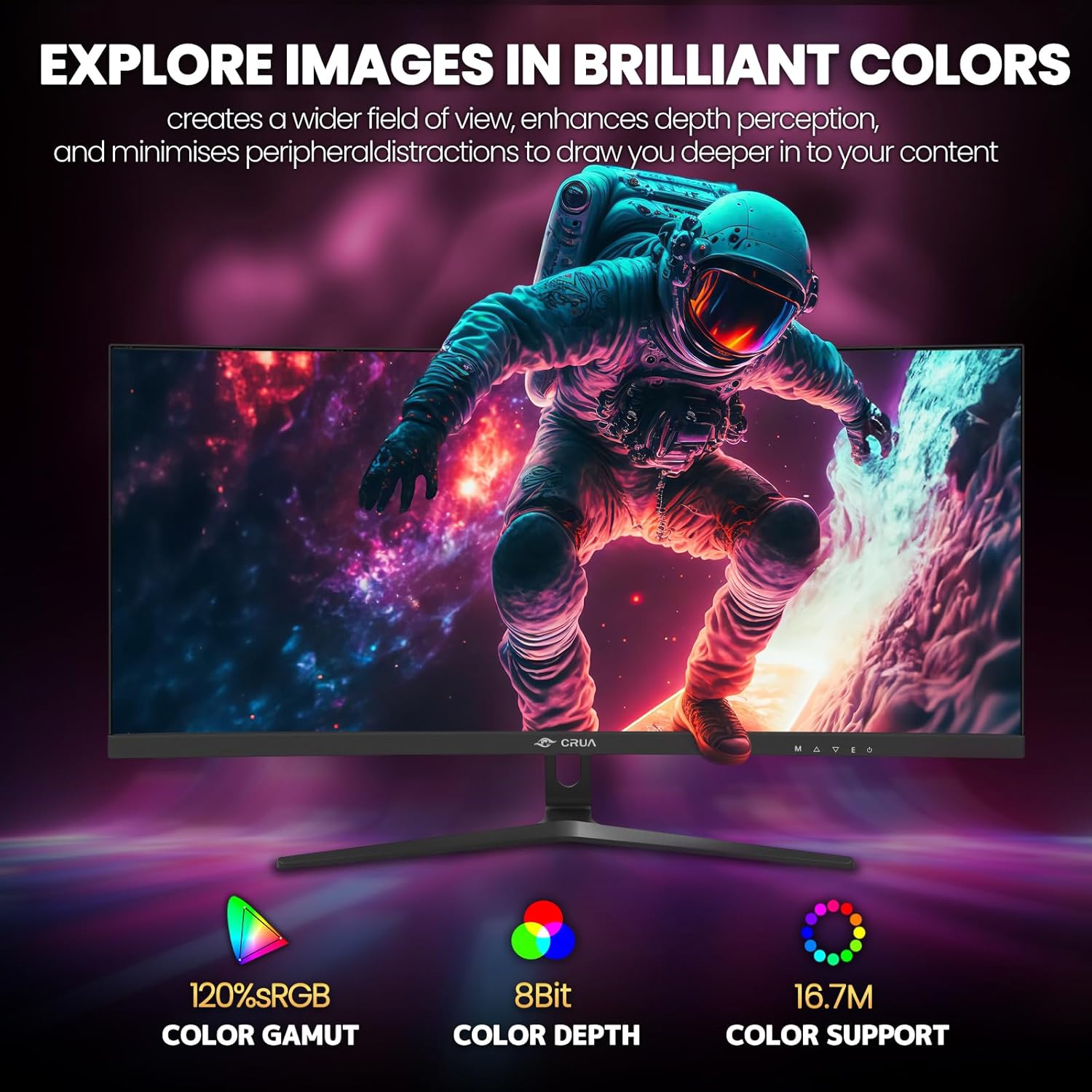
Figure 5: Immersive 1500R curved display.

Figure 6: Brilliant color reproduction with 120% sRGB.
6. Konserwacja
To ensure the longevity and optimal performance of your monitor:
- Czyszczenie: Gently wipe the screen with a soft, lint-free cloth. For stubborn marks, use a screen-cleaning solution applied to the cloth, not directly to the screen.
- Pielęgnacja: Avoid placing heavy objects on the monitor or its cables. Keep the monitor away from direct sunlight, excessive heat, and moisture.
- Wentylacja: Aby zapobiec przegrzaniu, należy upewnić się, że otwory wentylacyjne z tyłu monitora nie są zablokowane.
7. Rozwiązywanie Problemów
Jeśli masz problemy z monitorem, zapoznaj się z poniższymi typowymi rozwiązaniami:
- Brak zasilania: Upewnij się, że zasilacz jest prawidłowo podłączony do monitora i sprawnego gniazdka elektrycznego. Sprawdź, czy świeci się kontrolka zasilania.
- Brak sygnału: Verify that the video cable (HDMI or DisplayPort) is correctly connected to both the monitor and your computer. Ensure the correct input source is selected on the monitor (via the OSD menu).
- Migotanie/łzawienie: Ensure AMD FreeSync is enabled in both the monitor's OSD and your graphics card settings. Check your refresh rate settings in your computer's display options.
- Słaba jakość obrazu: Adjust brightness, contrast, and color settings via the OSD menu. Ensure your display resolution is set to the native 2560x1080.
8. Specyfikacje
| Funkcja | Szczegół |
|---|---|
| Rozmiar ekranu stojącego | 30 cali |
| Rozdzielczość ekranu | 2560x1080 |
| Maksymalna rozdzielczość ekranu | 2560 x 1080 pikseli |
| Marka | CRUA |
| Szereg | CR300HD |
| Numer modelu przedmiotu | CR300HD |
| Waga przedmiotu | 11.3 funta |
| Wymiary produktu | 27 x 3.3 x 16 cala |
| Kolor | Czarny |
| Źródło zasilania | DC |
| Rozmiar ekranu | 30 cali |
| Rezolucja | FHD 1080p Ultra Wide + |
| Proporcje obrazu | 21:9 |
| Opis powierzchni ekranu | Matowy |
9. Gwarancja i wsparcie
CRUA is committed to providing high-quality computer monitors and premium services. If you have any questions or require assistance, please do not hesitate to contact us. We are here to serve you and solve all your problems.
For support, please refer to the contact information provided in your product packaging or visit the official CRUA webstrona.


