Wstęp
This manual provides detailed instructions for the setup, operation, and maintenance of your VTech CS1550 DECT Cordless Phone with Answering Machine. Please read this manual thoroughly to ensure proper use and to take full advantage wszystkich funkcji.

Image: The VTech CS1550 DECT Cordless Phone, featuring a white handset and black base unit.
Zawartość opakowania
Before beginning installation, ensure all items are present in your package:
- Bezprzewodowa słuchawka
- Jednostka bazowa
- Zasilacz do jednostki bazowej
- Przewód telefoniczny
- Rechargeable NiMH Batteries (4x AAA size, typically)
- Instrukcja obsługi (ten dokument)
Organizować coś
1. Instalacja baterii
- Znajdź komorę baterii z tyłu słuchawki.
- Otwórz pokrywę komory baterii.
- Insert the supplied NiMH rechargeable batteries, observing the correct polarity (+ I -).
- Dokładnie zamknij pokrywę komory baterii.
2. Podłączenie jednostki bazowej
- Podłącz zasilacz do jednostki bazowej i podłącz go do gniazdka ściennego.
- Podłącz jeden koniec przewodu telefonicznego do jednostki bazowej, a drugi koniec do gniazdka telefonicznego w ścianie.
- Place the base unit in a central location for optimal signal range.
3. Initial Handset Charging
Place the handset on the base unit to charge. The VTech CS1550 features a dual-charging design, allowing you to place the handset face down or face up. For initial use, charge the handset for at least 16 hours to ensure full battery capacity.
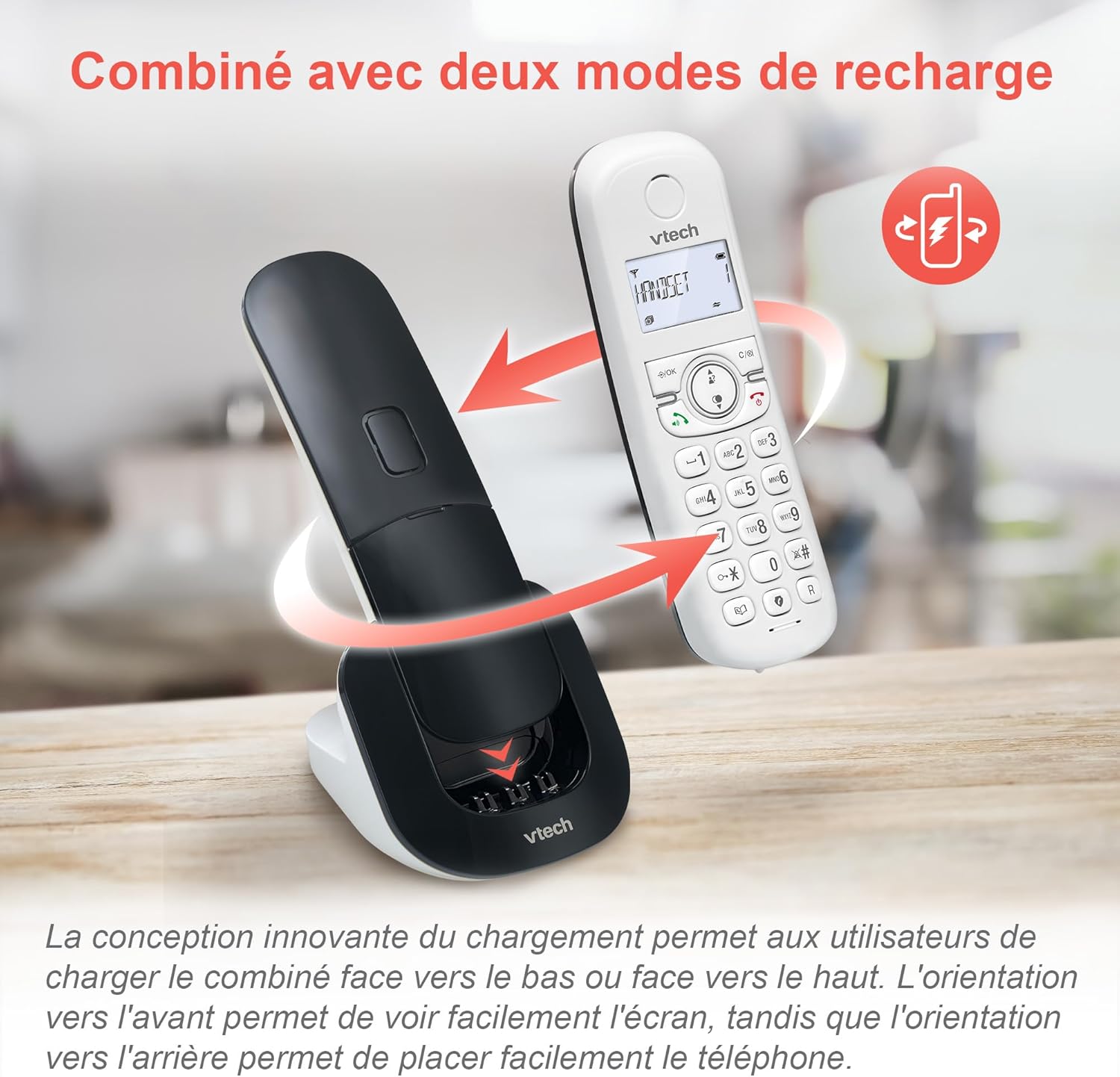
Image: The VTech CS1550 handset can be charged face down or face up on its base unit, offering flexible placement options.
4. Ustawienie daty i godziny
After initial charging, the handset will prompt you to set the date and time. Follow the on-screen instructions using the navigation and OK buttons.
Instrukcja obsługi
Wykonywanie i odbieranie połączeń
- Zadzwonić: Naciśnij Rozmawiać naciśnij przycisk i wybierz numer.
- Aby odebrać połączenie: Naciśnij Rozmawiać przycisk, gdy dzwoni telefon.
- Aby zakończyć połączenie: Naciśnij Koniec przycisk.
Funkcja głośnika
Podczas połączenia naciśnij Głośnik button to activate hands-free communication. Press it again to return to handset mode.
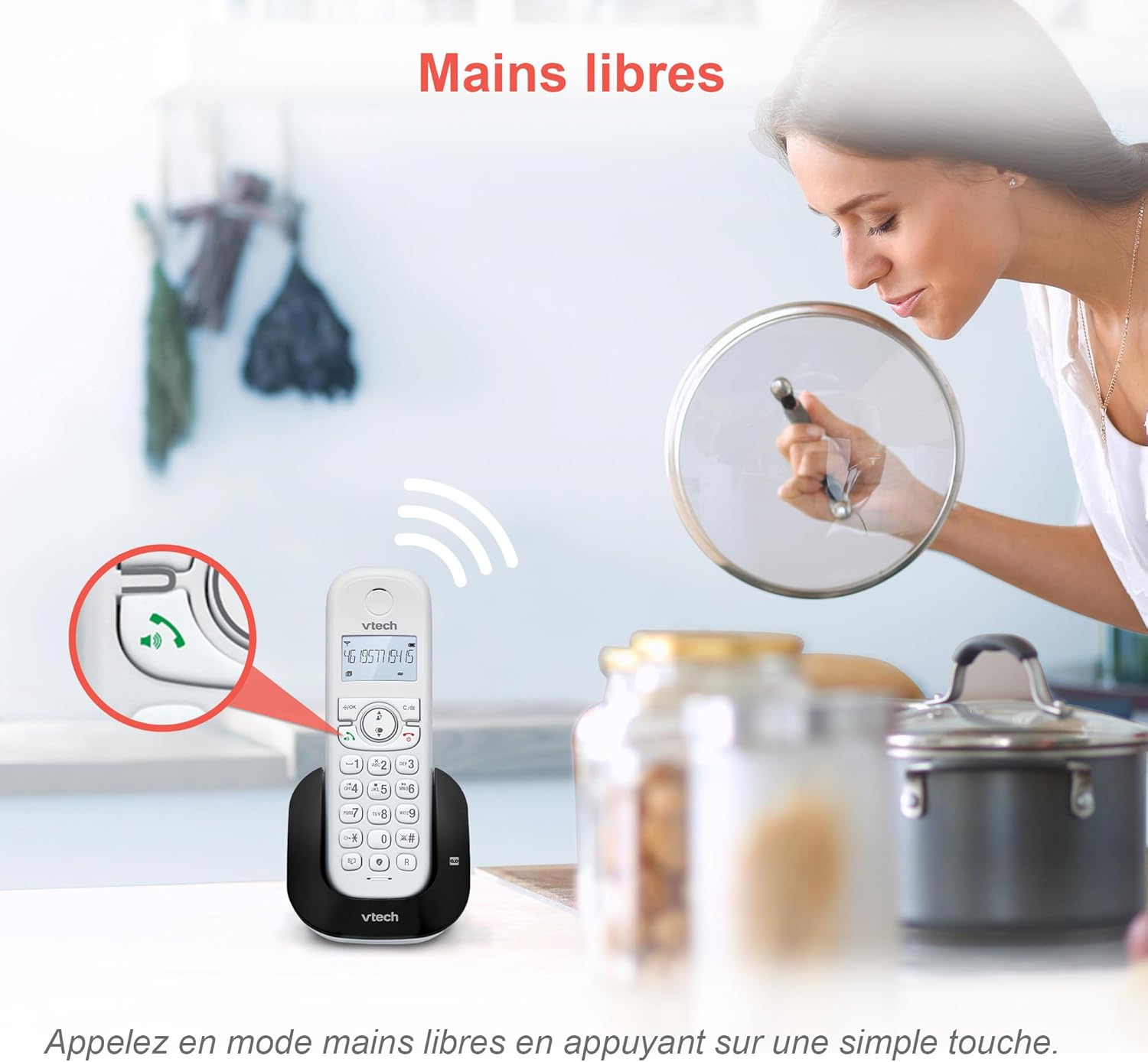
Image: The speakerphone button on the VTech CS1550 handset allows for hands-free calling.
Identyfikacja dzwoniącego i połączenie oczekujące
The phone displays the name, number, time, and date of incoming calls. It stores up to 20 caller ID records. If you have Call Waiting service, the phone will alert you to a second incoming call.

Image: The handset display shows incoming caller ID details, including number, name, time, and date.
Funkcja ponownego wybierania
To redial one of the last 10 numbers called, press the Ponowne wybieranie naciśnij przycisk i wybierz żądany numer z listy.
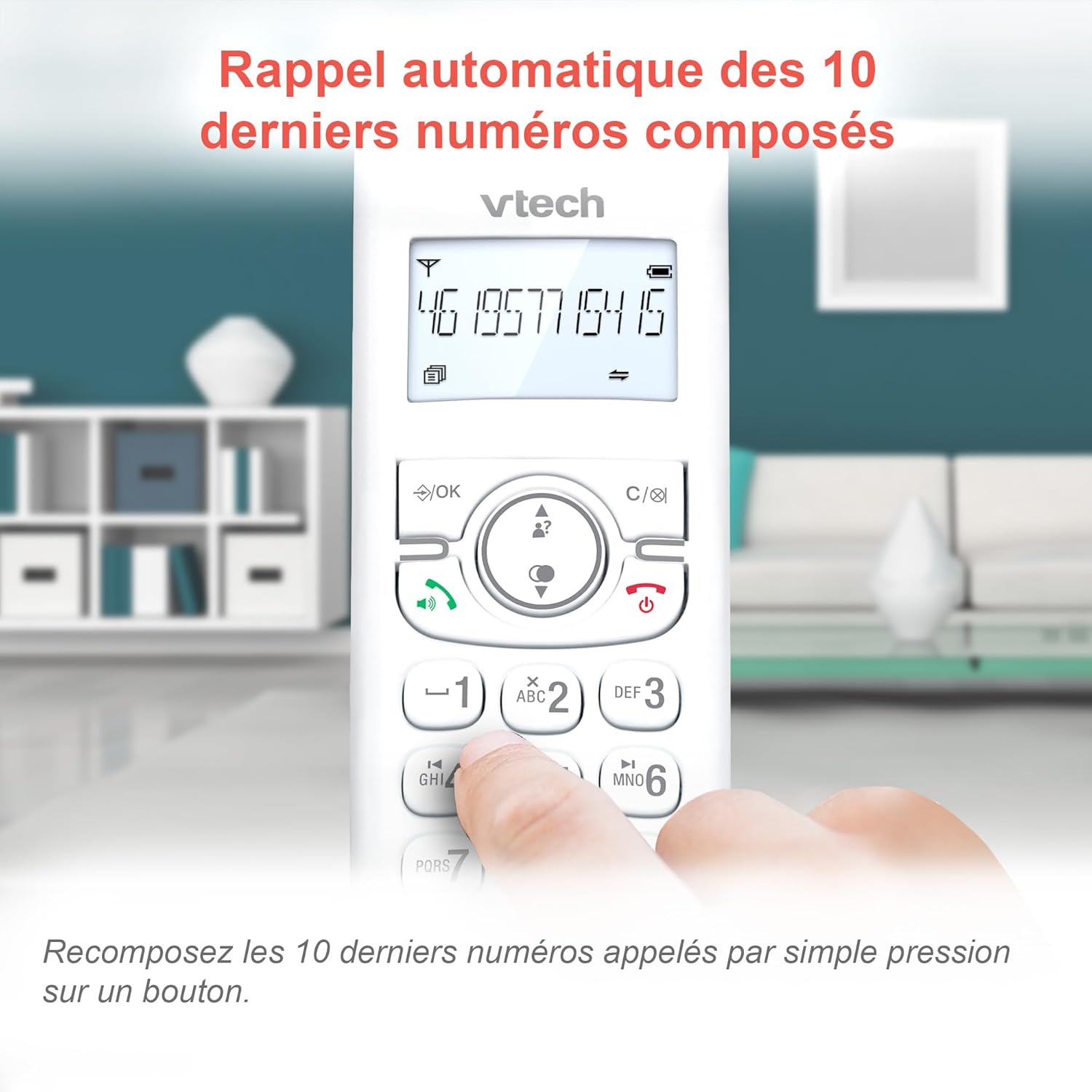
Image: Easily redial the last 10 numbers by pressing the dedicated redial button on the handset.
Książka telefoniczna
The phonebook can store up to 60 names and numbers. Refer to the on-screen menu for instructions on adding, editing, and deleting entries.
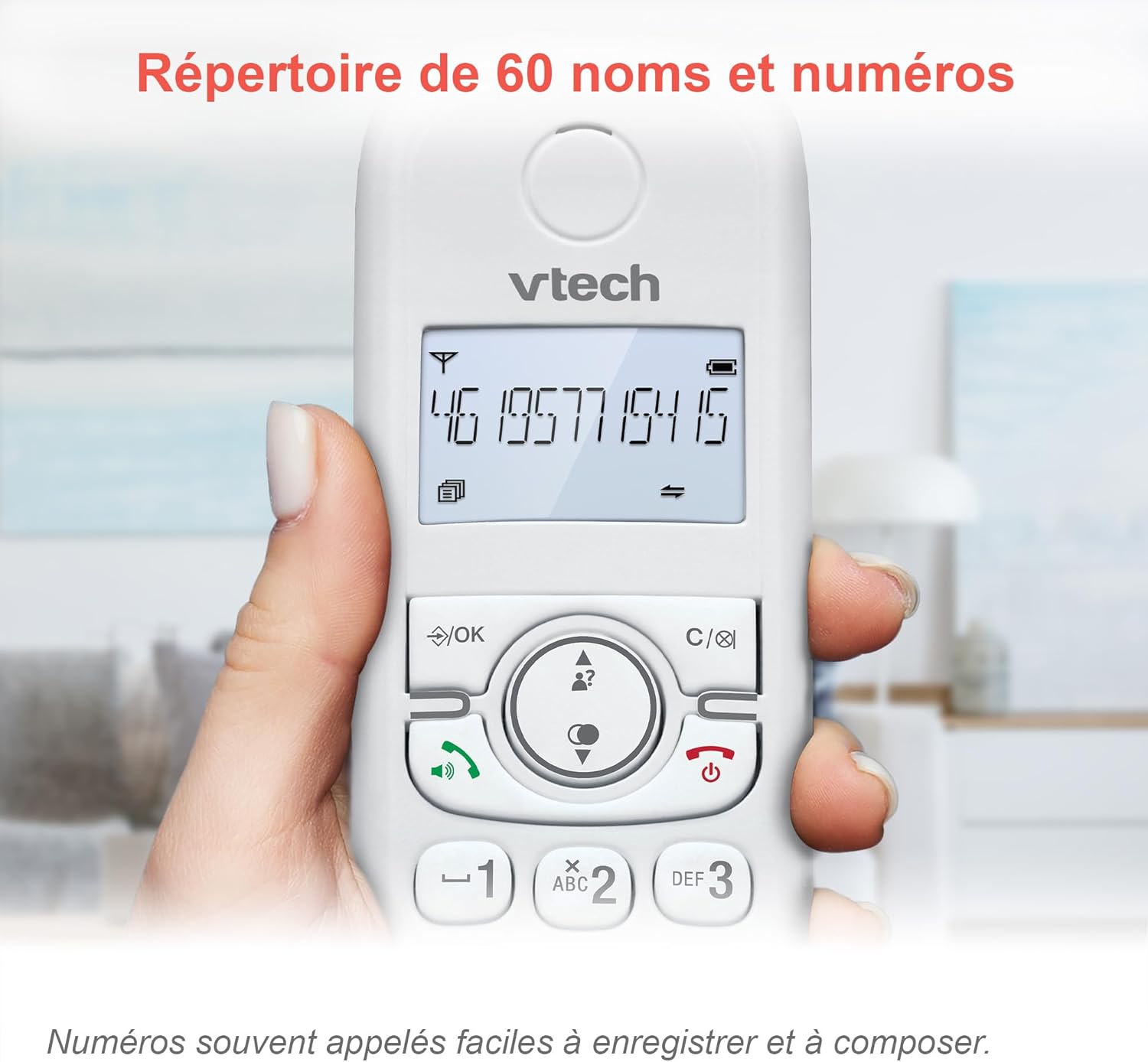
Image: The phonebook allows storage of up to 60 contacts for quick dialing.
Cyfrowa sekretarka automatyczna
The integrated answering machine records messages for up to 15 minutes. You can access messages from the handset or the base unit. Follow the menu prompts to set up your outgoing message and retrieve messages.

Image: The answering machine feature records messages for up to 15 minutes when you are unavailable.
Nuisance Call Blocker
Block unwanted calls by adding up to 60 numbers to the blacklist. This feature prevents blocked numbers from ringing your phone.

Image: The call blocker button allows you to add unwanted numbers to a blacklist, preventing future calls from ringing.
Tryb ekologiczny
ECO mode automatically adjusts and minimizes the radio frequency power based on the distance between the handset and the base unit, optimizing energy consumption.
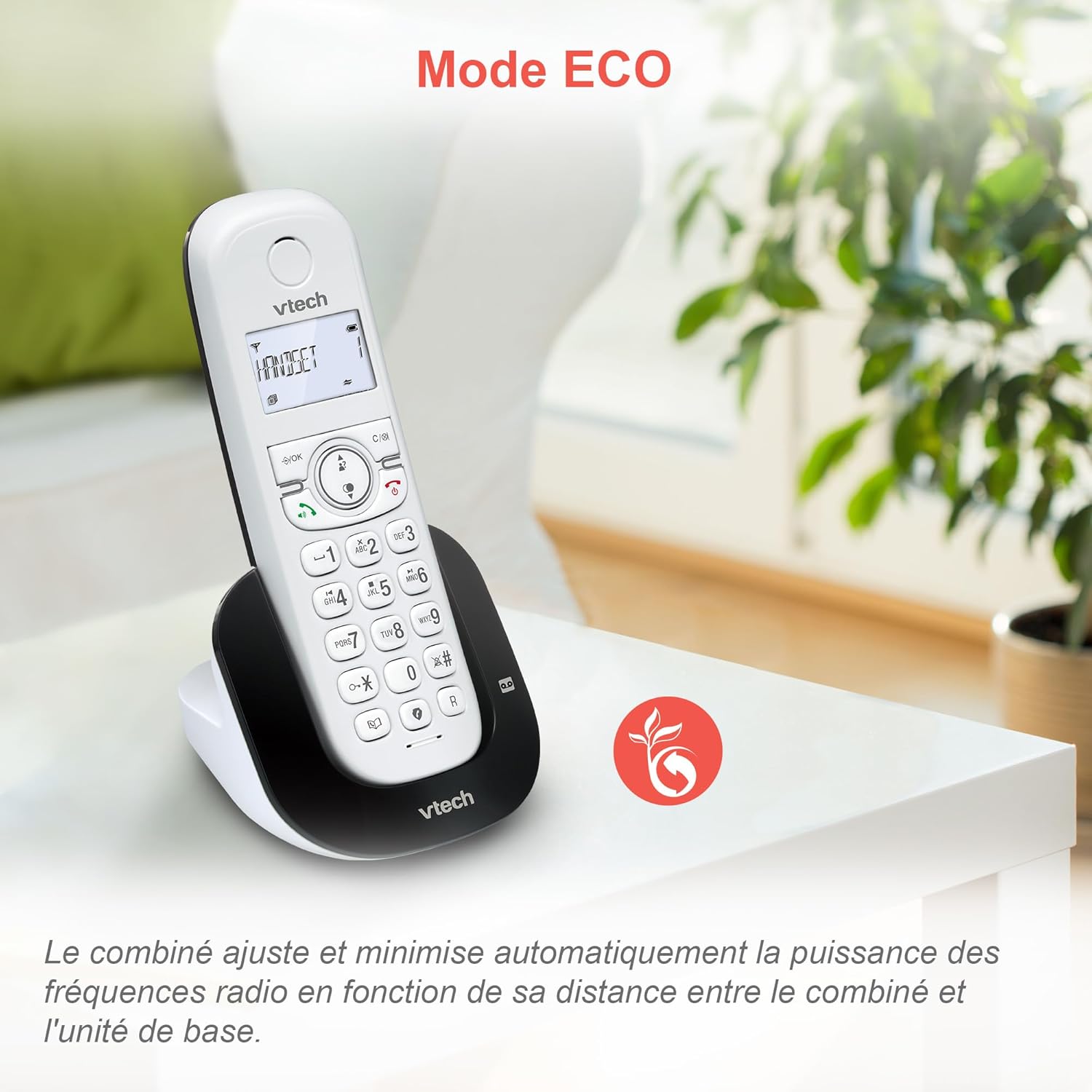
Image: ECO mode automatically reduces power consumption based on handset proximity to the base unit.
Funkcje alarmu i wyciszenia
Set alarms directly on the handset. During a call, you can mute your microphone for privacy by pressing the mute button.

Image: The phone includes alarm functionality and a mute feature for calls, enhancing user convenience and privacy.
Regulowana głośność dzwonka i melodie
Customize your phone's ringing experience by adjusting the ringer volume and selecting from available melodies through the handset menu.

Image: Adjust the ringer volume and choose from various melodies to personalize your phone's alerts.
Podświetlany wyświetlacz i klawiatura
The handset features a backlit LCD screen and keypad, ensuring clear visibility and ease of use even in low-light conditions.

Image: The backlit display and keypad provide enhanced visibility in dark environments.
Zasięg dalekiego zasięgu
The DECT technology provides reliable long-range coverage and clear audio quality throughout your home or office.

Image: The phone offers extended range and clear communication across various areas of your property.
Żywotność baterii
The handset provides up to 13 hours of talk time and up to 200 hours of standby time on a full charge.

Image: The VTech CS1550 offers up to 13 hours of continuous talk time.
Konserwacja
Czyszczenie telefonu
Przetrzyj telefon i jednostkę bazową miękką szmatką.amp ściereczką. Nie używaj sprayów czyszczących ani silnych środków chemicznych, ponieważ mogą one uszkodzić wykończenie lub elementy elektryczne.
Pielęgnacja baterii
Use only the supplied rechargeable NiMH batteries. Do not use alkaline, manganese, or other non-rechargeable batteries. If the phone will not be used for an extended period, remove the batteries to prevent leakage.
Rozwiązywanie problemów
If you experience issues with your VTech CS1550, try the following steps:
- Brak sygnału wybierania: Upewnij się, że przewód telefoniczny jest prawidłowo podłączony zarówno do jednostki bazowej, jak i do gniazdka ściennego. Sprawdź, czy inne telefony na tej samej linii działają.
- Nie można wykonywać/odbierać połączeń: Verify the power adapter is properly connected to the base unit and a working power outlet. Ensure the handset batteries are charged.
- Słaba jakość dźwięku: Move the handset closer to the base unit. Check for interference from other electronic devices.
- Słuchawka nie ładuje się: Ensure the handset is correctly seated in the charging cradle. Clean the charging contacts on both the handset and base unit with a dry cloth.
- Sekretarka nie nagrywa: Sprawdź, czy automatyczna sekretarka jest włączona. Upewnij się, że masz wystarczająco dużo czasu na nagranie.
For further assistance, refer to the detailed troubleshooting section in the full user manual or contact VTech customer support.
Specyfikacje
| Marka | VTech |
| Numer modelu | CS1550 |
| Kolor | Biały |
| Typ telefonu | Bezprzewodowy DECT |
| Kompatybilne urządzenia | Switched telephone network (PSTN), potentially other analog telephone networks |
| Skład baterii | NiMH (4x AAA size included) |
| Czas rozmowy | Do 13 godzin |
| Czas czuwania | Do 200 godzin |
| Czas nagrywania automatycznej sekretarki | 15 minut |
| Pojemność książki telefonicznej | 60 nazwisk i numerów |
| Pojemność blokady połączeń | Do 60 numerów |
| Rejestry identyfikatorów dzwoniących | 20 rekordów |
| Waga | 275 gram |
| Tworzywo | Plastikowy |
Informacje o gwarancji
Specific warranty details for the VTech CS1550 DECT Cordless Phone are typically provided with your purchase documentation. Please refer to the warranty card or contact your retailer for information regarding warranty coverage and terms. Information regarding spare parts availability and software updates is not available in the provided product data.
Obsługa klienta
For technical assistance, product inquiries, or service, please visit the official VTech website or contact VTech customer support directly. Contact information can usually be found on the VTech webmiejscu lub w materiałach opakowaniowych.


