1. Wprowadzenie
Welcome to your new VTech CS1500 DECT Cordless Phone. This manual provides detailed instructions to help you set up, operate, and maintain your phone, ensuring you get the most out of its features. The VTech CS1500 is designed for clear communication and convenience, featuring a call blocker, caller ID, hands-free speakerphone, and an innovative dual-charging design.

2. Zawartość opakowania
Zanim zaczniesz, upewnij się, że w przesyłce znajdują się wszystkie elementy:
- Telefon komórkowy VTech CS1500
- Baza ładująca
- Zasilacz do stacji ładującej
- Przewód telefoniczny
- Rechargeable NiMH Batteries (4 product-specific batteries included)
- Instrukcja obsługi (ten dokument)
3. Konfiguracja
3.1. Montaż i ładowanie akumulatora
- Otwórz pokrywę komory baterii z tyłu słuchawki.
- Insert the supplied NiMH rechargeable batteries, observing the correct polarity (+ and -).
- Zamknij pokrywę komory baterii.
- Connect the small end of the power adapter to the charging base and the other end to a wall outlet.
- Place the handset on the charging base. The handset features an innovative dual-charging design, allowing it to be charged face down or face up. Charging face up allows for easy screen viewing, while face down provides a compact placement.

Aby zapewnić optymalną wydajność akumulatora, przed pierwszym użyciem należy ładować słuchawkę przez co najmniej 16 godzin.
3.2. Podłączenie linii telefonicznej
- Connect one end of the telephone line cord to the telephone line jack on the charging base.
- Podłącz drugi koniec przewodu telefonicznego do gniazdka telefonicznego w ścianie.
4. Instrukcja obsługi
4.1. Wykonywanie i odbieranie połączeń
- Zadzwonić: Naciśnij Rozmawiać button (green receiver icon), then dial the number.
- Aby odebrać połączenie: Gdy zadzwoni telefon, naciśnij Rozmawiać przycisk.
- Aby zakończyć połączenie: Naciśnij Koniec button (red power icon) or place the handset back on the charging base.
4.2. Zestaw głośnomówiący
Aby włączyć głośnik bez użycia rąk podczas połączenia, naciśnij przycisk Głośnik button (speaker icon). Press it again to switch back to handset mode.

4.3. Książka telefoniczna (książka telefoniczna)
The phonebook can store up to 60 names and numbers for quick dialing.
- Aby dodać wpis: Navigate to the phonebook menu, select 'Add New Entry', enter the name and number, then save.
- Aby wybrać numer z książki telefonicznej: Naciśnij Informator przycisk, przewiń do żądanego wpisu i naciśnij Rozmawiać.

4.4. Identyfikator dzwoniącego i połączenie oczekujące
The phone stores up to 20 caller ID records. When a call comes in, the caller's name, number, time, and date will be displayed (requires subscription to caller ID service from your telephone provider).

4.5. Nuisance Call Blocker
Block unwanted calls by adding up to 60 numbers to the blacklist. Calls from blocked numbers will not ring through.
- Aby zablokować numer: Access the call blocker menu, select 'Add Number', and enter the number you wish to block.

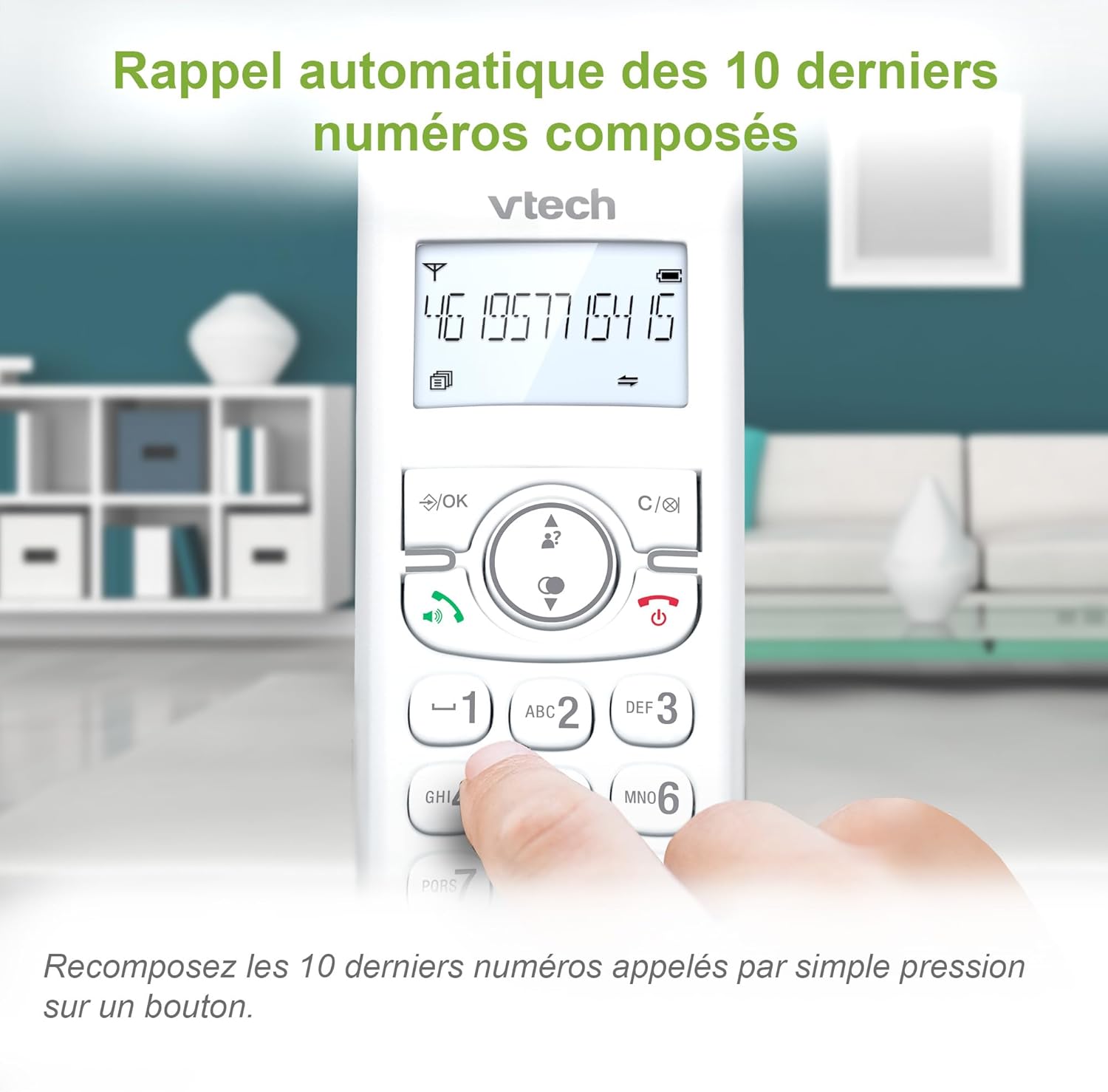
4.6. Redial Last 10 Numbers
Szybkie ponowne wybieranie dowolnego z 10 ostatnio wybieranych numerów poprzez naciśnięcie Ponowne wybieranie button and selecting from the list.
4.7. Inne funkcje
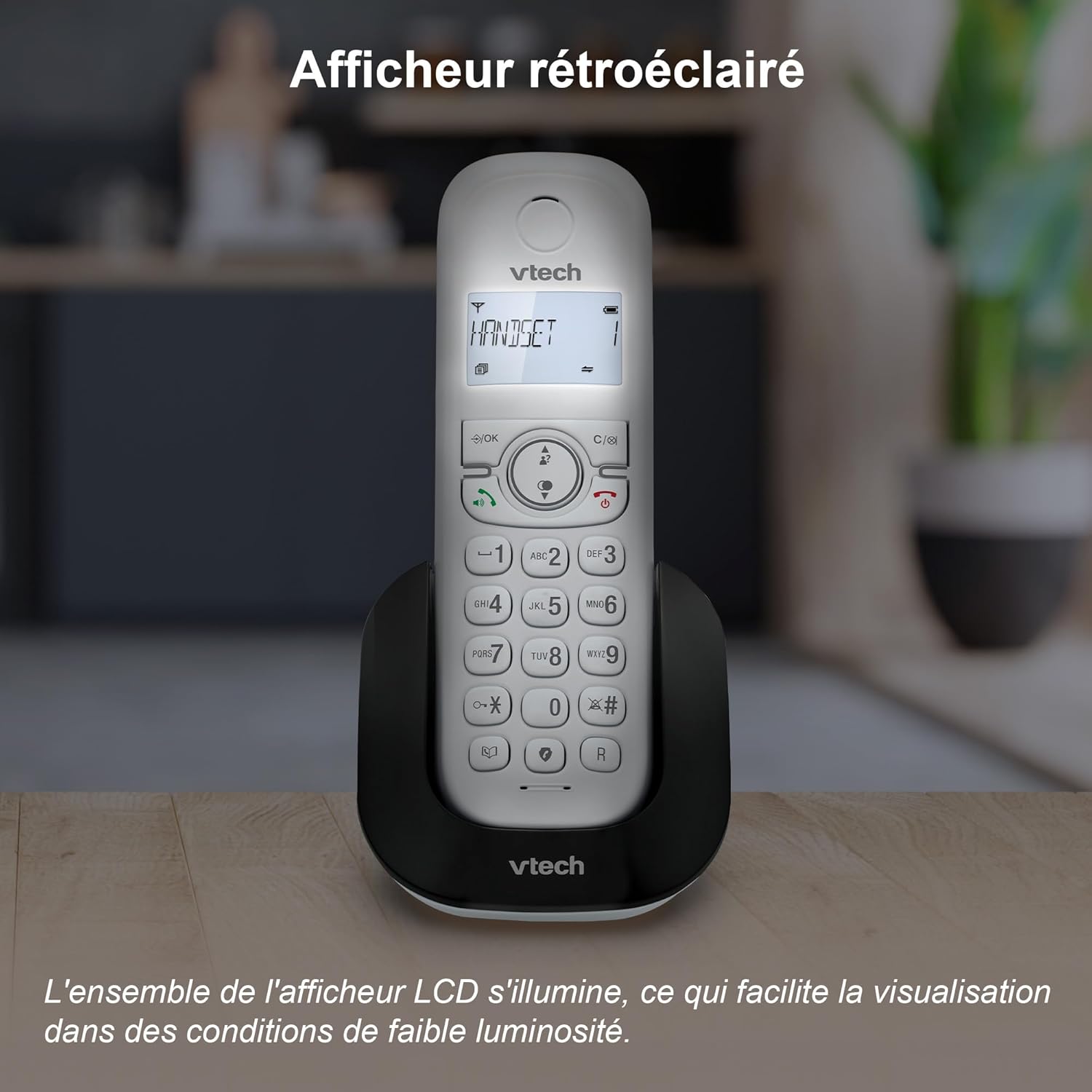
- Podświetlany wyświetlacz LCD: The backlit display ensures clear visibility even in low-light conditions.
- Tryb ekologiczny: The handset automatically adjusts and reduces radio frequency power based on its distance from the base unit, conserving energy.
- Adjustable Ring Volume and Melodies: Customize your phone's ringtone and volume settings.
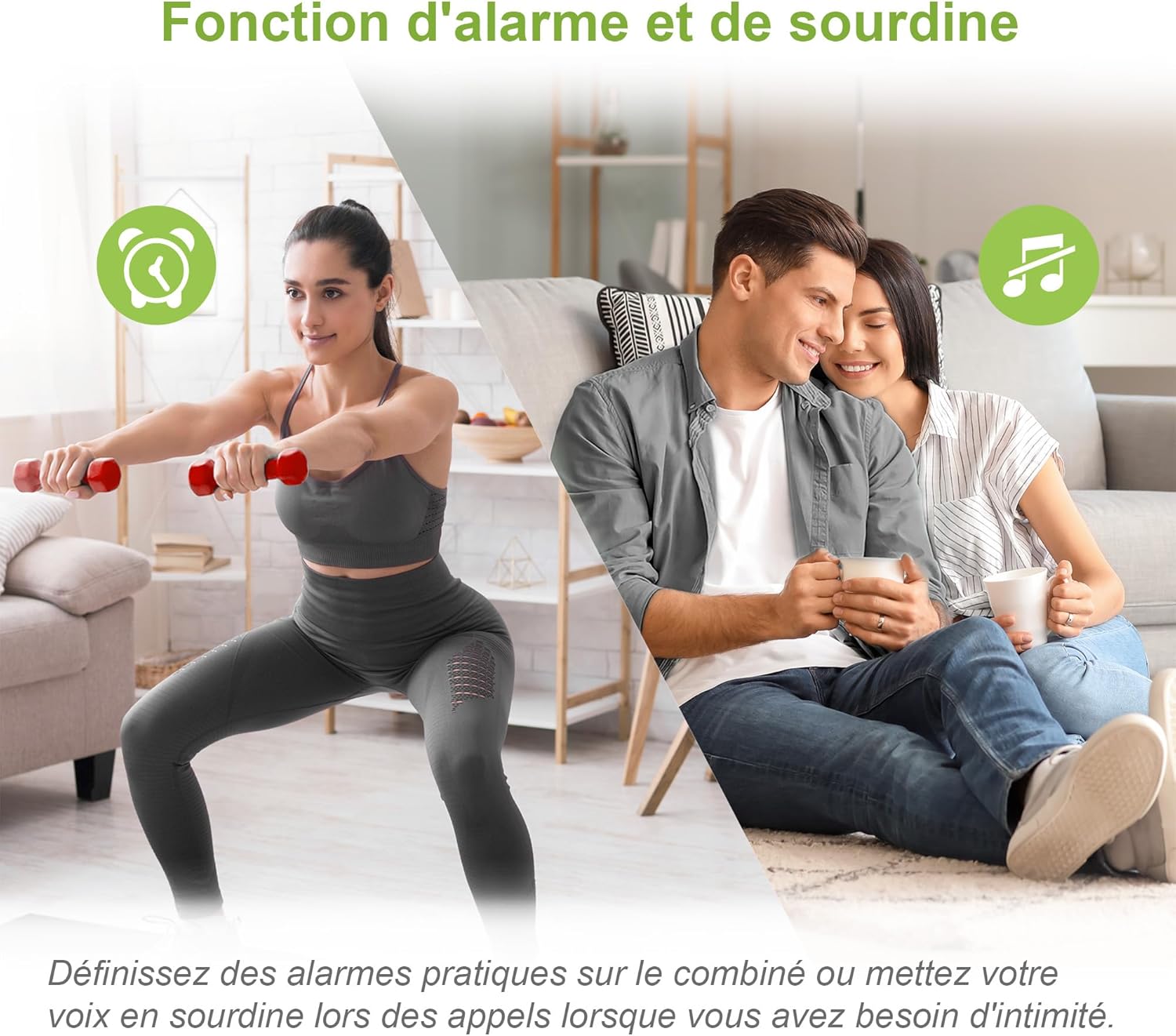
- Funkcja alarmu: Set alarms directly from the handset.
- Funkcja wyciszenia: Mute your microphone during a call for privacy.
- Długa żywotność baterii: Enjoy up to 13 hours of talk time and 200 hours of standby time.



5. Konserwacja
To ensure the longevity and optimal performance of your VTech CS1500 DECT Cordless Phone, follow these maintenance guidelines:
- Czyszczenie: Wipe the handset and base with a soft, damp ściereczką. Nie używaj sprayów czyszczących ani silnych środków chemicznych.
- Pielęgnacja baterii: Use only the specified rechargeable NiMH batteries. If the phone will not be used for an extended period, remove the batteries.
- Warunki środowiskowe: Unikaj wystawiania telefonu na działanie ekstremalnych temperatur, bezpośredniego światła słonecznego i wilgoci.
- Składowanie: Przechowuj telefon w chłodnym i suchym miejscu, gdy go nie używasz.
6. Rozwiązywanie Problemów
If you encounter any issues with your VTech CS1500, please refer to the following common problems and solutions:
| Problem | Rozwiązanie |
|---|---|
| Brak sygnału wybierania | Ensure the telephone line cord is securely connected to both the base and the wall jack. Check if the power adapter is properly connected. |
| Słuchawka się nie ładuje | Verify the handset is correctly placed on the charging base. Check the power adapter connection. Ensure batteries are installed correctly. |
| Słaba jakość połączeń / Szumy | Move the handset closer to the base unit. Avoid placing the base near other electronic devices that may cause interference. |
| Wyświetlacz jest pusty | Ensure the handset is charged. If the issue persists, try resetting the phone by disconnecting the power from the base for a few minutes, then reconnecting. |
| Nie można blokować połączeń | Ensure you have correctly added the number to the call blocker list as per section 4.5. |
Jeśli po wypróbowaniu tych rozwiązań problem nadal występuje, skontaktuj się z obsługą klienta VTech.
7. Specyfikacje
- Model: CS1500
- Marka: VTech
- Kolor: Biały
- Tworzywo: Plastikowy
- Waga: 275 gram
- Typ baterii: NiMH (4 product-specific batteries included)
- Czas rozmowy: Do 13 godzin
- Czas czuwania: Do 200 godzin
- Zgodne urządzenia: PSTN, possibly ISDN
- Pojemność książki telefonicznej: 60 nazwisk i numerów
- Pamięć identyfikacji dzwoniącego: 20 rekordów
- Pojemność blokady połączeń: 60 liczby
8. Gwarancja i wsparcie
Aby uzyskać informacje dotyczące gwarancji i pomocy technicznej, zapoznaj się z kartą gwarancyjną dołączoną do produktu lub odwiedź oficjalną stronę internetową VTech webZachowaj paragon jako dowód zakupu.
Obsługa klienta VTech: For assistance, please visit the VTech support page or contact their customer service hotline, details of which can typically be found on the VTech official webmiejscu lub w opakowaniu produktu.


