1. Wprowadzenie
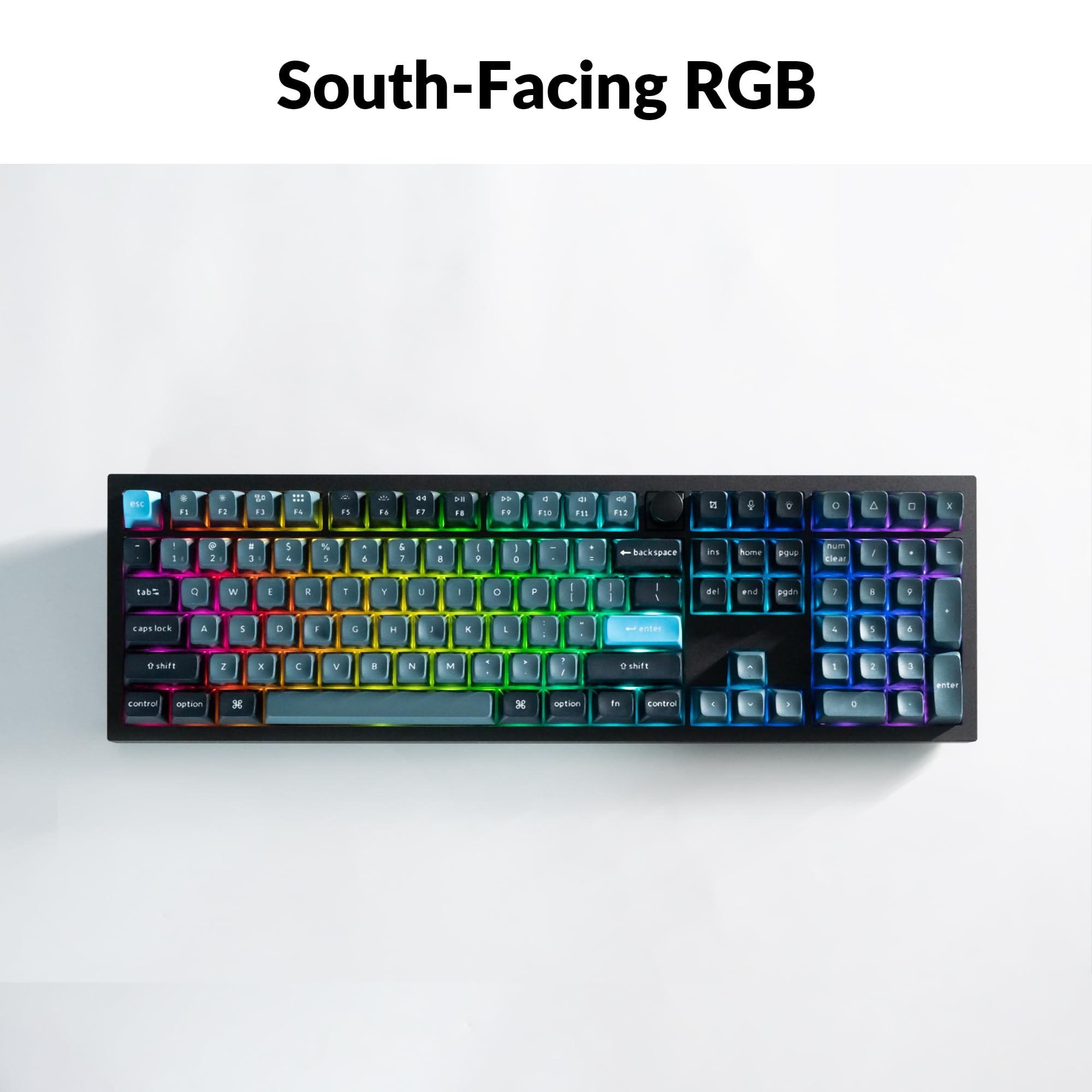
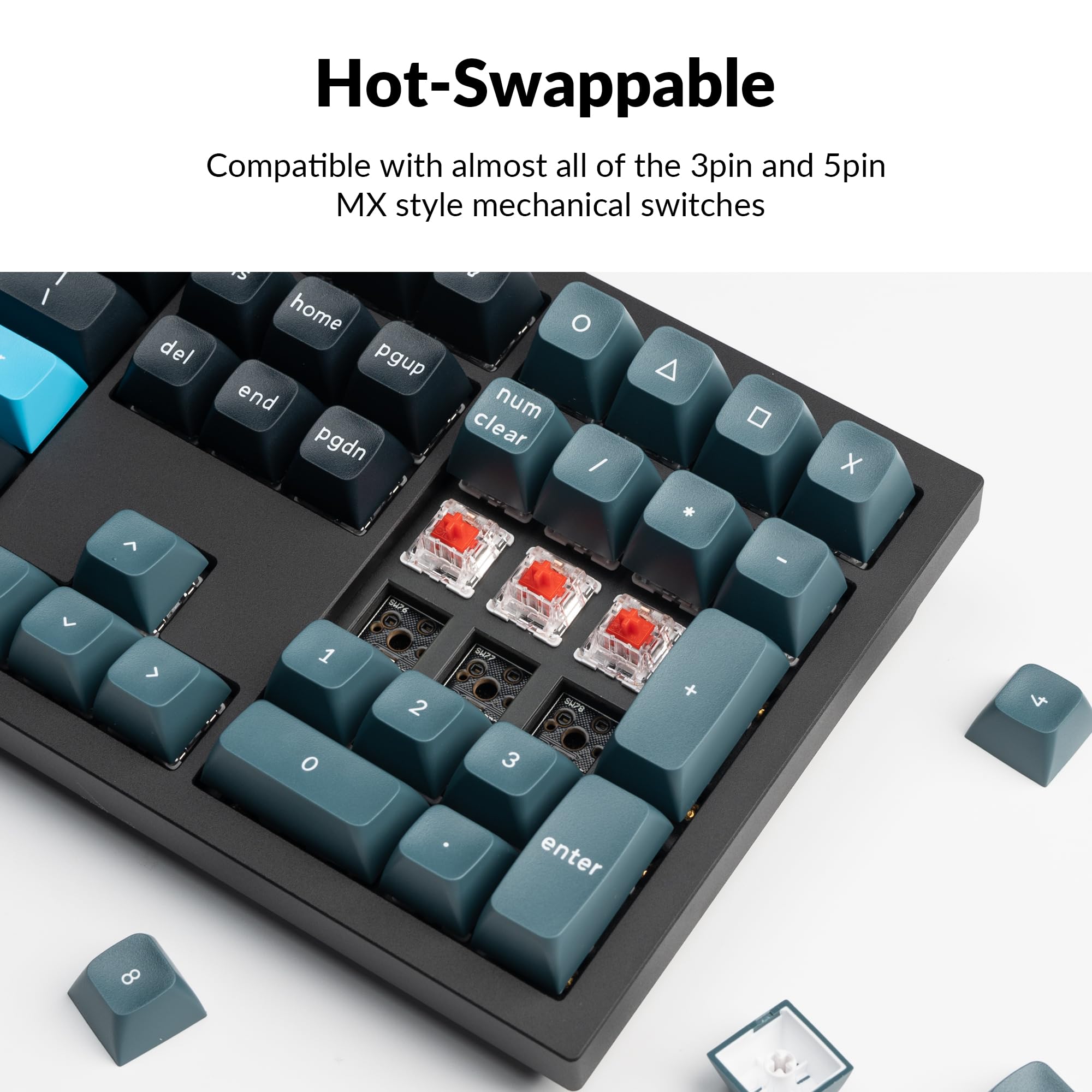
Welcome to the user manual for your Keychron Q6 Pro Full Aluminum QMK/VIA Programmable Knob Bluetooth Custom Mechanical Keyboard. This keyboard is designed to provide an exceptional typing experience with its full-size layout, durable aluminum body, and advanced customization options. It features hot-swappable Keychron K Pro Red mechanical switches, KSA double-shot PBT keycaps, a double-gasket design, screw-in stabilizers, and south-facing RGB backlighting.
The Q6 Pro offers both wireless (Bluetooth 5.1) and wired (USB Type-C) connectivity, making it versatile for various devices including laptops, phones, and tablets. Its QMK/VIA compatibility allows for extensive key remapping and macro creation, powered by an ultra-low-power ARM Cortex-M4 32-bit STM32L432 chip.

Image 1.1: Keychron Q6 Pro Full Aluminum Custom Mechanical Keyboard with a close-up of a red switch.
2. Zawartość opakowania
Sprawdź, czy w przesyłce znajdują się wszystkie elementy:
- 1x W pełni zmontowana klawiatura
- 1x aluminiowa obudowa
- 1x PCB (płytka drukowana)
- 1x płytka komputerowa
- 1x pianka pochłaniająca dźwięk
- 1x etui z pianki
- 16x Uszczelki (12 Zainstalowanych i 4 w Pudełku)
- 8 zestawów x stabilizatory
- 1 zestaw nakładek na klawisze (double-Shot KSA PBT)
- 1 zestaw x przełączniki
- 1x kabel typu C do typu C
- 1x przejściówka typu A na typ C
- 1x przełącznik ściągacz
- 1x ściągacz klawiszy
- 1x Śrubokręt
- 1x Klucz Szesnastkowy

Image 2.1: Visual representation of the Keychron Q6 Pro package contents, including the keyboard, cables, and tools.
3. Konfiguracja
3.1 Pierwsze ładowanie
Before first use, it is recommended to fully charge the keyboard. Connect the provided USB Type-C cable to the keyboard's Type-C port and the other end to a USB power source (e.g., computer, wall adapter). The keyboard contains a 4000 mAh rechargeable Li-polymer battery.
3.2 Połączenie przewodowe
To use the keyboard in wired mode, connect the USB Type-C cable from the keyboard to your computer. The keyboard will automatically detect the wired connection. The polling rate in wired mode is 1000 Hz.
3.3 Połączenie bezprzewodowe Bluetooth
The Q6 Pro can connect to up to 3 devices wirelessly via Bluetooth 5.1.
- Sprawdź, czy klawiatura jest naładowana.
- Toggle the switch on the back of the keyboard to the Bluetooth (BT) mode.
- Włącz Bluetooth na swoim urządzeniu (laptopie, telefonie, tablecie) i wyszukaj dostępne urządzenia.
- Select "Keychron Q6 Pro" from the list of devices.
- Jeśli zostaniesz o to poproszony, wprowadź kod parowania wyświetlony na ekranie.
- To switch between paired devices, use the designated function keys (refer to the keyboard layout or QMK/VIA software for specific key combinations). The polling rate in wireless mode is 90 Hz.
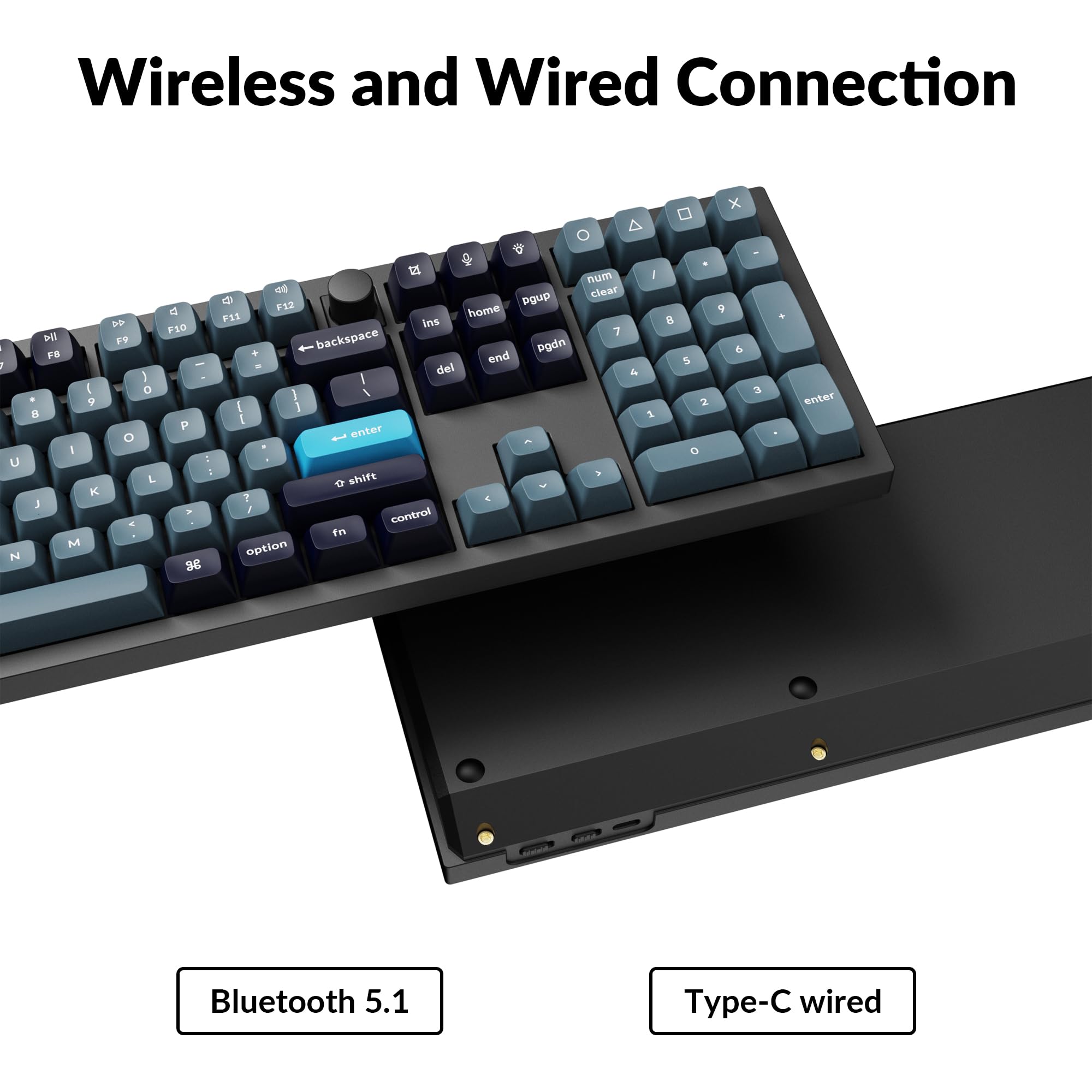
Image 3.1: The USB Type-C port and the wireless/wired mode switch on the Keychron Q6 Pro keyboard.
3.4 Zmiana systemu operacyjnego
The keyboard is compatible with both Mac and Windows operating systems. Use the OS switch located on the back of the keyboard to select the appropriate mode for your system. This ensures correct key mapping for modifier keys like Command/Alt.