Wstęp
This manual provides detailed instructions for the setup, operation, and maintenance of your VTech CS2000 DECT Cordless Home Phone. Please read this manual thoroughly before using your new phone to ensure proper functionality and to take full advantage jego funkcji.
The VTech CS2000 is designed for home use, offering reliable long-range communication, essential call management features, and user-friendly design.

Figure 1: VTech CS2000 DECT Cordless Home Phone, showing the handset docked in its base unit.
Organizować coś
Zawartość opakowania
Upewnij się, że w przesyłce znajdują się wszystkie elementy:
- Telefon komórkowy VTech CS2000
- VTech CS2000 Base Unit
- Zasilacz do jednostki bazowej
- Przewód telefoniczny
- Rechargeable NiMH Battery (1 included)
Instalacja i ładowanie baterii
The VTech CS2000 uses a rechargeable NiMH battery. Proper installation and initial charging are crucial for optimal performance.
- Znajdź komorę baterii z tyłu słuchawki.
- Insert the supplied NiMH battery, ensuring the polarity matches the diagram inside the compartment.
- Dokładnie zamknij pokrywę komory baterii.
- Odłóż słuchawkę na bazę. Wskaźnik ładowania na słuchawce powinien się zaświecić.
- Allow the handset to charge for at least 16 hours before initial use, even if the display indicates a full charge sooner. This ensures maximum battery capacity.
Podłączanie jednostki bazowej
- Podłącz jeden koniec przewodu telefonicznego do gniazda TEL LINE z tyłu jednostki bazowej.
- Podłącz drugi koniec przewodu telefonicznego do gniazdka telefonicznego w ścianie.
- Podłącz mniejszy koniec zasilacza do gniazda POWER z tyłu jednostki bazowej.
- Podłącz większy koniec zasilacza do standardowego gniazdka elektrycznego.
- Sprawdź, czy wszystkie połączenia są bezpieczne.
Obsługa telefonu
Wykonywanie i odbieranie połączeń
Nawiązywanie połączenia:
- Naciśnij ROZMAWIAĆ button (green receiver icon) or lift the handset from the base.
- Wybierz żądany numer telefonu.
- Naciśnij KONIEC button (red receiver icon) or place the handset back on the base to end the call.
Odbieranie połączenia:
Gdy zadzwoni telefon, naciśnij ROZMAWIAĆ button or lift the handset from the base to answer.
Głośnik bez użycia rąk
The VTech CS2000 features a hands-free speakerphone function, allowing you to talk without holding the handset.
- Podczas połączenia naciśnij GŁOŚNIK button (speaker icon).
- To switch back to the handset, press the ROZMAWIAĆ naciśnij przycisk ponownie.
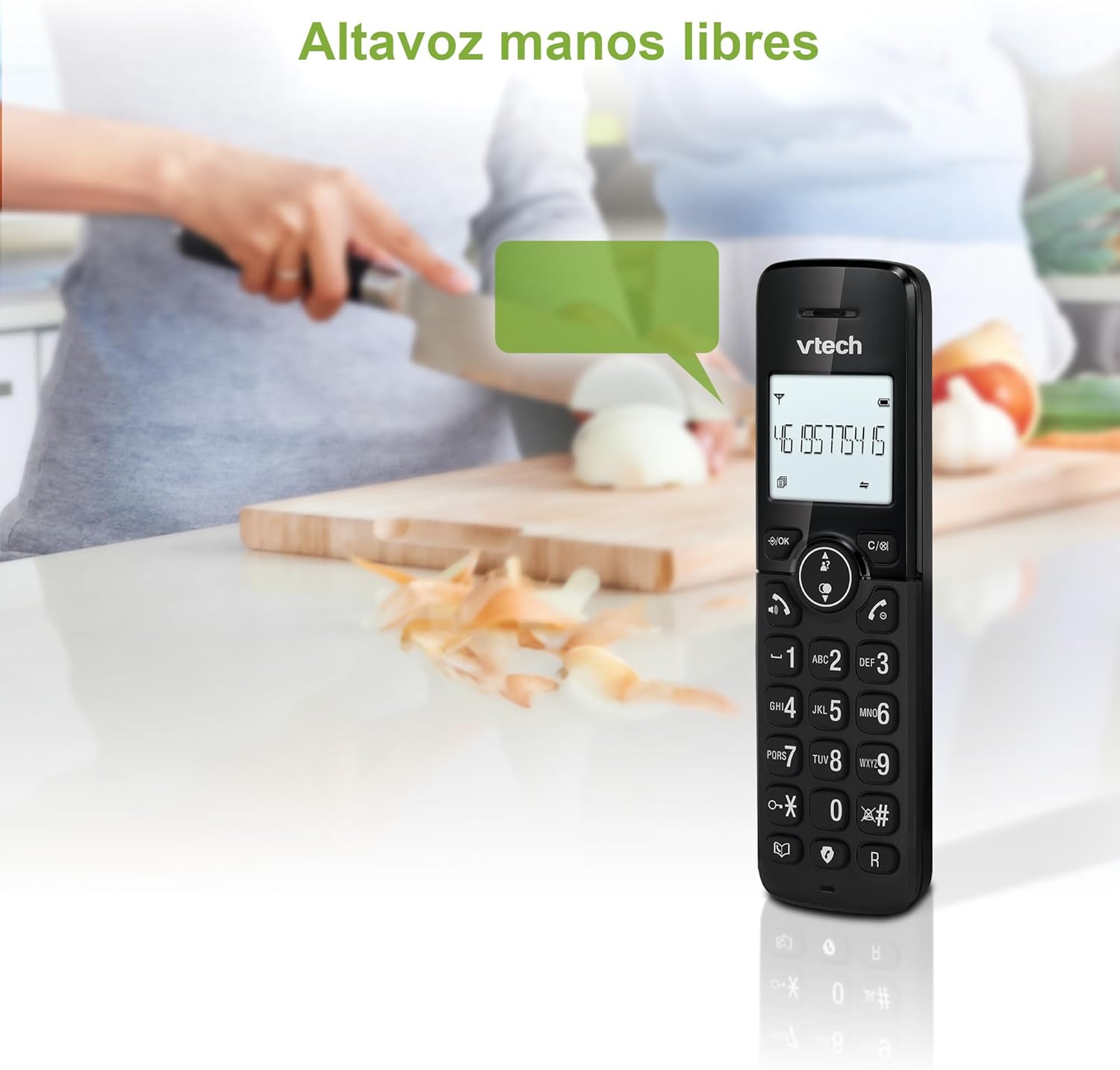
Figure 2: Using the hands-free speakerphone function.
Blokowanie połączeń
The call blocking feature allows you to prevent unwanted calls. You can block up to 30 numbers.
- To block a number during a call, press the ZADZWOŃ BLOK przycisk.
- To add a number to the block list manually, navigate to the Call Block menu in the phone settings.
- Follow the on-screen prompts to add or remove numbers from the block list.
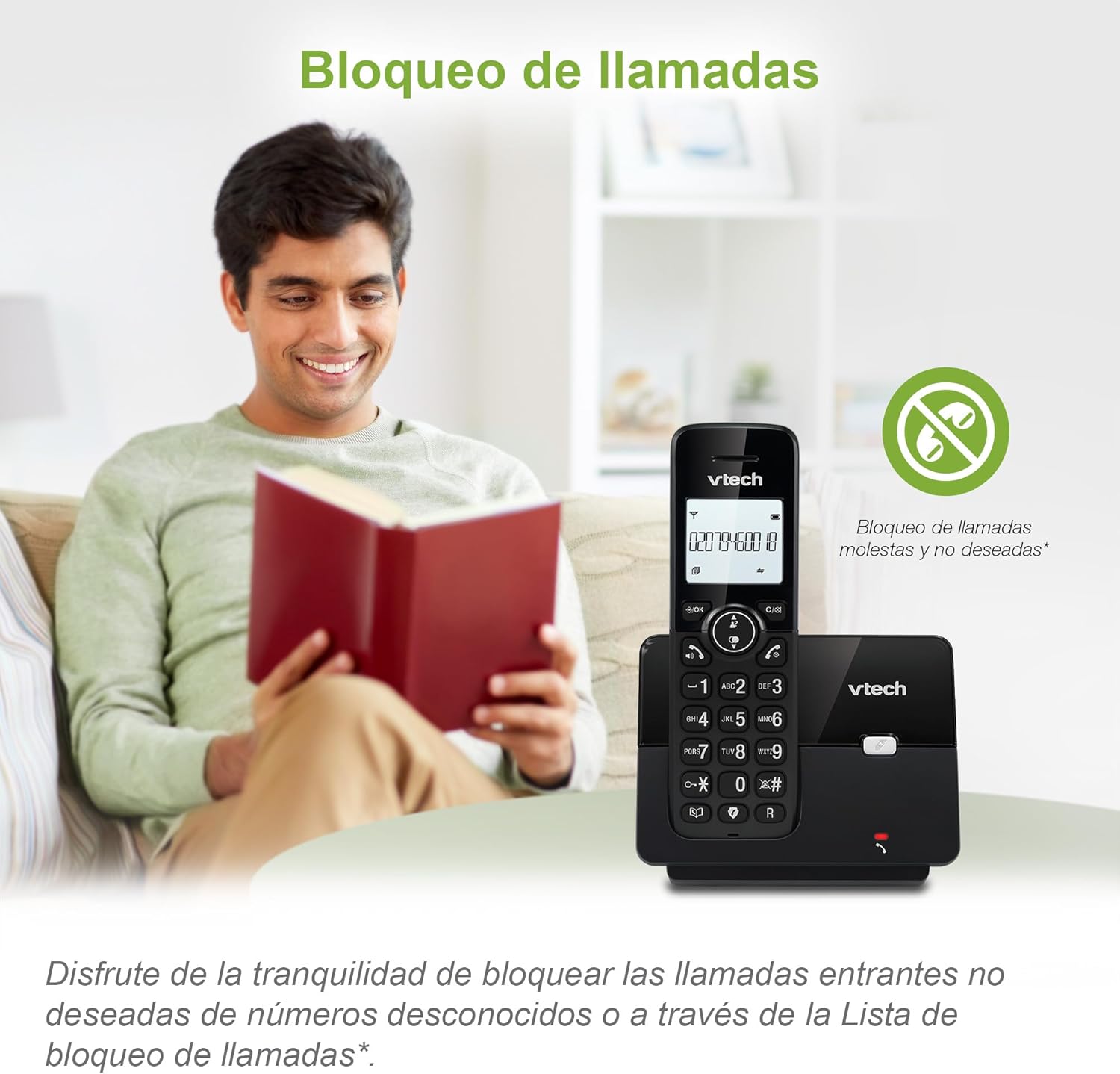
Figure 3: The call blocking feature helps manage unwanted calls.
Książka telefoniczna (książka telefoniczna)
Możesz zapisać w książce telefonicznej do 30 nazw i numerów, aby mieć możliwość szybkiego wybierania numerów.
- Naciśnij MENU/OK przycisk.
- Navigate to the "Phonebook" or "Directory" option.
- Select "Add New Entry" and follow the prompts to enter the name and number.
- To dial from the phonebook, press the INFORMATOR button and scroll to the desired entry, then press ROZMAWIAĆ.

Figure 4: Managing contacts in the phonebook.
Identyfikacja dzwoniącego i połączenie oczekujące
The phone stores up to 20 caller ID records with name and number (service subscription may be required).
When a new call comes in while you are on another call, the call waiting feature alerts you (service subscription may be required).
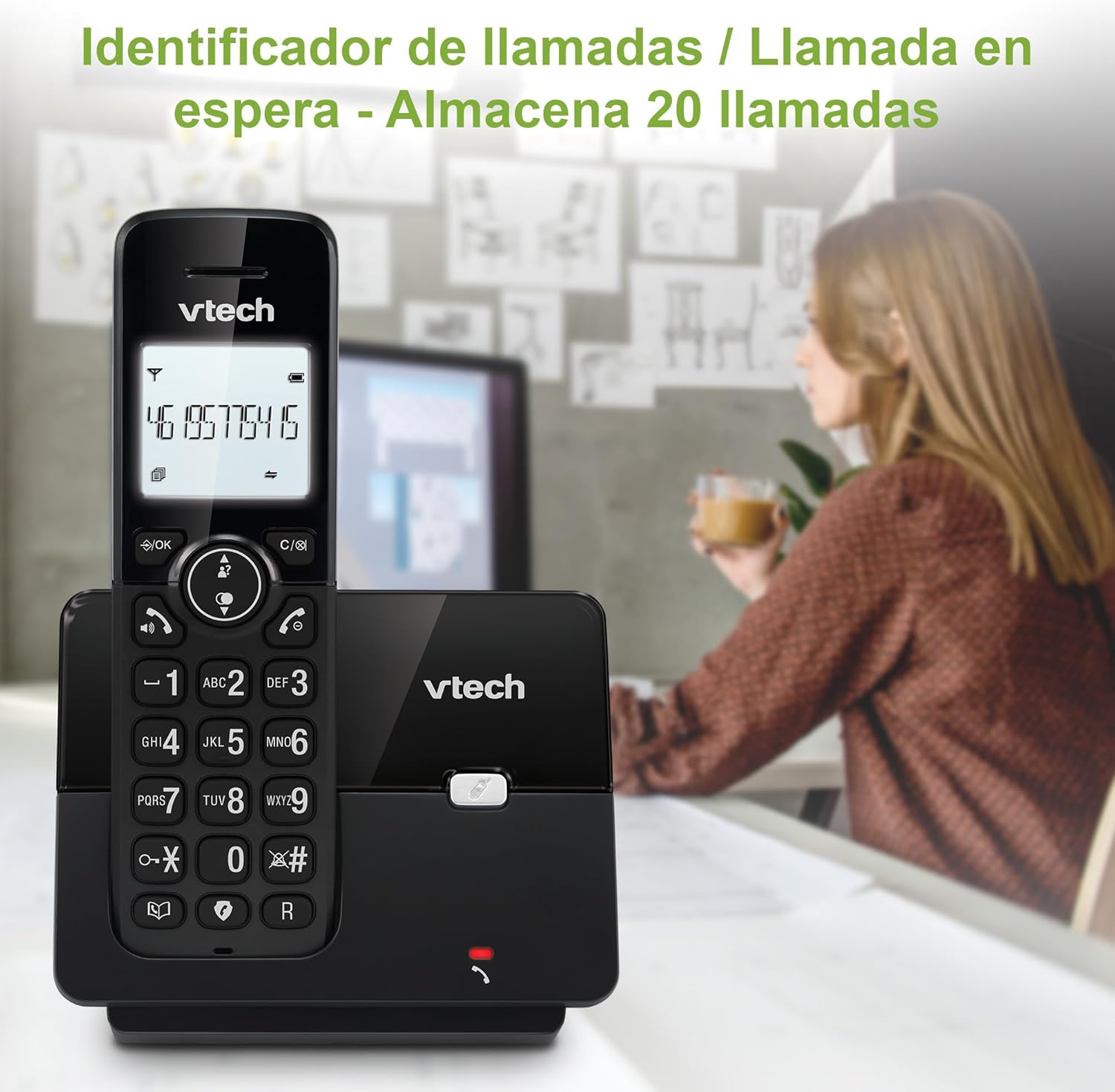
Rysunek 5: Wyświetlacz identyfikatora dzwoniącego na słuchawce.
Lista ponownego wybierania
Telefon zapamiętuje 10 ostatnio wybieranych numerów, co umożliwia szybkie ponowne wybieranie.
- Naciśnij PONOWNIE przycisk.
- Scroll through the list using the navigation keys.
- Naciskać ROZMAWIAĆ to redial the selected number.

Figure 6: Accessing the redial list.
Tryb ekologiczny
The ECO mode automatically adjusts the radio frequency power based on the distance between the handset and the base unit, helping to conserve energy.
Adjusting Ring Volume and Melody
You can customize the ring volume and melody of your handset.
- Naciśnij MENU/OK przycisk.
- Navigate to "Settings" or "Ring Settings".
- Select "Ring Volume" or "Ring Melody" and choose your preference.
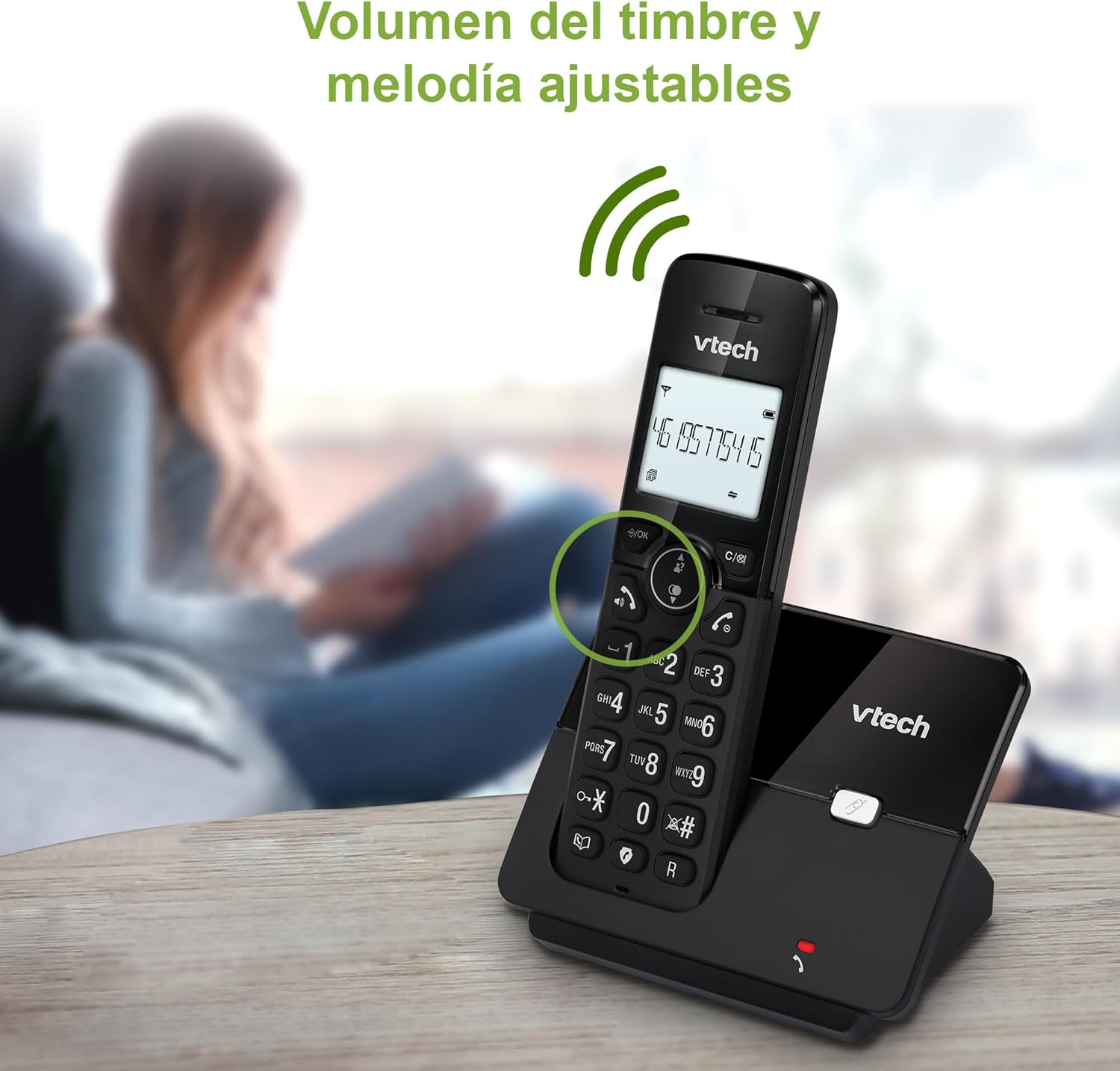
Figure 7: Adjusting ring volume and melody.
Alarm and Silence Function
The phone includes an alarm function and a silence mode for convenience.
- To set an alarm, navigate to the "Alarm" option in the menu and follow the prompts.
- To activate silence mode, typically press and hold the NIEMY button or access the "Silence" option in the settings.

Figure 8: Alarm and silence functions.
podświetlany wyświetlacz
The 1.8-inch backlit display provides clear visibility, especially in low-light conditions.

Figure 9: The 1.8-inch backlit display for clear viewing.
Long Range Capability
The VTech CS2000 utilizes DECT technology to provide a stable operating range of up to 300 meters outdoors, ensuring clear communication throughout your home and property.

Figure 10: The phone offers reliable long-range coverage.
Konserwacja
Czyszczenie
Wyczyść telefon i jednostkę bazową miękką szmatką.amp ściereczką. Nie używaj sprayów czyszczących ani środków ściernych, ponieważ mogą one uszkodzić wykończenie lub elementy elektryczne.
Pielęgnacja baterii
- Only use the supplied rechargeable NiMH battery or an approved replacement.
- Jeśli telefon nie będzie używany przez dłuższy czas, wyjmij baterię, aby zapobiec wyciekowi.
- Baterie należy utylizować zgodnie z lokalnymi przepisami.
Rozwiązywanie problemów
If you experience issues with your VTech CS2000 phone, try the following solutions:
| Problem | Rozwiązanie |
|---|---|
| Brak sygnału wybierania. | Ensure the telephone line cord is securely connected to both the base unit and the wall jack. Check if the power adapter is properly connected and plugged into a working outlet. |
| Słuchawka się nie ładuje. | Ensure the handset is correctly placed on the base unit. Clean the charging contacts on both the handset and base unit with a dry cloth. Verify the power adapter is connected. |
| Słaba jakość dźwięku lub szumy. | Move closer to the base unit. Ensure there are no large metal objects or other electronic devices interfering with the signal. Check for loose telephone line connections. |
| Nie można wykonywać ani odbierać połączeń. | Check if the phone line is active. Ensure the handset is registered to the base unit (refer to the full manual for registration steps if needed). Temporarily unplug the base unit's power adapter, wait a few seconds, then plug it back in. |
| Identyfikator dzwoniącego nie jest wyświetlany. | Upewnij się, że masz wykupioną usługę identyfikacji dzwoniącego u swojego operatora telefonicznego. |
Specyfikacje
| Marka | VTech |
| Numer modelu | CS2000 |
| Kolor | Czarny |
| Typ telefonu | Bezprzewodowy telefon DECT |
| Rozmiar ekranu | 1.8 cali |
| Skład baterii | NiMH |
| Liczba baterii | 1 (konkretny produkt - w zestawie) |
| Tworzywo | Plastikowy |
| Źródło zasilania | Zasilany bateryjnie |
| Typ dialera | Pojedyncza klawiatura |
| Typ systemu odbierającego | Bezprzewodowy |
| Waga przedmiotu | 300 gram |
| Operacja wieloliniowa | Praca na jednej linii |
| Cechy specjalne | Cordless, Call Blocking, Hands-Free Speakerphone, Backlit Display, ECO Mode, Caller ID, Phonebook, Redial |
Gwarancja i wsparcie
Aby uzyskać informacje dotyczące gwarancji i pomocy technicznej, zapoznaj się z dokumentacją dołączoną do zakupionego produktu lub odwiedź oficjalną stronę internetową VTech webZachowaj paragon jako dowód zakupu.
Producent: VTECH TELECOMMUNICATIONS LTD
Kraj pochodzenia: Chiny


