1. Wprowadzenie
This manual provides detailed instructions for the setup, operation, and maintenance of your HEAD LOS Angeles H160305 Smartwatch. Please read this manual thoroughly to ensure proper use and to maximize the benefits of your device.
The HEAD LOS Angeles H160305 is a versatile smartwatch designed for both men and women, featuring a 1.78-inch color display, health monitoring capabilities, and smart notifications. It is compatible with iOS and Android devices.
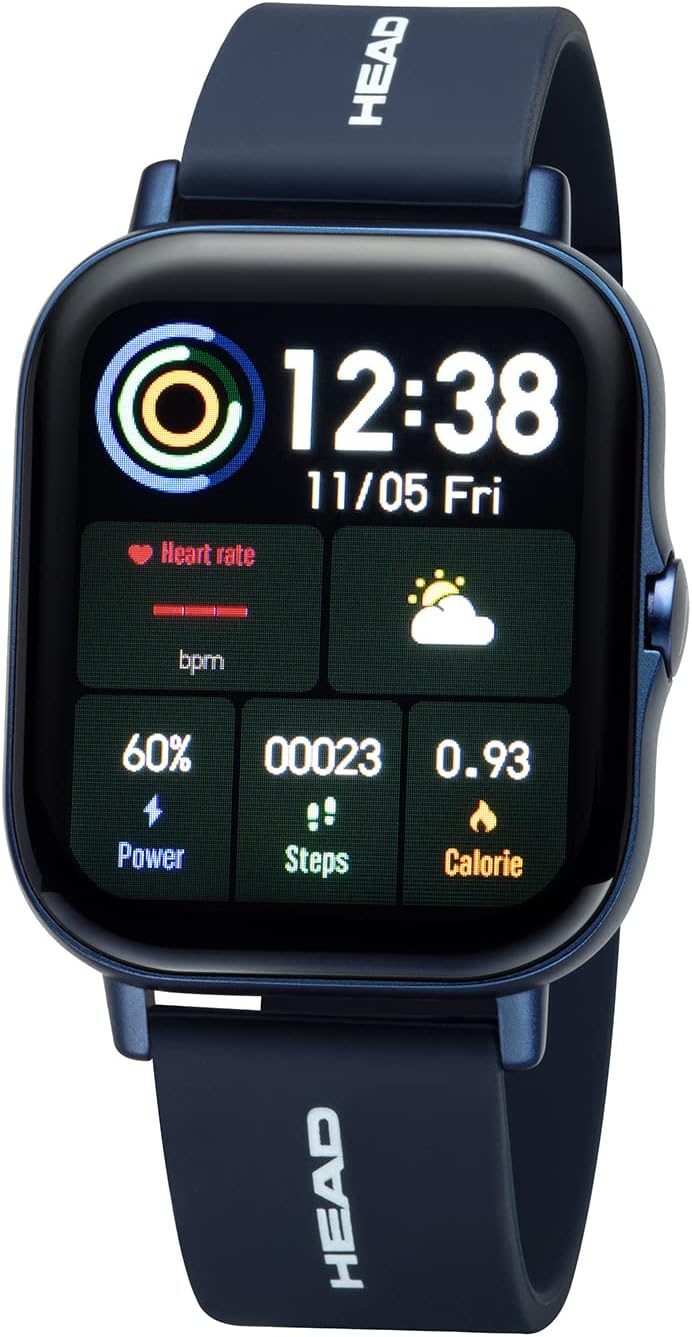
Rysunek 1.1: Przód view of the HEAD LOS Angeles H160305 Smartwatch, displaying time, heart rate, power, steps, and calorie data on its vibrant screen.
2. Zawartość opakowania
Po otwarciu opakowania należy sprawdzić, czy znajdują się w nim wszystkie elementy:
- HEAD LOS Angeles H160305 Smartwatch
- Silicone Strap (pre-attached or separate)
- Kabel ładujący
- Instrukcja obsługi (ten dokument)
3. Konfiguracja
3.1. Ładowanie smartwatcha
Before first use, fully charge your smartwatch. Connect the charging cable to the charging contacts on the back of the watch and to a USB power source. The watch has a 200 mAh battery, providing up to 3 days of normal use and up to 5 days of standby time.

Rysunek 3.1: Z bliska view of the back of the HEAD LOS Angeles H160305 Smartwatch, highlighting the optical sensors and magnetic charging contacts.
3.2. Instalacja aplikacji
To unlock the full functionality of your smartwatch, download and install the companion application on your smartphone. The app is compatible with Android 4.4 and above, and iOS 8.0 and above. Szukaj the official HEAD Smartwatch app in your device's app store.
3.3. Parowanie urządzeń
Once the app is installed and your smartwatch is charged:
- Włącz Bluetooth w swoim smartfonie.
- Open the HEAD Smartwatch app.
- Follow the on-screen instructions within the app to search for and pair with your H160305 smartwatch. Ensure the smartwatch is powered on and within Bluetooth range (Bluetooth 4.0).
4. Instrukcja obsługi
4.1. Wyświetlacz i nawigacja
The smartwatch features a 1.78-inch color display. You can customize watch faces and adjust screen brightness to suit different environments.
- Ekran dotykowy: Przesuwaj w lewo, w prawo, w górę lub w dół, aby poruszać się po menu i funkcjach. Dotknij, aby wybrać opcję.
- Przycisk boczny: Typically used to return to the home screen, power on/off, or activate specific functions.
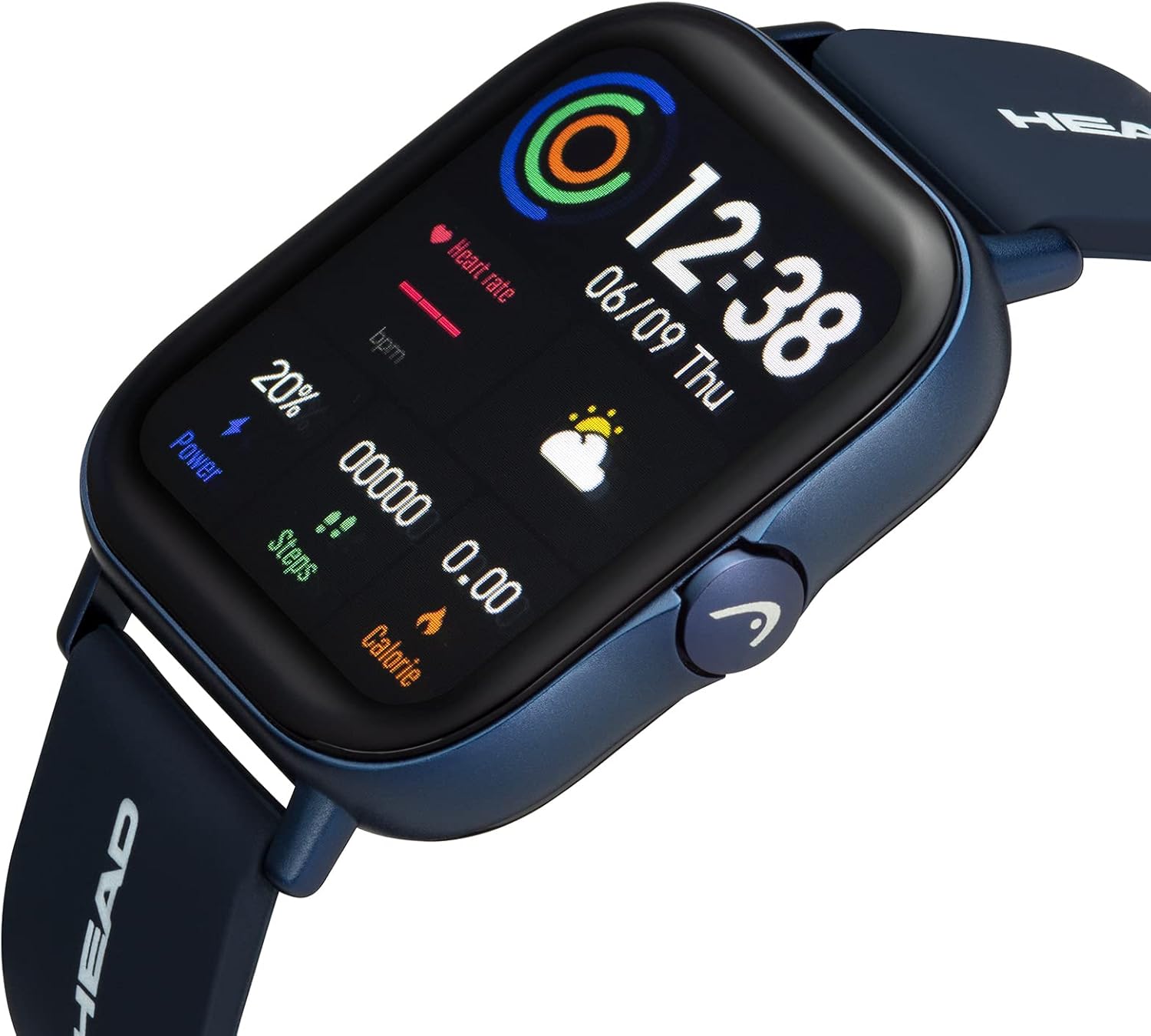
Rysunek 4.1: Kątowy view smartwatcha, pokażasing its display and the functional side button.
4.2. Dostosowywanie tarcz zegarka
The smartwatch supports interchangeable watch faces. You can change them directly on the watch or through the companion app to personalize your device's appearance.

Rysunek 4.2: A smartphone screen displaying a selection of customizable watch faces available through the companion application.
5. Health and Fitness Features
The HEAD LOS Angeles H160305 Smartwatch offers a comprehensive suite of health and fitness tracking features:
- Monitorowanie częstości akcji serca: Stale śledź swoje tętno przez cały dzień.
- EKG: Electrocardiogram function for heart health assessment.
- Ciśnienie krwi: Monitoruj poziom ciśnienia krwi.
- Nasycenie tlenem (SpO2): Zmierz poziom tlenu we krwi.
- Monitor snu: Przeanalizuj swoje wzorce i jakość snu.
- Tryb wielu sportów: Track various activities with dedicated sport modes.
- Stoper: Do pomiaru czasu.
- Trening oddechowy: Ćwiczenia oddechowe wspomagające relaksację.
- Funkcja masażu: Provides gentle vibrations.
- Female Cycle Monitor: Śledź i przewiduj cykle menstruacyjne.
- Przypomnienie o ruchu: Informuje o ruchu po okresach bezczynności.
- Przypomnienie o wodzie: Zachęca do regularnego picia wody.

Rysunek 5.1: Ponadview of the smartwatch's health and fitness features, including icons for heart rate, blood oxygen, ECG, blood pressure, sleep monitoring, and multi-sport modes.

Rysunek 5.2: The smartwatch and a smartphone screen illustrating detailed sleep tracking data, showing sleep duration and quality analysis.
6. Inteligentne funkcje
Stay connected and manage your daily tasks with these smart functionalities:
- Powiadomienia push: Receive alerts from your smartphone apps directly on your watch.
- Połączenia Bluetooth: Make and receive calls directly from your smartwatch.
- Messages & SMS Notifications: View incoming messages and SMS alerts.
- Contact Favorites: Access your most frequent contacts.
- Music App Remote Control: Steruj odtwarzaniem muzyki na swoim smartfonie.
- Pogoda: Otrzymuj aktualne informacje o pogodzie w czasie rzeczywistym.
- Find Smartphone/Smartwatch: Zlokalizuj sparowane urządzenia.
- Tryb aparatu: Zdalne sterowanie aparatem w smartfonie.
- Alarmy: Set various alarms, including movement alarms.

Rysunek 6.1: The smartwatch screen showing an incoming message notification, alongside a smartphone displaying multiple app notifications.
7. Konserwacja
7.1. Wodoodporność
The HEAD LOS Angeles H160305 Smartwatch is IP67 water-resistant. This means it is protected against dust ingress and can withstand immersion in water up to 1 meter for up to 30 minutes. It is suitable for daily use, such as hand washing or rain exposure, but not recommended for swimming or showering with hot water.
7.2. Czyszczenie
Aby zachować wygląd i funkcjonalność swojego smartwatcha:
- Przetrzyj ekran i obudowę miękką szmatką.amp płótno.
- Unikaj stosowania silnych środków chemicznych i materiałów ściernych.
- Przed ładowaniem sprawdź, czy styki ładowania są czyste i suche.
8. Rozwiązywanie Problemów
Jeśli masz problemy ze swoim smartwatchem, wypróbuj następujące kroki:
- Urządzenie się nie włącza: Sprawdź, czy zegarek jest w pełni naładowany.
- Problemy z parowaniem: Check if Bluetooth is enabled on your phone and the watch is within range. Restart both devices and try pairing again.
- Niedokładne odczyty: Ensure the watch is worn snugly on your wrist, and the sensors are clean.
- Powiadomienia nie pojawiają się: Verify notification permissions are granted to the app on your smartphone.
For further assistance, refer to the support section of the companion app or contact customer service.
9. Specyfikacje
| Funkcja | Specyfikacja |
|---|---|
| Marka | GŁOWA |
| Nazwa modelu | LOS ANGELES |
| Numer modelu | H160305 |
| Kolor | Niebieski |
| Rozmiar ekranu | 1.78 cali |
| Łączność | Bluetooth 4.0 |
| Zgodność | Android 4.4+, iOS 8.0+ |
| Odporność na wodę | IP67 |
| Pojemność baterii | 200 mAh |
| Cechy specjalne | Time Display, Calendar, Activity Tracker, Heart Rate, ECG, Blood Pressure, SpO2, Sleep Monitor, Multi-Sport Mode, Notifications, Bluetooth Calls |
10. Gwarancja i wsparcie
For information regarding warranty coverage and customer support, please refer to the documentation included with your purchase or visit the official HEAD Watches website. You can also find support resources within the companion smartphone application.


