Wstęp
The Phomemo Q30S Mini Label Maker is a compact, portable, and wireless label printer designed for ease of use and versatility. This device connects via Bluetooth to your smartphone or tablet, allowing you to create and print custom labels for various organizational needs. Its thermal printing technology ensures inkless operation, providing clear and durable labels for home, office, or travel use.
Przewodnik po konfiguracji
1. Zawartość opakowania
- Phomemo Q30S Mini Label Maker
- Kabel ładujący typu C.
- One roll of 12x40mm labels (pre-installed or included)
- Instrukcja obsługi (ten dokument)
2. Włączanie urządzenia
The Phomemo Q30S supports two power methods: USB-C charging or AAA batteries.
- Ładowanie przez USB-C: Connect the provided Type-C charging cable to the printer's charging port and a USB power adapter (not included). The device will charge automatically.
- Baterie AAA: Otwórz komorę baterii i włóż 4 baterie AAA (nie ma ich w zestawie), zwracając uwagę na prawidłową biegunowość.

Image: The Phomemo Q30S label maker can be powered via its Type-C charging port or by inserting 4 AAA batteries into its dedicated compartment.
3. Instalacja aplikacji i połączenie Bluetooth
The Phomemo Q30S requires the "Print Master" application for operation. Do not connect via your phone's system Bluetooth settings directly.
- Pobierz aplikację: Szukaj "Print Master" on the Apple App Store (for iOS) or Google Play Store (for Android) and install it.
- Włącz Bluetooth: Sprawdź, czy Bluetooth jest włączony na Twoim smartfonie lub tablecie.
- Połącz przez aplikację: Open the "Print Master" app. The app will guide you to connect to the Q30S printer. Select "Q30S" from the list of found devices within the app to establish the connection.
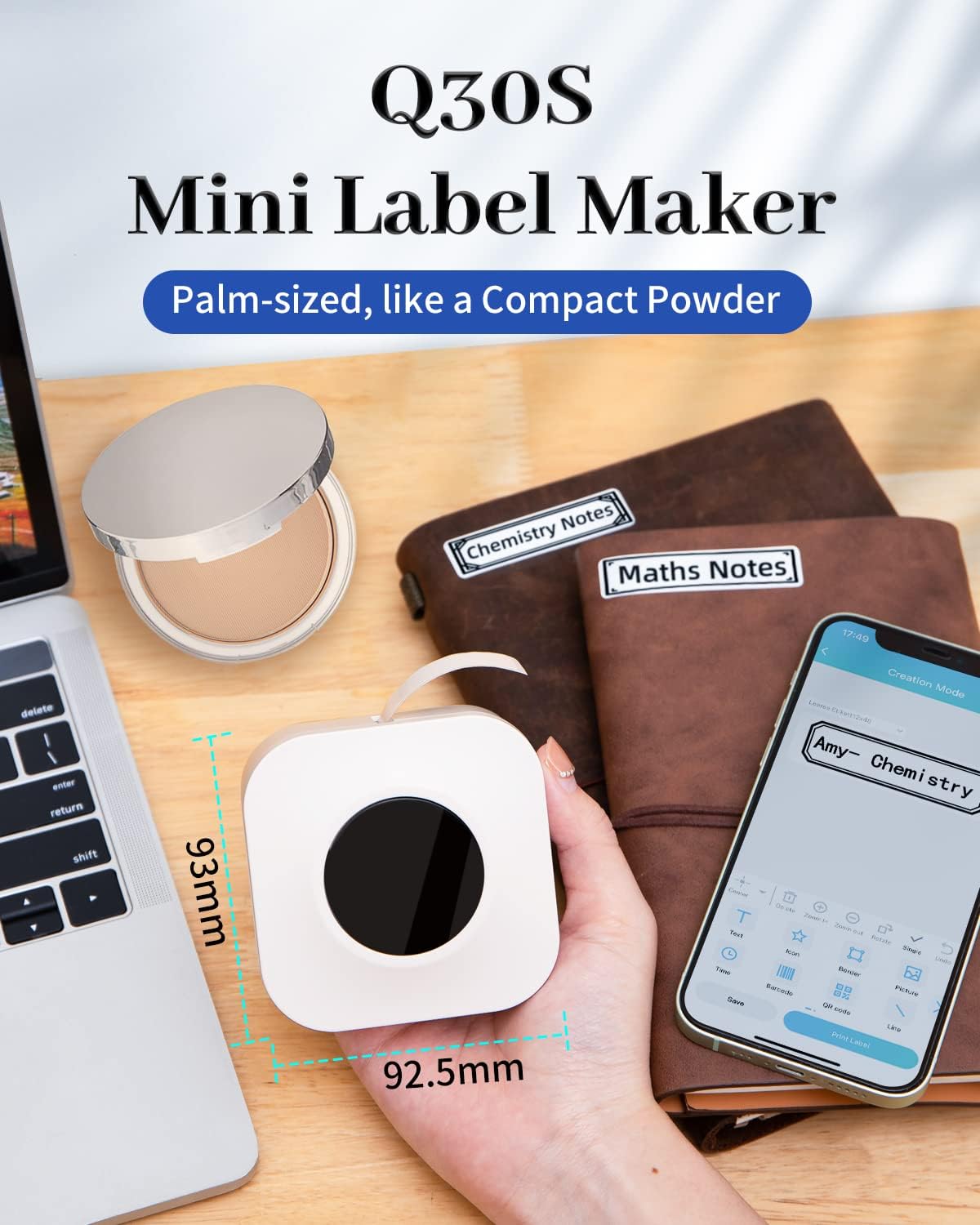
Image: Visual guide demonstrating the three steps to connect the Phomemo Q30S to your mobile device using the Print Master app, starting with enabling Bluetooth and then connecting within the app.
4. Ładowanie etykiet
The Phomemo Q30S uses thermal labels. Ensure the label roll is inserted correctly for proper printing.
- Otwórz pokrywę drukarki.
- Insert the label roll with the printing side facing upwards, ensuring the labels feed smoothly through the output slot.
- Dokładnie zamknij pokrywę.

Image: The Phomemo Q30S label maker with a label roll, illustrating how labels are dispensed from the device, alongside examples of printed labels including a barcode and text labels.
Instrukcja obsługi
1. Designing Labels with Print Master App
The Print Master app offers extensive customization options for your labels.
- Tekst: Enter text and choose from over 22 fonts.
- Ikony i obramowania: Access a library of over 300 icons and 39 borders to enhance your labels.
- Kody kreskowe i kody QR: Generate and print barcodes and QR codes directly.
- Data i godzina: Add current date or time to your labels.
- Kwestia: Incorporate lines for separation or design elements.
- Rozmiar etykiety: Compatible with label widths of 6mm, 12mm, 14mm, and 15mm.

Image: The Print Master app interface displaying various customization tools including borders, icons, fonts, and options for adding QR codes, barcodes, and dates, alongside examples of customized labels on food containers.
2. Drukowanie etykiet
Once your design is complete in the Print Master app, simply tap the print button. The Q30S will quickly print your label.
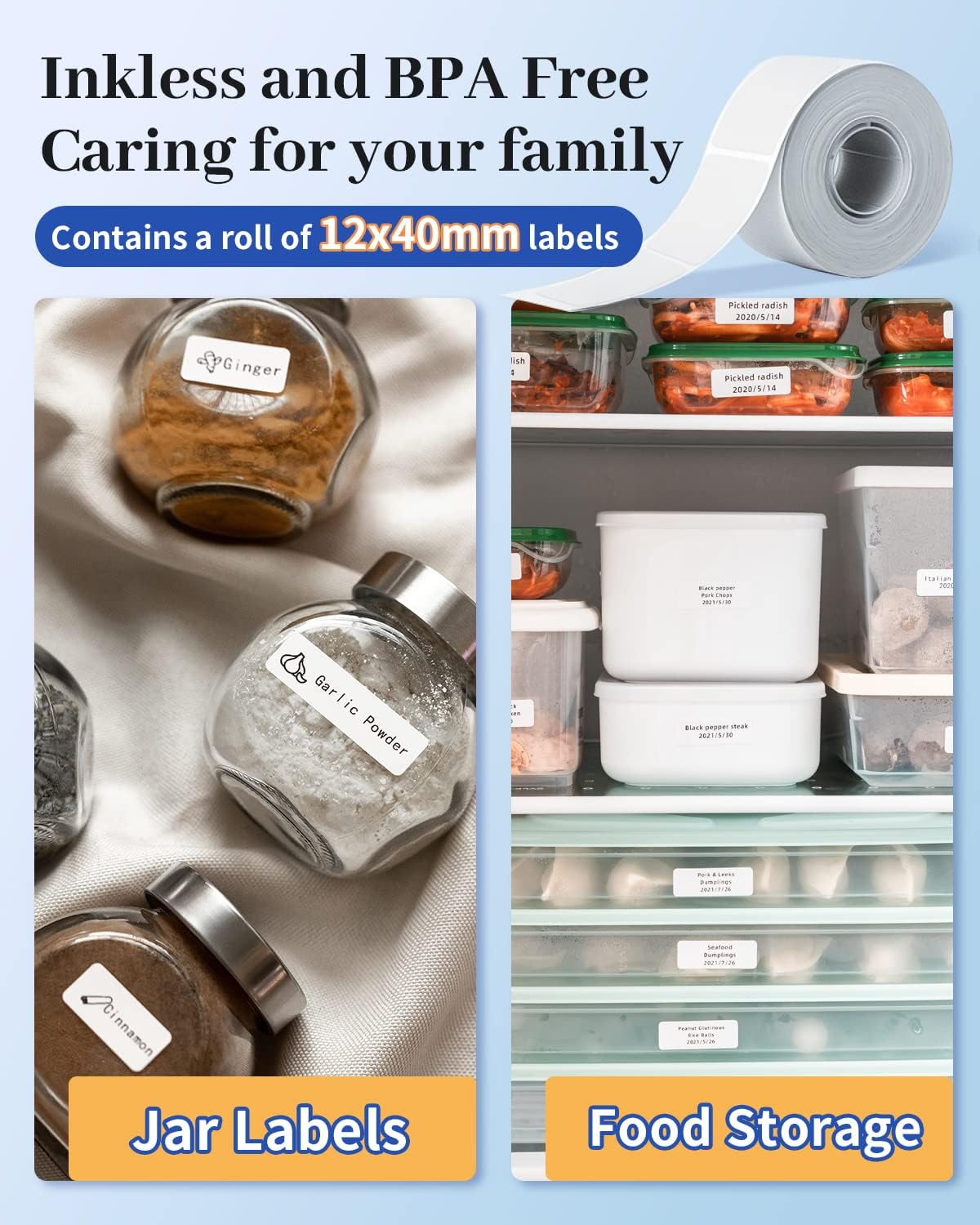
Image: A Phomemo Q30S label maker actively printing a label, which is then applied to a jar of almond nuts, demonstrating its use for marking food items and dates.
3. Typy i funkcje etykiet
The Phomemo Q30S is compatible with various label types and offers durable label properties.
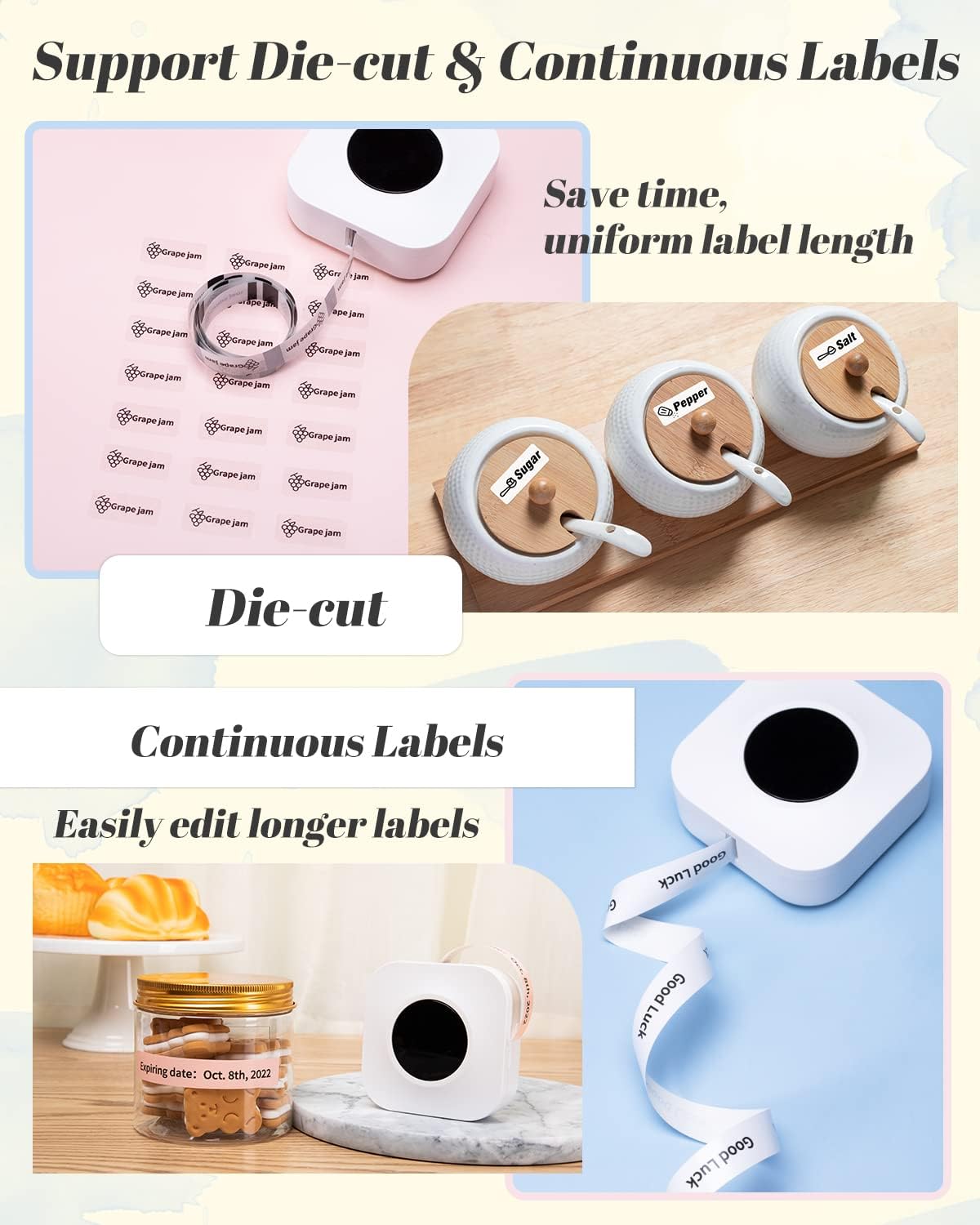
- Die-cut Labels: Pre-cut labels for consistent sizing.
- Etykiety ciągłe: Allows for custom label lengths, saving material.
- Transparent & Color Labels: Supports a range of aesthetic options.
- Inkless & BPA Free: Uses thermal printing, eliminating the need for ink and ensuring safety.
- Waterproof & Scratch Resistant: Labels are designed to withstand moisture and minor abrasions.
- Easy to Tear Off: Labels can be removed cleanly without leaving residue.
- Clear Print: Produces sharp and legible text and graphics.

Image: Illustration of the Phomemo Q30S's capability to print both die-cut labels (shown as small, individual labels for jars) and continuous labels (shown as a long strip for custom lengths), highlighting their use in kitchen organization.
Obraz: Byłyamples of Phomemo Q30S labels applied to spice jars and food storage containers, emphasizing the inkless and BPA-free nature of the labels for family safety.

Image: A series of demonstrations showing the durability of Phomemo Q30S labels, including being waterproof (wiping a labeled bottle), scratch-resistant (scissors near a label), easy to tear off (peeling a label), and providing clear print (a labeled jar of black pepper).
Konserwacja
1. Czyszczenie drukarki
To ensure optimal print quality and longevity of your Phomemo Q30S, regular cleaning is recommended.
- Turn off the printer and disconnect any power cables.
- Otwórz komorę na etykiety.
- Delikatnie przetrzyj głowicę drukującą termiczną miękką, niepozostawiającą włókien ściereczką.ampened with isopropyl alcohol. Allow it to dry completely before closing the cover.
- Clean the exterior of the printer with a dry, soft cloth.
2. Storing Labels
Store label rolls in a cool, dry place away from direct sunlight and extreme temperatures to preserve their adhesive and print quality.
Rozwiązywanie problemów
| Problem | Możliwa przyczyna | Rozwiązanie |
|---|---|---|
| Drukarka się nie włącza. | Niski poziom naładowania baterii lub brak zasilania. | Charge the printer using the Type-C cable or replace the AAA batteries. |
| Nie można nawiązać połączenia przez Bluetooth. | Nieprawidłowa metoda połączenia; Bluetooth nie jest włączony; problem z aplikacją. | Ensure Bluetooth is enabled on your device. Connect through the "Print Master" app, not directly via system settings. Restart the app and printer. |
| Słaba jakość druku lub puste etykiety. | Label roll inserted incorrectly; dirty print head; low battery. | Ensure the label roll is inserted with the printing side facing up. Clean the thermal print head. Charge the printer. |
| Labels not feeding properly. | Label jam; incorrect label type; sensor obstruction. | Open the cover and clear any jammed labels. Ensure you are using compatible Phomemo Q30S labels. Check for any debris obstructing the label path. |
| First label prints incorrectly (text in one spot). | Initial feed issue. | This can sometimes occur. Try printing a second label immediately after, or gently pull the label forward slightly before the first print. |
For further assistance, refer to the "Operation Guide" within the Print Master app or contact Phomemo customer support.
Specyfikacje
| Funkcja | Szczegół |
|---|---|
| Nazwa modelu | Q30S |
| Technologia łączności | Bluetooth |
| Technologia druku | Termiczny |
| Maksymalny rozmiar nośnika | 15mm |
| Media drukowane | Etykiety |
| Kompatybilne urządzenia | Smartfony (iOS, Android) |
| Maximum Print Resolution (B&W) | 203 DPI |
| Wymiary produktu | Wymiary 9.3 x 9.3 x 5.7 cm |
| Waga przedmiotu | 98 gramów |
| Zawarte komponenty | Kabel ładujący typu C. |
| Baterie w zestawie | No (requires 4 AAA batteries or USB-C power) |
Gwarancja i wsparcie
Produkty Phomemo zostały zaprojektowane z myślą o niezawodności i wydajności. Szczegółowe informacje dotyczące gwarancji można znaleźć w karcie gwarancyjnej dołączonej do produktu lub na oficjalnej stronie Phomemo. website. For technical support, troubleshooting, or inquiries regarding your Phomemo Q30S Mini Label Maker, please contact Phomemo customer service through the contact information provided in the Print Master app or on the official Phomemo webstrona.
When contacting support, please have your product model (Q30S) and purchase information ready.


