1. Wprowadzenie
This instruction manual provides comprehensive guidance for your Samsung Galaxy Watch Pro 5 45mm LTE Smartwatch. It covers essential information for setup, operation, maintenance, and troubleshooting to ensure optimal use of your device. The Galaxy Watch Pro 5 is designed with advanced features for health, fitness, and outdoor activities, including robust tracking capabilities and durable construction.
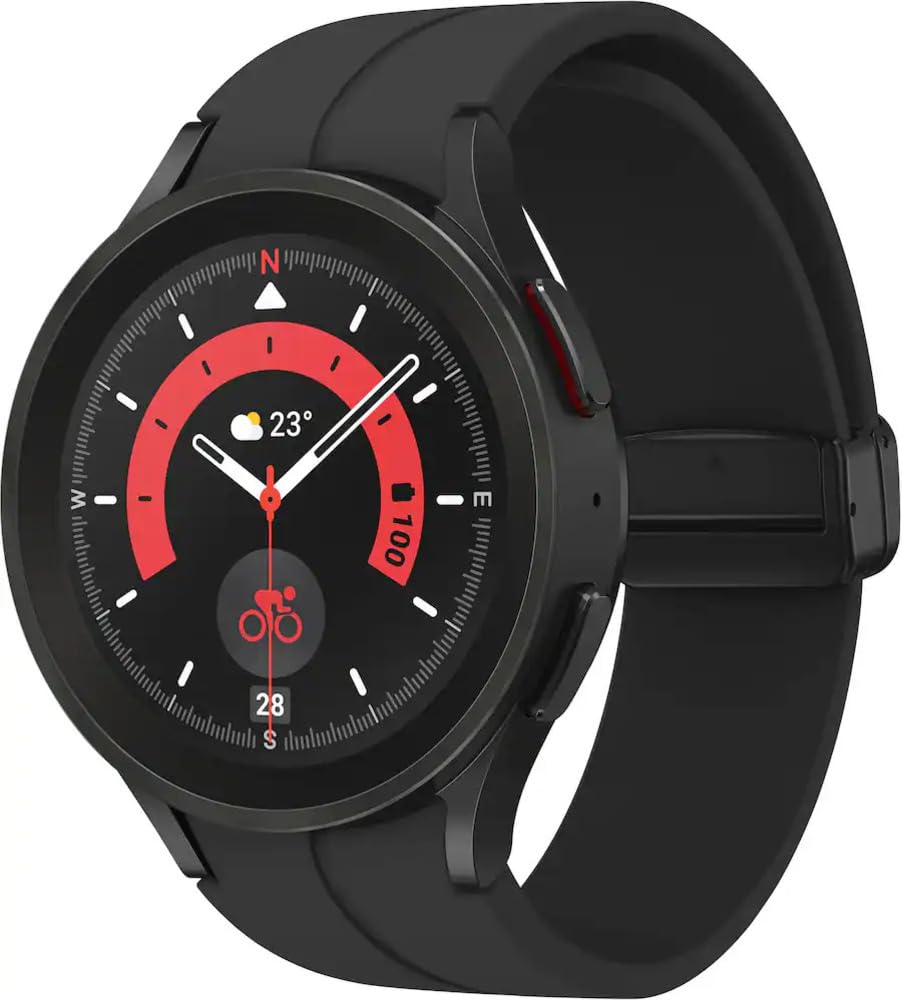
Rycina 1: Przód view of the Samsung Galaxy Watch Pro 5 45mm LTE Smartwatch.
2. Konfiguracja
2.1 Zawartość pudełka
- Inteligentny zegarek
- Pasek od zegarka
- Ładowarka bezprzewodowa
- Szybki przewodnik
2.2 Pierwsze ładowanie
Before first use, fully charge your Galaxy Watch Pro 5. Connect the wireless charger to a power source and place the watch onto the charging pad. The watch display will indicate charging status. A full charge typically takes under 2 hours.

Figure 2: Samsung Galaxy Watch Pro 5 with its wireless charger.
2.3 Parowanie urządzeń
To pair your smartwatch with your smartphone (Android 8.0 or later, 1.5GB RAM or more), download the Samsung Health app (version 6.22 or later) from the Google Play Store. Follow the on-screen instructions in the app to complete the pairing process. Ensure Bluetooth is enabled on your smartphone.
3. Instrukcja obsługi
3.1 Wyświetlacz i nawigacja
The Galaxy Watch Pro 5 features a vibrant AMOLED display. Navigate through menus and apps by swiping across the screen. Use the physical buttons on the side for quick access to functions or to return to the home screen.
3.2 Monitorowanie stanu zdrowia i sprawności fizycznej
The smartwatch offers comprehensive health and fitness tracking:
- Zaawansowany coaching snu: Manage your overall sleep quality with an advanced sleep tracker that detects and analyzes sleep stages. Develop better sleep habits by analyzing your sleep patterns.
- Analiza składu ciała (BIA): Get body composition data directly on your wrist, including readings on body fat, skeletal muscle, body water, basal metabolic rate, and Body Mass Index (BMI).
- Poprawiona dokładność czujnika: Stay updated on your wellness with an accurate heart rate thanks to an improved, curved Samsung BioActive Sensor that gets closer to your skin.
- Automatyczne śledzenie treningu: Automatically track over 90 exercises, including running, rowing, swimming, and complex activities like HIIT.

Figure 3: Watch display showing health tracking features like heart rate and body composition.

Figure 4: Watch display showing advanced sleep coaching data.
3.3 GPS Route Tracking & Track Back
Utilize the all-new Route Tracking feature to follow GPX-format routes directly on your watch for hiking or cycling. The Track Back feature helps you return to your starting point, ensuring you stay on course with voice or vibration-guided turn-by-turn navigation.

Figure 5: Watch display showing GPS route tracking during an outdoor activity.
3.4 Łączność
The Galaxy Watch Pro 5 supports LTE and Bluetooth connectivity. Experience a seamless Galaxy Connected Experience when synced with other Galaxy devices, allowing them to work in perfect harmony.
Video 1: Official Samsung video showcasing the design and features of the Galaxy Watch5 series.
4. Konserwacja
4.1 Ładowanie
Regularly charge your smartwatch using the provided wireless charger. For optimal battery life, avoid completely draining the battery before recharging.
4.2 Czyszczenie
Clean your watch and strap regularly with a soft, dry cloth. If exposed to water, rinse with fresh water and dry thoroughly to prevent residue buildup.
4.3 Wodoodporność
The Galaxy Watch Pro 5 is water-resistant up to 5 feet of water for up to 30 minutes, consistent with its IP68 rating. It is not intended for scuba diving. Avoid excessive, sudden temperature changes and high-velocity activities. Always rinse and dry the watch after wet use.
4.4 Trwałość
The watch features a 2x stronger sapphire crystal glass display and a super-tough titanium case, designed to withstand intense activities in rough outdoor environments.
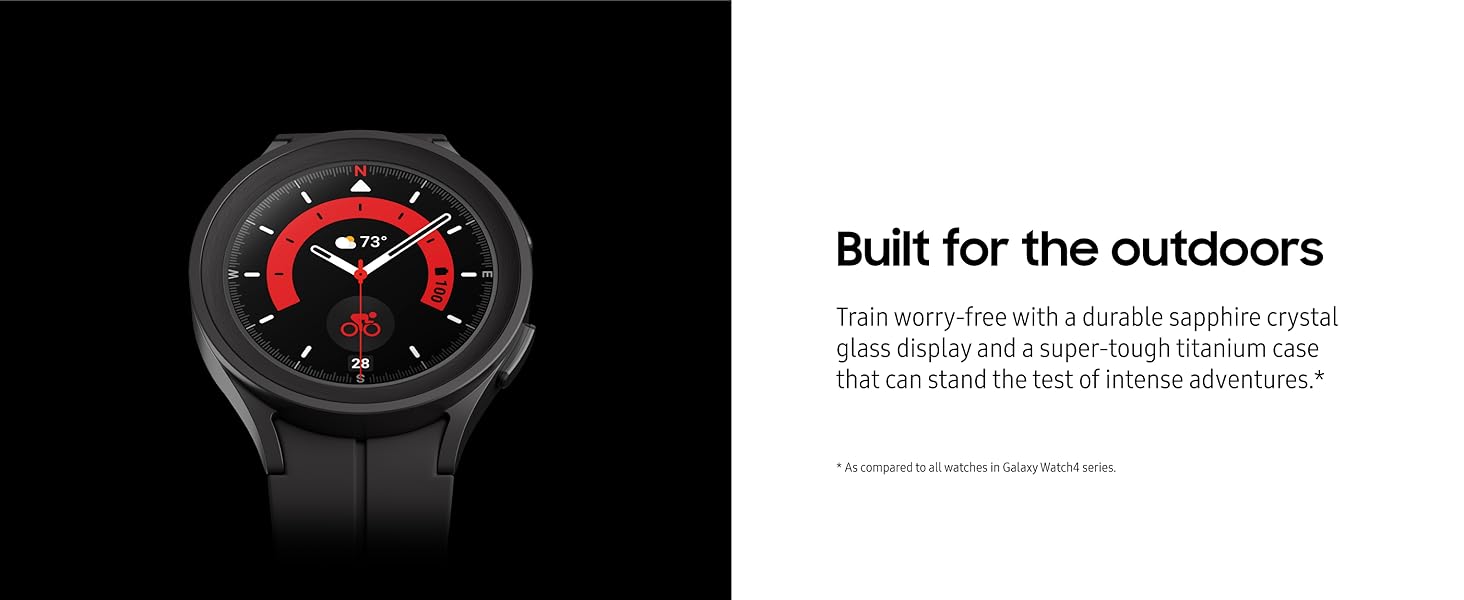
Figure 6: Close-up of the Samsung Galaxy Watch Pro 5 highlighting its durable construction.
5. Rozwiązywanie Problemów
5.1 Typowe problemy
- Problemy z łącznością: Ensure Bluetooth is enabled on your phone and the watch is within range. Restart both devices if issues persist.
- Spust baterii: Adjust screen brightness, reduce notifications, and disable unnecessary features to conserve battery.
- Aplikacja nie odpowiada: Try restarting the specific app on the watch or restarting the watch itself.
5.2 Przywracanie ustawień fabrycznych
If you encounter persistent issues, a factory reset may resolve them. Navigate to Settings > General > Reset on your watch. Be aware that this will erase all data on your watch.
6. Specyfikacje
| Funkcja | Specyfikacja |
|---|---|
| Wymiary produktu | 1.79 x 1.79 x 0.41 cala |
| Waga przedmiotu | 1.64 uncji (46.5 grama) |
| Numer modelu | SM-R925UZKAXAA |
| Rozmiar ekranu | 45 milimetrów |
| Pojemność pamięci masowej | 16000 MB |
| Rozmiar zainstalowanej pamięci RAM | 1.5 GB |
| System operacyjny | Noś system operacyjny |
| Technologia łączności | Bluetooth, LTE |
| Standard komunikacji bezprzewodowej | 802.11a/g/n/ac, Bluetooth |
| GPS | Wbudowany GPS |
| Skład ogniw baterii | Litowo-jonowy |
7. Gwarancja i wsparcie
7.1 Informacje o gwarancji
Your Samsung Galaxy Watch Pro 5 comes with a limited manufacturer's warranty. For detailed information regarding warranty coverage, terms, and conditions, please refer to the official Samsung webstronie internetowej lub karcie gwarancyjnej dołączonej do produktu.
7.2 Obsługa klienta
Aby uzyskać dalszą pomoc, wsparcie techniczne lub zadać pytania dotyczące serwisu, odwiedź oficjalną stronę pomocy technicznej firmy Samsung website or contact Samsung customer service directly. Contact details can typically be found on the Samsung webstronie internetowej lub w skróconej instrukcji obsługi produktu.


