1. Wprowadzenie
This manual provides detailed instructions for the operation and maintenance of your Coby CVR42BK Portable Cassette Player and Recorder. Please read this manual thoroughly before using the device to ensure proper function and longevity.
2. Zawartość opakowania
Sprawdź, czy w przesyłce znajdują się wszystkie wymienione poniżej elementy:
- Coby CVR42BK Portable Cassette Player and Recorder
- Zewnętrzny mikrofon na wysięgniku
- Zasilacz 120V AC
- Instrukcja obsługi (ten dokument)

Figure 2.1: Included items in the Coby CVR42BK package.
3. Koniec produktuview
The Coby CVR42BK is a portable cassette player and recorder designed for both playback and one-touch recording. It features a built-in handle for portability and includes an external boom microphone for enhanced recording quality.

Figure 3.1: Coby CVR42BK Portable Cassette Player and Recorder.
3.1 Elementy sterujące i wskaźniki
Familiarize yourself with the controls and ports on your device:
- Przycisk odtwarzania: Rozpoczyna odtwarzanie kasety.
- Przycisk nagrywania: Activates recording function (requires a blank cassette).
- Fast Forward Button: Szybkie przewijanie taśmy.
- Rewind Button: Szybkie przewijanie taśmy.
- Stop/Eject Button: Stops playback/recording and opens the cassette compartment.
- Regulacja głośności: Dostosowuje głośność odtwarzania.
- Gniazdo słuchawkowe (3.5 mm): Do prywatnego słuchania.
- Wejście mikrofonu zewnętrznego: Connects the included boom microphone.
- Port zasilacza sieciowego: For connecting the 120V AC adapter.
- Komora baterii: Holds 4 C batteries for portable power.
4. Konfiguracja
4.1 Zasilanie urządzenia
The CVR42BK can be powered by either the included AC adapter or 4 C batteries (not included).
- Zasilanie prądem zmiennym: Connect the 120V AC adapter to the AC adapter port on the device and then plug it into a standard wall outlet.
- Moc baterii: Open the battery compartment on the underside of the unit. Insert 4 C batteries, ensuring correct polarity (+/-). Close the compartment securely.

Figure 4.1: Power options for the CVR42BK.
4.2 Ładowanie kasety magnetofonowej
- Naciśnij Zatrzymaj/wysuń przycisk, aby otworzyć drzwiczki komory kasety.
- Insert a cassette tape with the open edge facing upwards and the tape side facing you.
- Zamknij delikatnie klapkę komory kasety, aż do zatrzaśnięcia.

Figure 4.2: Loading a cassette tape.
5. Instrukcja obsługi
5.1 Odtwarzanie kasety magnetofonowej
- Sprawdź, czy włożono kasetę (patrz rozdział 4.2).
- Naciśnij Grać przycisk. Taśma zacznie się odtwarzać.
- Dostosuj Kontrola głośności do pożądanego poziomu słuchania.
- Aby przewinąć do przodu, naciśnij Przewiń do przodu przycisk. Aby cofnąć, naciśnij Przewijać przycisk.
- Aby zatrzymać odtwarzanie, naciśnij Zatrzymaj/wysuń przycisk.
- For private listening, connect headphones to the 3.5mm headphone jack.
5.2 Recording Audio (One-Touch Recording)
The CVR42BK features one-touch recording and Automatic Level Control (ALC) to optimize recording levels.
- Load a blank or recordable cassette tape into the device. Note: Re-using older cassettes may affect sound quality. New cassettes are recommended for optimal results.
- Naciśnij Nagrywać przycisk. Grać button will also engage simultaneously. The device will begin recording audio from its built-in microphone or the connected external microphone.
- Aby zatrzymać nagrywanie, naciśnij Zatrzymaj/wysuń przycisk.
- The device includes an auto-stop feature that will automatically stop recording when the tape reaches its end.
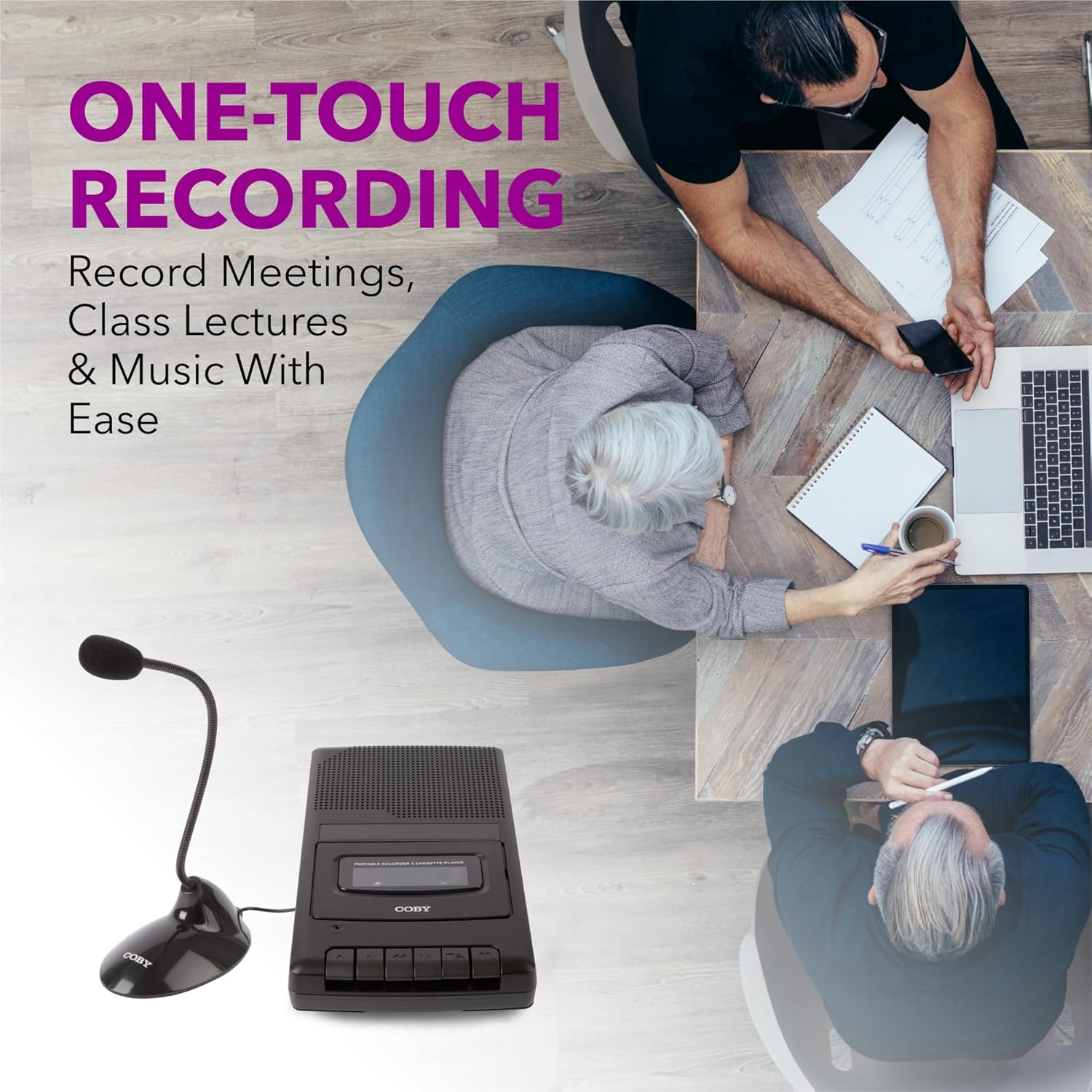
Figure 5.1: Using the CVR42BK for recording.
5.3 Using the External Boom Microphone
For higher quality recordings, especially for lectures or meetings, connect the included external boom microphone.
- Locate the external microphone input port on the CVR42BK.
- Plug the external boom microphone into this port.
- Position the microphone appropriately for the sound source you wish to record.
- Proceed with recording as described in Section 5.2. The device will automatically prioritize the external microphone when connected.

Figure 5.2: External boom microphone in use.
6. Konserwacja
- Czyszczenie: Do czyszczenia zewnętrznej części urządzenia należy używać miękkiej, suchej ściereczki. Nie należy używać płynnych środków czyszczących ani rozpuszczalników.
- Czyszczenie głowicy taśmy: Periodically clean the tape heads with a specialized cassette head cleaning kit to ensure optimal sound quality and prevent tape damage.
- Składowanie: Jeśli urządzenie nie jest używane przez dłuższy czas, wyjmij baterie, aby zapobiec wyciekowi. Przechowuj urządzenie w chłodnym, suchym miejscu, z dala od bezpośredniego światła słonecznego i ekstremalnych temperatur.
- Pielęgnacja kasety: Store cassette tapes in their cases to protect them from dust and physical damage. Avoid exposing tapes to strong magnetic fields.
7. Rozwiązywanie Problemów
| Problem | Możliwa przyczyna | Rozwiązanie |
|---|---|---|
| Brak zasilania | AC adapter not connected or faulty; batteries depleted or incorrectly inserted. | Check AC adapter connection and power outlet. Replace batteries or ensure correct polarity. |
| Brak dźwięku podczas odtwarzania | Volume too low; headphones connected; tape head dirty; tape damaged. | Increase volume. Disconnect headphones. Clean tape heads. Try a different tape. |
| Nagrywanie nie działa | Tape is write-protected; tape is full; microphone not connected or faulty. | Ensure the write-protect tab on the cassette is intact. Use a blank tape. Check microphone connection. |
| Słaba jakość dźwięku | Dirty tape heads; old or damaged cassette tape; external interference. | Clean tape heads. Use a new or known-good cassette tape. Move away from electronic devices. |
| Tape not moving | Tape jammed; mechanism fault. | Gently open compartment and check for tape jams. If problem persists, contact support. |
8. Specyfikacje
| Numer modelu | CVR42BK |
| Źródło zasilania | 120V AC Adapter (included) or 4 x 'C' Batteries (not included) |
| Cechy | Automatic Level Control (ALC), One-Touch Recording, Fast Forward, Rewind, Volume Control, Auto-Stop |
| Mikrofon | Built-in microphone, External Boom Microphone (included) |
| Gniazdo słuchawkowe | 3.5mm stereo |
| Wymiary produktu (dł. x szer. x wys.) | 10.2 x 5.83 x 1.97 cala (25.9 x 14.8 x 5 cm) |
| Waga przedmiotu | 1.75 funtów (0.79 kg) |
| UPC | 810071491450 |
9. Gwarancja i wsparcie
For warranty information or technical support, please refer to the warranty card included with your product or visit the official Coby webZachowaj paragon jako dowód zakupu na wypadek ewentualnych roszczeń gwarancyjnych.
Producent: Firma Summit Electronics LLC


