1. Wprowadzenie
Dziękujemy za zakupasing the Edifier X3s True Wireless Stereo Earbuds. This manual provides detailed instructions on how to set up, operate, and maintain your earbuds to ensure optimal performance and longevity. Please read this manual thoroughly before use.

Image: The Edifier X3s earbuds, one removed from the open charging case, showcasing ich zwartej konstrukcji.
2. Zawartość opakowania
- Edifier X3s True Wireless Earbuds (Left and Right)
- Etui ładujące
- Kabel ładujący USB
- Końcówki douszne (różne rozmiary)
- Instrukcja obsługi
3. Konfiguracja
3.1 Ładowanie słuchawek dousznych i etui
Przed pierwszym użyciem należy w pełni naładować słuchawki douszne i etui ładujące.
- Place the earbuds into the charging case. Ensure they are correctly seated; the indicator lights on the earbuds will illuminate.
- Connect the charging case to a power source using the provided USB cable. The indicator light on the charging case will show charging status.
- A full charge for the charging case typically takes approximately 8 hours. The earbuds will charge automatically when placed in the case.
3.2 parowanie Bluetooth
Follow these steps to pair your Edifier X3s earbuds with your device:
- Upewnij się, że słuchawki douszne są naładowane.
- Otwórz etui ładujące. Słuchawki automatycznie przejdą w tryb parowania, co zostanie zasygnalizowane migającą diodą na słuchawkach.
- Włącz Bluetooth na swoim urządzeniu (smartfonie, tablecie itp.) i wyszukaj nowe urządzenia.
- Select "EDIFIER X3s" from the list of available devices.
- Once connected, a voice prompt will confirm successful pairing, and the earbud indicator lights will turn off.
Słuchawki douszne obsługują TrueWireless Mirroring, allowing seamless switching between single and dual earbud use.
4. Instrukcja obsługi
4.1 Sterowanie dotykowe
The Edifier X3s earbuds feature intuitive touch controls on each earbud. Refer to the diagram below for specific functions:

Image: A diagram illustrating the touch control functions for the left and right Edifier X3s earbuds.
- Pojedyncze dotknięcie (L/P): Play/Pause music, Answer an Incoming Call
- Double Tap (L): Poprzednia piosenka
- Double Tap (R): Następna piosenka
- Triple Tap (L): Switch On Game Mode
- Triple Tap (R): Aktywuj Asystenta Głosowego
- Long Press for 2-3 Seconds (L/R): Hang Up/Reject a Call
- Long Press (L): Zmniejsz głośność
- Long Press (R): Zwiększ głośność
4.2 Tryb gry
To enhance your gaming experience, the Edifier X3s features a dedicated Game Mode. Triple-tap the lewy earbud to activate or deactivate Game Mode. This mode optimizes audio-visual synchronization for gaming.
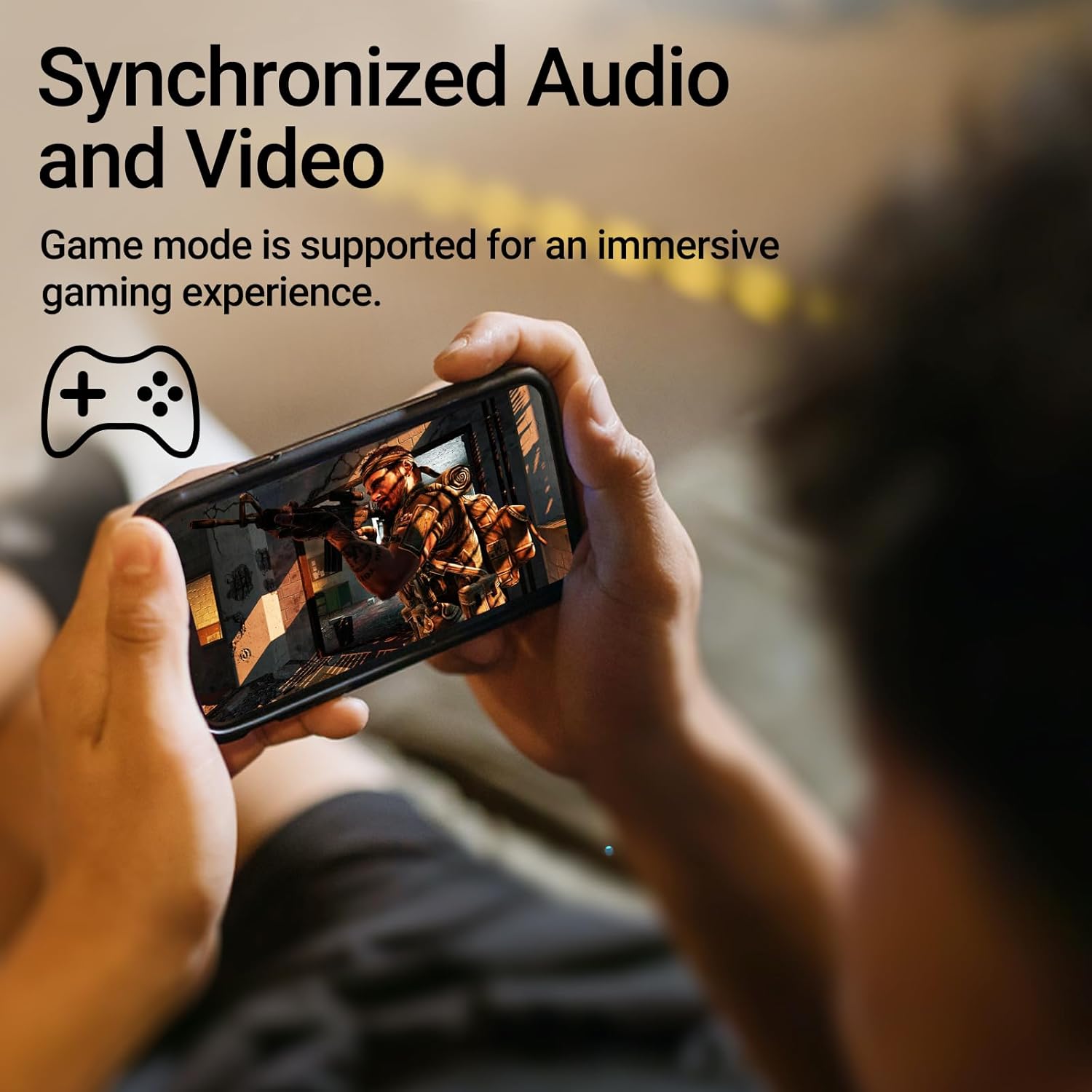
Image: A person holding a smartphone, playing a game, with the text "Synchronized Audio and Video. Game mode is supported for an immersive gaming experience."
5. Główne cechy
- Prawdziwe wrażenia bezprzewodowe: Bluetooth V5.2 with Qualcomm aptX audio decoding for high-fidelity sound and stable connections.
- Wydłużony czas gry: Up to 28 hours of total playtime, with 8 hours from the earbuds and an additional 20 hours from the charging case.
- Superior Call Clarity: Equipped with Qualcomm cVc 8.0 noise cancellation technology for crystal clear calls.
- Stopień ochrony IP55: Dust and water resistance make these earbuds suitable for outdoor activities and various weather conditions.
- Wygodna i lekka konstrukcja: Weighing only 62g, these earbuds provide a secure and comfortable fit for extended wear.

Image: A close-up of the Qualcomm aptX QCC3040 chip, highlighting Bluetooth V5.2 with aptX audio decoding for lossless audio transmission.

Image: Hands holding the Edifier X3s charging case, with an overlay indicating "Up to 28 hours of playback in total: 8 hours (earbuds), 20 hours (charging case)".

Image: A graphic illustrating cVc 8.0 noise reduction, showing how ambient noise is reduced while voice remains clear during calls.

Image: A woman exercising, with an overlay indicating "Dust and water resistant. Feel free to use them at the gym or on a rainy day. IP55-Rated."
6. Konserwacja
6.1 Czyszczenie
- Regularnie czyść słuchawki douszne i etui ładujące miękką, suchą i niepozostawiającą włókien ściereczką.
- Zdejmij nakładki douszne i w razie potrzeby umyj je łagodnym mydłem i wodą. Przed ponownym założeniem upewnij się, że są całkowicie suche.
- Za pomocą wacika delikatnie wyczyść styki ładowania zarówno słuchawek, jak i etui.
6.2 Przechowywanie
- Gdy nie używasz słuchawek, przechowuj je w etui ładującym, aby je chronić i utrzymać naładowanie.
- Przechowywać w chłodnym, suchym miejscu, z dala od ekstremalnych temperatur i bezpośredniego światła słonecznego.
6.3 Odporność na wodę i kurz
The earbuds are IP55 rated, meaning they are protected against dust ingress and low-pressure water jets from any direction. While they can withstand sweat and light rain, they are not designed for submersion in water. Do not use them while swimming or showering.
7. Rozwiązywanie Problemów
- Słuchawki nie łączą się: Upewnij się, że obie słuchawki znajdują się w etui ładującym, a następnie otwórz pokrywę, aby uruchomić tryb parowania. Sprawdź ustawienia Bluetooth w urządzeniu i spróbuj ponownie się połączyć.
- Działa tylko jedna słuchawka: Włóż obie słuchawki z powrotem do etui ładującego, zamknij pokrywę, odczekaj kilka sekund, a następnie otwórz ją ponownie. To często powoduje ich ponowną synchronizację.
- Brak dźwięku: Check the volume level on both your device and the earbuds. Ensure the earbuds are properly paired and connected.
- Problemy z ładowaniem: Verify that the charging cable is securely connected and the power source is active. Clean the charging contacts on the earbuds and case.
- Słaba jakość połączeń: Ensure the earbuds are clean and positioned correctly in your ears. Check for any obstructions to the microphone.
8. Specyfikacje
- Model: EDIFIER X3S
- Łączność: Bezprzewodowa (Bluetooth V5.2)
- Dekodowanie dźwięku: Qualcomm aptX
- Redukcja szumów: Qualcomm cVc 8.0 (for calls)
- Pauza w szkole: Earbuds: 8 hours, Total with Charging Case: 28 hours
- Czas ładowania (etui): Około 8 godzin
- Odporność na wodę i kurz: Oznaczenie IP55
- Metoda sterowania: Dotykać
- Waga: 62 gramy (łącznie)
- Tworzywo: Poliwęglan (PC), elastomer termoplastyczny (TPE)
- Zgodne urządzenia: Smartphones, Gaming Devices, Tablets
9. Gwarancja i wsparcie
For warranty information and customer support, please refer to the warranty card included with your product or visit the official Edifier webZachowaj dowód zakupu na wypadek roszczeń gwarancyjnych.


