1. Wprowadzenie
This manual provides comprehensive instructions for the setup, operation, and maintenance of your VTech CS2001 DECT 2 Handset Cordless Telephone system. Please read this manual thoroughly before using your new telephone to ensure proper functionality and to familiarize yourself with all features.

Image: The VTech CS2001 DECT 2 Handset Cordless Telephone system, showing one handset on its main base unit and a second handset on its auxiliary charging cradle. Both handsets feature a digital display and a standard telephone keypad.
2. Konfiguracja
Follow these steps to set up your VTech CS2001 DECT Cordless Telephone system.
2.1 Zawartość opakowania
Sprawdź, czy wszystkie komponenty są obecne:
- 1 Jednostka bazowa
- 2 zasilacze sieciowe
- 2 battery packs (NiMH)
- 2 bezprzewodowych słuchawek
- 2 chargers (for auxiliary handset)
- Szybki przewodnik
- Przewód telefoniczny
2.2 Instalacja i ładowanie akumulatora
- Otwórz pokrywę komory baterii z tyłu każdego telefonu.
- Connect the battery pack connector securely into the socket inside the compartment.
- Umieść akumulator w komorze.
- Zamknij pokrywę komory baterii.
- Place each handset onto its respective base unit or charger. Ensure the "Charge" indicator on the base/charger illuminates.
- Aby zapewnić optymalną wydajność akumulatora, przed pierwszym użyciem należy ładować słuchawki przez co najmniej 16 godzin.
2.3 Podłączenie jednostki bazowej
- Podłącz jeden koniec przewodu telefonicznego do gniazda TEL LINE w jednostce bazowej.
- Podłącz drugi koniec przewodu telefonicznego do gniazdka telefonicznego na ścianie.
- Connect the AC adaptor to the POWER jack on the base unit.
- Plug the AC adaptor into a standard electrical outlet.
- For the auxiliary charger, connect its AC adaptor to the charger and then to an electrical outlet.
Notatka: Use only the supplied power adaptors and battery packs. Incorrect adaptors may damage the unit.
3. Instrukcja obsługi
3.1 Wykonywanie i odbieranie połączeń
- Aby wykonać połączenie: Naciskać ROZMAWIAĆ, a następnie wybierz numer. Możesz też najpierw wybrać numer, a następnie nacisnąć ROZMAWIAĆ.
- Aby odebrać połączenie: Gdy telefon zadzwoni, naciśnij ROZMAWIAĆ.
- Aby zakończyć połączenie: Naciskać KONIEC lub odłóż słuchawkę na bazę/ładowarkę.
3.2 Funkcja głośnomówiąca
The handsfree speakerphone allows you to converse without holding the handset.

Image: A VTech CS2001 handset is shown on a kitchen counter, with a person in the background engaged in an activity, illustrating the convenience of the handsfree speakerphone feature.
- Aby aktywować: Podczas połączenia naciśnij Głośnik button (usually marked with a speaker icon).
- Aby dezaktywować: Naciśnij Głośnik button again or lift the handset to switch back to normal mode.
3.3 Intercom and Call Transfer
The two handsets can communicate with each other and transfer calls.
- Awiofon: Naciśnij INT button on one handset to call the other.
- Przeniesienie połączenia: Podczas połączenia zewnętrznego naciśnij INT, select the other handset, and once connected, press PRZENOSIĆ.
4. Główne cechy
4.1 DECT Technology and Long Range
The VTech CS2001 utilizes DECT (Digital Enhanced Cordless Telecommunications) technology, ensuring clear sound quality and secure communication. It offers a reliable long operating range of up to 300 meters outdoors.

Image: A woman is shown talking on a VTech cordless phone in a spacious, modern home environment, with graphic elements illustrating the phone's reliable long-range capability.
4.2 Nuisance Call Blocker
This feature helps manage unwanted calls. You can block specific numbers or calls from unknown numbers. The system can store up to 30 blacklisted numbers. An option to block all calls during a programmable period is also available.
Notatka: This feature requires a Caller Display service subscription from your network provider, which may be chargeable.

Image: A man is depicted relaxing on a sofa, reading a book, with a VTech CS2001 handset on a table beside him. A graphic overlay signifies the call blocker feature, promoting peace of mind from unwanted calls.
4.3 Phonebook Directory
Store up to 30 names and numbers in the phonebook directory. Entries added to one handset are automatically shared with the other.

Image: A VTech CS2001 handset is shown on its charging base, accompanied by a graphic representation of a phonebook list, highlighting the 30 name and number storage capacity.
4.4 Identyfikator dzwoniącego i połączenie oczekujące
The system records up to 20 names and numbers for Caller ID. It also supports Call Waiting functionality.
Notatka: These features require a Caller Display service subscription from your network provider, which may be chargeable.
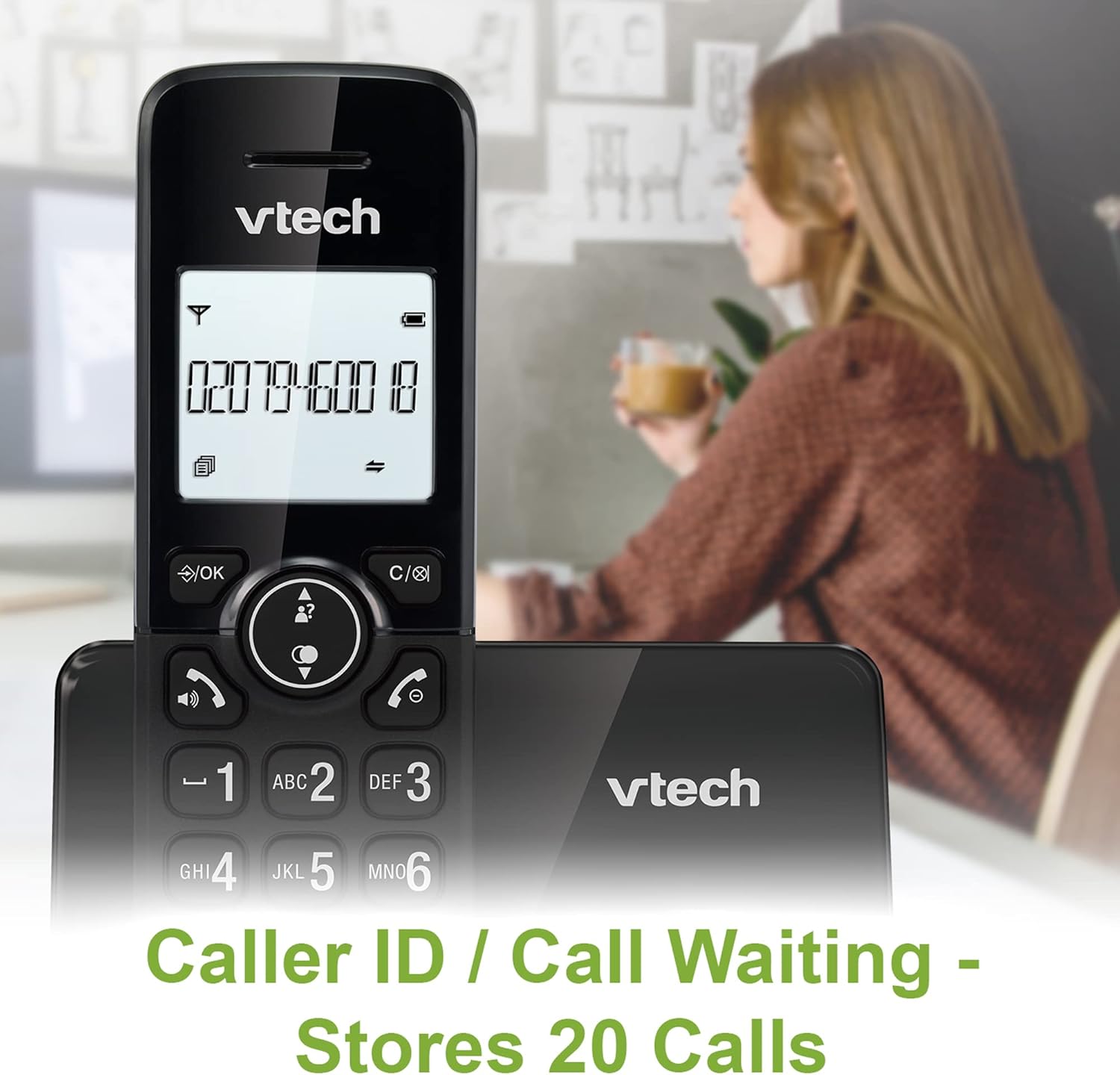
Image: A VTech CS2001 handset is positioned on its base, with its screen clearly displaying a phone number, illustrating the Caller ID feature. A person is visible in the blurred background.
4.5 1.8" Backlit Display
Each handset features a 1.8-inch backlit display, enhancing visibility and readability, especially in low-light conditions.

Obraz: Zbliżenie view of the VTech CS2001 handset's 1.8-inch backlit display, clearly showing the text "HANDSET 1", demonstrating its enhanced visibility.
4.6 Adjustable Ring Volume and Melody
Customize your phone experience by adjusting the ring volume and selecting from various melodies.

Image: A VTech CS2001 handset rests on a wooden table, with a graphic overlay highlighting the adjustable ring volume and melody features, allowing for personalized sound settings.
4.7 Tryb EKO
The handset automatically adjusts the radio frequency strength based on its distance from the base station, optimizing power consumption.
4.8 Funkcja alarmu i wyciszenia
The phone includes an alarm function and a mute feature for privacy during calls.

Image: A split image visually represents the alarm and mute functions. One side shows a woman exercising with an alarm clock icon, while the other shows a couple relaxing with a music note icon, symbolizing the phone's versatile features.
5. Konserwacja
- Czyszczenie: Wytrzyj słuchawki i jednostkę bazową miękką szmatką.amp cloth. Do not use cleaning sprays or abrasive cleaners.
- Pielęgnacja baterii: Replace batteries when their performance significantly degrades. Use only NiMH battery packs specified for this model.
- Środowisko: Keep the telephone away from heat sources, direct sunlight, and moisture.
6. Rozwiązywanie Problemów
If you experience issues with your VTech CS2001, refer to the following common problems and solutions:
| Problem | Rozwiązanie |
|---|---|
| Brak sygnału wybierania |
|
| Słuchawka się nie ładuje |
|
| Słaba jakość dźwięku / Szum |
|
| Nie można wykonywać/odbierać połączeń |
|
7. Specyfikacje
| Funkcja | Szczegół |
|---|---|
| Marka | VTech |
| Model | CS2001 |
| Typ telefonu | Bezprzewodowy (DECT) |
| Liczba słuchawek | 2 |
| Wyświetlacz | 1.8" Backlit |
| Pojemność książki telefonicznej | 30 nazwisk i numerów |
| Caller ID Records | 20 nazwisk i numerów |
| Pojemność blokady połączeń | Do 30 numerów |
| Ponowne wybieranie ostatniego numeru | 10 rekordów |
| Źródło zasilania | Battery Powered (AC adaptors for base/chargers) |
| Typ baterii | NiMH (2 AAA batteries per handset, included) |
| Obsługiwane pasma radiowe | 1.9 GHz (DECT) |
| Outdoor Range | Do 300m |
| Waga przedmiotu | 680 gramów |
| Kolor | Czarny |
8. Gwarancja i wsparcie
Aby uzyskać informacje dotyczące gwarancji i pomocy technicznej, zapoznaj się z dokumentacją dołączoną do produktu lub odwiedź oficjalną stronę internetową VTech webZachowaj paragon jako dowód zakupu.


