Wstęp
The TYLT Medallion is a portable Qi-certified wireless charging pad designed to provide convenient and efficient power to your compatible devices. This manual provides essential information for the safe and optimal use of your charging pad.
Informacje dotyczące bezpieczeństwa
- Nie wystawiaj urządzenia na działanie ekstremalnych temperatur, bezpośredniego światła słonecznego i wilgoci.
- Unikaj upuszczania i narażania urządzenia na silne uderzenia.
- Nie rozmontowuj, nie modyfikuj ani nie próbuj naprawiać urządzenia. Spowoduje to unieważnienie gwarancji.
- Przechowywać w miejscu niedostępnym dla dzieci.
- Podczas użytkowania należy zapewnić odpowiednią wentylację, aby zapobiec przegrzaniu.
- Use only the provided or certified compatible USB-C cable and power source.
Zawartość opakowania
Sprawdź, czy w przesyłce znajdują się wszystkie elementy:
- 1 x TYLT Medallion Qi-Certified Wireless Charging Pad
- 1 x 3.3ft USB Type-C Cable
- 1 x Instrukcja obsługi (ten dokument)

Obraz: Dół view of the TYLT Medallion charging pad, showing the integrated USB-C cable and product information.
Organizować coś
- Podłącz podkładkę ładującą: Plug the integrated USB Type-C cable from the TYLT Medallion into a compatible power source. This can be a laptop's USB-C port, a power bank with a USB-C output, or a wall adapter (not included) with a USB-C port.
- Wymagania dotyczące źródła zasilania: For optimal fast charging, use a power source capable of delivering 5V/2A or 9V/1.8A.
- Umieszczenie: Place the charging pad on a flat, stable surface, such as a countertop, desk, or bedside table.
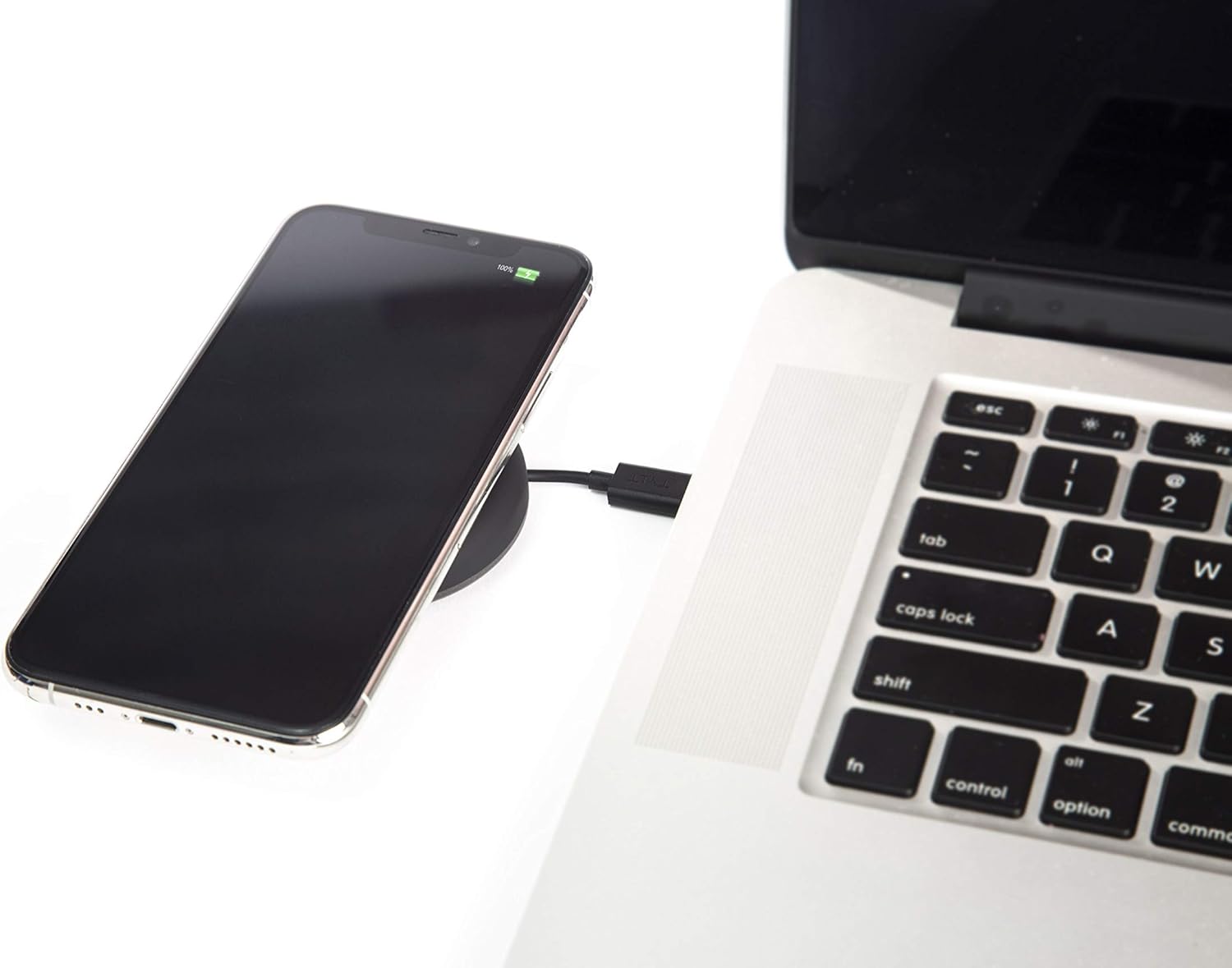
Image: A smartphone wirelessly charging on the TYLT Medallion, which is connected to a laptop via its USB-C cable.
Instrukcja obsługi
- Umieść swoje urządzenie: Position your Qi-enabled smartphone or wireless earbuds directly onto the center of the TYLT Medallion charging pad. The device grip ring helps secure your device.
- Wskaźnik ładowania: Your device's screen or indicator light will show that it is charging. The TYLT Medallion does not have its own charging indicator light.
- Optymalne ładowanie: Ensure your device is centered on the pad for efficient charging. Charging can occur through most phone cases.
- Wyjście ładowania:
- 10W output for compatible Samsung devices.
- 7.5W output for compatible Apple iPhones.
- 5W output for other Qi-enabled devices, including wireless earbuds.
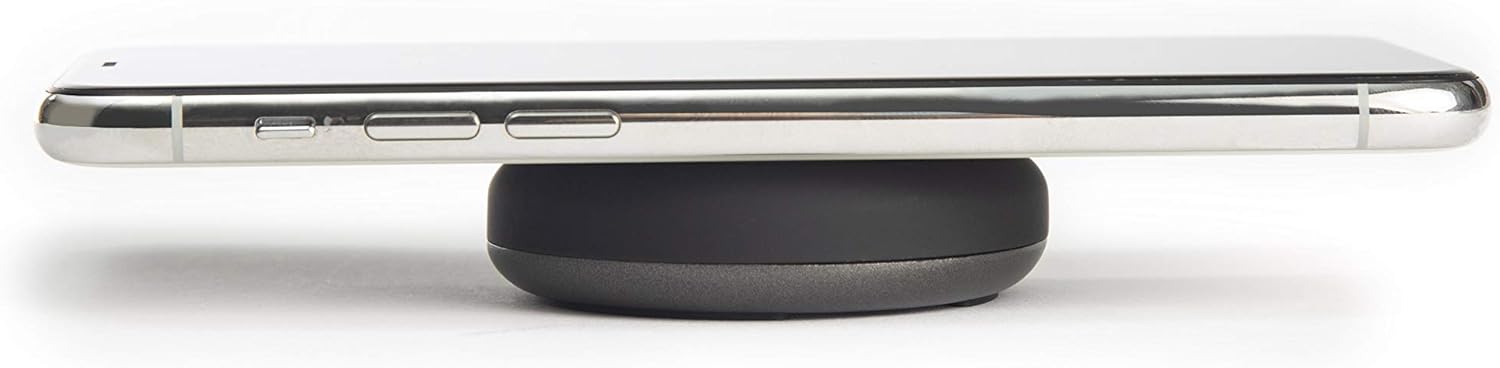
Image: A smartphone placed on the TYLT Medallion charging pad, demonstrating its low profile.
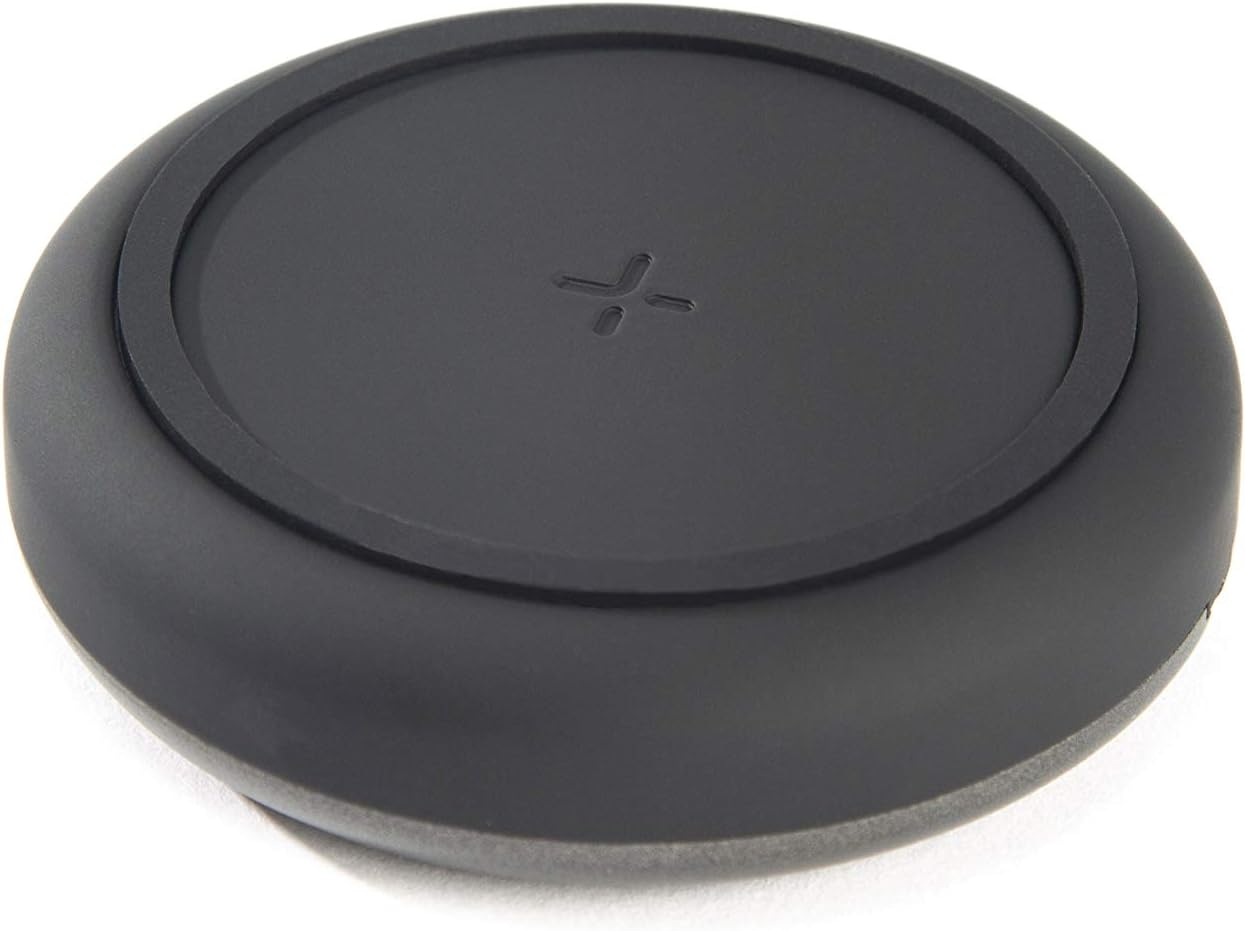
Obraz: Góra view of the TYLT Medallion charging pad, highlighting its compact and minimalist design.
Konserwacja
- Czyszczenie: Disconnect the charging pad from its power source before cleaning. Use a soft, dry cloth to wipe the surface. Do not use harsh chemicals or abrasive cleaners.
- Składowanie: When not in use, store the charging pad in a cool, dry place away from direct sunlight.
Rozwiązywanie problemów
| Problem | Możliwa przyczyna | Rozwiązanie |
|---|---|---|
| Urządzenie się nie ładuje. |
|
|
| Powolne ładowanie. |
|
|
| Charging pad or device gets warm. |
|
|
Specyfikacje
| Numer modelu | QIMEDBK-T |
| Wejście Voltage | 5V / 2A lub 9V / 1.8A |
| Moc wyjściowatage | 10 W (maks.) |
| Wyjście Ampwymazać | 1A (maks.) |
| Typ złącza | USB Type-C (integrated) |
| Zgodność | Qi-enabled devices (Apple iPhone, Samsung Galaxy, Microsoft Lumia, Google Nexus, Nokia Lumia, Pixel, LG, wireless earbuds, etc.) |
| Wymiary produktu | 4 x 1.5 x 5 cala |
| Waga przedmiotu | 2.39 uncji |
| Cechy specjalne | Fast Charging, Qi Certified, Built-in Temperature Control, Voltage Protection, Non-slip Device Grip Ring |
Informacje o gwarancji
TYLT products are eligible for a 1-year Global Warranty program od daty zakupu. Niniejsza gwarancja obejmuje wady produkcyjne i wykonawcze wynikające z normalnego użytkowania. Nie obejmuje uszkodzeń spowodowanych niewłaściwym użytkowaniem, wypadkami, nieautoryzowanymi modyfikacjami ani normalnym zużyciem.
Proszę zachować dowód zakupu na potrzeby roszczeń gwarancyjnych.
Wsparcie
For any concerns, technical assistance, or warranty inquiries, please do not hesitate to contact TYLT customer support.
Refer to the official TYLT website for contact details or visit their Amazon store: TYLT Amazon Store


