Wstęp
This manual provides comprehensive instructions for the beyerdynamic FOX Professional USB Studio Microphone and its accompanying Microphone Suspension Boom Scissor Arm. It covers essential information regarding product setup, operation, maintenance, and troubleshooting to ensure optimal performance and longevity of your equipment. Please read this manual thoroughly before using the product.
Informacje dotyczące bezpieczeństwa
Please observe the following safety instructions to prevent damage to the device, injury to yourself, or damage to other property:
- Do not expose the microphone to moisture, rain, or extreme temperatures.
- Avoid dropping the microphone or subjecting it to strong impacts.
- Nie próbuj demontować ani modyfikować mikrofonu. Wszelkie prace serwisowe zlecaj wykwalifikowanemu personelowi.
- Keep the microphone and boom arm away from strong magnetic fields.
- Ensure the boom arm is securely clamped to a stable surface to prevent accidental falls.
- Use only the specified power source (USB connection) for the microphone.
Zawartość opakowania
Sprawdź, czy w przesyłce znajdują się wszystkie wymienione poniżej elementy:
- beyerdynamic FOX Professional USB Studio Microphone
- Microphone Suspension Boom Scissor Arm with 3/8-Inch-16 Threading (Black)
- Kabel USB
- Desk Stand (for microphone)
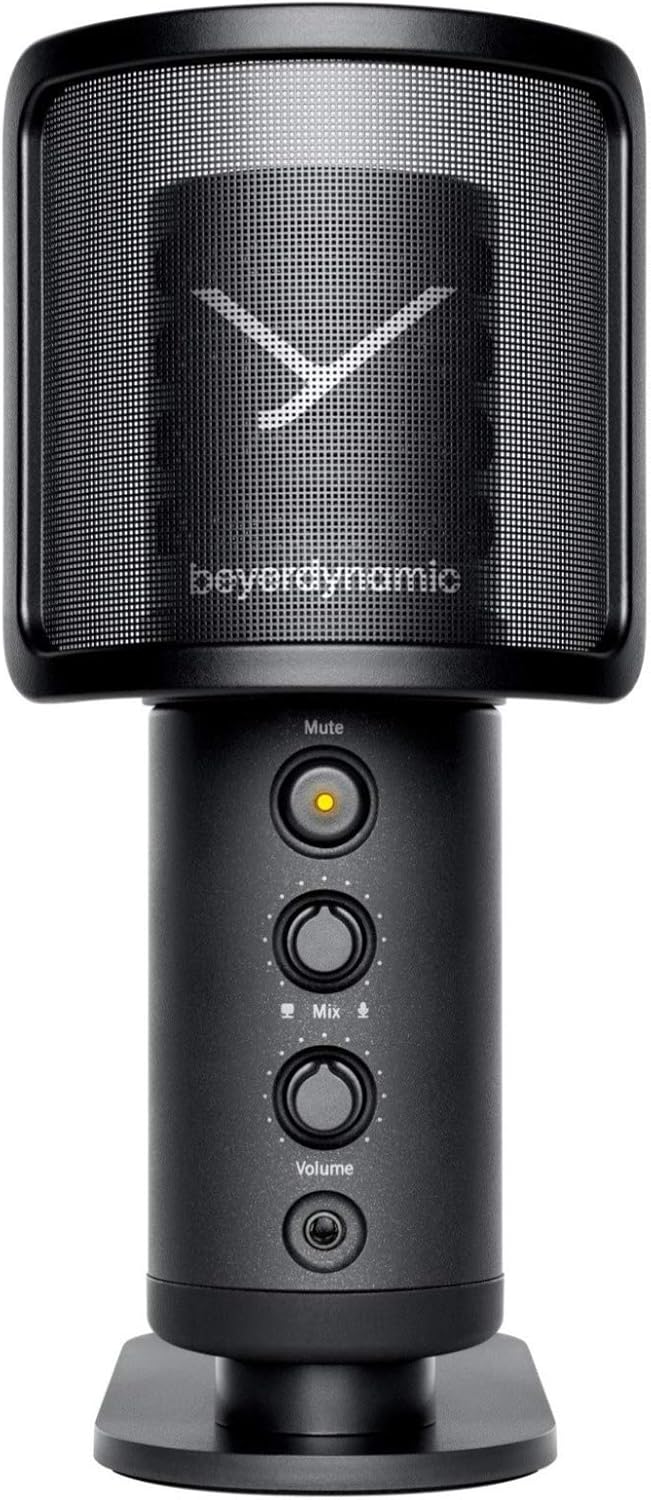
Image: The beyerdynamic FOX USB Studio Microphone and the included boom arm, showcasing cały pakiet.
Produkt ponadview
Główne cechy:
- Dźwięk o wysokiej rozdzielczości: 24-bit / 96 kHz studio-grade quality for professional recordings.
- Large Condenser Capsule: Ensures accurate signal conversion and low inherent noise.
- Charakterystyka kardioidalna: Focuses on sound directly in front of the microphone, reducing unwanted background noise.
- Monitorowanie zerowej latencji: Integrated headphone output allows real-time monitoring of your audio.
- Przycisk wyciszenia: Instantly mutes the microphone for privacy or to prevent unwanted sounds from being recorded.
- Przełącznik wzmocnienia: Adjustable gain for recording various sound sources, including loud instruments.
- Łączność USB: Simple plug-and-play connection to PC, Mac, or compatible smartphones/tablets.
Elementy mikrofonu:
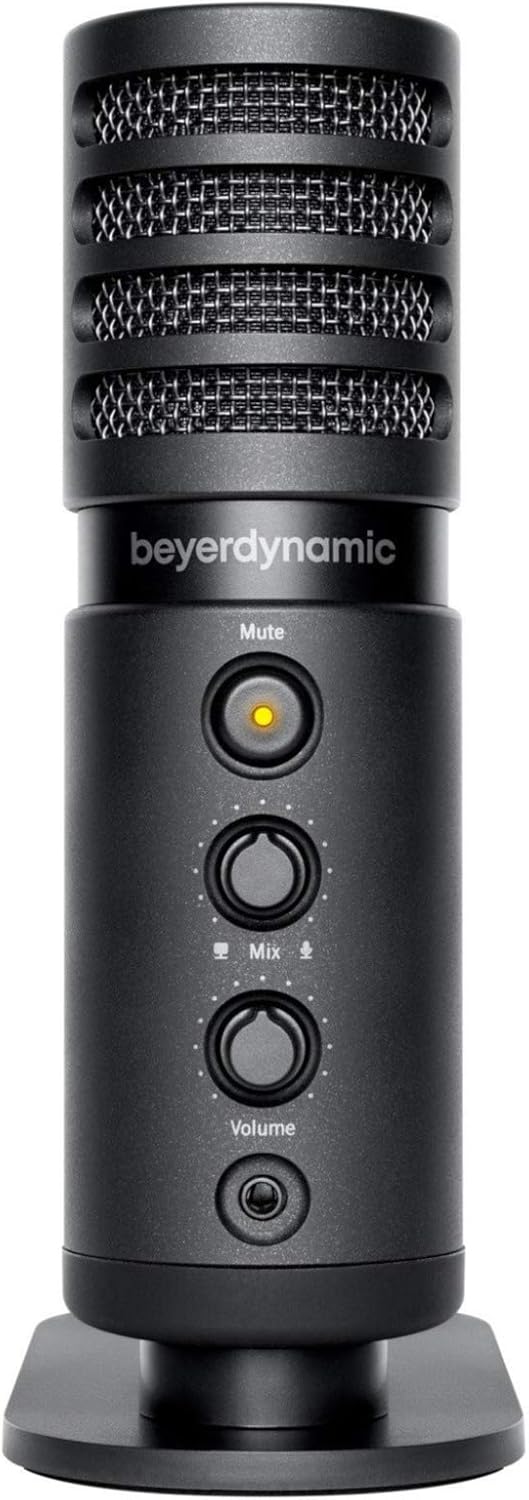
Obraz: Przód view of the beyerdynamic FOX microphone, highlighting the mute button, mix control, and volume knob.
- Kratka mikrofonu: Protects the condenser capsule.
- Przycisk wyciszenia: Press to mute/unmute the microphone. An indicator light will show status.
- Kontrola miksu: Adjusts the balance between microphone input and computer playback in your headphones.
- Pokrętło głośności: Controls the headphone output volume.
- Gniazdo słuchawkowe (3.5 mm): For connecting monitoring headphones.
- Port USB-C: For connecting the microphone to your computer or mobile device.
- Threaded Mount: For attaching to the desk stand or boom arm.
Organizować coś
1. Assembling the Boom Arm:
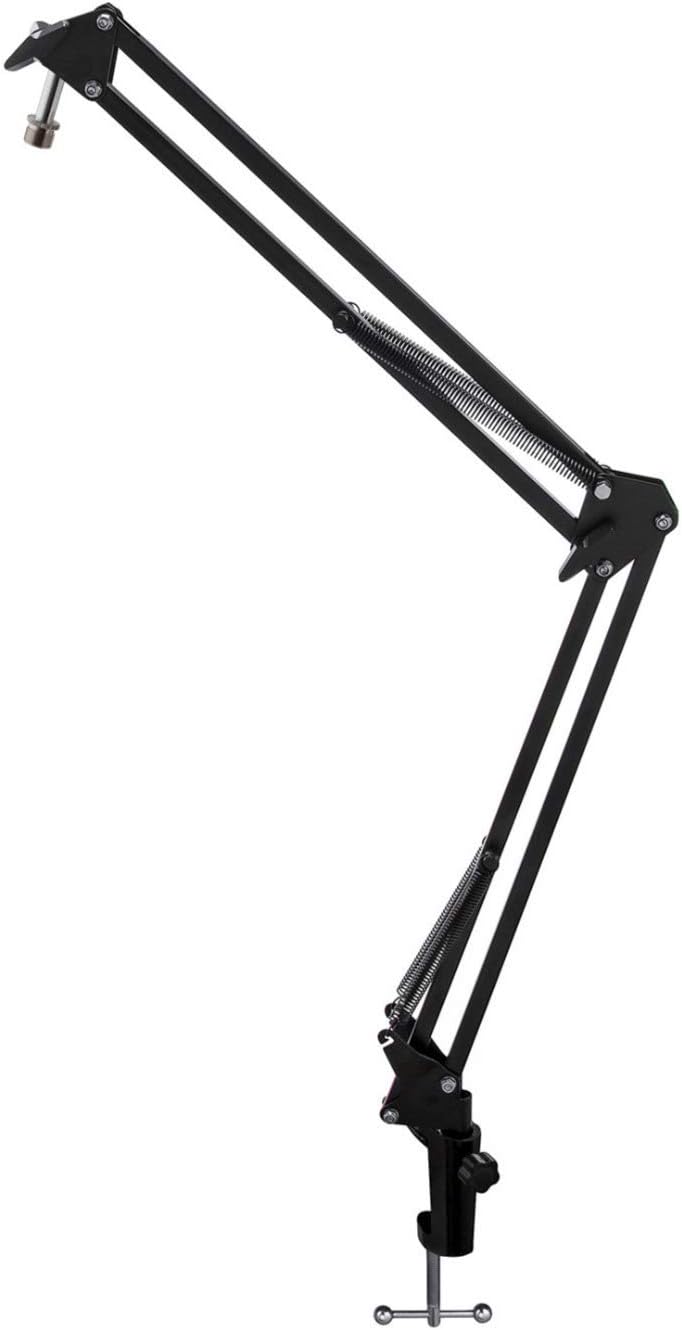
Image: The Microphone Suspension Boom Scissor Arm, showing its adjustable joints and desk clamp.
- Dołącz biurko Clamp: Solidnie zamocuj biurkoamp to the edge of a sturdy desk or table. Ensure it is tight to prevent movement.
- Insert Boom Arm: Włóż podstawę ramienia wysięgnika do otworu w biurku.amp. Tighten the locking screw on the clamp to hold the arm in place.
- Dostosuj pozycję: Adjust the boom arm to your desired height and reach. The springs will help balance the microphone's weight.
2. Attaching the Microphone:
- To Boom Arm: Screw the beyerdynamic FOX microphone onto the 3/8-inch-16 threaded mount at the end of the boom arm. Ensure it is finger-tight.
- Using Desk Stand (Optional): If not using the boom arm, screw the microphone onto its included desk stand.
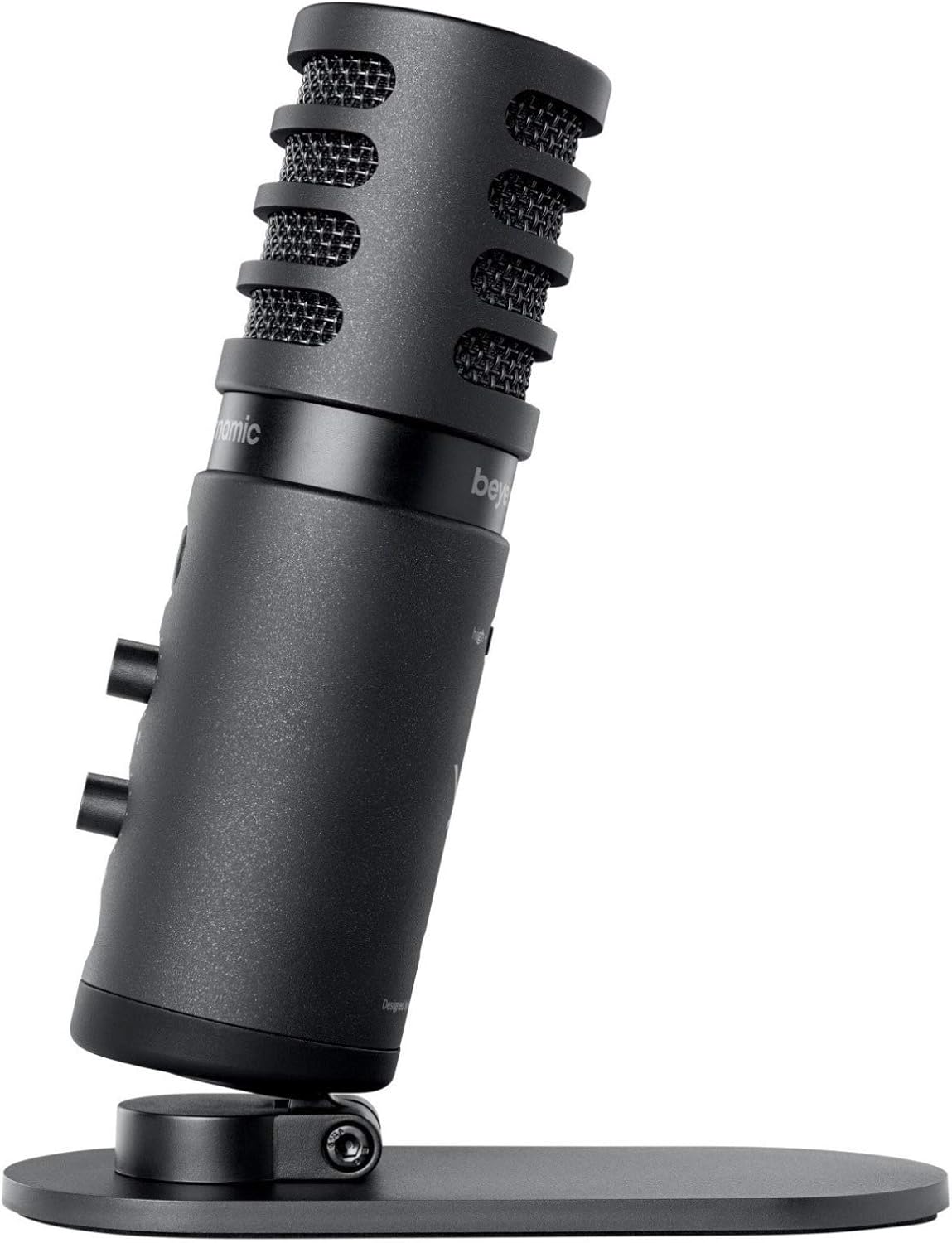
Image: The beyerdynamic FOX microphone mounted on its compact desk stand, ready for use.
3. Łączenie się z urządzeniem:
- Connect the supplied USB cable to the USB-C port on the microphone.
- Connect the other end of the USB cable to an available USB port on your computer (PC/Mac) or compatible smartphone/tablet (adapter may be required for some mobile devices).
- Mikrofon jest urządzeniem typu plug-and-play i powinien zostać automatycznie rozpoznany przez system operacyjny.
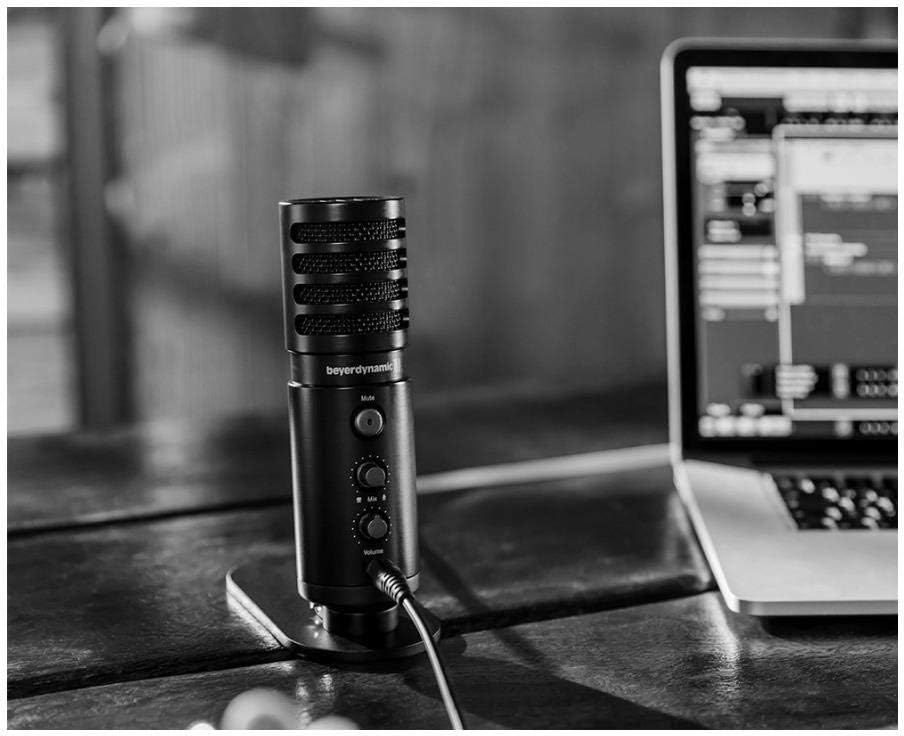
Image: The beyerdynamic FOX microphone in use, connected via USB to a laptop on a wooden desk.
Instrukcja obsługi
1. System Recognition:
- Once connected, your operating system (Windows, macOS, Android, iOS) should automatically detect the beyerdynamic FOX as an audio input and output device.
- You may need to select "beyerdynamic FOX" as your default input/output device in your system's sound settings or within your recording software.
2. Using the Mute Button:
- Naciśnij Niemy button on the front of the microphone to toggle between active and muted states.
- An indicator light will typically show the microphone's status (e.g., green for active, red/orange for muted).
3. Adjusting Gain (Input Level):
- The FOX microphone features a gain switch (often labeled "Gain" or represented by a symbol like a microphone with a "+" or "-").
- Use this switch to adjust the microphone's sensitivity. For quiet sources (e.g., soft vocals), use a higher gain setting. For loud sources (e.g., instruments, loud speaking), use a lower gain setting to prevent distortion.
- Monitor your recording software's input levels to ensure they are not peaking (clipping).
4. Zero-Latency Monitoring:
- Connect headphones to the 3.5mm headphone jack on the microphone.
- Użyj Tom knob to adjust the headphone listening level.
- Ten Mieszać control allows you to blend the microphone's direct input with the audio playback from your computer. Turn towards the microphone icon to hear more of your live input, and towards the speaker icon to hear more of your computer's audio.
- This feature allows you to hear your voice or instrument in real-time without delay, which is crucial for accurate performance.
Konserwacja
- Czyszczenie: Do czyszczenia zewnętrznej powierzchni mikrofonu należy używać miękkiej, suchej ściereczki. Nie należy używać płynnych środków czyszczących ani rozpuszczalników.
- Składowanie: Gdy mikrofon nie jest używany, należy go przechowywać w suchym i wolnym od kurzu miejscu.
- Ramię wysięgnika: Periodically check the boom arm's clamps and joints for tightness. Lubricate moving parts if necessary with a small amount of silicone-based lubricant.
- Pielęgnacja kabli: Unikaj ostrych zagięć i załamań kabla USB. Przechowuj go w uporządkowany sposób, aby zapobiec uszkodzeniom.
Rozwiązywanie problemów
| Problem | Możliwa przyczyna | Rozwiązanie |
|---|---|---|
| Brak dźwięku z mikrofonu |
|
|
| Distorted or clipping sound |
|
|
| Brak dźwięku w słuchawkach |
|
|
| Boom arm is unstable |
|
|
Specyfikacje
| Funkcja | Szczegół |
|---|---|
| Numer modelu | FOXUSBMIC_K5 |
| Współczynnik kształtu mikrofonu | Table Array (with included desk stand) |
| Technologia łączności | USB |
| Typ złącza | USB |
| Wzór biegunowy | Jednokierunkowy (kardioidalny) |
| Rezolucja | 24 bity / 96 kHz |
| Stosunek sygnału do szumu | 78dB |
| Platforma sprzętowa | PC, smartfon |
| Kompatybilne urządzenia | Headphone, Personal Computer, Smartphone |
| Źródło zasilania | Przewodowy elektryczny (zasilany przez USB) |
| Item Weight (Microphone) | 16 uncji (1 funt) |
| Wymiary produktu | 16.2 x 8.3 x 6.8 inches (overall bundle dimensions) |
| Kolor | Czarny |
| UPC | 040962932483 |
Gwarancja i wsparcie
For warranty information and technical support, please refer to the official beyerdynamic webOdwiedź stronę internetową lub skontaktuj się bezpośrednio z działem obsługi klienta. Zachowaj dowód zakupu na wypadek reklamacji.
Urzędnik Webstrona: www.beyerdynamic.com


