1. Wprowadzenie
This manual provides detailed instructions for the installation, operation, and maintenance of your IMOU LOOC C26E/IPC-C26E Outdoor Wi-Fi Security Camera. Please read this manual carefully before using the product and retain it for future reference. The IMOU LOOC C26E is designed for outdoor surveillance, offering 2MP resolution, Wi-Fi connectivity, and advanced features for enhanced security.
2. Koniec produktuview
2.1 Zawartość opakowania
The IMOU LOOC C26E/IPC-C26E package includes the following items:
- 1 x IMOU LOOC C26E/IPC-C26E Camera
- 1 x Skrócona instrukcja obsługi (QSG)
- 1 x zasilacz
- 1 x wspornik montażowy
- 1 x Zestaw śrub (do montażu)
- 1 x Position Card (for drilling template)
- 1 x Cable Clip Pack
2.2 Funkcje aparatu
The IMOU LOOC C26E/IPC-C26E camera offers a range of features to ensure comprehensive outdoor surveillance:
- 2 Megapixel (MP) Resolution: Provides clear 1080p video recording.
- Zintegrowany mikrofon i głośnik: Umożliwia dwukierunkową komunikację audio.
- Łączność Wi-Fi: Do połączenia z siecią bezprzewodową.
- Konstrukcja odporna na warunki atmosferyczne IP65: Ensures reliable operation in various outdoor conditions.
- Widzenie nocne w podczerwieni (IR): Up to 10 meters (33 feet) for clear visibility in complete darkness.
- Detekcja ruchu PIR: Passive Infrared sensor reduces false alarms by detecting heat signatures.
- White LED Alarm: Activates upon motion detection to deter intruders.
- Wbudowana syrena: A 110 dB siren can be triggered to scare away unwanted visitors.
- Gniazdo kart microSD: Supports local storage up to 128GB (MicroSD card not included).
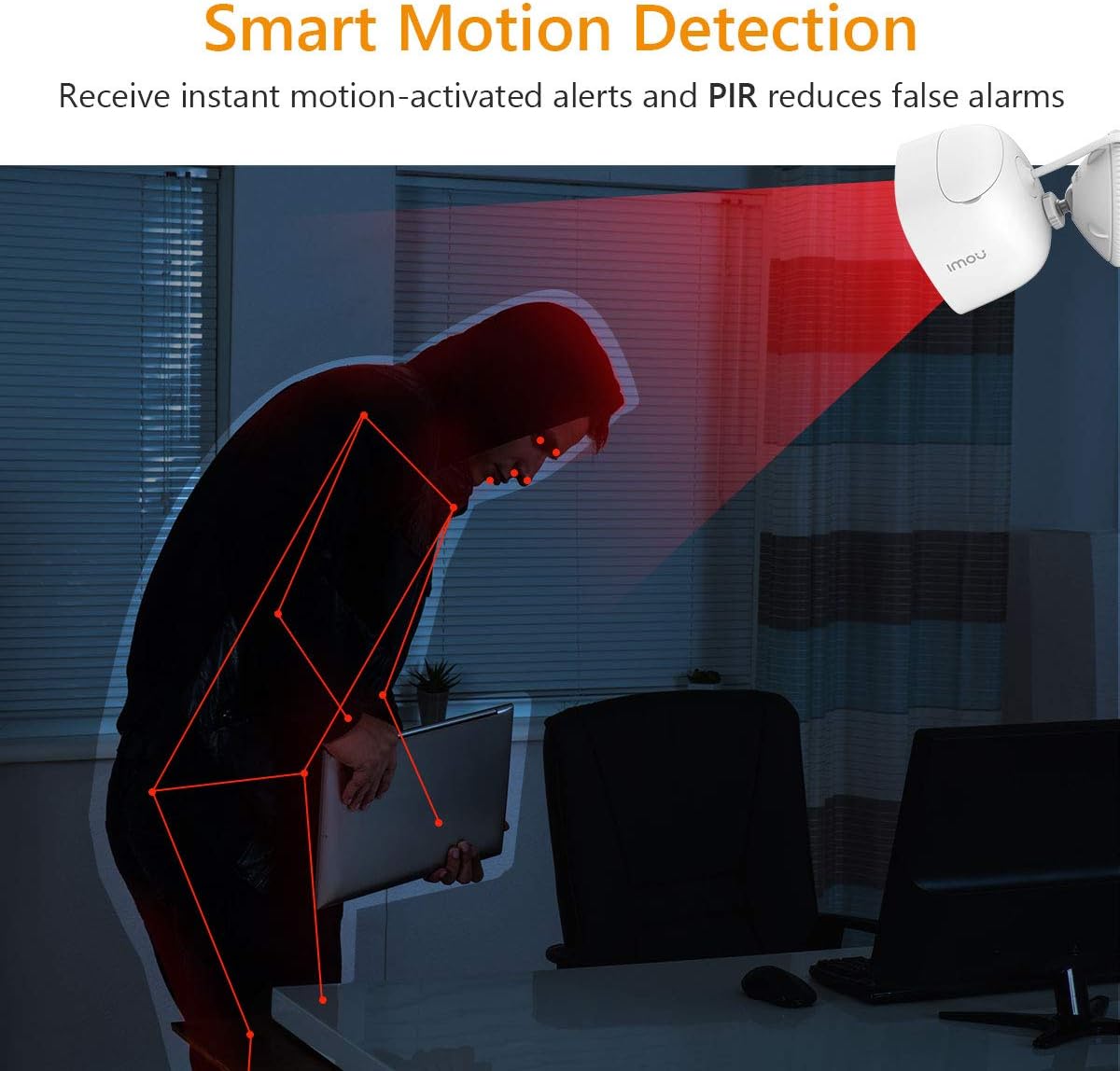
Figure 2.2.1: IMOU LOOC C26E/IPC-C26E Outdoor Wi-Fi Security Camera. This image shows the overall design of the camera, highlighting its compact and robust build suitable for outdoor use.
3. Przewodnik konfiguracji
3.1 Zanim zaczniesz
- Upewnij się, że Twoja sieć Wi-Fi obsługuje częstotliwość 2.4 GHz. Kamera nie obsługuje Wi-Fi 5 GHz.
- Przygotuj nazwę sieci Wi-Fi (SSID) i hasło.
- Download the IMOU Life app from your smartphone's app store (iOS or Android).
- Wybierz odpowiednie miejsce montażu zapewniające wyraźny widok view i znajduje się w zasięgu Wi-Fi.
3.2 Początkowa konfiguracja kamery
- Włączanie: Connect the camera to the power adapter and plug it into an electrical outlet. The camera's indicator light will turn on.
- Instalacja aplikacji: Open the IMOU Life app on your smartphone and create an account or log in.
- Dodaj urządzenie: Kliknij ikonę „+” w aplikacji, aby dodać nowe urządzenie. Zeskanuj kod QR znajdujący się na aparacie lub jego opakowaniu.
- Konfiguracja sieci: Follow the on-screen prompts in the app to connect the camera to your Wi-Fi network. Ensure your phone is connected to the same 2.4 GHz Wi-Fi network.
- Nazewnictwo urządzeń: Assign a name to your camera (e.g., "Front Door Camera", "Backyard Camera").
3.3 Montaż kamery
The camera is designed for wall or ceiling mounting. Use the provided mounting bracket and screw pack.
- Pozycjonowanie: Hold the position card against the desired mounting surface and mark the screw holes.
- Wiercenie: Drill pilot holes at the marked positions. Insert wall anchors if mounting on masonry.
- Zamocuj wspornik: Przymocuj uchwyt montażowy do powierzchni za pomocą dołączonych śrub.
- Podłącz kamerę: Mount the camera onto the bracket and adjust its angle for optimal viewing. Ensure the camera is securely fastened.
- Zarządzanie kablami: Use the cable clips to neatly route the power cable, protecting it from damage and weather elements.
4. Instrukcja obsługi
4.1 Na żywo View i odtwarzanie
- Na żywo View: Open the IMOU Life app and select your camera to view kanał na żywo.
- Odtwarzanie nagranego dźwięku: Uzyskaj dostęp do nagranego pliku footage from the app. Recordings are triggered by motion detection and stored on the MicroSD card (if installed) or cloud storage (if subscribed).
4.2 Detekcja ruchu i alerty

Figure 4.2.1: Smart Motion Detection. The camera utilizes PIR technology to detect human-like motion, reducing false alarms from environmental factors. When motion is detected, the camera can send instant alerts to your smartphone.
- Włącz wykrywanie ruchu: In the IMOU Life app settings for your camera, enable motion detection.
- Dostosuj czułość: Customize the motion detection sensitivity to minimize false alarms. The PIR sensor helps in accurate detection.
- Ustaw strefy wykrywania: Zdefiniuj określone obszary w obrębie kamery view gdzie detekcja ruchu powinna być aktywna.
- Otrzymuj powiadomienia: The app will send push notifications to your smartphone when motion is detected.
4.3 Rozmowa dwukierunkowa
The integrated microphone and speaker allow for two-way communication:
- Initiate Talk: Na żywo view, tap the microphone icon in the IMOU Life app to speak through the camera's speaker.
- Słuchać: Mikrofon kamery będzie wychwytywał dźwięki z otoczenia, które możesz usłyszeć na swoim smartfonie.
4.4 Widzenie nocne
Kamera automatycznie przełącza się na tryb widzenia nocnego w warunkach słabego oświetlenia, zapewniając wyraźny obraz czarno-biały.tage up to 10 meters (33 feet) using its IR LEDs.
4.5 Odstraszanie aktywne
Upon detecting motion, the camera can activate its built-in white LED light and 110 dB siren to deter potential intruders. This feature can be configured in the IMOU Life app settings.
5. Konserwacja
5.1 Czyszczenie
- Regularly clean the camera lens with a soft, dry cloth to ensure optimal image quality.
- Nie używaj żrących chemikaliów ani ściernych środków czyszczących.
5.2 aktualizacji oprogramowania sprzętowego
- Periodically check for firmware updates via the IMOU Life app. Updates often include performance improvements and security enhancements.
- Ensure the camera has a stable power supply and internet connection during firmware updates.
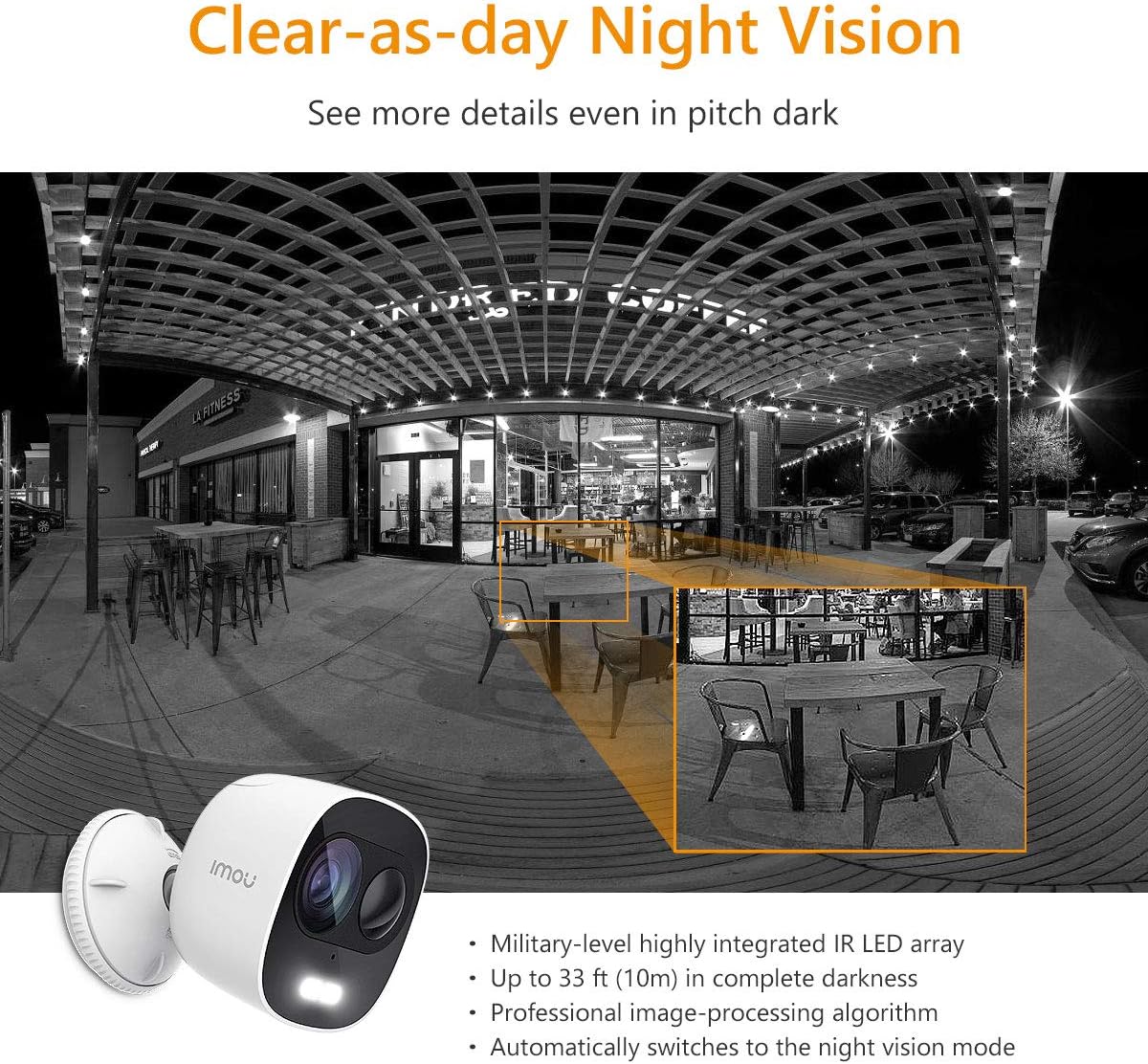
Figure 5.3.1: IP65 Weatherproof Design. The camera is built to withstand outdoor elements, including rain and dust, ensuring continuous operation in various weather conditions.
5.3 Ochrona przed warunkami atmosferycznymi
While the camera is IP65 rated for weather resistance, ensure its power connections are protected from direct exposure to heavy rain or prolonged moisture to prevent damage.
6. Rozwiązywanie Problemów
6.1 Problemy z łącznością
- Kamera offline: Check if the camera is powered on and if your Wi-Fi router is working correctly. Ensure the camera is within range of your Wi-Fi signal.
- Nie udało się połączyć z siecią Wi-Fi: Verify your Wi-Fi password. Ensure your router is broadcasting a 2.4 GHz network. Try resetting the camera and repeating the setup process.
6.2 Problemy z detekcją ruchu
- Brak alertów o ruchu: Check if motion detection is enabled in the app and if notification permissions are granted for the IMOU Life app on your phone.
- Zbyt wiele fałszywych alarmów: Adjust the motion detection sensitivity settings in the app. Define specific detection zones to exclude areas with frequent irrelevant motion (e.g., trees swaying).
6.3 Problemy z jakością obrazu
- Rozmazany obraz: Wyczyść obiektyw aparatu. Upewnij się, że przed obiektywem nie ma żadnych przeszkód.
- Słaba widoczność w nocy: Ensure the IR LEDs are not obstructed. Check for reflective surfaces close to the camera that might interfere with IR illumination.
7. Specyfikacje
| Funkcja | Specyfikacja |
|---|---|
| Numer modelu | IPC-C26E-IMOU |
| Rezolucja | 2 MP (1080p) |
| Obiektyw | 2.8 mm |
| Zakres noktowizora | Do 10 metrów (33 stóp) |
| Audio | Built-in Microphone & Speaker (Two-Way Talk) |
| Syrena | 110dB |
| Składowanie | MicroSD Card Slot (up to 128GB), Cloud Storage (subscription required) |
| Łączność bezprzewodowa | Wi-Fi (2.4 GHz) |
| Odporność na warunki atmosferyczne | IP65 |
| Zasilacz | 5V DC (Power Adapter Included) |
| Wymiary (dł. x szer. x wys.) | Wymiary 8 x 9 x 10 cm |
| Waga | 510 gramów |
| Temperatura pracy | Not explicitly stated, but typical for outdoor cameras. |
8. Gwarancja i wsparcie
IMOU cameras are guaranteed by Dahua TP and are subject to their RMA (Return Merchandise Authorization) warranty policy. This process is designed to facilitate and expedite any necessary repairs or replacements.
For detailed warranty information, technical support, or service requests, please refer to the official IMOU webOdwiedź stronę internetową lub skontaktuj się bezpośrednio z działem obsługi klienta. Zachowaj paragon jako dowód zakupu na wypadek reklamacji.
Notatka: These devices do not have a WEB interface. The IMOU series records data only after motion detection (no continuous recording). Recordings typically last 1 to 1.5 minutes, depending on the duration of motion in front of the camera.