Produkt ponadview
The Anderic RRU401.5 is a versatile 4-device universal remote control designed to consolidate up to four remotes into one for your home entertainment system. It is compatible with a wide range of devices including TVs, DVD/Blu-ray players, cable boxes, satellite boxes, set-top boxes, audio equipment, Roku, and more. This remote simplifies your control experience by offering advanced features and an intuitive layout.

Rycina 1: Przód view of the Anderic RRU401.5 Universal Remote Control.
Główne cechy
- Uniwersalna kompatybilność: Effortlessly program the RRU401.5 to control TVs, DVD Players, Cable Boxes, Sat Boxes, Set-top-boxes, Audio equipment, Roku, and more.
- Inteligentna funkcjonalność: Includes dedicated keys for HOME, NETFLIX, and APPS for quick access to streaming content.
- Learning and Macro Capabilities: Customize the remote by programming it to recognize and replicate functions from other remotes, and create multi-command macros.
- Full Backlighting: Navigate in low-light conditions with fully backlit keys, ensuring visibility and ease of use.
- Multi-Device Power Control: Configure the POWER key to simultaneously turn on or off multiple programmed devices with a single press.
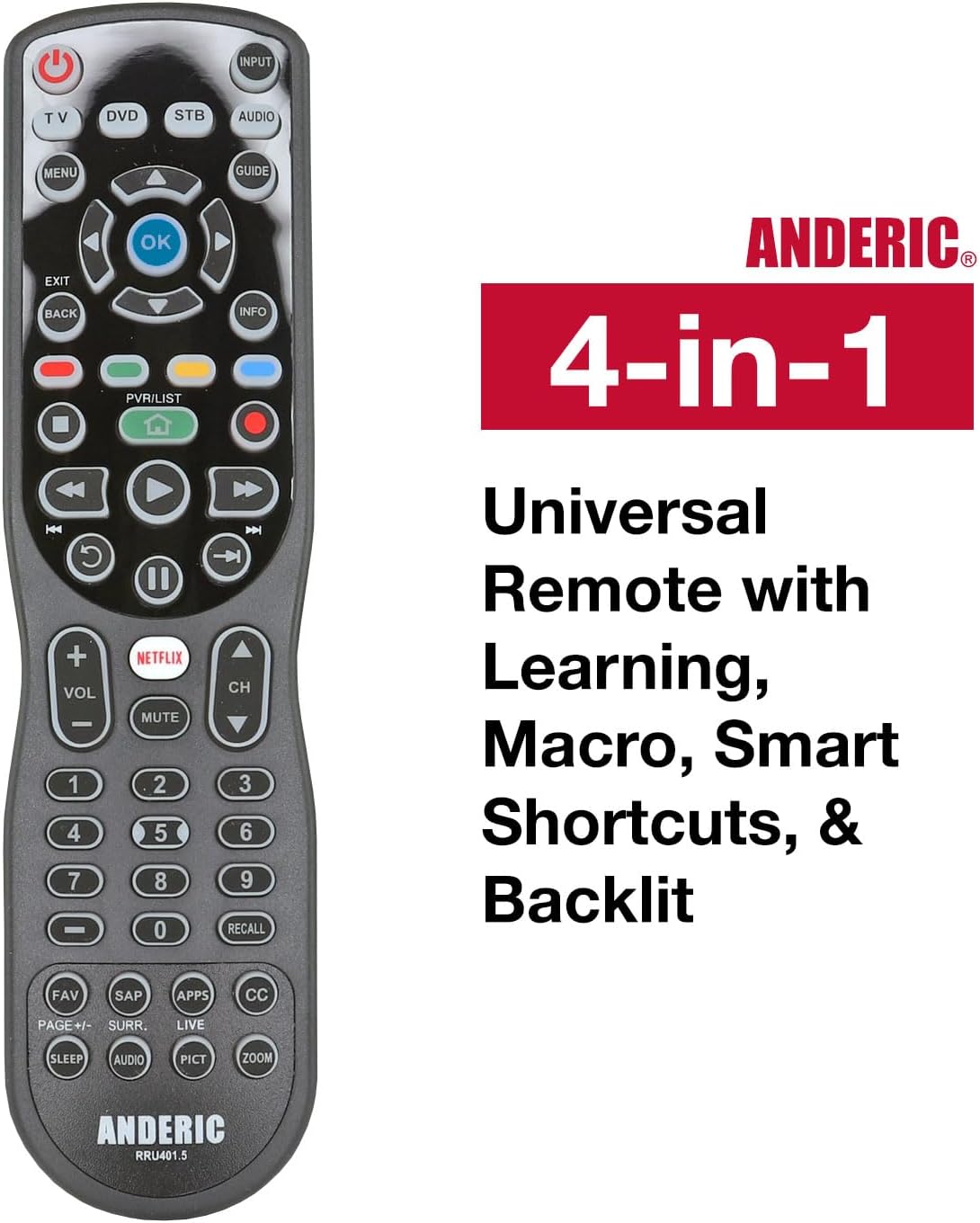
Figure 2: The Anderic RRU401.5 remote showcasing its 4-in-1 universal capabilities, including learning, macro, smart shortcuts, and backlighting.
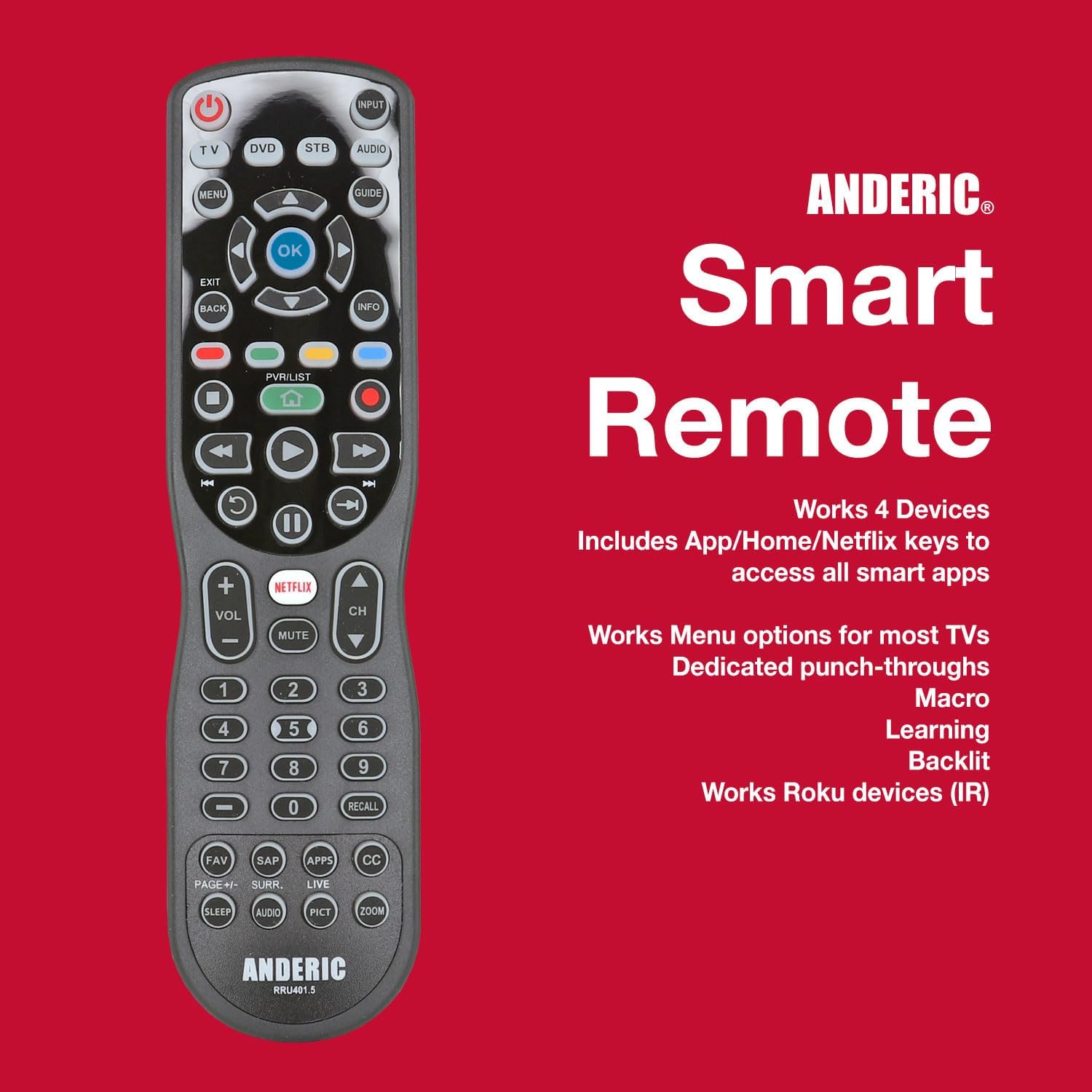
Figure 3: The Anderic RRU401.5 remote emphasizing its smart features, 4-device compatibility, and support for Roku devices.
Przewodnik po konfiguracji
1. Instalacja baterii
The Anderic RRU401.5 remote requires two (2) AAA batteries for operation. To install the batteries:
- Znajdź pokrywę komory baterii z tyłu pilota.
- Aby otworzyć komorę, przesuń pokrywę w dół.
- Włóż dwie baterie AAA, upewniając się, że bieguny dodatni (+) i ujemny (-) są ustawione zgodnie ze wskaźnikami wewnątrz komory.
- Wsuń pokrywę z powrotem na miejsce, aż zaskoczy.
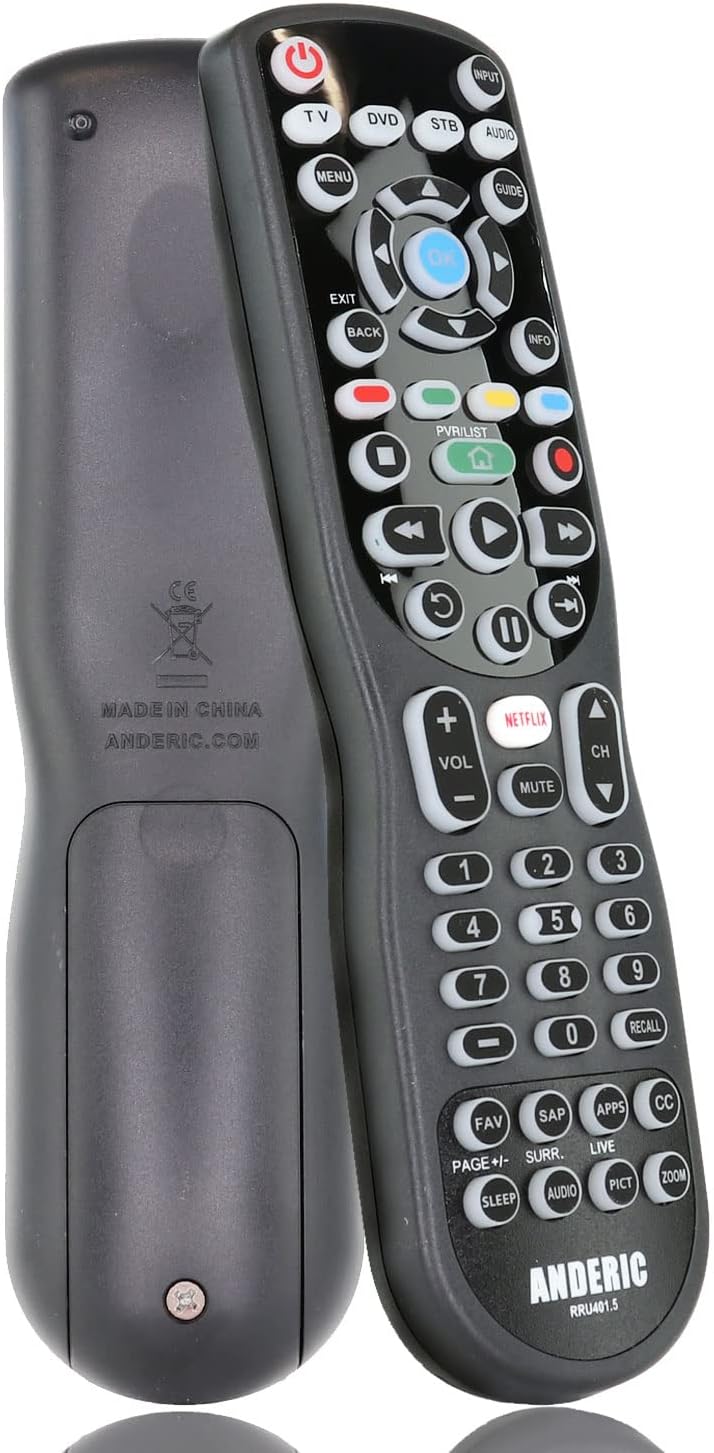
Rysunek 4: Tył view pilota, pokazujący komorę baterii.
2. Programowanie pilota
The RRU401.5 can be programmed to control up to four devices using various methods, including direct code entry, auto code search, and one-button search. Refer to the detailed instructions provided in the remote's packaging for specific programming codes and steps for your devices.
For an easy code lookup, you can use the manufacturer's online tool or the provided code list.

Rysunek 5: Example of an easy code lookup tool for programming the remote.
The remote also supports nauka functions, allowing it to replicate commands from your original remote controls. This is particularly useful for unique functions not covered by pre-programmed codes.
Instrukcja obsługi
Once programmed, the Anderic RRU401.5 remote provides intuitive control over your entertainment devices.
Wybór trybu urządzenia
Use the dedicated device mode buttons (TV, DVD, STB, AUDIO) located at the top of the remote to select the device you wish to control. The selected mode will typically illuminate or be indicated by a light.
Podstawowe funkcje
- MOC: Turns the selected device on or off. Can be programmed for multi-device power control.
- OBJĘTOŚĆ +/-: Adjusts the volume of the audio device.
- KANAŁ +/-: Changes channels on the TV or set-top box.
- KLAWIATURA NUMERYCZNA (0-9): Direct channel entry or input selection.
- NAVIGATION (Up, Down, Left, Right, OK): Służy do nawigacji po menu i dokonywania wyborów.
Smart and Special Keys
- PL: Direct access to the Netflix application (if supported by your device).
- APLIKACJE: Direct access to the applications menu (if supported by your device).
- DOM: Returns to the home screen of your streaming device or smart TV.
- CC (Closed Captioning): Toggles closed captions on/off.
- SPAĆ: Activates the sleep timer function on your TV.
- MENU: Accesses the menu of the selected device.
Podświetlenie
The remote features full key backlighting for improved visibility in dark environments. The backlight activates automatically when a button is pressed and remains on for a short period.
Learning and Macro Functions
The learning feature allows you to transfer specific commands from your original remote to the RRU401.5. Macros enable you to program a sequence of commands to be executed with a single button press. Consult the full instruction manual for detailed steps on utilizing these advanced features.
Konserwacja
- Czyszczenie: Przetrzyj pilota miękką, suchą ściereczką. Nie używaj płynnych środków czyszczących ani materiałów ściernych.
- Wymiana baterii: Replace batteries when the remote's performance degrades or the backlight dims significantly. Always replace both batteries at the same time with new AAA alkaline batteries.
- Składowanie: Przechowuj pilota w chłodnym, suchym miejscu, z dala od bezpośredniego światła słonecznego i ekstremalnych temperatur.
Rozwiązywanie problemów
| Problem | Możliwa przyczyna | Rozwiązanie |
|---|---|---|
| Pilot nie odpowiada. | Rozładowane lub nieprawidłowo zainstalowane baterie. | Wymień baterie, zwracając uwagę na prawidłową biegunowość. |
| Pilot nie kontroluje urządzenia. | Incorrect device mode selected or remote not programmed correctly. | Ensure correct device mode is selected. Reprogram the remote for the specific device. |
| Niektóre przyciski nie działają. | Button not programmed or not supported by the device. | Use the learning feature to program the specific button. Verify device compatibility. |
| Podświetlenie nie działa. | Niski poziom baterii. | Wymień baterie. |
Specyfikacje
- Wymiary produktu: 7.75 x 2 x 1 cala
- Waga przedmiotu: 4.2 uncji
- Baterie: Wymagane 2 baterie AAA (brak w zestawie)
- Maksymalna liczba obsługiwanych urządzeń: 4
- Zgodne urządzenia: DVD/Blu-ray Player, Home Theater, Projector, Stereo System, Television
- Technologia łączności: Podczerwieni (IR)
- Producent: Dan's Electronics Etc., Inc.
Oficjalny film o produkcie
Video: Anderic RRU401 4-Device Universal Remote with Backlighting. This video provides a visual overview of the remote's features and functionality.
Gwarancja i wsparcie
Anderic products are manufactured by Dan's Electronics Etc., Inc. For support, programming assistance, or warranty inquiries, please refer to the contact information provided in your product packaging or visit the official Anderic website. While specific warranty details are not provided here, a limited 1-year warranty is typically offered.
Anderic is a registered trademark of Dan's Electronics Etc., Inc. Anderic and Dan's Electronics Etc., Inc. are not affiliated with any other brands. All rights reserved.