Wstęp
This instruction manual provides guidance for the proper use and care of your CableCreation 3-Pack 3.5mm Headphone Splitter Adapter. Please read this manual thoroughly before use to ensure optimal performance and longevity of the product.
Produkt ponadview
The CableCreation 3.5mm Headphone Splitter Adapter is designed to convert a single 3.5mm stereo audio jack into two 3.5mm stereo audio jacks, allowing two users to share audio from one device. This adapter is suitable for various audio devices and offers reliable sound transmission.

Image: A set of three CableCreation 3.5mm headphone splitter adapters, showcasing their compact U-shaped design and gold-plated connectors.
Główne cechy:
- Audio Splitting: Converts one 3.5mm stereo jack to two 3.5mm stereo jacks for simultaneous audio output.
- Wysokiej jakości dźwięk: Features 24K gold-plated connectors for optimal stereo audio transmission.
- Uniwersalna kompatybilność: Works with devices equipped with standard 3.5mm jack ports.
- Kompaktowy i przenośny: Lightweight design for easy storage and transport.
- Note on Microphone/Volume Control: This adapter is designed for audio output only. It does not support microphone input or inline volume control functions from connected headsets.
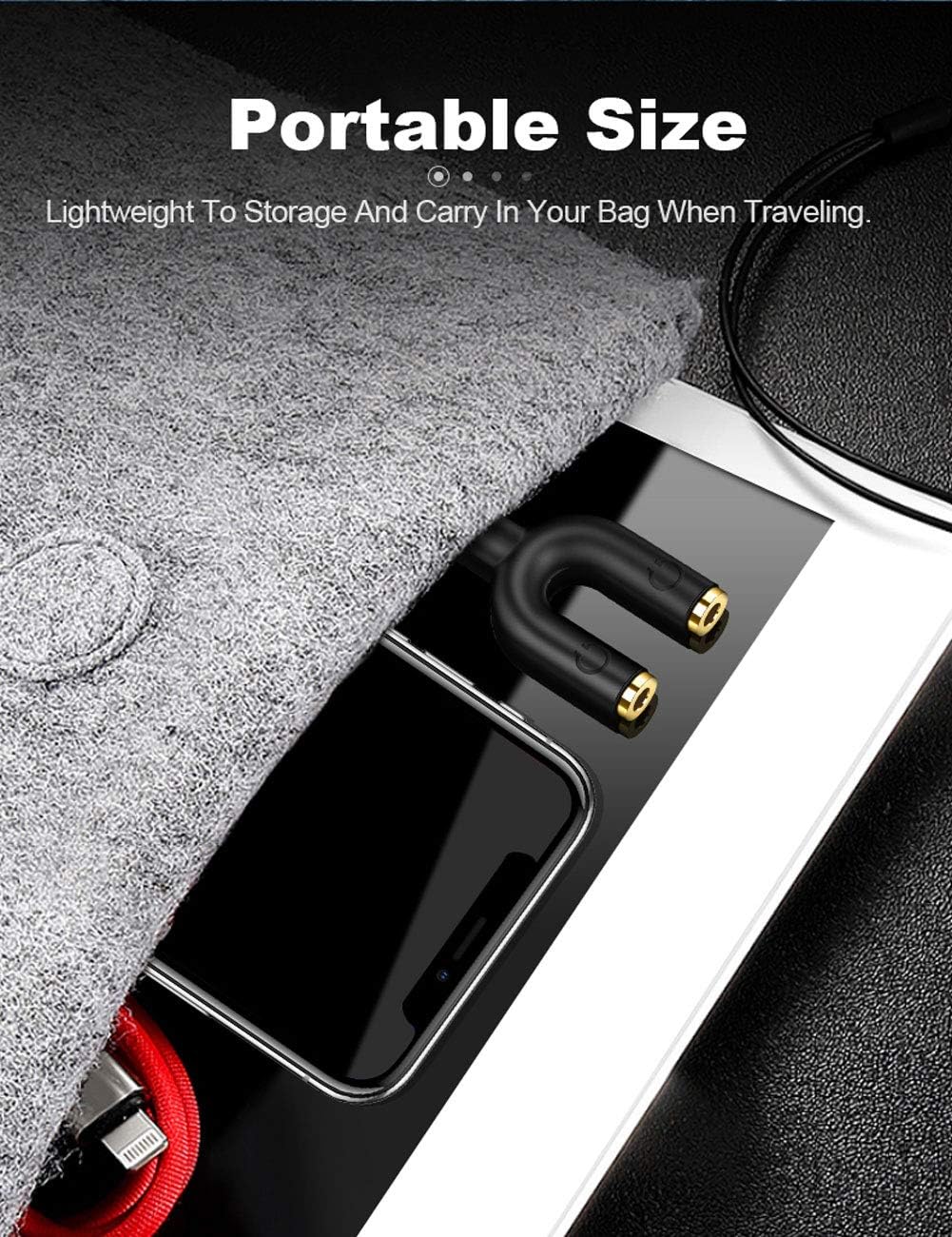
Image: The compact CableCreation headphone splitter adapter shown stored in a small bag alongside a smartphone and tablet, highlighting its portability.
Organizować coś
Setting up the CableCreation 3.5mm Headphone Splitter Adapter is straightforward:
- Identify the Audio Output Port: Locate the 3.5mm audio output jack on your source device (e.g., smartphone, tablet, laptop, MP3 player).
- Podłącz rozdzielacz: Insert the male 3.5mm connector of the splitter adapter firmly into the audio output jack of your source device. Ensure a snug fit.
- Podłącz słuchawki/głośniki: Plug your 3.5mm headphones or speakers into the two female 3.5mm ports on the splitter adapter.
- Sprawdź połączenie: Ensure all plugs are fully inserted to prevent audio issues.

Obraz: Zbliżenie view of the CableCreation headphone splitter adapter securely plugged into a smartphone's audio jack, demonstrating a snug fit.
Instrukcja obsługi
Once connected, the splitter adapter functions automatically:
- Udostępnianie dźwięku: Play audio from your source device. Sound will be simultaneously transmitted to both connected headphones or speakers.
- Regulacja głośności: Adjust the volume directly on your source device or through the individual volume controls of your connected headphones (if available). The splitter itself does not provide volume control.
- Funkcjonalność mikrofonu: As noted, this adapter does not support microphone input. If your headphones have a microphone, it will not function when connected via this splitter.
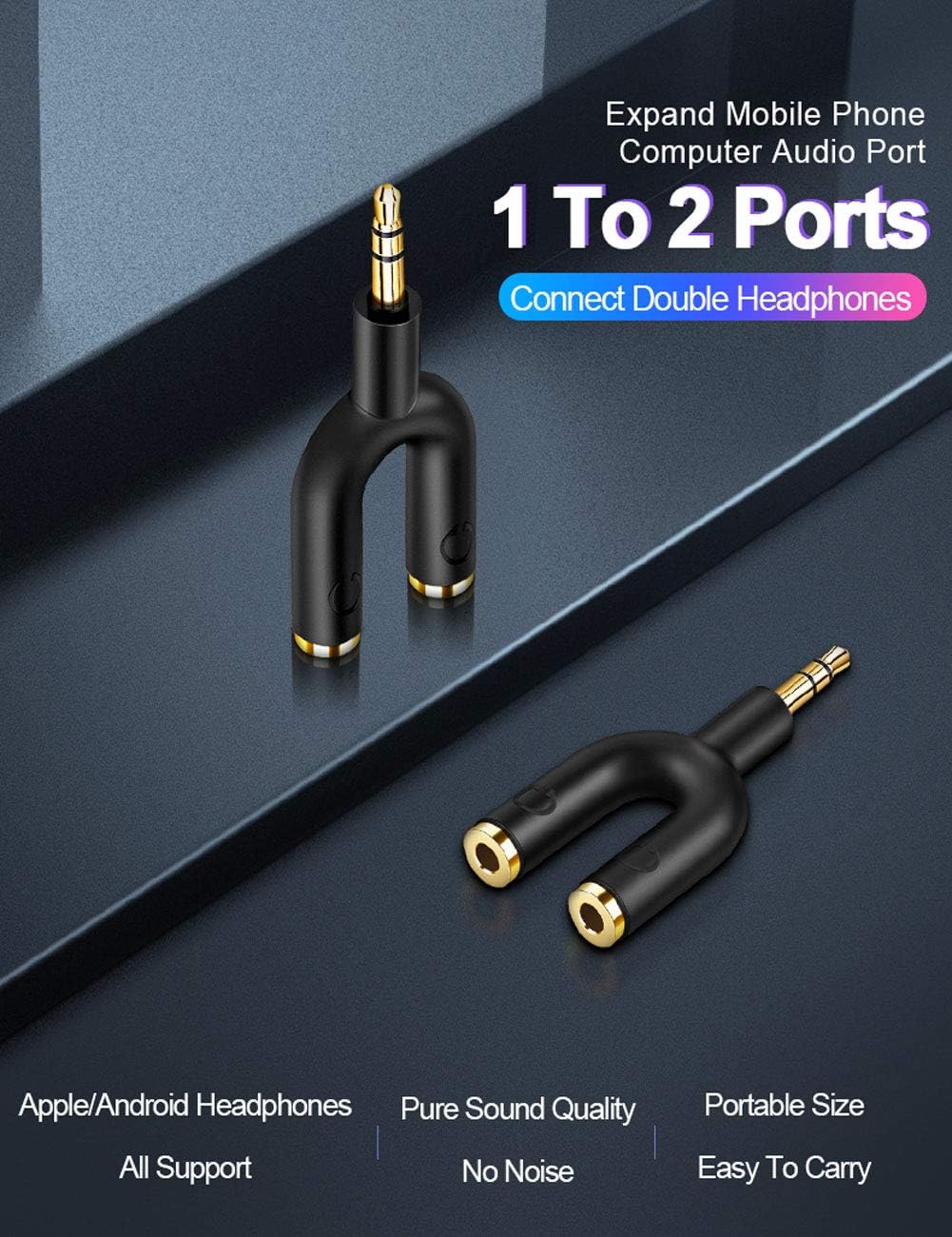
Image: The CableCreation headphone splitter adapter connected to a mobile device, with two sets of headphones plugged into its dual ports, illustrating its 1-to-2 audio splitting capability.

Image: The CableCreation headphone splitter adapter plugged into a laptop, with headphones connected to one of its output ports, demonstrating its use with computers.

Image: Two individuals sharing audio from a laptop using the CableCreation headphone splitter adapter, highlighting its utility for shared listening experiences.
Zgodność
The CableCreation 3.5mm Headphone Splitter Adapter is compatible with a wide range of devices that feature a standard 3.5mm audio jack. This includes, but is not limited to:
- Smartphones (iPhone, Galaxy, Nexus, etc.)
- Tablets (iPad, Fire tablets, etc.)
- Laptops and Desktop Computers
- Odtwarzacze MP3
- Car Stereos with 3.5mm auxiliary input
- Głośniki przenośne
Note: Compatibility is for audio output only. Microphone and inline control functions are not supported through this adapter.
Rozwiązywanie problemów
If you encounter issues while using your splitter adapter, please refer to the following common solutions:
- Brak dźwięku lub dźwięk przerywany:
- Ensure all connectors (splitter to device, headphones to splitter) are fully and securely inserted. A partial connection can lead to sound issues.
- Check the volume level on your source device and connected headphones.
- Test the headphones directly with the source device to confirm they are working correctly.
- Try using a different pair of headphones or a different source device to isolate the problem.
- Mikrofon nie działa:
- This adapter is designed for audio output only and does not support microphone input. If you require microphone functionality, a different type of adapter or direct connection may be necessary.
- Sound Quality Issues (Static, Distortion):
- Upewnij się, że źródło dźwięku jest dobrej jakości.
- Verify that the connectors are clean and free of debris.
- Avoid excessive bending or tension on the cables and adapter.

Image: A visual guide demonstrating the importance of fully inserting the headphone jack into the splitter adapter for proper functionality, with "YES" and "NO" indicators.
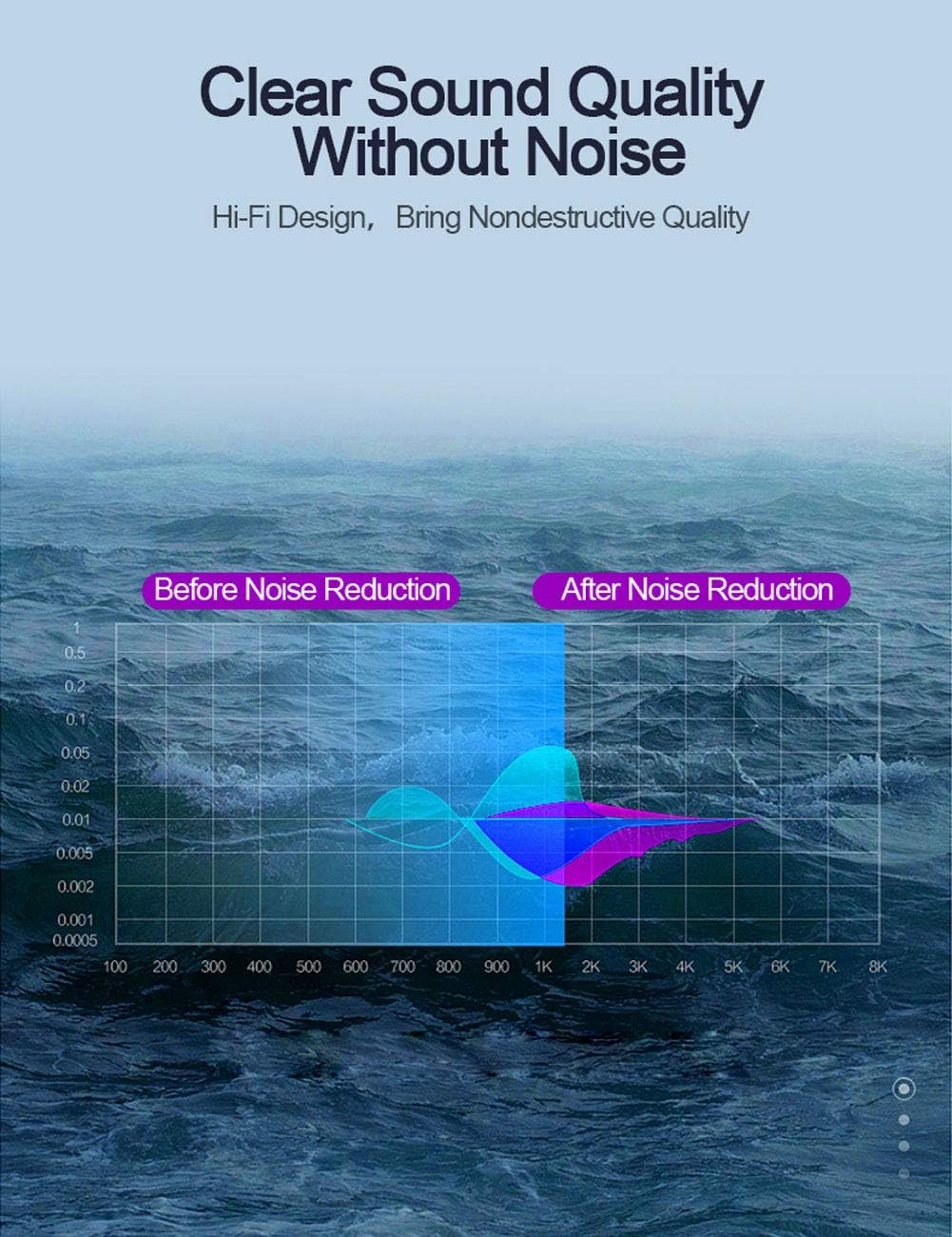
Image: A graph depicting audio frequency response, indicating the adapter's design for clear sound transmission by minimizing noise.
Specyfikacje
| Funkcja | Szczegół |
|---|---|
| Numer modelu | CC0801 |
| Typ złącza | 3.5mm Male to 2x 3.5mm Female (Auxiliary) |
| Kolor | Czarny |
| Wymiary produktu | 7.91 x 6.3 x 1.1 cala |
| Waga przedmiotu | 1.58 uncji |
| Producent | Tworzenie kabla |
| Zgodność | Devices with standard 3.5mm jack ports (Headphones, Laptops, MP3 Players, Speakers, Televisions) |
| Uwaga specjalna | Does not support microphone input or inline volume control. |
Gwarancja i wsparcie
CableCreation provides a worry-free two-year warranty for this product, covering any quality-related concerns. For assistance or inquiries, please contact CableCreation customer service. Lifetime friendly customer service is available to address any issues you may encounter.


