Produkt ponadview
The KADAMS Shower Clock is a versatile digital timer designed for various indoor environments, including bathrooms, kitchens, and offices. It features a clear LCD display that shows the current time, temperature, and humidity. Key functionalities include a countdown timer with an alarm and multiple installation methods for convenience.
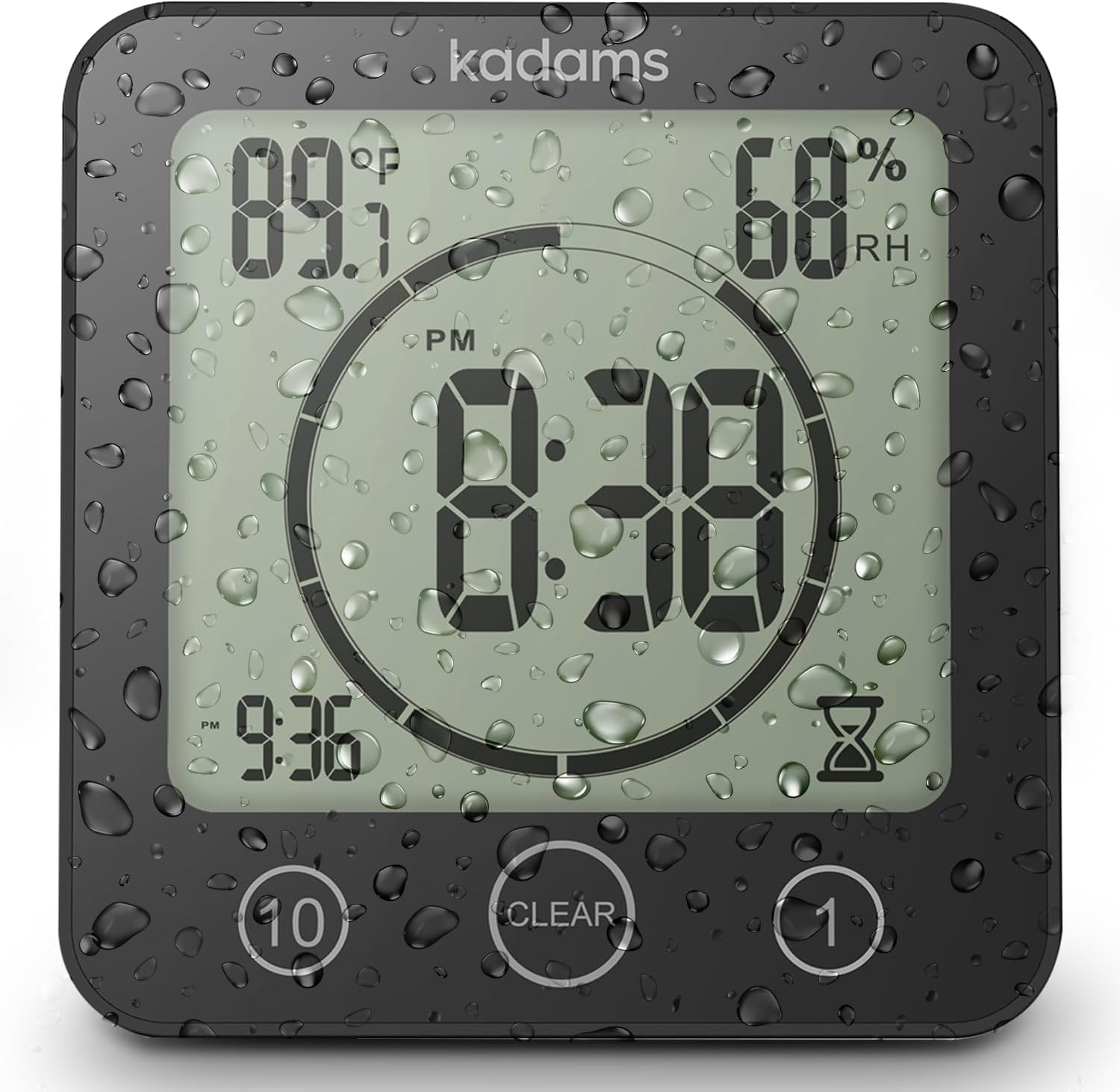
Image: KADAMS Shower Clock displaying time, temperature, and humidity with water droplets on the screen, indicating its waterproof design.
Instrukcje konfiguracji
1. Instalacja baterii
The KADAMS Shower Clock requires 2 AAA batteries (not included). To install, twist the back cover counter-clockwise to open the battery compartment. Insert the batteries, ensuring correct polarity. Close the cover by twisting clockwise until secure. It is recommended to use new, high-quality alkaline batteries of the same kind for proper initialization and to avoid random issues like irregular beeping or display problems.
Video: Demonstrates how to open the back cover, install AAA batteries, and close the compartment. It also shows setting the time and temperature units.
2. Opcje montażu
The clock offers three versatile installation methods:
- Podstawka: Utilize the built-in flip-out stand for tabletop placement on surfaces like kitchen counters or office desks.
- Mocowanie ścienne: Use the standard mounting hole on the back to hang the clock on a wall.
- Przyssawka: The pre-mounted dual suction cup allows attachment to smooth, non-porous surfaces such as glass, windows, mirrors, granite, and stainless steel. For best adhesion, clean and dry the surface thoroughly, and apply a small amount of moisture to the suction cup before pressing firmly to remove air. Avoid using on textured or porous tiles.

Image: Visual representation of the clock's versatile placement options, including standing on a surface, suction-cupped to a mirror, and magnetically attached to a refrigerator.
Instrukcja obsługi
1. Wyświetlacz czasu i temperatury
The clock displays time in both 12-hour and 24-hour formats. It also shows the current temperature (switchable between Celsius and Fahrenheit) and humidity levels.
- Czas wiązania: Press and hold the 'TIME' button located in the battery compartment until the hour flashes. Use the 'UP' or 'DOWN' buttons to adjust the hour. Press 'TIME' again to set minutes, then use 'UP' or 'DOWN' to adjust. Press 'TIME' once more to save.
- Przełączanie jednostek temperatury: Press the 'C/F' button in the battery compartment to toggle between Celsius and Fahrenheit.
2. Timer odliczający
The countdown timer can be set for up to 99 minutes.
- Ustawianie timera: Use the '10' button to add 10-minute increments and the '1' button to add 1-minute increments. Press and hold for faster adjustment.
- Starting Timer: The timer will automatically start counting down after a few seconds of inactivity once a time is set.
- Alarm: When the timer reaches zero, an alarm will sound for 3 minutes or until the 'CLEAR' button is pressed.
- Clearing Timer: Press the 'CLEAR' button to stop the timer or alarm and return to the normal clock display.
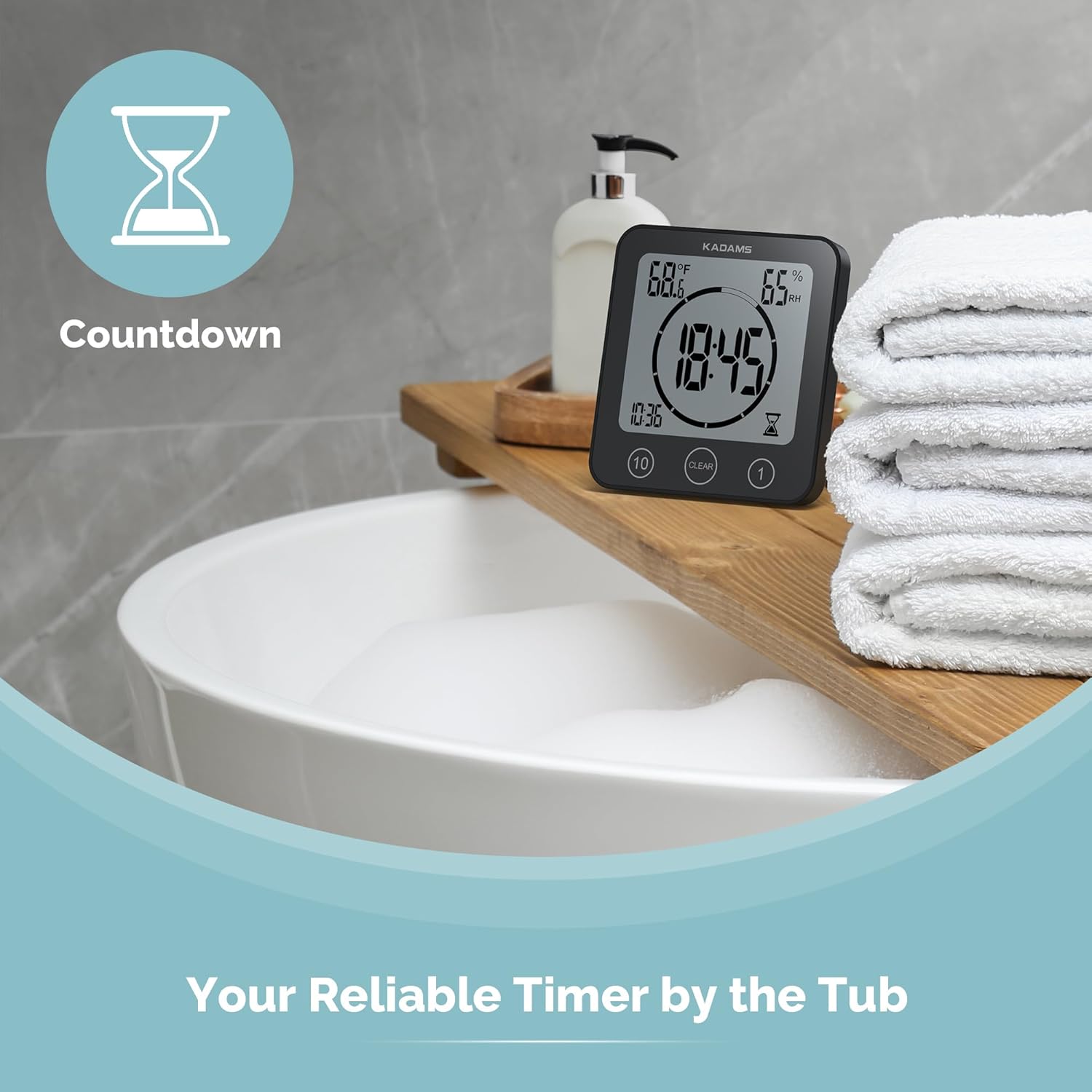
Image: The clock showing a countdown timer in use, ideal for managing shower or cooking times.
Konserwacja
1. Czyszczenie
Clean the clock only with a soft, damp cloth. Do not immerse the product in water or use harsh chemicals. Avoid placing the clock directly in front of heavy water spray due to its touchscreen sensitivity, which may cause unintended activation or deactivation.
2. Suction Cup Care
Periodically check the suction strength of the cup to ensure it securely holds the clock and timer, preventing accidental falls. Reapply moisture and press out air if needed. Avoid moving the clock frequently when using the suction cup method.
Rozwiązywanie problemów
- Display is faint or irregular: Ensure new, high-quality alkaline batteries of the same kind are installed. Mixed or low-quality batteries can cause display issues.
- Timer or alarm behaves erratically: This can also be caused by battery issues. Replace batteries with new, matching alkaline ones.
- Suction cup does not hold: Ensure the mounting surface is perfectly clean, dry, and non-porous. Apply a small amount of moisture to the suction cup and press firmly to expel all air. Avoid using on textured or porous tiles.
- Przyciski nie reagują: Check battery levels. If the issue persists after battery replacement, ensure no water is trapped in the button area.
Specyfikacje
| Marka | KADAMS |
| Numer modelu | K0007STH |
| Kolor | Czarny |
| Typ wyświetlacza | LCD |
| Źródło zasilania | Zasilanie bateryjne (wymagane 2 baterie AAA) |
| Wymiary produktu | 5" szer. x 5" wys. |
| Waga przedmiotu | 4.7 uncji (134 grama) |
| Tworzywo | PET surface, LCD screen, Acrylonitrile Butadiene Styrene (ABS) |
| Ocena odporności na wodę | IP24 (Water and spray resistant) |
| Zakres temperatur | 32°F-122°F (0°C-50°C) |
| Zakres wilgotności | od 20% do 95% |
Gwarancja i wsparcie
This product comes with a Limited Warranty. For detailed warranty information or further support, please refer to the official user manual available as a PDF document.
Możesz uzyskać dostęp do Podręcznika użytkownika (PDF) Tutaj.


