KEYSIGHT U1242C Handheld Digital Multimeter User Manual
Model: U1242C
1. Wprowadzenie
The KEYSIGHT U1242C is a robust and reliable handheld digital multimeter (DMM) designed for professional and industrial use. It offers high accuracy, durability, and advanced features for various electrical measurements. This manual provides essential information for the safe and efficient operation, maintenance, and troubleshooting of your U1242C DMM.
Główne cechy obejmują:
- 50,000 counts resolution on dual display
- 0.03% basic DC voltage dokładność
- True RMS AC measurement
- Data logging to DMM (max. 200 points) & PC with software bundle
- IP 67 certified for dust and water resistance
- Withstands up to 3-meter (10 feet) drop
- Wbudowana latarka LED
2. Informacje dotyczące bezpieczeństwa
WARNING: Read and understand all safety instructions before operating this device. Failure to follow these instructions may result in injury or damage to the meter.
- Ten produkt jest przeznaczony wyłącznie do użytku profesjonalnego.
- Zawsze przestrzegaj lokalnych i krajowych przepisów bezpieczeństwa.
- Nie używaj miernika, jeśli wydaje się uszkodzony lub izolacja jest naruszona.
- Przed dokonaniem pomiarów należy upewnić się, że przewody pomiarowe są w dobrym stanie i prawidłowo podłączone.
- Nie należy przekraczać maksymalnych limitów wejściowych dla żadnej funkcji.
- Zachowaj ostrożność podczas pracy z objętościątagpowyżej 30 V AC RMS, 42 V szczytowo lub 60 V DC. Te wartościtagStwarzają ryzyko porażenia prądem.
- Always turn off the circuit power and discharge all high-voltagPrzed wykonaniem testu rezystancji, ciągłości lub testu diod wymień kondensatory.
- Replace the battery and fuses only with the specified type and rating.
3. Koniec produktuview
3.1 Przód View

This image displays the front of the KEYSIGHT U1242C Digital Multimeter, showing its large orange casing, the dual display screen, the rotary dial for function selection, and the input jacks for test leads. Various buttons for functions like Max/Min, Hz, Log, Hold, and Range are visible around the display.
3.2 Bok View
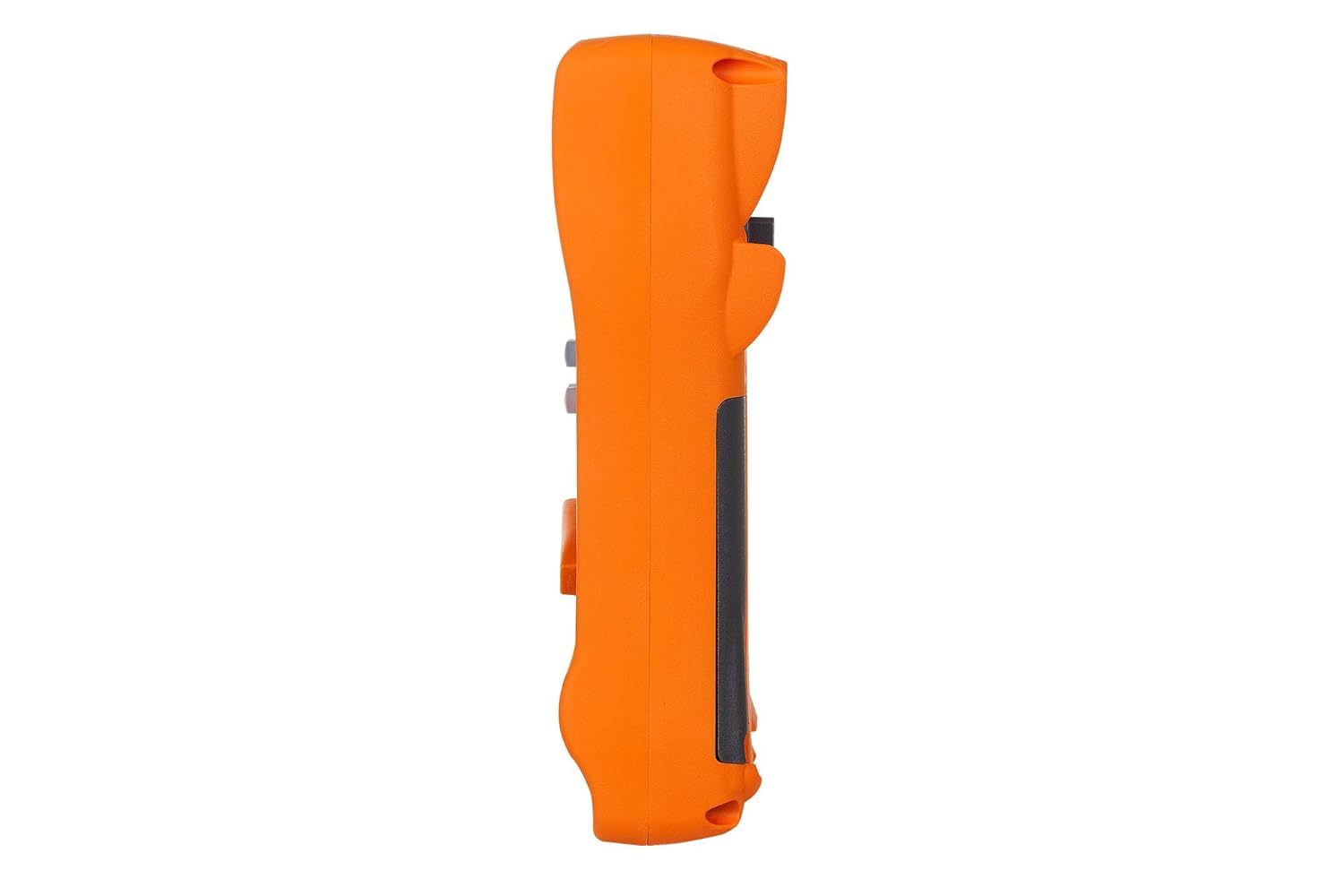
Na tym zdjęciu widać stronę profile of the KEYSIGHT U1242C Digital Multimeter, highlighting its ergonomic design and the textured grip on the orange casing. The side view emphasizes the compact and robust build of the device.
3.3 Wstecz View

This image presents the back of the KEYSIGHT U1242C Digital Multimeter, revealing the battery compartment cover, the kickstand for hands-free operation, and the product label with model and serial number information. The robust construction of the casing is also evident.
3.4 Elementy sterujące i złącza
- Wyświetlacz: Large dual display for primary and secondary readings.
- Przełącznik obrotowy: Selects measurement functions (Voltagnp. prąd, opór, itp.).
- Przyciski funkcyjne: Max/Min, Hz, Log, Hold, Range, View, Shift.
- Gniazda wejściowe:
- VΩ Hz: Wejście dla voltage, resistance, frequency, capacitance, and diode tests.
- KOM: Wspólne dane wejściowe dla wszystkich pomiarów.
- mAµA: Dane wejściowe dla miliampere i mikroampobecne pomiary.
- 10A MAKS. BEZPIECZNIK: Wejście do pomiarów dużego prądu (do 10A).
4. Konfiguracja
4.1 Instalacja baterii
- Upewnij się, że multimetr jest wyłączony.
- Znajdź komorę baterii z tyłu miernika.
- Za pomocą śrubokręta poluzuj śrubę mocującą pokrywę baterii.
- Zdejmij pokrywę baterii.
- Insert the specified batteries (e.g., 4 x AAA batteries) observing the correct polarity (+/-).
- Załóż pokrywę baterii i mocno dokręć śrubę.
4.2 Podłączenie przewodu pomiarowego
Always connect the test leads to the appropriate input jacks for the measurement you intend to perform. Incorrect connection can lead to damage to the meter or personal injury.
- W przypadku większości pomiarów (objętośćtage, Resistance, Continuity, Diode, Capacitance, Frequency), connect the black test lead to the KOM gniazdo i czerwony przewód pomiarowy do VΩ Hz podnośnik.
- For current measurements (mA/µA), connect the black test lead to the KOM gniazdo i czerwony przewód pomiarowy do mAµA podnośnik.
- For high current measurements (up to 10A), connect the black test lead to the KOM gniazdo i czerwony przewód pomiarowy do 10A MAKS. BEZPIECZNIK podnośnik.
5. Instrukcja obsługi
This section outlines the basic steps for performing common measurements with your U1242C DMM.
5.1 Pomiar objętości AC/DCtage
- Obróć przełącznik obrotowy na żądaną głośnośćtage range (V~ for AC, V- for DC). The meter may have an auto-ranging feature.
- Podłącz czarny przewód pomiarowy do KOM gniazdo i czerwony przewód pomiarowy do VΩ Hz podnośnik.
- Podłącz sondy pomiarowe równolegle do obwodu lub elementu, który chcesz zmierzyć.
- Przeczytaj tomtage wartość na wyświetlaczu.
5.2 Measuring AC/DC Current
CAUTION: Never connect the meter in parallel with a voltagPodczas pomiaru prądu należy odłączyć źródło zasilania. Może to spowodować przepalenie bezpiecznika lub uszkodzenie miernika.
- Turn the rotary switch to the desired current range (A~ for AC, A- for DC, or mA/µA ranges).
- Podłącz czarny przewód pomiarowy do KOM podnośnik.
- For mA/µA measurements, connect the red test lead to the mAµA jack. For 10A measurements, connect the red test lead to the 10A MAKS. BEZPIECZNIK podnośnik.
- Open the circuit where current is to be measured and connect the meter in series with the circuit.
- Odczytaj aktualną wartość na wyświetlaczu.
5.3 Pomiar rezystancji
- Turn the rotary switch to the Ω (Ohms) range.
- Podłącz czarny przewód pomiarowy do KOM gniazdo i czerwony przewód pomiarowy do VΩ Hz podnośnik.
- Przed pomiarem rezystancji należy upewnić się, że obwód lub element jest odłączony od napięcia.
- Podłącz sondy pomiarowe do mierzonego elementu.
- Odczytaj wartość rezystancji z wyświetlacza.
5.4 Test ciągłości
- Turn the rotary switch to the continuity symbol (speaker icon).
- Podłącz czarny przewód pomiarowy do KOM gniazdo i czerwony przewód pomiarowy do VΩ Hz podnośnik.
- Upewnij się, że obwód jest odłączony od napięcia.
- Podłącz sondy pomiarowe do obwodu lub elementu.
- The meter will beep if continuity is detected (resistance below a certain threshold).
5.5 Rejestracja danych
The U1242C supports data logging. Refer to the detailed user manual for specific instructions on activating and managing data logging functions, including connecting to a PC with the software bundle for extended logging capabilities.
6. Konserwacja
6.1 Czyszczenie
Wytrzyj licznikasing z reklamąamp Ściereczką i łagodnym detergentem. Nie używaj środków ściernych ani rozpuszczalników. Przed użyciem upewnij się, że miernik jest całkowicie suchy.
6.2 Wymiana baterii
When the battery indicator appears on the display, replace the batteries as described in Section 4.1. Prompt battery replacement ensures accurate readings and proper operation.
6.3 Wymiana bezpiecznika
WARNING: Always replace blown fuses with fuses of the exact same type and rating to maintain safety and performance.
- Upewnij się, że multimetr jest wyłączony i wszystkie przewody pomiarowe są odłączone.
- Otwórz komorę baterii zgodnie z opisem w rozdziale 4.1.
- Locate the fuse(s) inside the compartment.
- Gently remove the blown fuse.
- Insert a new fuse of the correct rating (e.g., 10A/1000V for the 10A input).
- Załóż pokrywę baterii i mocno dokręć śrubę.
6.4 Kalibracja
The U1242C is factory calibrated. For continued accuracy, periodic calibration by a qualified service center is recommended. Refer to KEYSIGHT's official support channels for calibration services.
7. Rozwiązywanie Problemów
| Problem | Możliwa przyczyna | Rozwiązanie |
|---|---|---|
| Licznik się nie włącza | Wyczerpane lub nieprawidłowo zainstalowane baterie | Wymień baterie, sprawdź biegunowość |
| No reading or "OL" (Overload) displayed | Incorrect function selected; Open circuit; Input exceeds range | Select correct function; Check circuit continuity; Select higher range or auto-range |
| Niedokładne odczyty | Low battery; Dirty test leads; Environmental interference; Needs calibration | Replace battery; Clean leads; Move away from interference; Consider calibration |
| Pomiar prądu nie działa | Blown fuse; Incorrect lead connection; Meter not in series | Check/replace fuse; Verify lead connection; Ensure meter is in series with circuit |
8. Specyfikacje
| Funkcja | Specyfikacja |
|---|---|
| Numer modelu | U1242C |
| Wyświetl liczniki | 50,000 |
| Basic DC Voltage Dokładność | 0.03% |
| Pomiar prądu przemiennego | Prawdziwy RMS |
| Stopień ochrony IP | IP67 |
| Ochrona przed upadkiem | Do 3 metrów (10 stóp) |
| Źródło zasilania | Zasilany bateryjnie |
| Waga przedmiotu | 1 funt (16 uncji) |
| Producent | WIDOK KLUCZOWY |
| Data pierwszej dostępności | 22 maja 2018 r. |
9. Gwarancja i wsparcie
9.1 Zastrzeżenie prawne
Keysight Technologies products are classified as industrial monitoring and control equipment designed exclusively for professional or industrial use and related training programs. Keysight products are designed and certified to meet national industrial safety standards (such as Electrical Equipment for Measurement, Control and Laboratory Use) where products are sold solely for use by trained professionals. Keysight products are not intended for consumer use in a residential setting and may not meet consumer level standards for EMC and other regulated radiated emissions. Keysight products are intended for use in the country where the product was originally sold.
9.2 Wsparcie techniczne
For technical assistance, service, or warranty claims, please contact KEYSIGHT customer support through their official website or authorized service centers. Provide your product model number (U1242C) and serial number when seeking support.


