Wstęp
Thank you for choosing the WALI Universal Tabletop TV Stand. This manual provides essential information for the safe and correct assembly, operation, and maintenance of your TV stand. Please read these instructions thoroughly before installation and retain them for future reference.
Ważne informacje dotyczące bezpieczeństwa
- Nośność: Do not exceed the maximum weight capacity of 110 lbs (50 kg). Overloading can result in serious injury or property damage.
- Rozmiar telewizora: This stand is designed for TVs between 22 and 65 inches. Ensure your TV falls within this range.
- Zgodność z VESA: Sprawdź, czy wzór montażu VESA Twojego telewizora jest zgodny z zakresem stojaka (od 75 x 75 mm do 800 x 500 mm).
- Stabilność powierzchni: Always place the TV stand on a stable, level, and sturdy surface capable of supporting the combined weight of the stand and your television.
- Bezpieczeństwo dzieci: Keep children away from the stand during assembly. Do not allow children to climb on or play with the stand or TV.
- Prawidłowy montaż: Follow all assembly instructions carefully. If you have any doubts or encounter difficulties, seek professional assistance.
- Regularne kontrole: Okresowo sprawdzaj, czy wszystkie śruby i połączenia są dobrze dokręcone.
Zawartość opakowania
Please ensure all components are present and undamaged before beginning assembly. If any parts are missing or damaged, contact WALI customer support.
- WALI TV Stand (Black) x 1
- Mounting Hardware Kit x 1 (includes various screws, washers, and spacers)
- Instrukcja obsługi x 1
Specyfikacja produktu
| Funkcja | Specyfikacja |
|---|---|
| Marka | WALI |
| Numer modelu | TVS001 |
| Kompatybilność z rozmiarem telewizora | 22" - 65" |
| Nośność | 110 funta (50 kg) |
| Zgodność ze standardem VESA | 75x75mm do 800x500mm |
| Typ montażu | Uchwyt na blat |
| Tworzywo | Stal stopowa |
| Kolor | Czarny |
| Regulacja wysokości | 2 poziomy |
Instrukcja instalacji
Follow these steps to assemble your WALI Universal Tabletop TV Stand.
- Step 1: Assemble the Base and TV Bracket
Attach the vertical TV brackets to the base feet using the provided screws and tools. Ensure all connections are tightened securely. The design allows for two height levels for the vertical brackets.

Image: Product Details - Components of the WALI TV Stand.

Image: Easy Installation Steps.
- Step 2: Attach the TV Bracket to the TV
Carefully place your TV face down on a soft, clean surface to prevent scratches. Identify the VESA mounting holes on the back of your TV. Select the appropriate screws, washers, and spacers from the hardware kit that fit your TV's mounting holes. Attach the assembled TV brackets to the back of your television. Ensure the brackets are centered and securely fastened.

Image: Available VESA Patterns.

Image: VESA Compatibility and Max Load.
- Ostateczne umiejscowienie
With assistance, carefully lift the television with the attached stand and place it on your desired stable surface. The stand features non-slip pads on the base to prevent scratching and enhance stability.
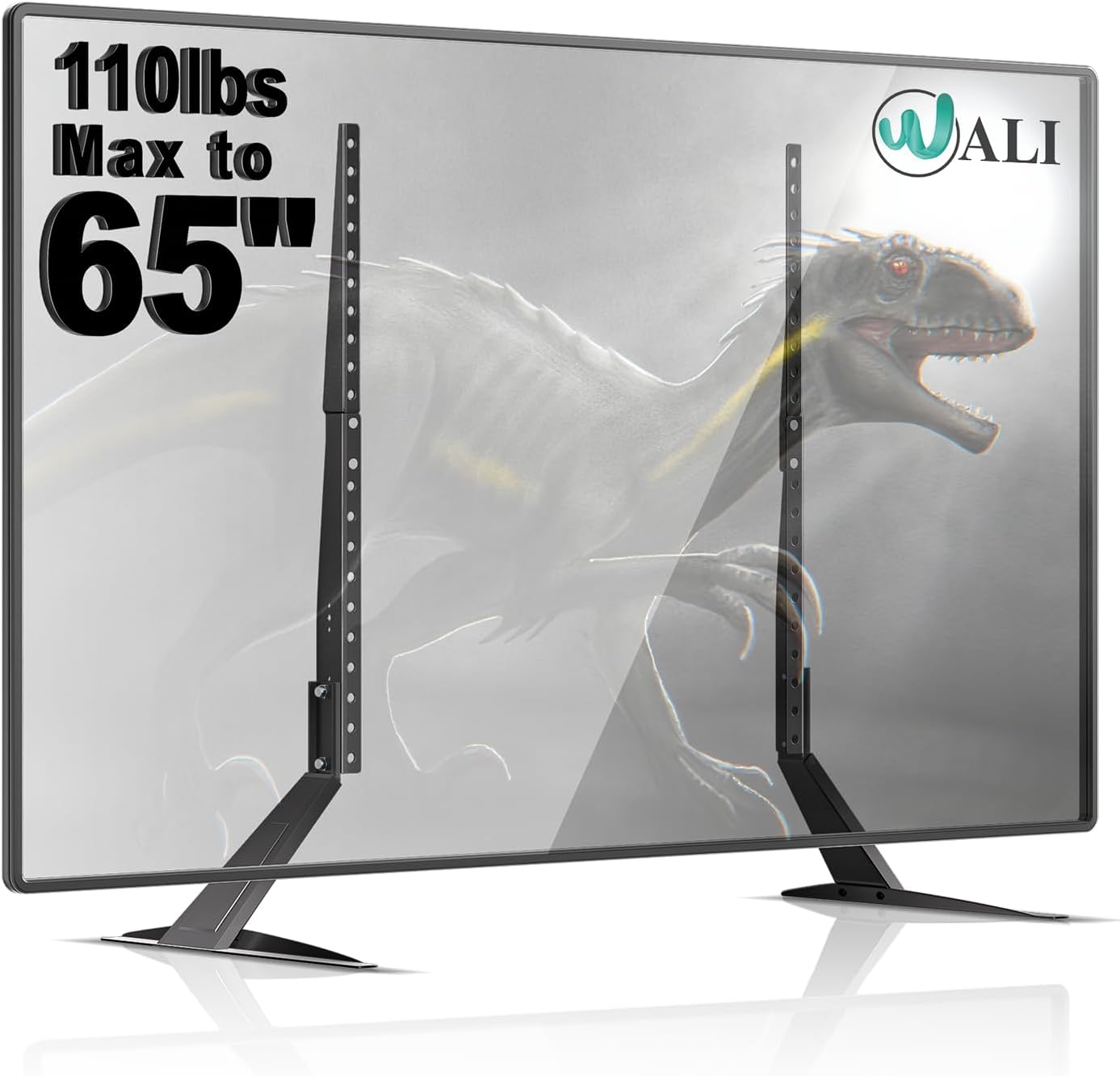
Image: WALI Universal Tabletop TV Stand with TV.
Użytkowanie i regulacje
The WALI TVS001 stand offers flexibility in TV placement and height.
- Regulacja wysokości: The vertical TV brackets provide two levels of height adjustment. This allows you to position your TV higher or lower on the stand to achieve optimal viewing angles or to accommodate soundbars and other devices beneath the screen. To adjust the height, you will need to detach the TV from the stand, reposition the vertical brackets to the desired height setting, and reattach the TV.
- Umieszczenie: Ensure the stand is placed on a flat, stable surface. The non-slip pads on the feet protect your furniture and provide additional stability.

Image: Height Adjustment Feature.
Konserwacja
- Czyszczenie: Przetrzyj podstawkę miękką, suchą ściereczką. Unikaj stosowania środków czyszczących o właściwościach ściernych lub rozpuszczalników, które mogłyby uszkodzić wykończenie.
- Kontrola: Okresowo sprawdzaj wszystkie śruby i połączenia, aby upewnić się, że są dobrze dokręcone i zabezpieczone. W razie potrzeby dokręć je ponownie.
- Szkoda: If any part of the stand becomes damaged, discontinue use and contact customer support for replacement parts or advice.
Rozwiązywanie problemów
- Stojak wydaje się niestabilny:
- Upewnij się, że wszystkie śruby są dobrze dokręcone.
- Verify the TV's weight and size are within the stand's specifications.
- Confirm the stand is placed on a completely flat and stable surface.
- TV does not fit the VESA pattern:
- Double-check your TV's VESA dimensions against the stand's compatibility range (75x75mm to 800x500mm).
- Ensure you are using the correct screws and spacers from the hardware kit for your specific TV model.
- Trudności w montażu:
- Refer back to the step-by-step installation guide and diagrams.
- Ensure components are oriented correctly as shown in the illustrations.
- Nie łącz części na siłę. Jeśli część nie pasuje, zapoznaj się ponownie z instrukcją.
Gwarancja i obsługa klienta
WALI is committed to providing quality products and excellent customer service. For any questions, missing parts, or technical assistance, please contact our experienced and friendly US-based customer support team, available 7 days a week.
Please refer to the product packaging or WALI's official webSzczegóły dotyczące gwarancji i dane kontaktowe można znaleźć na stronie.


