Wstęp
This user manual provides comprehensive instructions for the VTECH Communications CS6729-2 2 Handset Answering System. It covers setup, operation, maintenance, and troubleshooting to ensure optimal performance of your new telephone system. Please read this manual thoroughly before using your phone.
Konfiguracja i instalacja
Zawartość opakowania
Upewnij się, że w przesyłce znajdują się wszystkie elementy:
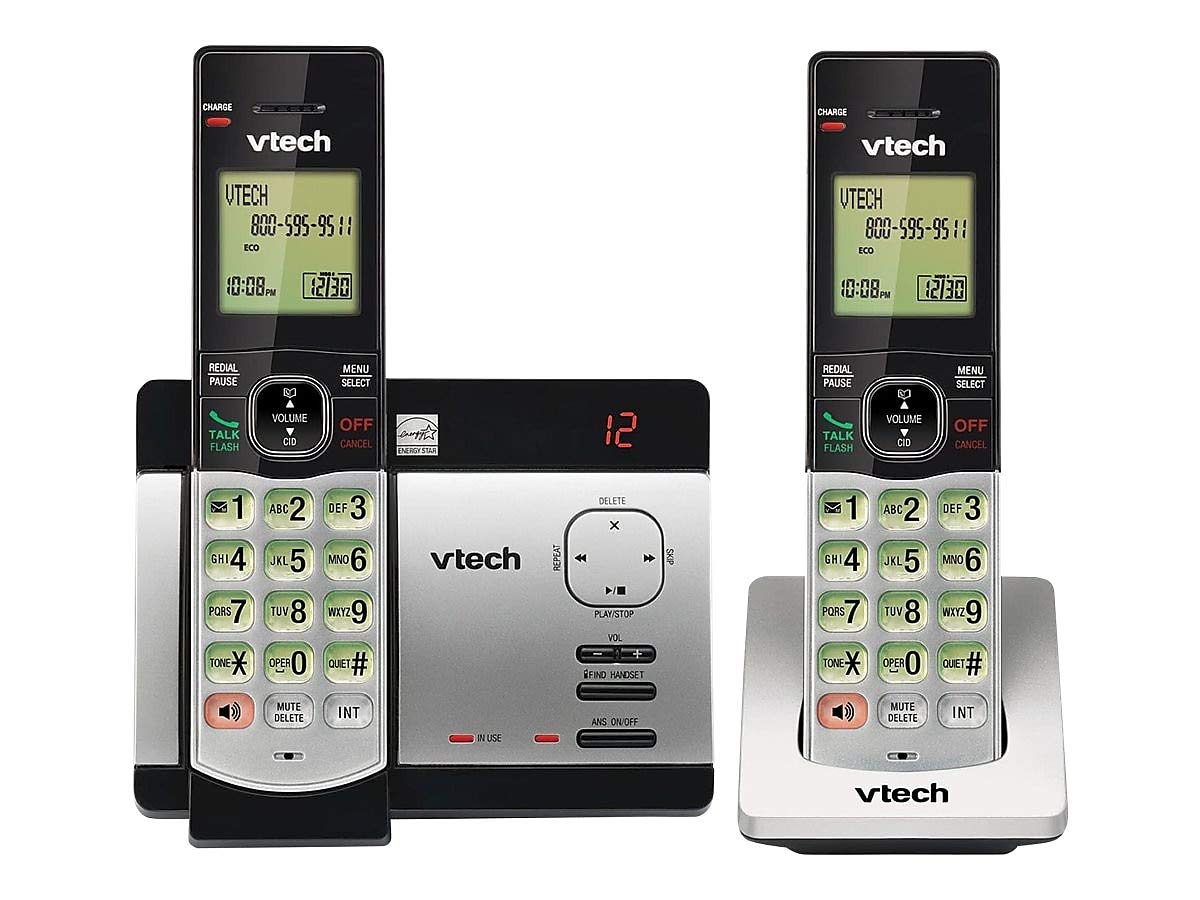
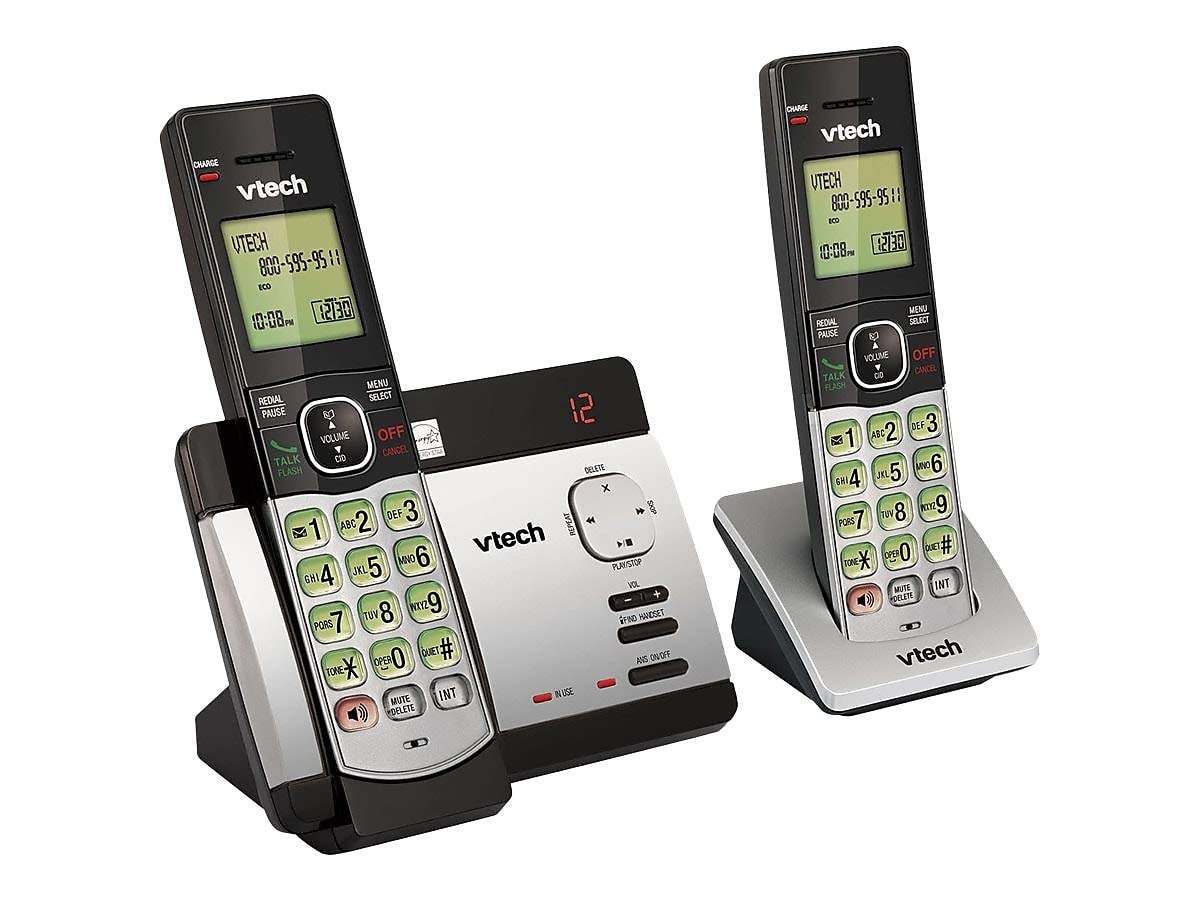
- Słuchawki bezprzewodowe (2)
- Base Unit with Digital Answering System
- Zasilacz sieciowy do jednostki bazowej
- Przewód telefoniczny
- Akumulatory (w zestawie wymagane 4 baterii AAA)
- Uchwyt ścienny
Instalacja baterii
Before initial use, install the included AAA batteries into each cordless handset. Open the battery compartment cover on the back of the handset, insert the batteries according to the polarity markings, and close the cover. Place the handset on the base unit or charger to charge for at least 16 hours before first use.
Podłączanie jednostki bazowej
Connect the small end of the AC power adapter to the power jack on the back of the telephone base. Plug the large end of the AC power adapter into a wall outlet not controlled by a wall switch. Connect one end of the telephone line cord to the telephone jack on the back of the telephone base. Plug the other end of the telephone line cord into a telephone wall jack.
Instrukcja obsługi
Wykonywanie i odbieranie połączeń
Aby nawiązać połączenie, naciśnij ROZMOWA/BŁYSK or any dial pad key, then dial the number. To receive a call, press ROZMOWA/BŁYSK when the phone rings. To end a call, press WYŁĄCZ/ANULUJ or place the handset back on the base unit/charger.
Answering System Features
The integrated digital answering system can record up to 14 minutes of messages. You can retrieve messages from any handset or remotely. The voicemail waiting indicator will notify you of new messages. Messages are time and date stamped dla łatwego odniesienia.
Identyfikator dzwoniącego/oczekiwanie na połączenie
The phone displays the caller's name and number (if available) before you answer. If you have Call Waiting service, the phone will alert you to an incoming call while you are on another call.
Książka telefoniczna
Store up to 50 names and numbers in the phonebook directory for quick dialing. Refer to the handset menu for instructions on adding, editing, and deleting entries.
Awiofon
Use the intercom feature to communicate between handsets. This system supports up to 5 handsets (additional handsets sold separately).
Ponowne wybieranie
Telefon zapisuje 10 ostatnio wybieranych numerów. Naciśnij WYBIERZ PONOWNIE/PAUZA to access and redial these numbers.
Kontrola głośności
Dostosuj głośność słuchawki i głośnika podczas połączenia za pomocą TOM buttons on the side of the handset.
Niemy
Naciśnij WYCISZ/USUŃ button during a call to mute your microphone. The other party will not hear you, but you can still hear them. Press again to unmute.
Konferencje telefoniczne
You can set up a 3-way conference call between an outside line and up to two cordless handsets.
Trilingual Prompts
The system offers trilingual prompts, allowing you to choose between English, Spanish, or French for voice announcements and menu options.
Konserwacja
Czyszczenie
Wyczyść telefon i jednostkę bazową miękką szmatką.amp cloth. Do not use cleaning sprays or harsh chemicals. Avoid getting moisture in any openings.
Pielęgnacja baterii
To maintain optimal battery life, fully charge the handsets regularly. If the phone will not be used for an extended period, remove the batteries to prevent leakage.
Rozwiązywanie problemów
If you experience issues with your phone system, try the following solutions:
| Problem | Rozwiązanie |
|---|---|
| Brak sygnału wybierania | Ensure the power adapter and telephone line cord are securely plugged into the base unit and wall outlets. Check if the phone line is active. |
| Nie można wykonywać/odbierać połączeń | Check battery charge level. Ensure the handset is within range of the base unit. Verify the telephone line connection. |
| Automatyczna sekretarka nie nagrywa wiadomości | Upewnij się, że automatyczna sekretarka jest włączona. Sprawdź, czy pamięć jest pełna; w razie potrzeby usuń stare wiadomości. |
| Słaba jakość dźwięku | Move closer to the base unit. Check for interference from other electronic devices. |
| Słuchawka się nie ładuje | Ensure the handset is properly seated in the charging cradle. Clean the charging contacts on both the handset and cradle. |
Specyfikacje
- Model: CS6729-2
- Technologia: Cyfrowy DECT 6.0
- Słuchawki: 2 (możliwość rozbudowy do 5)
- System odbierania: Cyfrowy, 14 minut czasu nagrywania
- Pojemność książki telefonicznej: 50 nazwisk i numerów
- Pamięć ponownego wybierania: Ostatnie 10 liczb
- Baterie: 4 akumulatory AAA (w zestawie)
- Wymiary produktu: 1 x 3.2 x 6.9 inches (handset)
- Waga przedmiotu: 1.3 funta
- Kolor: Szary
- Źródło zasilania: Elektryczny przewodowy
Gwarancja i wsparcie
Aby uzyskać informacje dotyczące gwarancji i pomocy technicznej, zapoznaj się z kartą gwarancyjną dołączoną do produktu lub odwiedź oficjalną stronę internetową VTech webZachowaj paragon jako dowód zakupu na wypadek reklamacji.


