
1. Koniec produktuview
The Sitecom WLA-5100 N600 Wi-Fi Dual Band USB Adapter provides wireless connectivity for your computer. It supports Wi-Fi 4 (802.11n) standards and operates on dual bands (2.4 GHz and 5 GHz) for optimal performance. This adapter connects via a USB interface, offering a convenient solution for adding or upgrading Wi-Fi capabilities to desktop or laptop computers.

Image 1: The Sitecom WLA-5100 N600 Wi-Fi Dual Band USB Adapter. This image shows the compact black USB adapter with the Sitecom logo, featuring a removable cap for the USB connector.
2. Zawartość opakowania
- 1 x Sitecom WLA-5100 N600 Wi-Fi Dual Band USB Adapter
- 1 x Quick Installation Guide (may vary by region)
- 1 x Driver CD (drivers may also be available for download online)
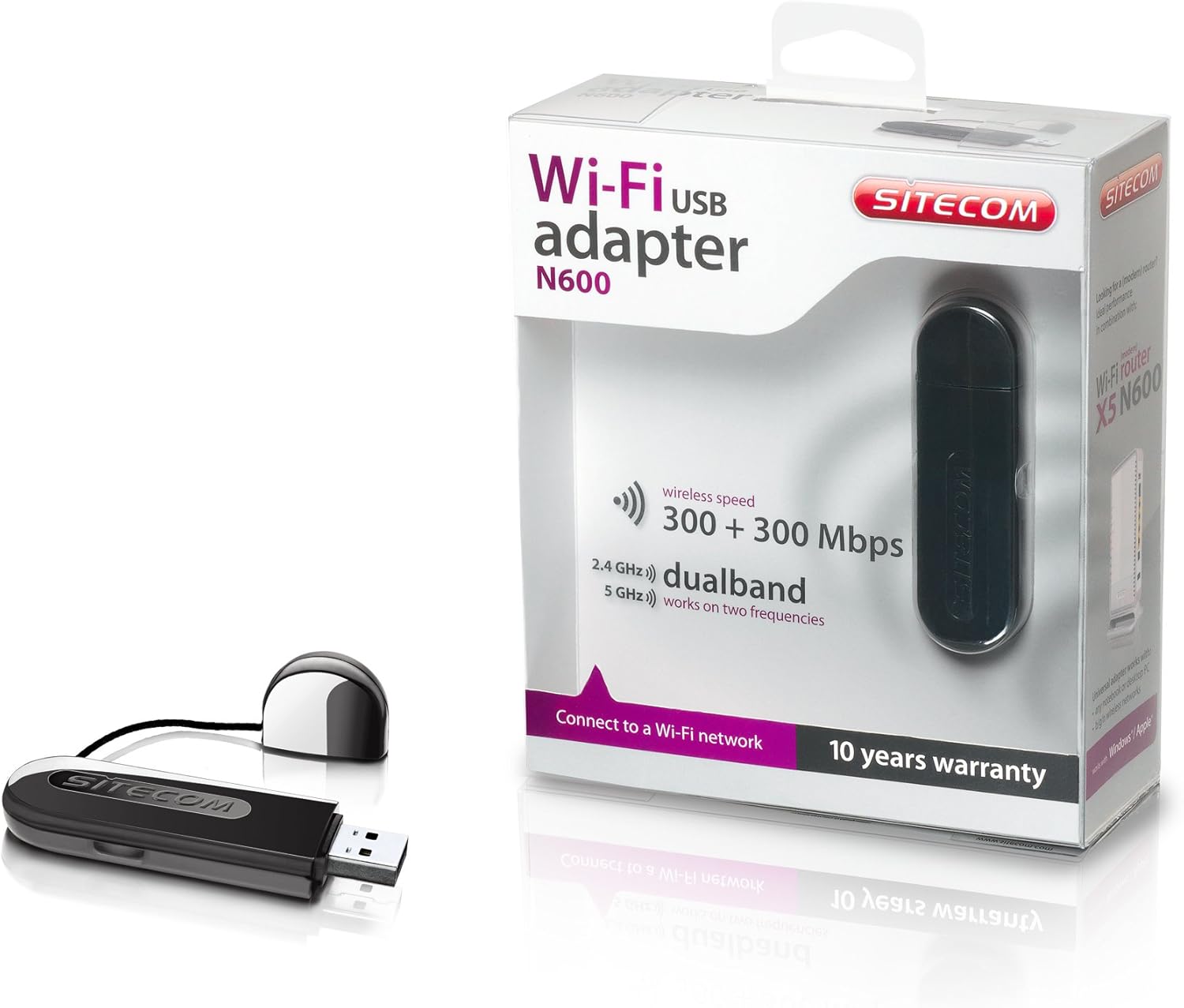
Image 2: The Sitecom WLA-5100 N600 Wi-Fi Dual Band USB Adapter shown alongside its retail packaging. The packaging highlights features such as wireless speed (300 + 300 Mbps) and dual-band functionality (2.4 GHz and 5 GHz).
3. Wymagania systemowe
- Available USB port (USB 2.0 or higher recommended)
- Operating System: Compatible with Windows and Mac OS X (e.g., Mac OS X 10.8 Mountain Lion and later versions).
- Internet connection for driver download (if not using the included CD).
4. Konfiguracja
4.1 Instalacja sterownika
- Before inserting the adapter, it is recommended to install the necessary drivers.
- Insert the included Driver CD into your computer's optical drive, or download the latest drivers from the official Sitecom support webstrona.
- Postępuj zgodnie z instrukcjami wyświetlanymi na ekranie, aby dokończyć proces instalacji sterownika.
4.2 Instalacja sprzętu
- Carefully insert the Sitecom WLA-5100 USB adapter into an available USB port on your desktop or laptop computer.
- Ensure the adapter is fully seated in the USB port. The operating system should detect the new hardware.
4.3 Łączenie z siecią Wi-Fi
- Once the drivers are installed and the adapter is connected, your computer should detect available wireless networks.
- Access your operating system's network settings (e.g., Wi-Fi icon in the system tray for Windows, Wi-Fi menu bar item for macOS).
- Select your desired Wi-Fi network (SSID) from the list of available networks.
- Jeśli zostaniesz o to poproszony, wprowadź klucz bezpieczeństwa sieci (hasło), a następnie kliknij „Połącz”.
- Twój komputer powinien teraz połączyć się z siecią Wi-Fi.
5. Obsługa
The WLA-5100 adapter supports dual-band operation, allowing connection to both 2.4 GHz and 5 GHz Wi-Fi networks. The 2.4 GHz band offers wider coverage and better penetration through obstacles, while the 5 GHz band provides faster speeds and less interference, making it ideal for activities like online gaming and high-definition video streaming.
Your computer's operating system will automatically detect and display available networks on both bands. You can choose which band to connect to based on your proximity to the router and your performance needs. For optimal performance, connect to a 5 GHz network if available and you are in close range to your router.
6. Konserwacja
- Utrzymuj adapter w czystości i zapobiegaj jego zakurzeniu. Do czyszczenia używaj miękkiej, suchej ściereczki.
- Unikaj wystawiania adaptera na działanie ekstremalnych temperatur, bezpośredniego światła słonecznego i wilgoci.
- Nie należy podejmować prób demontażu lub modyfikacji urządzenia, gdyż spowoduje to utratę gwarancji i może spowodować uszkodzenia.
- When not in use, store the adapter in a safe place to prevent physical damage.
7. Rozwiązywanie Problemów
7.1 Brak połączenia Wi-Fi
- Sprawdź połączenie adaptera: Ensure the adapter is securely plugged into a functional USB port. Try a different USB port.
- Sprawdź instalację sterownika: Confirm that the drivers are correctly installed. Check your computer's Device Manager (Windows) or System Information (macOS) to see if the adapter is listed without errors. Reinstall drivers if necessary.
- Status routera: Upewnij się, że router Wi-Fi jest włączony i nadaje sygnał.
- Zasięg sieci: Make sure your computer is within range of your Wi-Fi network.
- Restart komputera: Czasami proste ponowne uruchomienie może rozwiązać problemy z łącznością.
7.2 Niska prędkość połączenia
- Wybór zespołu: If available, connect to the 5 GHz network for faster speeds, especially if you are close to the router.
- Ingerencja: Move the adapter or computer away from potential sources of interference (e.g., microwaves, cordless phones, Bluetooth devices).
- Aktualizacja sterownika: Upewnij się, że masz zainstalowane najnowsze sterowniki karty.
- Wydajność routera: Check your router's settings and ensure it is operating optimally.
7.3 Adapter nie został rozpoznany
- Port USB: Spróbuj podłączyć adapter do innego portu USB w komputerze.
- Zainstaluj ponownie sterowniki: Uninstall existing drivers and perform a clean reinstallation.
- Aktualizacje systemu operacyjnego: Upewnij się, że Twój system operacyjny jest aktualny.
8. Specyfikacje
| Funkcja | Szczegół |
|---|---|
| Marka | Sitecom |
| Model | WLA-5100 |
| Technologia łączności | Bezprzewodowy |
| Interfejs hosta | USB |
| standard bezprzewodowy | IEEE 802.11a, 802.11b, 802.11g, 802.11n (Wi-Fi 4) |
| Prędkość bezprzewodowa | Do 300 Mb/s (2.4 GHz) + 300 Mb/s (5 GHz) |
| Pasmo częstotliwości | Dual Band (2.4 GHz and 5 GHz) |
| Kolor | Czarny |
| Wymiary (dł. x szer. x wys.) | 7.5 x 2.5 x 1 cm (w przybliżeniu) |
| Waga | 10 gramów |
| Źródło zasilania | zasilana przez USB |
| Kompatybilne urządzenia | Desktop computer, Laptop computer |
| Globalny numer jednostki handlowej (GTIN) | 08716502026821 |
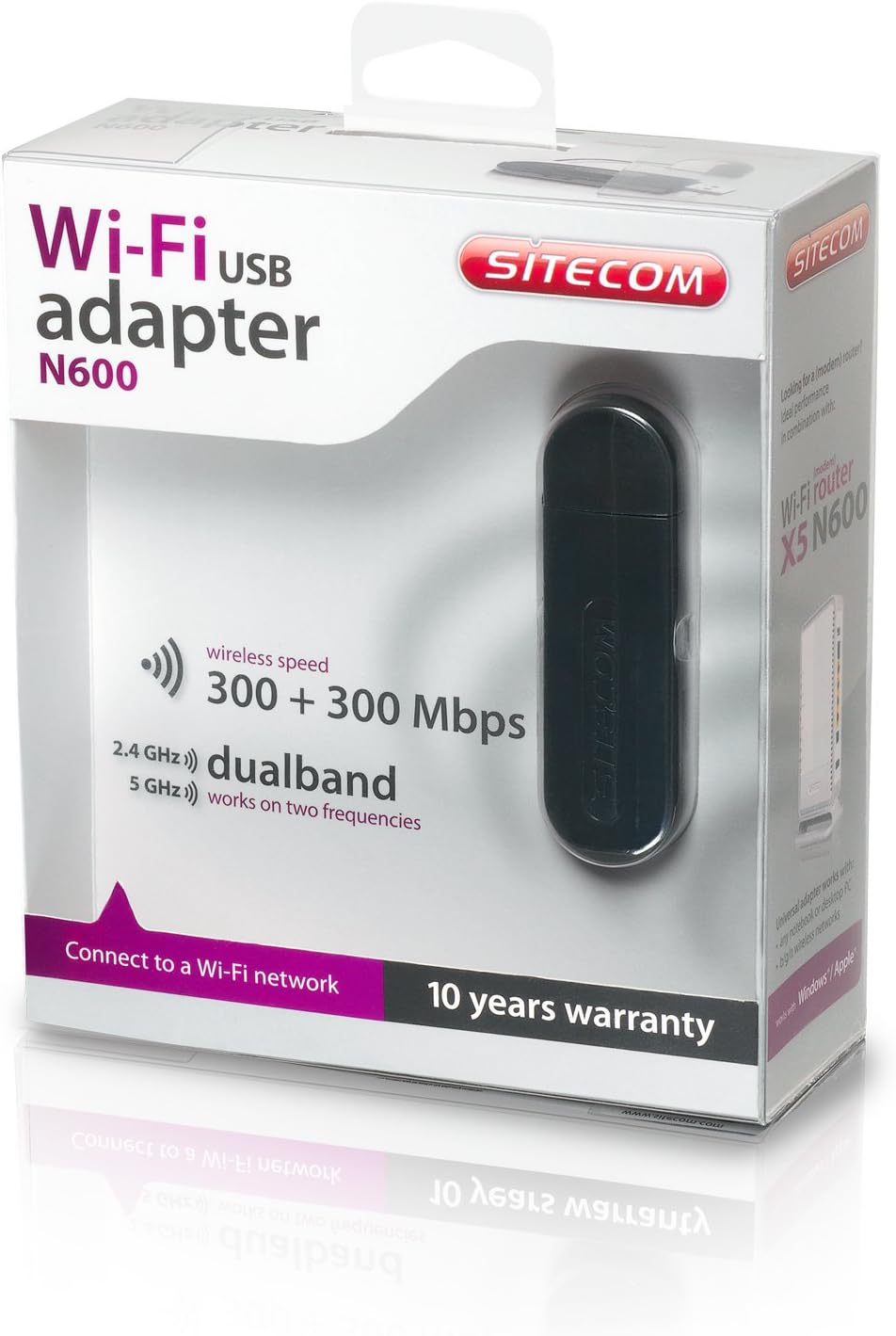
Image 3: The retail packaging for the Sitecom WLA-5100 N600 Wi-Fi Dual Band USB Adapter. The box prominently displays the product name, N600 rating, wireless speed, and dual-band capabilities.
9. Gwarancja i wsparcie
The Sitecom WLA-5100 N600 Wi-Fi Dual Band USB Adapter typically comes with a 10-letnia gwarancja, zgodnie ze wskazaniem na opakowaniu produktu. Zachowaj dowód zakupu na wypadek roszczeń gwarancyjnych.
For technical support, driver downloads, frequently asked questions, or further assistance, please visit the official Sitecom website or contact their customer support. Refer to the packaging or the Sitecom webstrona zawierająca najnowsze informacje kontaktowe dotyczące pomocy technicznej.