Wstęp
Thank you for choosing the Maxell 2.4 GHz Wireless Optical Touch Mouse. This manual provides essential information for setting up, operating, and maintaining your new device. Please read these instructions carefully before use to ensure optimal performance and longevity of your mouse.
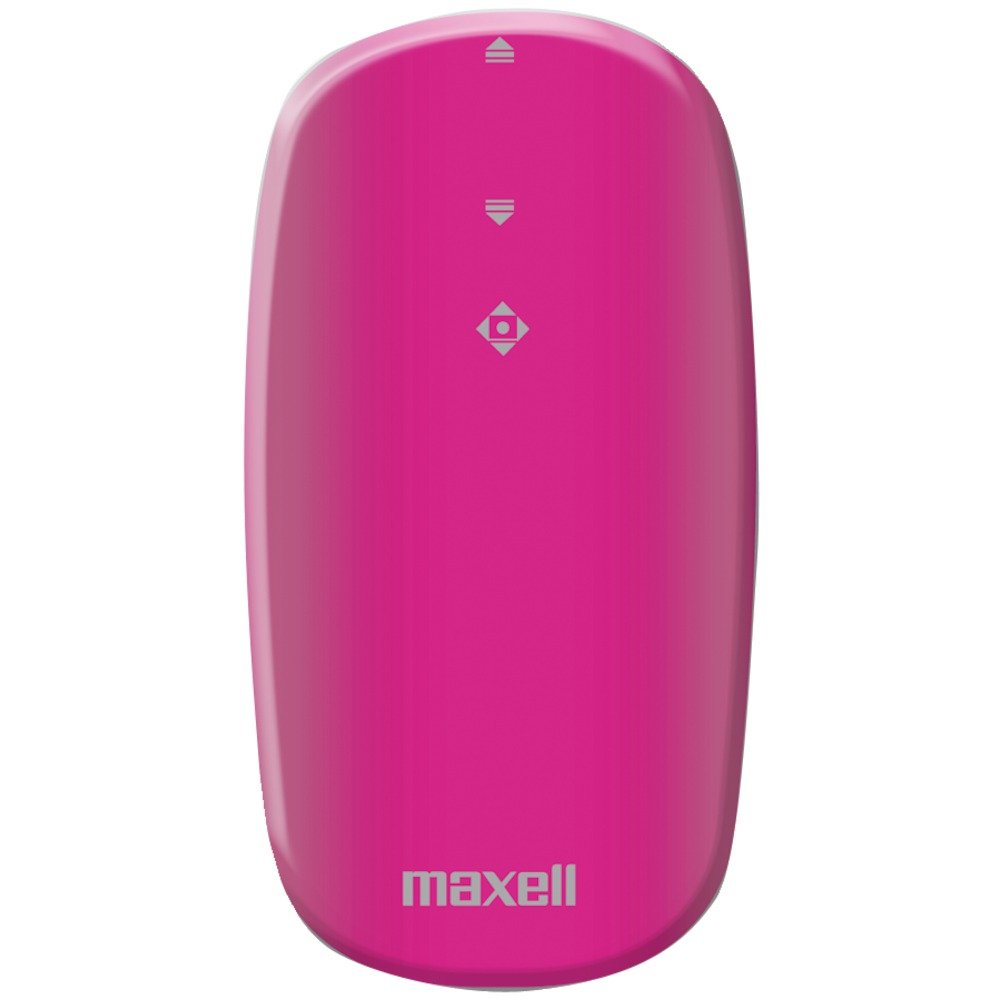
Image: Maxell 2.4 GHz Wireless Optical Touch Mouse in purple. This compact and sleek mouse is designed for portability and ease of use.
Główne cechy
- Oburęczna konstrukcja: Comfortable for both right and left-handed users.
- Button-less Touch Scrolling: Innovative touch-sensitive surface for smooth navigation.
- Flat, Slim, and Portable: Ideal for travel and on-the-go use.
- Łączność bezprzewodowa 2.4 GHz: Ensures less signal loss and reliable performance.
- Detekcja ruchu optycznego: Precise tracking on various surfaces.
- Szeroka kompatybilność: Works with Windows 7, Vista, XP, and Mac OS 9 or above.
Przewodnik po konfiguracji
1. Instalacja baterii
- Znajdź komorę baterii na spodzie myszy.
- Gently slide open the battery cover.
- Włóż dwie (2) baterie AAA, zwracając uwagę na prawidłową biegunowość (+/-).
- Dokładnie zamknij pokrywę komory baterii.
2. Podłączanie odbiornika bezprzewodowego
- Locate the USB wireless receiver, typically stored within the battery compartment or packaged separately.
- Plug the USB receiver into an available USB port on your computer (desktop, laptop, or compatible device).
- System operacyjny powinien automatycznie wykryć i zainstalować niezbędne sterowniki. Może to potrwać chwilę.
- Turn on the mouse using the On/Off switch, usually located on the underside.
- Po zainstalowaniu sterowników mysz powinna być gotowa do użycia.
Instrukcja obsługi
Podstawowe funkcje
- Ruch: Przesuwaj myszkę po płaskiej powierzchni, aby sterować kursorem na ekranie. Czujnik optyczny zapewnia precyzyjne śledzenie.
- Lewy przycisk myszy: Press the left side of the mouse button to select items or activate functions.
- Kliknij prawym przyciskiem myszy: Press the right side of the mouse button to access context menus or secondary functions.
- Touch Scrolling: Glide your finger up or down the central touch-sensitive area for smooth vertical scrolling.
Ambidextrous Use
The symmetrical design of the Maxell Optical Touch Mouse allows for comfortable use by both right-handed and left-handed individuals. Simply adjust your grip as preferred.
Konserwacja
- Czyszczenie: Use a soft, dry cloth to clean the surface of the mouse. For the optical sensor, use a cotton swab lightly dampened with rubbing alcohol. Avoid excessive moisture.
- Wymiana baterii: Replace batteries when the mouse becomes unresponsive or the indicator light (if present) signals low power. Always use fresh AAA batteries.
- Składowanie: When not in use for extended periods, turn off the mouse to conserve battery life. Store the USB receiver inside the mouse's battery compartment to prevent loss.
Rozwiązywanie problemów
Mysz nie odpowiada
- Ensure the mouse is turned ON.
- Sprawdź, czy baterie są prawidłowo zainstalowane i wystarczająco naładowane. W razie potrzeby wymień je.
- Sprawdź, czy odbiornik USB jest prawidłowo podłączony do działającego portu USB w komputerze. Spróbuj użyć innego portu USB.
- Uruchom ponownie komputer.
Nieregularny ruch kursora
- Wyczyść czujnik optyczny znajdujący się na spodzie myszy.
- Upewnij się, że używasz myszy na odpowiedniej powierzchni. Powierzchnie silnie odblaskowe lub przezroczyste mogą utrudniać śledzenie. Zaleca się użycie podkładki pod mysz.
Scrolling Issues
- Ensure your finger is making proper contact with the touch-sensitive scrolling area.
- Clean the touch scrolling area to remove any debris.
Specyfikacje
| Marka | Maxell |
| Numer modelu | 191124 |
| Zgodność z systemem operacyjnym | Mac OS 9, Windows 7, Windows Vista, Windows XP |
| Waga przedmiotu | 1.6 uncji |
| Wymiary produktu (dł. x szer. x wys.) | 4 x 6 x 1 cala |
| Źródło zasilania | Zasilanie bateryjne (wymagane 2 baterie AAA) |
| Technologia łączności | Bezprzewodowa (2.4 GHz) |
| Technologia wykrywania ruchu | Optyczny |
Gwarancja i wsparcie
For warranty information and customer support, please refer to the documentation included with your product packaging or visit the official Maxell webZachowaj paragon jako dowód zakupu na wypadek ewentualnych roszczeń gwarancyjnych.
Ważne uwagi
No official product videos from the seller were available for embedding in this manual. Please refer to the text instructions and images for guidance.