
1. Wprowadzenie
This manual provides essential instructions for the assembly, operation, and maintenance of your JUMMICO Electric Standing Desk. Designed for ergonomic comfort, this desk allows seamless transitions between sitting and standing positions, promoting a healthier work environment. Please read this manual thoroughly before assembly and use to ensure proper function and safety.
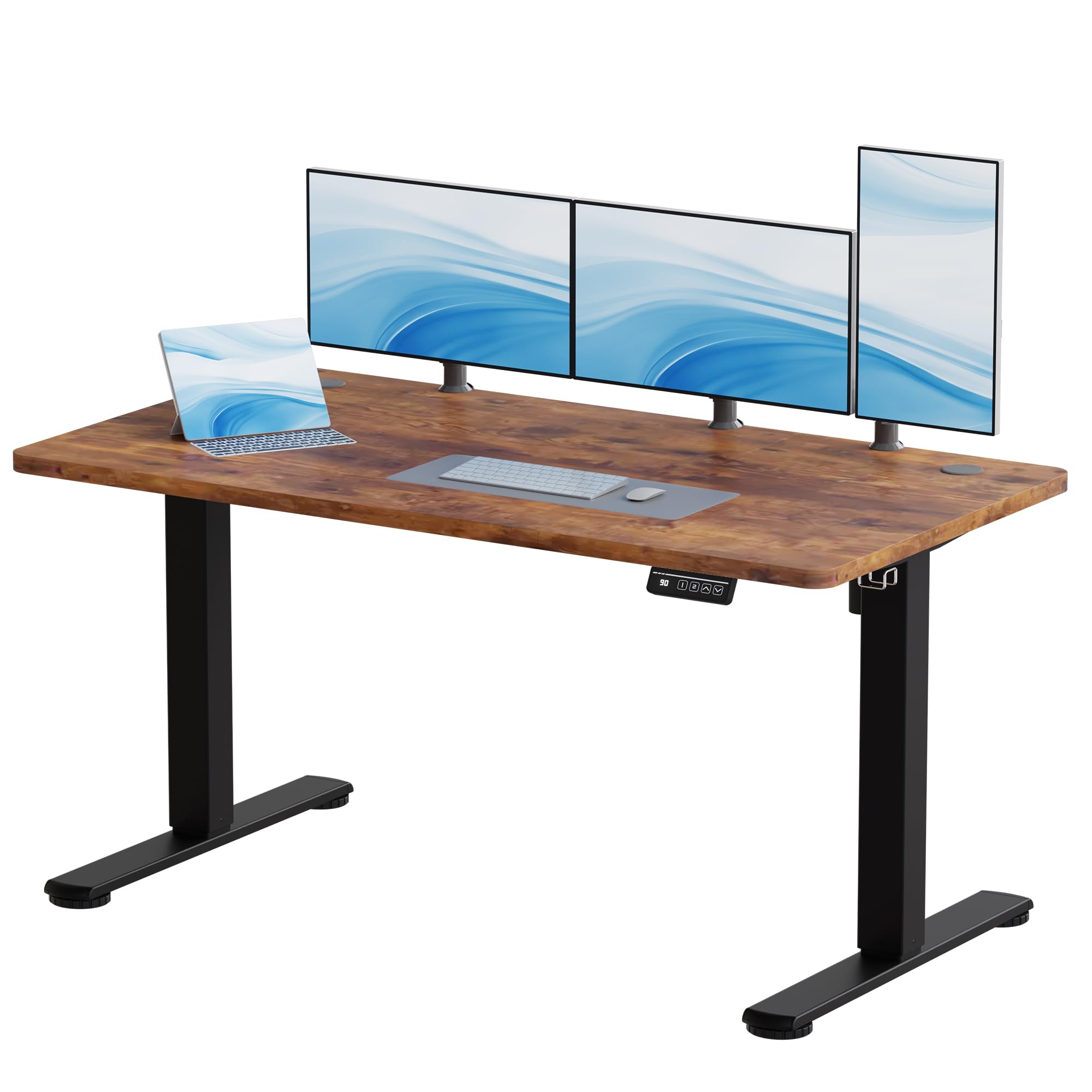
Image 1.1: JUMMICO Electric Standing Desk in a modern office setting.
2. Informacje dotyczące bezpieczeństwa
- Read all instructions carefully before assembly and first use.
- Aby zapobiec obrażeniom, podczas pracy biurka należy trzymać dzieci i zwierzęta z dala od niego.
- Ensure there are no obstructions (e.g., walls, furniture, cables) in the desk's path during height adjustment to avoid damage or pinching.
- Do not exceed the maximum weight capacity of 70 kg (dynamic) or 85 kg (static). Overloading can cause damage and pose a safety risk.
- Keep all power cords clear and protected from damage. Do not place heavy objects on the cords.
- Only use the power adapter supplied with the desk. Using an incorrect adapter may cause malfunction or fire.
- Do not attempt to disassemble or repair the motor or control unit yourself. Contact customer support for assistance.
- Unikaj rozlewania płynów na panel sterowania i elementy silnika.
3. Zawartość opakowania
Please verify that all components are present and undamaged before beginning assembly. If any parts are missing or damaged, contact JUMMICO customer support.
- Desktop (140x60 cm, Wood finish)
- Nogi biurka (2)
- Crossbar/Frame
- Panel sterowania
- Silnik
- Zasilacz
- Zaczep na słuchawki
- Sprzęt montażowy (śruby, nakrętki itp.)
4. Instalacja i montaż
The JUMMICO Electric Standing Desk requires assembly. For detailed, step-by-step instructions, please refer to the official installation manual provided as a PDF document:
Pobierz instrukcję instalacji (PDF)
Etapy Zgromadzenia Ogólnego:
- Rozpakuj wszystkie elementy i rozłóż je na czystej, miękkiej powierzchni, aby zapobiec zarysowaniom.
- Attach the desk legs to the crossbar/frame using the provided hardware.
- Secure the desktop to the assembled frame. The desktop is pre-drilled for easy installation.
- Connect the motor and control panel cables to the main control box. Ensure all connections are secure.
- Przymocuj haczyk na słuchawki w wybranym miejscu na ramie biurka.
- Podłącz zasilacz do skrzynki sterowniczej, a następnie do gniazdka ściennego.
Notatka: Assembly tools are not included with the product. You will need standard tools such as a screwdriver and possibly an Allen wrench for assembly.

Image 4.1: Illustration of desk components and assembly process.
5. Instrukcja obsługi
Your JUMMICO Electric Standing Desk features intuitive controls for height adjustment and memory presets.
5.1. Regulacja wysokości
- Aby podnieść biurko, naciśnij i przytrzymaj Strzałka w górę (▲) przycisk na panelu sterowania.
- Aby obniżyć biurko, naciśnij i przytrzymaj Strzałka w dół (▼) przycisk na panelu sterowania.
- Release the button at your desired height. The desk can be adjusted smoothly between 73 cm and 118 cm.
5.2. Ustawienia pamięci
The desk features two programmable memory buttons to save and recall your preferred sitting and standing heights.
- Dostosuj wysokość biurka do swoich potrzeb, korzystając ze strzałek w górę/w dół.
- Naciśnij "M" przycisk. Na wyświetlaczu pojawi się „S-”.
- Within 3 seconds, press either the "1" or "2" button to save the current height to that preset. The display will show "S-1" or "S-2" to confirm.
- To recall a saved height, simply press the corresponding "1" or "2" button. The desk will automatically move to the saved position.
5.3. Funkcja antykolizyjna
Biurko jest wyposażone w system antykolizyjny. Jeśli biurko napotka przeszkodę podczas regulacji wysokości, automatycznie się zatrzyma i lekko cofnie, aby zapobiec uszkodzeniom lub obrażeniom.
5.4. Cicha praca
The desk's motor operates quietly, with a noise level below 50 dB, ensuring a peaceful work environment.

Image 5.1: Control panel with height adjustment and memory functions.

Image 5.2: Desk motor operating quietly below 55 dB.
6. Konserwacja
Regular maintenance helps ensure the longevity and optimal performance of your JUMMICO Electric Standing Desk.
- Czyszczenie: Wyczyść powierzchnię biurka miękką,amp ściereczką. Unikaj stosowania środków czyszczących o działaniu ściernym, silnych środków chemicznych i rozpuszczalników, ponieważ mogą one uszkodzić wykończenie.
- Dokręcenie śrub: Okresowo sprawdzaj i dokręcaj wszystkie śruby i połączenia, aby zapewnić stabilność.
- Zarządzanie kablami: Upewnij się, że wszystkie kable są starannie ułożone i nie są ściśnięte ani splątane, zwłaszcza podczas regulacji wysokości.
- Usuwanie kurzu: Keep the motor and control unit free from excessive dust accumulation. Use a dry cloth or a soft brush for cleaning.
7. Rozwiązywanie Problemów
If you encounter any issues with your JUMMICO Electric Standing Desk, refer to the following common troubleshooting steps:
- Desk not moving or unresponsive:
- Sprawdź, czy przewód zasilający jest prawidłowo podłączony do biurka i gniazdka ściennego.
- Upewnij się, że zasilacz działa prawidłowo.
- Verify that no cables are disconnected from the control box or motor.
- Wyświetlane kody błędów:
- If the control panel displays an error code (e.g., E01, E02), refer to the detailed PDF installation manual for specific interpretations and solutions.
- Biurko niespodziewanie się zatrzymuje:
- This may be due to the anti-collision feature. Check for any obstructions in the desk's path.
- If the desk overheats from continuous use, it may temporarily stop. Allow it to cool down for 20-30 minutes before resuming operation.
- Procedura resetowania:
- If the desk is unresponsive or behaving erratically, a reset may resolve the issue. Press and hold the Strzałka w dół (▼) button until the desk reaches its lowest position and slightly rebounds. Release the button. If this does not work, consult the PDF manual for specific reset instructions for your model.
If the problem persists after attempting these steps, please contact JUMMICO customer support for further assistance.
8. Specyfikacje
Detailed technical specifications for the JUMMICO Electric Standing Desk.
| Funkcja | Specyfikacja |
|---|---|
| Marka | JUMMICO |
| Numer modelu | JU-1021-140FW-FR |
| Wymiary biurka (dł. x szer.) | Wymiary: 140x60 cm |
| Zakres wysokości | 73 - 118 cm |
| Materiał na biurko | Drewno |
| Materiał ramy | Stal stopowa |
| Dynamiczna nośność | 70 kilogramów |
| Nośność statyczna | 85 kilogramów |
| Poziom hałasu silnika | < 50 dB |
| Wymagany montaż | Tak |
| Zawarte komponenty | Zaczep na słuchawki |

Image 8.1: Desk dimensions and height range.

Image 8.2: Desk stability and load capacity features.
9. Gwarancja i wsparcie
For warranty information, technical support, or any questions not covered in this manual, please contact JUMMICO customer service. Please have your model number (JU-1021-140FW-FR) and purchase details ready when contacting support.