
1. Wprowadzenie i koniecview
This manual provides detailed instructions for the Redmi 15A 5G smartphone. It covers essential information regarding device setup, operation, maintenance, troubleshooting, and technical specifications. Please read this manual thoroughly to ensure proper use and to maximize the performance of your device.
Co jest w pudełku
- Redmi 15A 5G Smartphone
- Rumak
- Kabel USB typu C.
- Narzędzie do wyjmowania karty SIM
- Karta gwarancyjna
- Podręcznik użytkownika (ten dokument)
- Etui ochronne
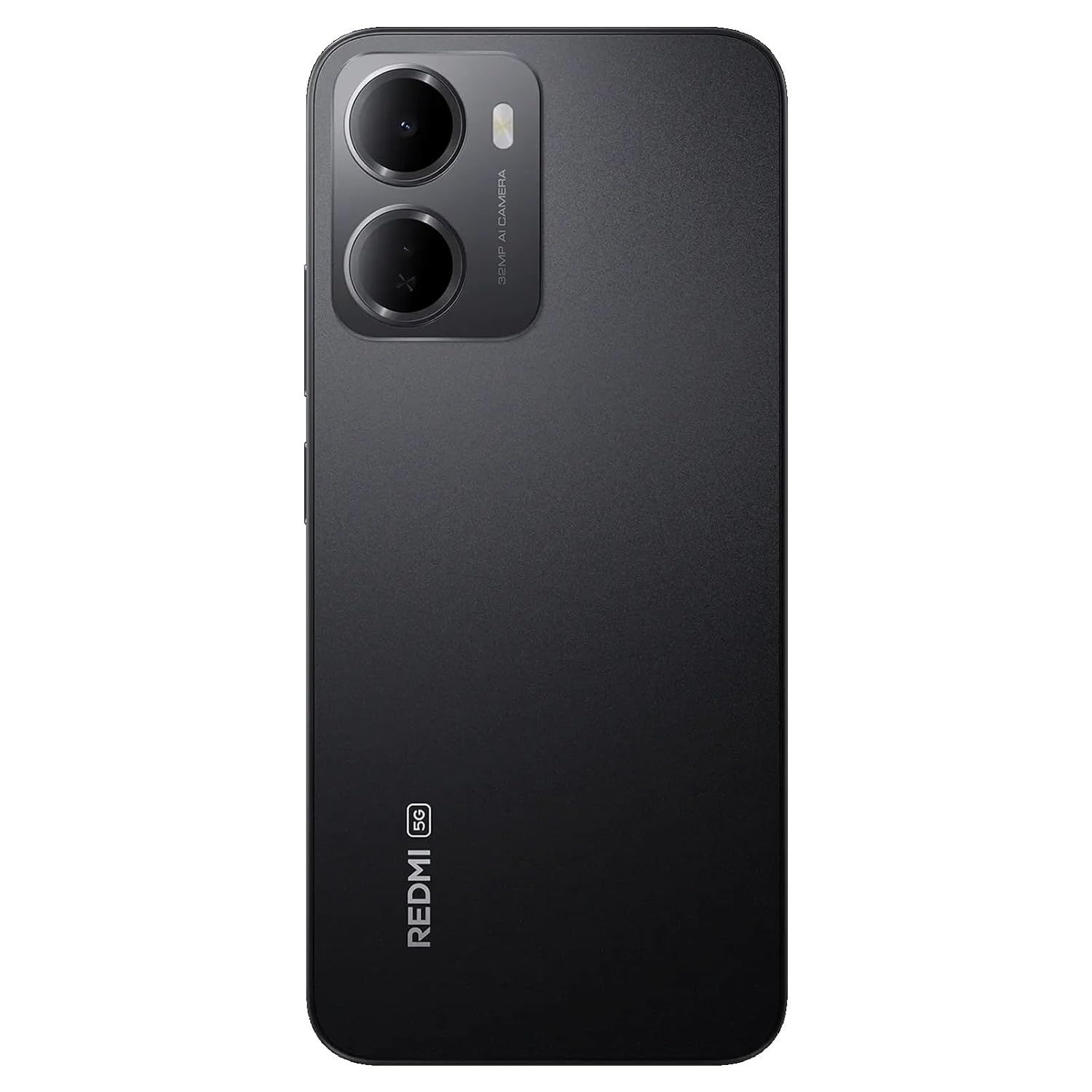
Figure 1: Redmi 15A 5G Smartphone (Front and Back View)
2. Konfiguracja urządzenia
2.1. Instalacja karty SIM i karty microSD
Aby zainstalować kartę(y) SIM i/lub kartę microSD:
- Znajdź tackę na kartę SIM znajdującą się z boku urządzenia.
- Włóż narzędzie do wyjmowania karty SIM w mały otwór obok tacki i mocno naciśnij, aż tacka wyskoczy.
- Umieść kartę(y) Nano-SIM i/lub kartę microSD w przeznaczonych do tego gniazdach na tacce, upewniając się, że złote styki skierowane są w dół.
- Ostrożnie wsuń tackę z powrotem do urządzenia, aż zatrzaśnie się na swoim miejscu.

Rysunek 2: Strona View z tacką na kartę SIM
2.2. Ładowanie urządzenia
Before first use, it is recommended to fully charge your Redmi 15A 5G. Connect the USB Type-C cable to the charging port at the bottom of the phone and plug the other end into the provided charger. Plug the charger into a power outlet. The battery indicator on the screen will show the charging status.
2.3. Włączanie i konfiguracja początkowa
To power on your device, press and hold the Power button located on the side until the Redmi logo appears. Follow the on-screen instructions to complete the initial setup, including language selection, Wi-Fi connection, Google account setup, and security settings.
3. Instrukcja obsługi
3.1. Podstawowa nawigacja
The Redmi 15A 5G features a touchscreen interface. Use gestures such as tapping, swiping, pinching, and spreading to navigate. The Power button controls screen on/off and device power, while the Volume buttons adjust audio levels.
3.2. Wykonywanie połączeń i wysyłanie wiadomości
To make a call, open the Phone app, enter the number, and tap the call icon. To send a message, open the Messages app, tap the new message icon, enter the recipient's number or select from contacts, and type your message.
3.3. Łączenie się z sieciami
- Wi-Fi: Go to Settings > Wi-Fi, turn Wi-Fi on, and select your desired network. Enter the password if prompted.
- Dane mobilne (5G): Go to Settings > SIM cards & mobile networks, select your SIM, and ensure 'Mobile data' is enabled.
- Bluetooth: Go to Settings > Bluetooth, turn Bluetooth on, and pair with available devices.
3.4. Korzystanie z aparatu
Open the Camera app from your home screen or app drawer. Tap the shutter button to take a photo. Swipe left or right to switch between different modes like Video, Portrait, and more. Tap on the screen to focus on a specific area.
3.5. Funkcje bezpieczeństwa
Your device supports various security features:
- Blokada ekranu: Set a PIN, pattern, or password via Settings > Password & security.
- Odblokowanie linii papilarnych: Register your fingerprint(s) via Settings > Password & security > Fingerprint unlock.
- Odblokowanie twarzą: Set up face recognition via Settings > Password & security > Face unlock.
4. Konserwacja
4.1. Czyszczenie urządzenia
Use a soft, lint-free cloth to gently wipe the screen and body of your phone. Avoid using harsh chemicals, abrasive cleaners, or aerosol sprays, as these can damage the device's finish and coatings. Do not expose the device to excessive moisture.
4.2. Pielęgnacja baterii
Aby przedłużyć żywotność baterii 6300 mAh:
- Unikaj ekstremalnych temperatur.
- Nie należy dopuszczać do zbyt częstego całkowitego rozładowania akumulatora.
- Używaj wyłącznie dołączonej ładowarki i kabla.
- Odłącz ładowarkę, gdy akumulator będzie w pełni naładowany.
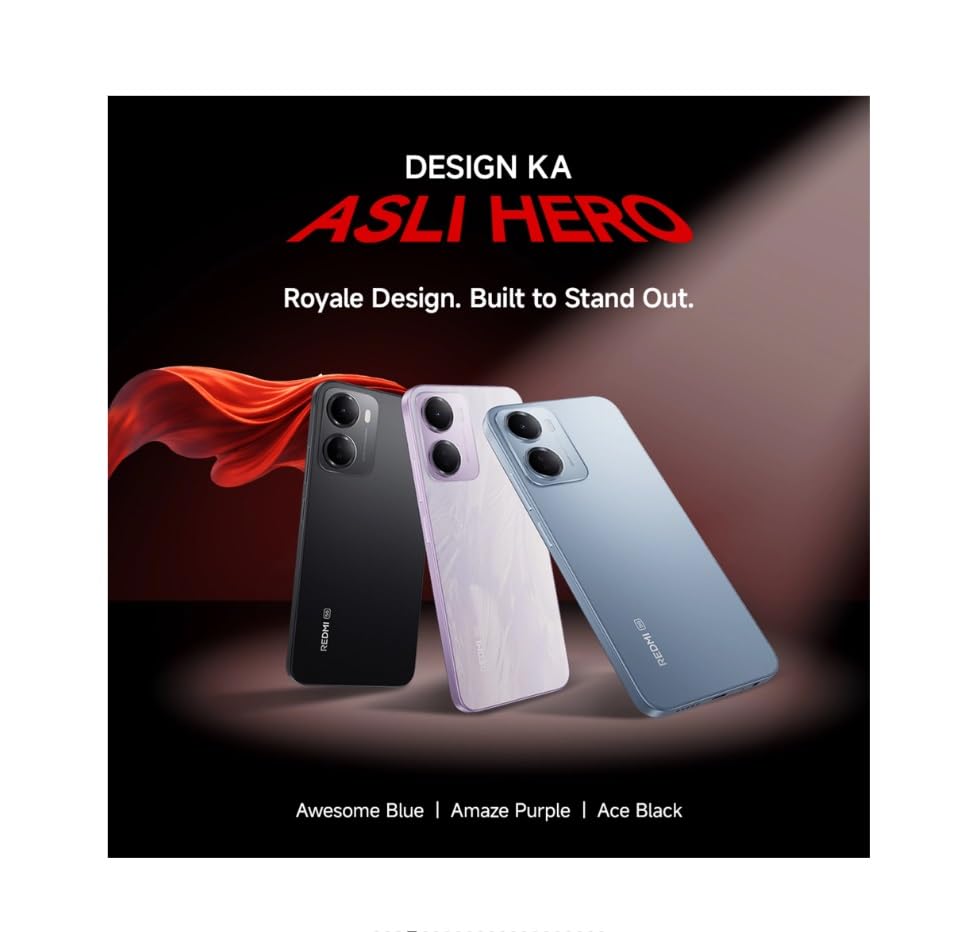
Figure 3: Redmi 15A 5G Battery Capacity (6300mAh)
4.3. Aktualizacje oprogramowania
Regularly check for and install software updates to ensure your device has the latest features, security patches, and performance improvements. Go to Settings > About phone > MIUI version (or Android version) to check for updates.
4.4. Kopia zapasowa danych
It is recommended to regularly back up your important data (photos, contacts, documents) to a cloud service or a computer to prevent data loss in case of device malfunction or loss.
5. Rozwiązywanie Problemów
5.1. Urządzenie się nie włącza
- Upewnij się, że bateria jest naładowana. Podłącz ładowarkę i odczekaj kilka minut przed próbą włączenia.
- Naciśnij i przytrzymaj przycisk zasilania przez co najmniej 10–15 sekund, aby wymusić ponowne uruchomienie.
5.2. Problemy z łącznością sieciową
- Wi-Fi: Restart your router. Forget and reconnect to the Wi-Fi network on your phone.
- Dane mobilne: Ensure mobile data is enabled and you have an active plan. Try toggling Airplane Mode on and off.
- Calls/SMS: Check SIM card insertion. Ensure you have network signal.
5.3. Application Performance Issues
- Zamknij aplikacje działające w tle.
- Clear the cache of the problematic app (Settings > Apps > Manage apps > [App Name] > Clear cache).
- Uruchom ponownie urządzenie.
5.4. Przywracanie ustawień fabrycznych
Ostrzeżenie: Przywrócenie ustawień fabrycznych spowoduje usunięcie wszystkich danych z urządzenia. Przed kontynuacją wykonaj kopię zapasową ważnych danych.
If other troubleshooting steps fail, you may perform a factory reset: Go to Settings > About phone > Factory reset. Follow the on-screen prompts.
6. Specyfikacje
| Funkcja | Specyfikacja |
|---|---|
| Marka | Czerwony mi |
| Model | 15A 5G |
| System operacyjny | Android 16, HyperOS 3 |
| Pamięć RAM | 4 GB |
| Pojemność pamięci masowej | 64 GB |
| Model procesora | Core 2 Duo T8300 |
| Prędkość procesora | 2.2 GHz |
| Moc baterii | 6300 mAh |
| Typ wyświetlacza | LCD |
| Technologia komórkowa | 5G |
| Technologia sieci bezprzewodowej | LTE |
| Typ złącza | USB typu C |
| Wymiary przedmiotu | 17.2 x 7.9 x 0.8 centymetrów |
| Waga przedmiotu | 210 gram |
| Rok modelowy | 2026 |
7. Informacje o gwarancji
The Redmi 15A 5G comes with a 1-letnia gwarancja producenta na urządzenie od daty zakupu. Akcesoria w zestawie, w tym baterie, są objęte gwarancją. 6-miesięczna gwarancja producenta od daty zakupu. Zachowaj dowód zakupu na wypadek roszczeń gwarancyjnych.
8. Obsługa klienta
For technical assistance, service, or warranty inquiries, please contact Redmi customer support. You can find contact details on the official Redmi website or refer to the warranty card included in your product box.
Producent: DBG Technology (India) Pvt Ltd, PLOT NO-2, BAWAL, SECTOR-8, Rewari, Haryana, 123501.
Importer: Xiaomi Technology India Private Limited, Building Orchid. Block E, Embassy Tech Village, Marathahalli Outer Ring Road, Devarabisanahalli, Bengaluru 560103.