
1. Wprowadzenie
Welcome to the OPPO K14 5G Smartphone user manual. This guide provides comprehensive instructions to help you set up, operate, and maintain your new device. Please read this manual thoroughly to ensure optimal performance and longevity of your smartphone.
2. Koniec produktuview
The OPPO K14 5G is a high-performance smartphone designed for daily use, gaming, and content creation. It features a durable design, a powerful 7000 mAh battery, 6GB RAM, 128GB internal storage, and a SuperCool VC System for efficient thermal management.
2.1 Komponenty urządzenia
- Wyświetlacz: Large, vibrant screen for immersive viewing.
- Kamery tylne: Dual AI camera system for high-quality photography.
- Przednia kamera: Do selfie i rozmów wideo.
- Przycisk zasilania: Located on the side, used for power on/off and screen lock.
- Przyciski głośności: Located on the side, used to adjust audio levels.
- Port USB-C: Do ładowania i przesyłania danych.
- Gniazdo karty SIM/SD: Do wkładania kart SIM i rozszerzania pamięci.
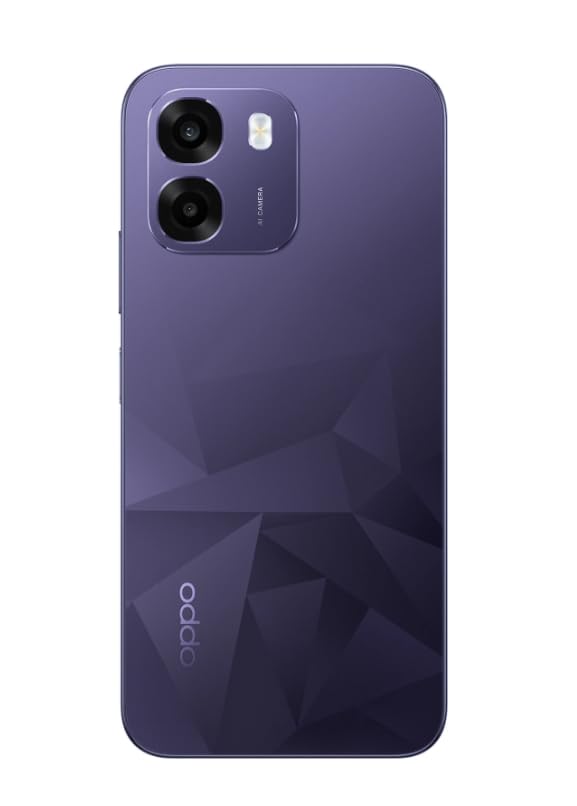
Obraz: Tył view of the OPPO K14 5G Smartphone, showcasing the dual camera setup and geometric pattern in Prism Violet.
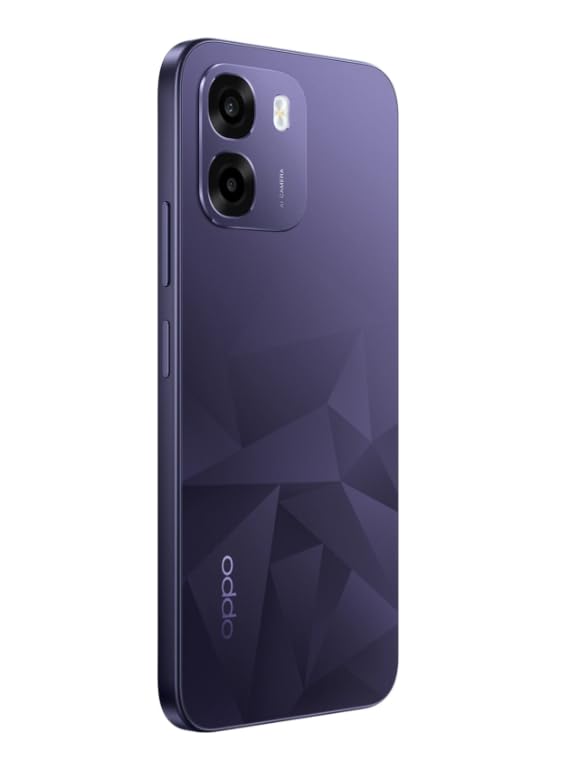
Obraz: Bok view of the OPPO K14 5G Smartphone, highlighting the slim profile i rozmieszczenie przycisków.
3. Konfiguracja
3.1 Wkładanie karty SIM/SD
- Znajdź tackę na kartę SIM/SD znajdującą się z boku urządzenia.
- Włóż narzędzie do wyjmowania karty SIM do małego otworu obok tacki i delikatnie naciskaj, aż tacka wyskoczy.
- Umieść kartę(y) nano-SIM i/lub kartę microSD w tacce złotymi stykami do dołu. Upewnij się, że są prawidłowo osadzone.
- Ostrożnie włóż tackę z powrotem do telefonu.
3.2 Pierwsze włączenie i konfiguracja
- Naciśnij i przytrzymaj przycisk zasilania, aż pojawi się logo OPPO.
- Postępuj zgodnie z instrukcjami wyświetlanymi na ekranie, aby wybrać język i region, połączyć się z siecią Wi-Fi i skonfigurować konto Google.
- You can transfer data from an old device during this process or skip it for later.
3.3 Ładowanie urządzenia
Before first use, it is recommended to fully charge your OPPO K14 5G. Connect the USB-C cable to the phone's charging port and the other end to a compatible power adapter. The device supports 45W fast charging.
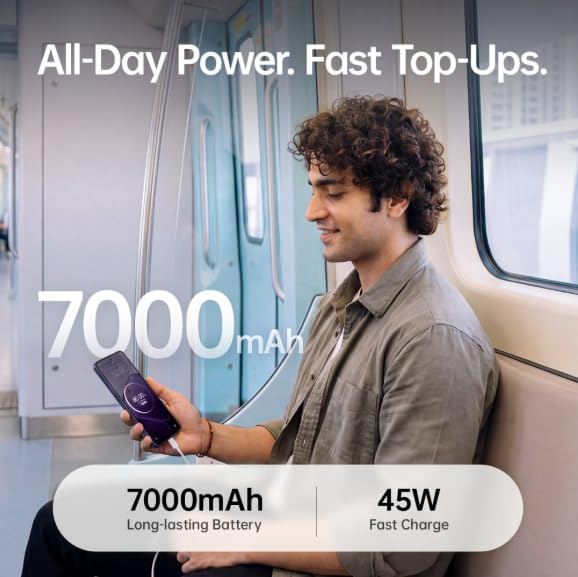
Image: The OPPO K14 5G highlighting its 7000mAh long-lasting battery and 45W fast charge capability.
4. Instrukcja obsługi
4.1 Podstawowa nawigacja
- Dotykać: Dotknij, aby wybrać elementy, otworzyć aplikacje lub potwierdzić działania.
- Trzepnąć: Move your finger across the screen to scroll, switch between home screens, or navigate within apps.
- Szczypta: Użyj dwóch palców, aby powiększyć lub pomniejszyć zdjęcia i web stron.
- Gesty: Customize navigation gestures in Settings for a fluid experience. The 120Hz display ensures smooth motion.
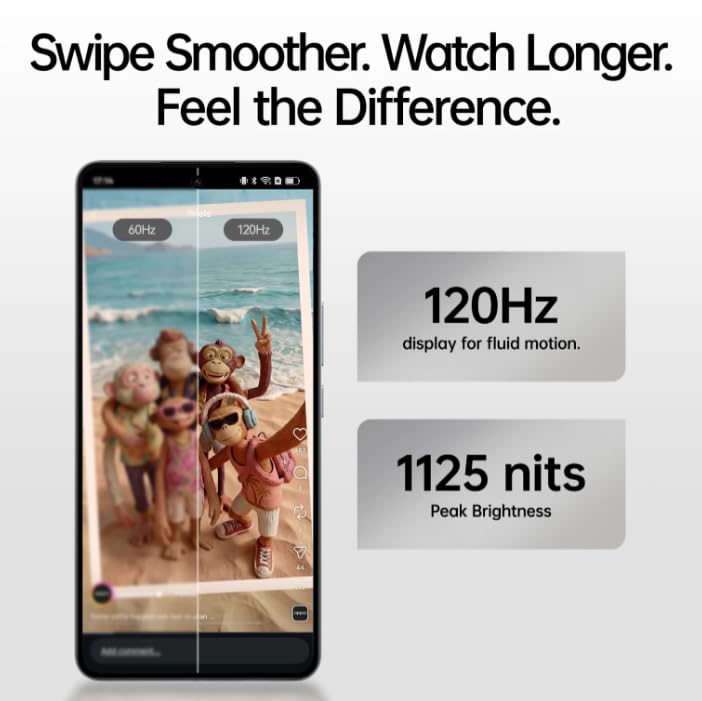
Image: The OPPO K14 5G display showcasing 120Hz for fluid motion and 1125 nits peak brightness.
4.2 Połączenia i wiadomości
- Dzwonić: Otwórz aplikację Telefon, wprowadź numer i dotknij ikony połączenia.
- Wysyłanie wiadomości: Otwórz aplikację Wiadomości, dotknij, aby rozpocząć nową rozmowę, wprowadź odbiorcę i swoją wiadomość.
4.3 Łączność sieciowa
The OPPO K14 5G supports 5G connectivity for fast internet speeds. Ensure your SIM card supports 5G and that you are in a 5G coverage area. You can manage Wi-Fi and mobile data settings in the Settings app.
5. Korzystanie z aparatu
Your OPPO K14 5G is equipped with a dual AI camera system designed to capture sharp and detailed photos in various conditions. The main camera is 50MP.
5.1 Robienie zdjęć i nagrywanie filmów
- Otwórz aplikację Aparat.
- Wybierz żądany tryb (Zdjęcie, Wideo, Portret, Noc itp.).
- Naciśnij przycisk migawki, aby zrobić zdjęcie lub rozpocząć/zatrzymać nagrywanie wideo.
- Use the zoom controls or switch between lenses as needed.
6. Zarządzanie baterią
The OPPO K14 5G features a large 7000 mAh battery, providing extended usage time. To maximize battery life:
- Dostosowanie jasności ekranu.
- Zamknij nieużywane aplikacje działające w tle.
- Włącz tryb oszczędzania energii, gdy bateria jest słaba.
- Unikaj ekstremalnych temperatur.
7. Wydajność i chłodzenie
The device is engineered for smooth performance with 6GB RAM and is equipped with a SuperCool VC System. This system includes a 3900 mm² vapour chamber cooling area, which effectively dissipates heat during intensive tasks like gaming, ensuring sustained performance without overheating.
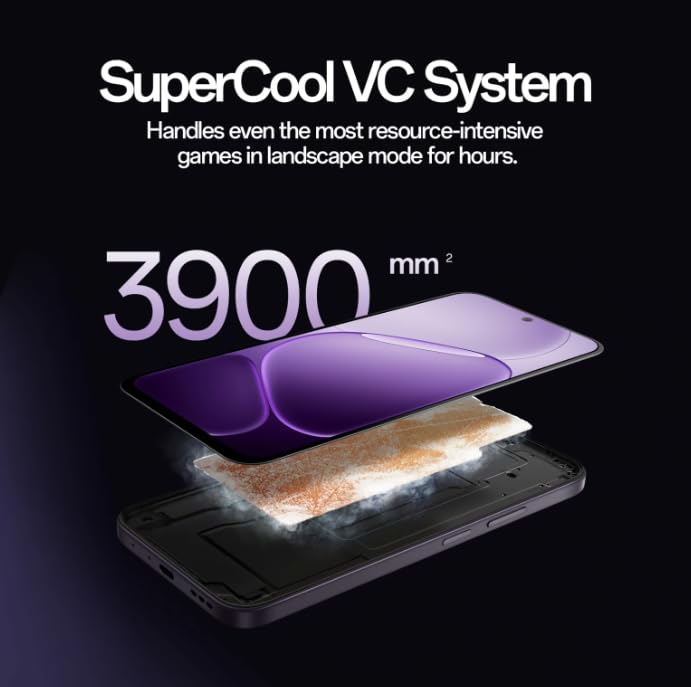
Image: Diagram illustrating the SuperCool VC System with its 3900 mm² vapour chamber, designed to prevent overheating during extended use.
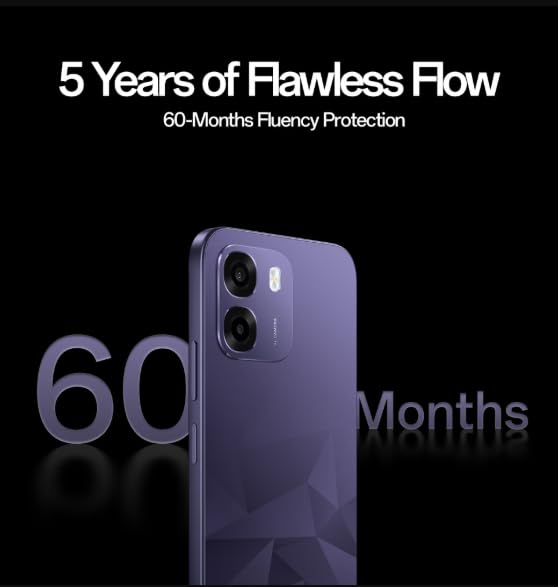
Image: The OPPO K14 5G promoting 60-Months Fluency Protection for long-term smooth performance.
8. Konserwacja
8.1 Czyszczenie urządzenia
Use a soft, lint-free cloth to clean the screen and body of your phone. Avoid using harsh chemicals or abrasive materials. The device offers IP69 all-weather protection.
8.2 Aktualizacje oprogramowania
Regularly check for and install software updates to ensure your device has the latest features, security patches, and performance improvements. Go to Settings > About device > Software update.
8.3 Kopia zapasowa danych
Regularnie twórz kopie zapasowe ważnych danych (zdjęć, kontaktów, dokumentów) w chmurze lub na komputerze, aby zapobiec utracie danych.
9. Rozwiązywanie Problemów
If you encounter issues with your OPPO K14 5G, try the following steps:
- Urządzenie się nie włącza: Upewnij się, że bateria jest naładowana. Podłącz ją do ładowarki na co najmniej 15 minut przed próbą włączenia.
- Aplikacje ulegają awarii/zawieszają się: Zamknij aplikację i otwórz ją ponownie. Jeśli problem nadal występuje, wyczyść pamięć podręczną aplikacji (Ustawienia > Aplikacje > [Nazwa aplikacji] > Pamięć > Wyczyść pamięć podręczną).
- Network Issues (5G/Wi-Fi): Check if Airplane Mode is off. Restart your phone. For Wi-Fi, try forgetting the network and reconnecting. For 5G, ensure you have coverage and your SIM is active.
- Niska wydajność: Zamknij aplikacje działające w tle, wyczyść pamięć podręczną lub uruchom ponownie urządzenie.
- Przywrócenie ustawień fabrycznych: As a last resort, if problems persist, you can perform a factory reset (Settings > System settings > Back up and reset > Reset phone). Ostrzeżenie: Spowoduje to usunięcie wszystkich danych z telefonu. Przed kontynuacją wykonaj kopię zapasową danych.
10. Specyfikacje
| Funkcja | Specyfikacja |
|---|---|
| Marka | OPPO |
| Model | K14 5G |
| Rozmiar zainstalowanej pamięci RAM | 6 GB |
| Pojemność pamięci masowej | 128 GB |
| Technologia komórkowa | 5G |
| Technologia łączności | 5G |
| Kolor | Prism Violet |
| Number of Rear Facing Cameras | 2 |
| Pojemność baterii | 7000 mlnamp Godziny |
| Konkretne zastosowania produktu | Gaming, Content Creation |
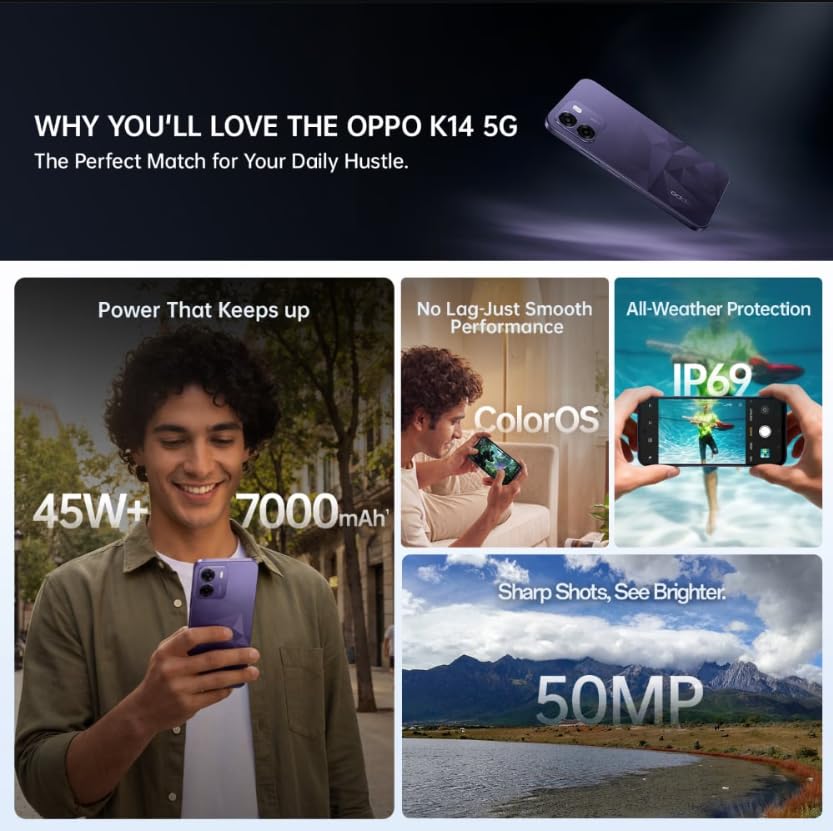
Image: A collage of key features for the OPPO K14 5G, including 7000mAh battery, smooth performance with ColorOS, IP69 all-weather protection, and a 50MP camera.
11. Gwarancja i wsparcie
Your OPPO K14 5G Smartphone comes with a standard manufacturer's warranty. Please refer to the warranty card included in your product packaging for specific terms and conditions, including coverage duration and service procedures. For technical assistance, troubleshooting beyond this manual, or warranty claims, please contact OPPO customer support through their official webmiejscu lub wyznaczonych centrach serwisowych.
Keep your purchase receipt and product packaging for warranty purposes.