
Wstęp
The Pomya 2 Key Mini Keypad is a compact, programmable USB mechanical keyboard designed to enhance your gaming experience and streamline workflow with custom shortcuts. Featuring durable red mechanical switches and an aluminum alloy construction, this keypad offers a comfortable and responsive user experience. Its customizable RGB LED lighting adds a personalized touch to your setup.

Image: The Pomya 2 Key Mini Keypad positioned on a desk, showcasing its compact design and two large keys, with a computer setup in the background.
Zawartość opakowania
Sprawdź, czy w przesyłce znajdują się wszystkie elementy:
- 1 x Pomya 2 Key Mini Keypad
- Kabel danych 1 x USB
- 1 x Instrukcja obsługi (ten dokument)
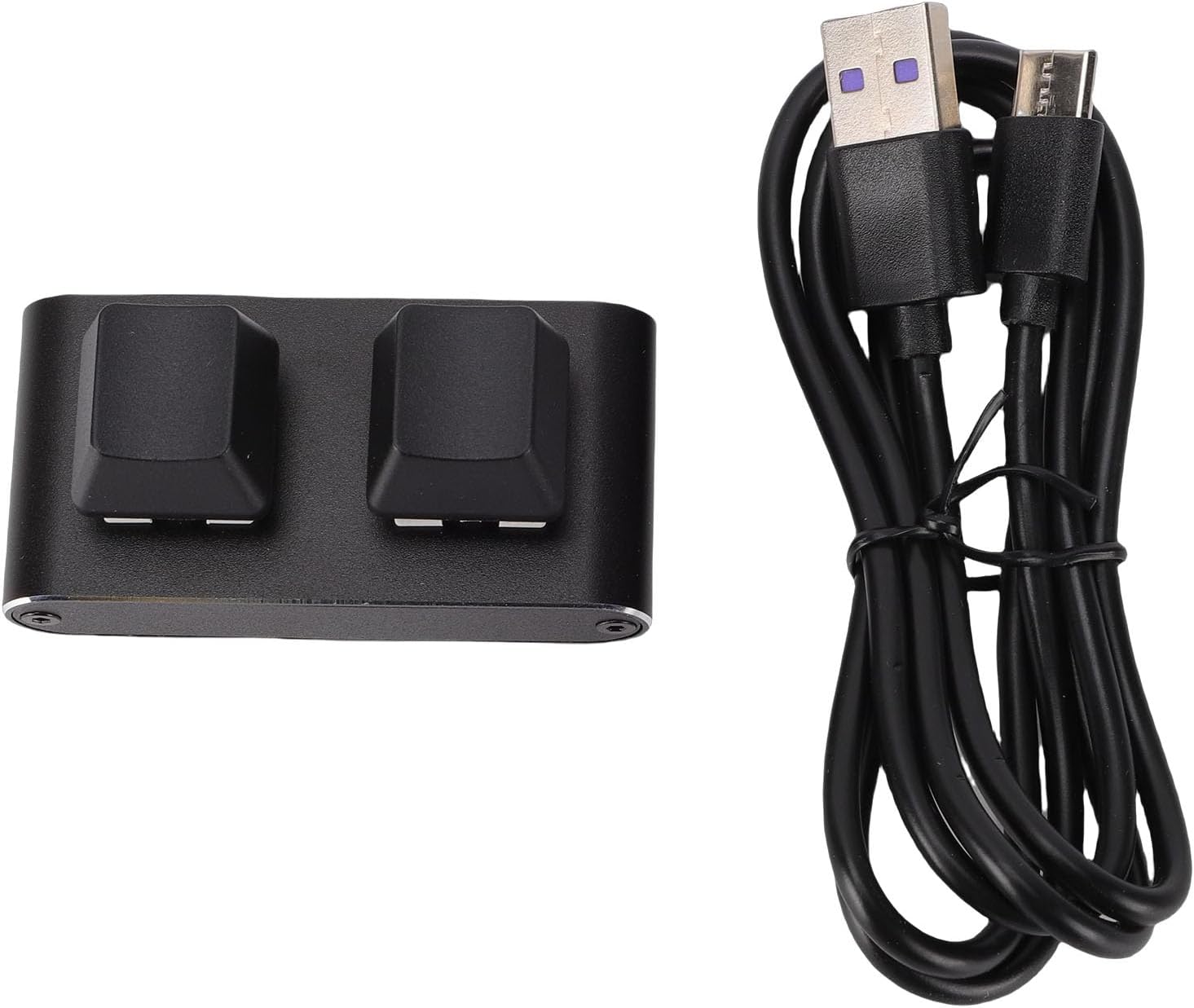
Image: The Pomya 2 Key Mini Keypad displayed alongside its USB data cable, illustrating the items included in the package.
Organizować coś
- Podłącz klawiaturę: Insert the USB data cable into the USB-C port on the back of the Pomya 2 Key Mini Keypad.
- Połącz z komputerem: Podłącz drugi koniec kabla USB do wolnego portu USB w komputerze.
- Rozpoznawanie systemu: The keypad is plug-and-play and should be automatically recognized by your operating system (Windows, Vista, Linux, OS X). No drivers are typically required for basic functionality.
- Oprogramowanie programistyczne: To customize the key functions and RGB LED settings, you will need to download the dedicated programming software. Please refer to the official Pomya website for the latest software and instructions. (Note: Specific software download links are not provided in this manual.)
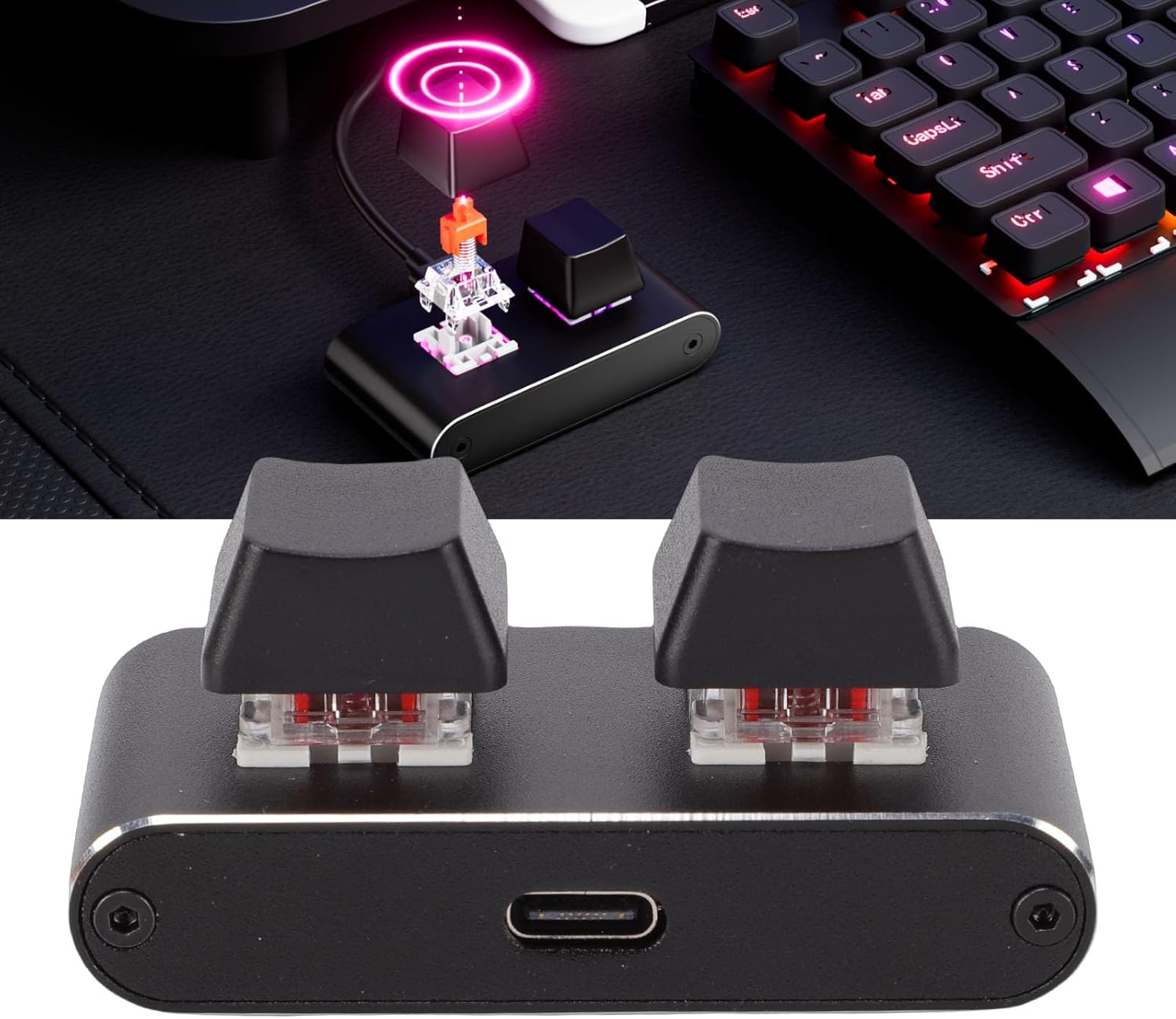
Obraz: szczegółowy view of the USB-C connection port on the keypad, highlighting where the data cable should be inserted.
Instrukcja obsługi
Podstawowa obsługa
Once connected, the keypad will function immediately with its default settings. The two mechanical keys are ready for use. For basic tasks, simply press the keys as you would on a standard keyboard.
Customizing Key Functions
The primary feature of this keypad is its programmability. To assign custom functions, macros, or shortcuts to each key:
- Ensure the keypad is connected to your computer.
- Launch the Pomya programming software (downloaded during setup).
- Within the software interface, select the key you wish to program.
- Assign the desired function (e.g., single key press, key combination, macro sequence, multimedia control).
- Save the changes to the keypad's onboard memory. The settings will persist even when the keypad is disconnected.
Oświetlenie LED RGB
The keypad features customizable RGB LED lighting. The lighting effects and colors can typically be adjusted through the dedicated programming software. Refer to the software's user guide for detailed instructions on lighting customization.

Image: The keypad displaying its customizable RGB LED lighting, illustrating the visual feedback feature.
Konserwacja
Czyszczenie
- Przed czyszczeniem odłącz klawiaturę od komputera.
- Do czyszczenia powierzchni klawiatury należy używać miękkiej, suchej ściereczki.
- W przypadku uporczywych zabrudzeń, należy użyć lekkiego detergentu.amp cloth with a mild cleaning solution can be used, ensuring no liquid enters the key switches or USB port.
- Unikaj stosowania silnych środków chemicznych, ściernych środków czyszczących i rozpuszczalników.
Składowanie
Jeśli klawiatura nie będzie używana przez dłuższy czas, należy ją przechowywać w chłodnym, suchym miejscu, z dala od bezpośredniego światła słonecznego i ekstremalnych temperatur.
Rozwiązywanie problemów
| Problem | Możliwa przyczyna | Rozwiązanie |
|---|---|---|
| Klawiatura nie jest rozpoznawana przez komputer. | Loose USB connection, faulty USB port, or damaged cable. |
|
| Klawisze nie reagują lub wykonują nieprawidłowe akcje. | Incorrect programming, software conflict, or hardware issue. |
|
| RGB LED lighting is not working or incorrect. | Lighting settings not configured, or software issue. |
|
Specyfikacje
| Marka | Pomya |
| Nazwa modelu | Pomyalvsqzk064g |
| Typ przedmiotu | Programmable 2 Key Keyboard |
| Połączenie | Przewodowy USB |
| Typ klucza | Red Switch Mechanical Keyboard |
| Tworzywo | Stop aluminium |
| Kompatybilne urządzenia | Laptop |
| Obsługiwane systemy operacyjne | Windows, Vista, Linux, OS X |
| Funkcja specjalna | Adjustable (likely referring to programmable keys/RGB) |
Informacje o gwarancji
This product is covered by a manufacturer's warranty for 90 days from the date of purchase. Please retain your proof of purchase for warranty claims. The warranty covers defects in materials and workmanship under normal use. It does not cover damage caused by misuse, accident, unauthorized modification, or external causes.
Obsługa klienta
For further assistance, technical support, or inquiries regarding your Pomya 2 Key Mini Keypad, please visit the official Pomya store or contact their customer service.