
1. Wprowadzenie
Thank you for choosing the HiSpyCam Mini Wireless Security Camera Clock S53. This device combines a functional digital clock with a discreet, high-definition security camera, offering 1080p video resolution, 140-degree wide-angle coverage, and invisible night vision. It is designed for indoor surveillance, providing real-time monitoring and motion-activated alerts via a smartphone application. This manual provides detailed instructions for setup, operation, and maintenance to ensure optimal performance.

Image 1.1: The HiSpyCam S53 camera clock is suitable for various indoor surveillance applications, including home security, nanny monitoring, and office use.
2. Zawartość opakowania
Proszę sprawdzić, czy w paczce znajdują się następujące elementy:
- HiSpyCam S53 Camera Body
- Kabel ładujący USB
- Instrukcja obsługi
- Reset Pin (if applicable)
3. Koniec produktuview
The HiSpyCam S53 is designed to blend seamlessly into any environment as a standard digital clock. Its compact form factor discreetly houses a camera lens, infrared LEDs for night vision, and essential control ports.
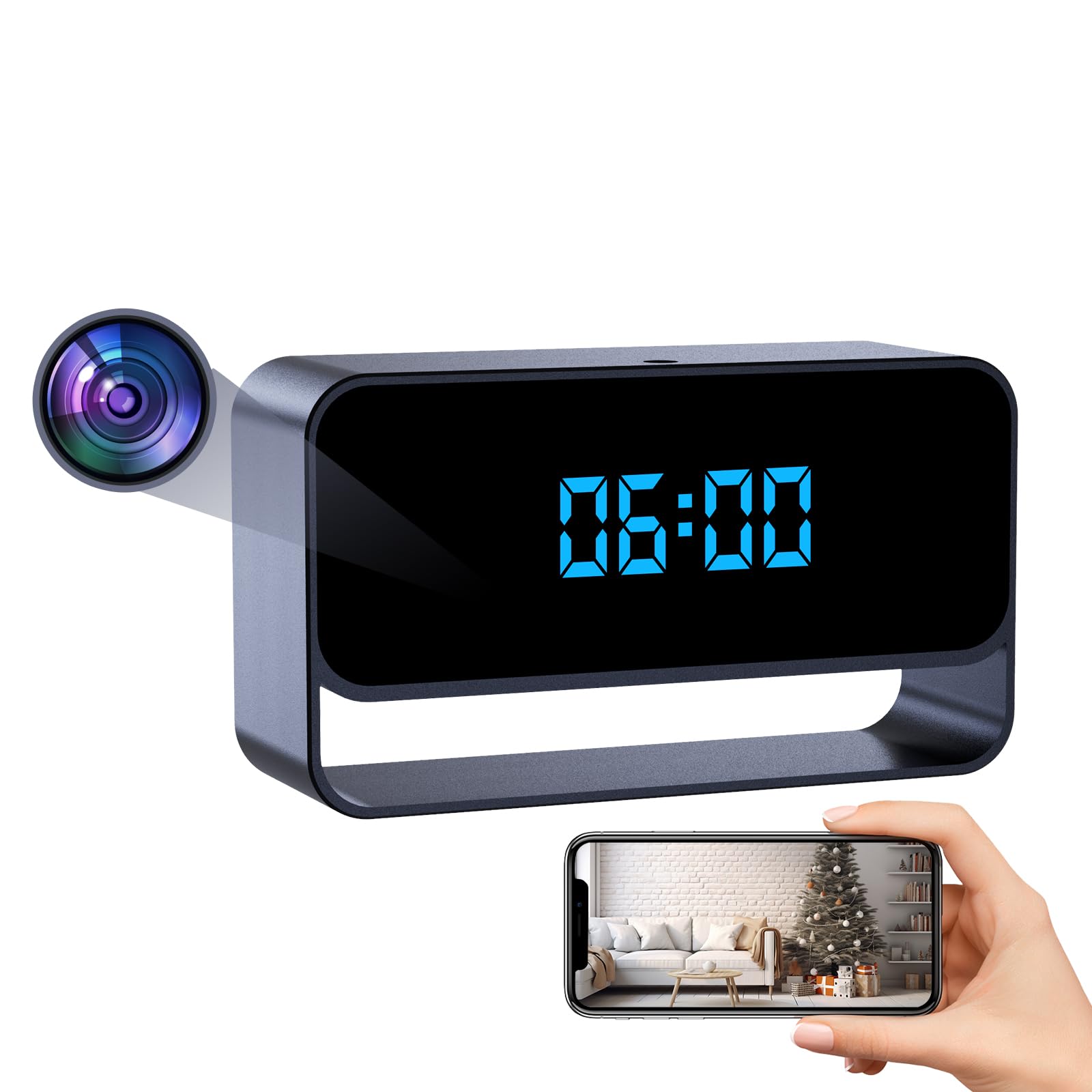
Image 3.1: The HiSpyCam S53 camera clock, featuring a clear digital time display.
Kluczowe komponenty:
- Obiektyw aparatu: Discreetly located on the front panel.
- Cyfrowy wyświetlacz zegara: Shows time in 12/24 hour format.
- Port ładowania USB: For power and charging.
- Gniazdo kart microSD: For local video storage (up to 256GB, card not included).
- Przycisk zasilania/przycisk trybu: For device control.
- Przycisk resetowania: Aby przywrócić ustawienia fabryczne.
4. Konfiguracja
4.1. Ładowanie urządzenia
Before first use, fully charge the camera using the provided USB cable and a standard 5V USB power adapter (not included). The charging indicator light will typically turn off or change color once fully charged.
4.2. Instalacja karty MicroSD
For local video storage, insert a MicroSD card (Class 10 or higher, up to 256GB) into the designated slot. Ensure the card is inserted correctly until it clicks into place. The device supports recording to the SD card even without a Wi-Fi connection.
4.3. Instalacja aplikacji
Download the companion mobile application from your smartphone's app store (iOS or Android). Szukaj the app name provided in the package or scan the QR code in the quick start guide. Follow the on-screen instructions to create an account and log in.
4.4. Connecting the Camera to Your Smartphone
The HiSpyCam S53 offers three connection methods:
- Plug & Play (MicroSD Card Recording): Insert a MicroSD card. The camera will automatically begin recording video to the card. No Wi-Fi or app connection is needed for this basic function. To view recordings, remove the card and insert it into a computer or compatible device.
- AP Connection (Camera's Hotspot): This method allows direct connection to the camera's built-in Wi-Fi hotspot for local viewing without an internet router. Connect your smartphone to the camera's Wi-Fi network (usually named with the device ID). Open the app to view live feed and manage settings within the camera's Wi-Fi range.
- Remote Access (Wi-Fi Network Needed): Dla pilota viewing from anywhere, connect the camera to your home or office Wi-Fi network. In the app, select 'Add Device' and follow the prompts to connect the camera to your 2.4GHz Wi-Fi network. Once connected, you can access live video and settings via the app from any location with internet access.

Image 4.1: Visual guide to the three available connection methods for the camera.
5. Instrukcja obsługi
5.1. Na żywo View
Once the camera is connected to your smartphone via AP or remote access, open the app to view the live video feed. You can monitor your space in real-time from anywhere.

Image 5.1: Remote access and live video viewza pośrednictwem aplikacji mobilnej.
5.2. Nagrywanie
Kamera obsługuje różne tryby nagrywania:
- Ciągłe nagrywanie: Records video continuously to the MicroSD card.
- Nagrywanie z wykrywaniem ruchu: The camera uses AI-powered motion analysis to detect significant movement and automatically starts recording. You will receive instant alerts on your smartphone.
- Zaplanowane nagrywanie: Set specific times for the camera to record via the app settings.

Image 5.2: Motion notifications and snapshots are sent to your phone when activity is detected.
5.3. Wizja nocna
The camera features automatic invisible infrared night vision, allowing for clear monitoring in low-light conditions up to 15 feet without emitting visible light.
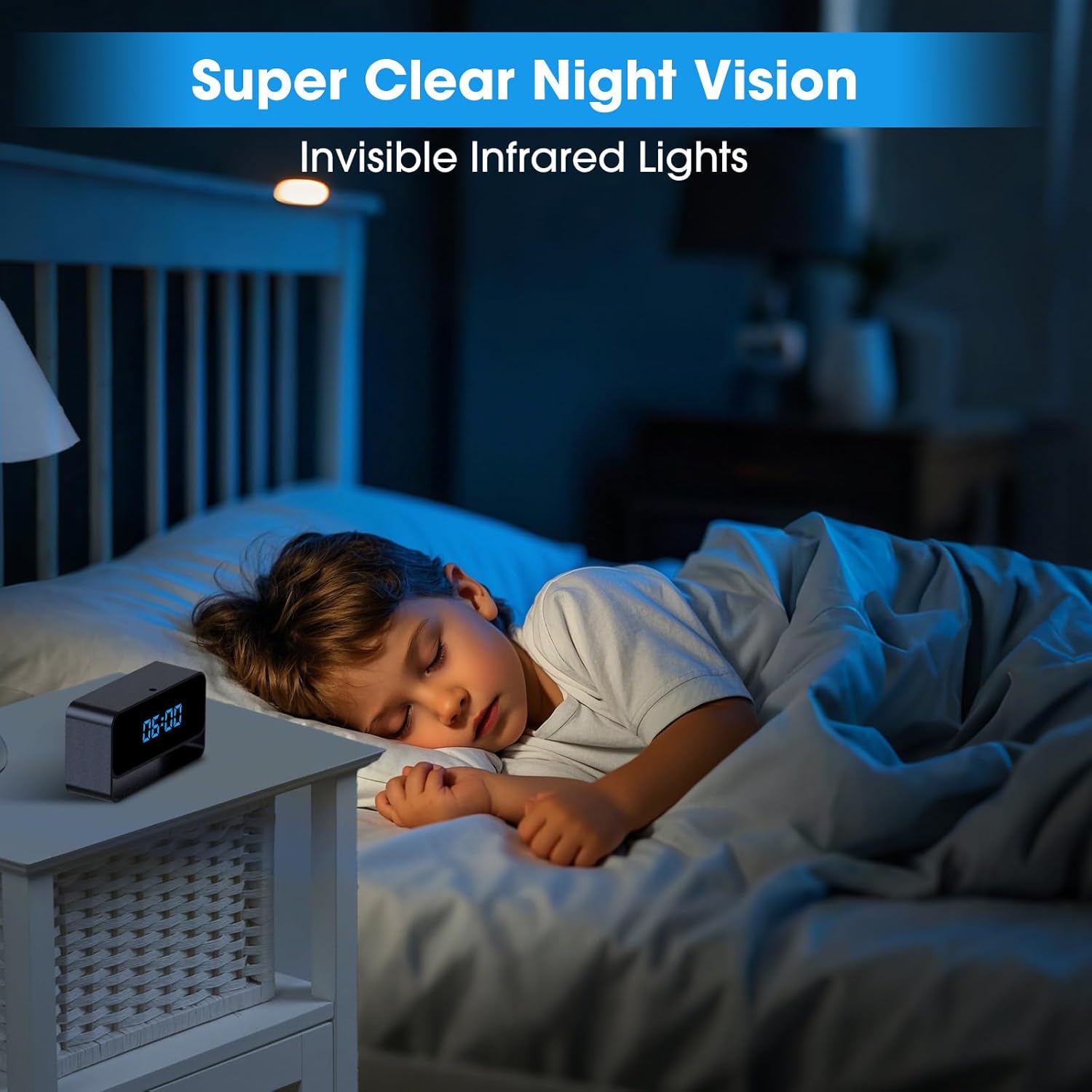
Image 5.3: The camera provides clear night vision using invisible infrared lights.
5.4. Tryb prywatności
Activate Privacy Mode through the app to temporarily disable recording and live viewing, ensuring your privacy when needed.
5.5. Wyświetlacz zegara
The digital clock display can be set to either 12-hour or 24-hour format via the app settings.
6. Konserwacja
- Czyszczenie: Use a soft, dry cloth to clean the camera's exterior. Do not use liquid cleaners or aerosols.
- Pielęgnacja baterii: To prolong battery life, avoid extreme temperatures and fully charge the device periodically if not in continuous use.
- Aktualizacje oprogramowania układowego: Check the app regularly for available firmware updates to ensure optimal performance and security.
7. Rozwiązywanie Problemów
- Kamera nie włącza się: Ensure the device is fully charged. Connect it to a power source and wait a few minutes before attempting to power it on.
- Nie można połączyć się z Wi-Fi: Ensure your Wi-Fi network is 2.4GHz. Verify the Wi-Fi password. Try resetting the camera and your router.
- Słaba jakość wideo: Sprawdź prędkość swojego połączenia internetowego. Upewnij się, że obiektyw aparatu jest czysty i nie ma w nim żadnych przeszkód.
- Brak alertów o wykryciu ruchu: Verify that motion detection is enabled in the app settings and that notification permissions are granted for the app on your smartphone.
- MicroSD card not recording: Ensure the MicroSD card is inserted correctly, formatted (if necessary, via the app), and not full. Try using a different compatible MicroSD card.
- Urządzenie nie odpowiada: Use the reset pin to press the reset button for a few seconds to restart the device.
8. Specyfikacje
| Nazwa modelu | ClockCam (S53) |
| Rozdzielczość przechwytywania wideo | 1080p Full HD |
| Viewing kąt | 140 stopni |
| Zakres noktowizora | 15 Feet (Invisible Infrared) |
| Technologia łączności | Bezprzewodowy (Wi-Fi) |
| Kompatybilne urządzenia | Smartphone (App Controlled) |
| Źródło zasilania | Zasilany bateryjnie |
| Pamięć lokalna | MicroSD Card (up to 256GB, sold separately) |
| Zastosowanie wewnątrz/na zewnątrz | Wnętrz |
| Tworzywo | Akrylonitryl-butadien-styren (ABS) |
| Wymiary produktu | 1 x 1 x 1 cala |
| Waga przedmiotu | 4.8 uncji |
9. Gwarancja i wsparcie
For warranty information and technical support, please refer to the documentation included with your product or visit the official HiSpyCam webstrona. Zachowaj dowód zakupu na potrzeby roszczeń gwarancyjnych.