
Introduction to Your Samsung Galaxy Tab A9+
This guide is designed to help you effectively use your Samsung Galaxy Tab A9+. It provides clear, step-by-step instructions to ensure you can operate your tablet safely and efficiently from the very first day, even if you are new to Samsung devices.
The manual focuses on practical application, helping you configure your device, personalize settings, and leverage every feature without frustration. Explanations are presented in simple language, catering to everyday users rather than technology experts.
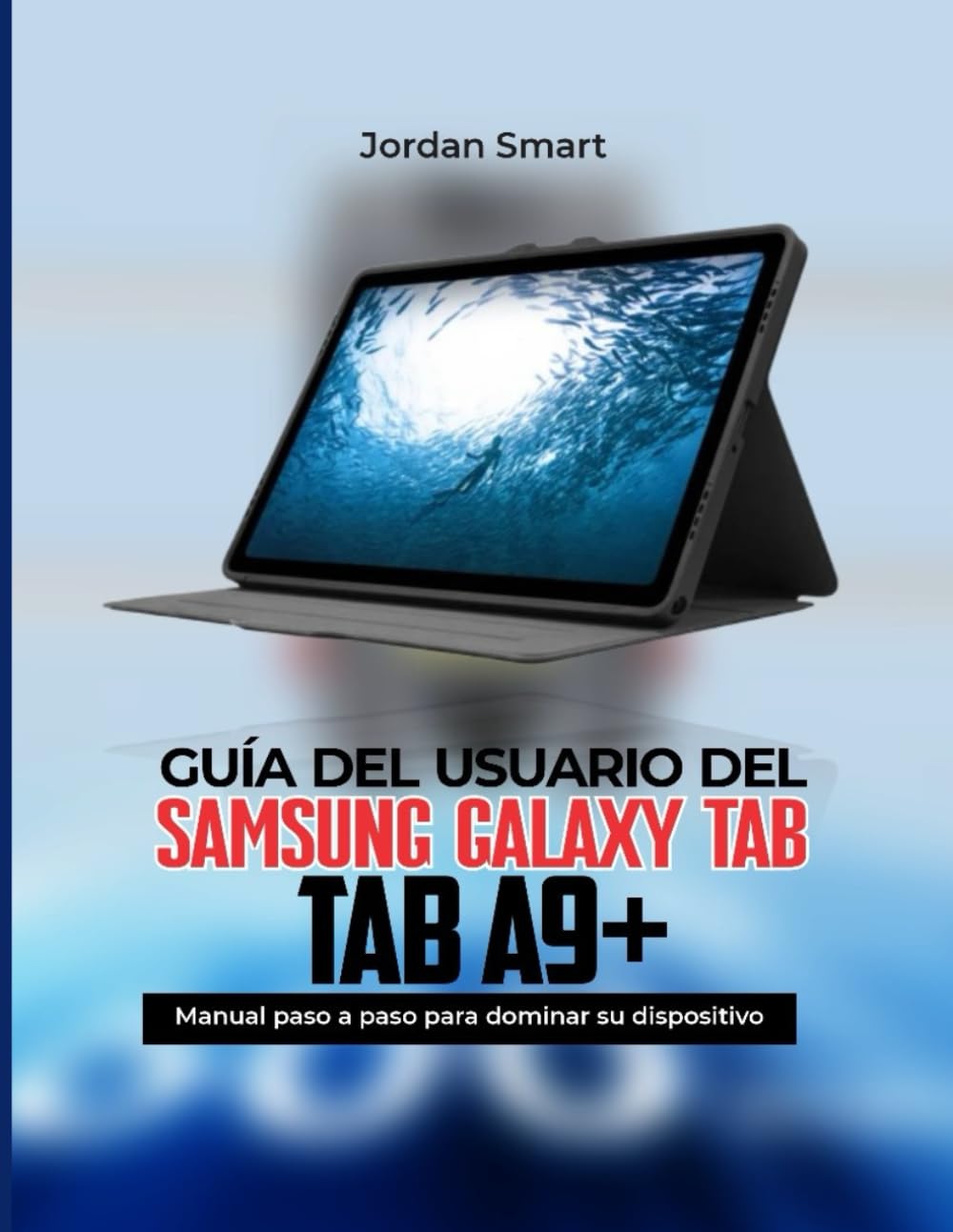
Image: Front cover of the official user guide for the Samsung Galaxy Tab A9+.
O tym przewodniku
This instruction manual serves as your essential companion to unlock all the functions of the Galaxy Tab A9+. It provides clear and simple steps designed for all users, ensuring you can maximize your device's potential.
Image: Back cover of the user guide, highlighting its purpose and user-friendly approach.
Konfiguracja urządzenia
Setting up your Samsung Galaxy Tab A9+ correctly is the first step to a seamless experience. This section guides you through the initial configuration process, allowing you to get your device ready for use in minutes.
Kroki konfiguracji początkowej:
- Włączanie: Naciśnij i przytrzymaj przycisk zasilania, aż pojawi się logo Samsung.
- Wybór języka: Wybierz preferowany język z listy.
- Połączenie Wi-Fi: Connect to a stable Wi-Fi network to proceed with setup and updates.
- Warunki i postanowienia: Review i zaakceptuj Umowę licencyjną użytkownika końcowego oraz Politykę prywatności.
- Konfiguracja konta Google: Zaloguj się na swoje konto Google lub utwórz nowe. Jest to niezbędne do uzyskania dostępu do Sklepu Google Play i innych usług Google.
- Samsung Account Setup (Optional): Sign in or create a Samsung account to access exclusive Samsung features and services.
- Transfer danych: If you are upgrading from another device, follow the on-screen prompts to transfer your data.
- Konfiguracja zabezpieczeń: Set up a screen lock (PIN, pattern, password, or biometric options like face recognition).
- Zakończ konfigurację: Complete the remaining steps, such as setting up Bixby or other personalized settings.
Once these steps are completed, your Samsung Galaxy Tab A9+ will be ready for use.
Obsługa Twojego urządzenia
This section covers the daily operation of your Samsung Galaxy Tab A9+, helping you to utilize its full range of features for various tasks, including work, study, entertainment, and general daily use. Discover how to navigate the interface, manage applications, and personalize your tablet to suit your preferences.
Kluczowe aspekty operacyjne:
- Nawigacja: Understand gestures and button functions for smooth interaction.
- Zarządzanie aplikacjami: Install, uninstall, and organize applications efficiently.
- Personalizacja: Personalize your home screen, widgets, themes, and notification settings.
- Łączność: Learn to connect to Wi-Fi, Bluetooth devices, and manage mobile data (if applicable).
- Multimedia: Use your tablet for photos, videos, music, and streaming content.
- Funkcje zwiększające produktywność: Explore multi-window functionality, Samsung DeX (if supported by model), and S Pen features (if applicable).
- Hidden Features: Uncover advanced settings and functionalities that enhance your user experience.
Performance and Maintenance Tips
To ensure your Samsung Galaxy Tab A9+ performs optimally and maintains its longevity, regular maintenance and adherence to best practices are crucial. This section provides essential tips to improve performance, extend battery life, and enhance device security.
Optimizing Your Tablet:
- Czas pracy baterii:
- Dostosuj ustawienia jasności i czasu wygaszania ekranu.
- Close background apps and disable unnecessary features like GPS or Bluetooth when not in use.
- Korzystaj z trybów oszczędzania energii.
- Wydajność:
- Regularly clear cache and temporary files.
- Keep your software updated to the latest version.
- Avoid overloading storage with unnecessary files.
- Bezpieczeństwo:
- Use strong, unique passwords and enable two-factor authentication.
- Install apps only from trusted sources like the Google Play Store.
- Regularnie twórz kopie zapasowe swoich danych.
- Enable "Find My Mobile" for remote device tracking and wiping.
Rozwiązywanie typowych problemów
This section provides clear solutions to common problems you might encounter with your Samsung Galaxy Tab A9+, helping you resolve issues without the immediate need for technical support.
Typowe problemy i rozwiązania:
- Urządzenie nie odpowiada:
Perform a force restart by holding the power button and volume down button simultaneously for about 7-10 seconds.
- Problemy z połączeniem Wi-Fi:
Toggle Wi-Fi off and on. Restart your router. Forget the network and reconnect. Ensure your tablet's software is updated.
- Szybkie rozładowywanie baterii:
Review apps consuming the most battery in settings. Reduce screen brightness. Disable always-on display. Check for rogue apps.
- Aplikacje ulegają awarii lub zawieszają się:
Clear the app's cache and data in settings. Uninstall and reinstall the app. Ensure the app and device software are updated.
- Magazyn pełny:
Usuń niepotrzebne files, photos, and videos. Uninstall unused apps. Move media to cloud storage or an SD card (if supported).
Product Specifications (Samsung Galaxy Tab A9+)
This section outlines general specifications for the Samsung Galaxy Tab A9+. For detailed and model-specific technical data, please refer to Samsung's official webwitrynę lub dokumentację dołączoną do urządzenia.
| Funkcja | Opis |
|---|---|
| Wyświetlacz | Typically an LCD or AMOLED display, size varies by specific model (e.g., 8.7-inch or 11-inch). |
| Edytor | Octa-core processor, specific model may vary by region. |
| BARAN | 4GB or 8GB, depending on the configuration. |
| Składowanie | 64GB or 128GB internal storage, expandable via microSD card. |
| Kamery | Rear camera (e.g., 8MP autofocus), Front camera (e.g., 5MP). |
| Bateria | Non-removable Li-Po battery, capacity varies by model. |
| System operacyjny | Android with Samsung's One UI overlay. |
| Łączność | Wi-Fi, Bluetooth, USB-C, optional LTE/5G. |
Note: These specifications are general and may vary based on the specific model and region of your Samsung Galaxy Tab A9+. Always consult official Samsung resources for the most accurate and up-to-date information.
Gwarancja i wsparcie
For detailed information regarding the warranty of your Samsung Galaxy Tab A9+, including coverage, terms, and conditions, please refer to the warranty card included with your device or visit the official Samsung support webwitryna dla Twojego regionu.
If you require technical assistance, service, or have questions not covered in this manual, please contact Samsung Customer Service directly. Official support channels typically include:
- Oficjalny Samsung Webstrona: www.samsung.com/support/
- Infolinia obsługi klienta: Check your regional Samsung webstrona z lokalnymi numerami kontaktowymi.
- Autoryzowane punkty serwisowe: Locate a service center near you through the Samsung webstrona.
Always ensure you are consulting official Samsung resources for the most accurate and reliable support information.


