
Wstęp
The Geeni Lighthawk Smart Floodlight Camera is an advanced outdoor surveillance device designed to provide security and illumination. It features Ultra-HD video recording, powerful LED floodlights, motion detection, two-way audio communication, and a built-in siren. This manual provides detailed instructions for the installation, operation, and maintenance of your Geeni Lighthawk camera.
Główne cechy
- Ultra-HD 3MP Video & Dual-Band Wi-Fi: Records in 3MP (2304 x 1296) resolution for clear video. Supports both 2.4GHz and 5GHz Wi-Fi networks for stable connectivity.
- 1800-Lumen Lighting: Integrated LED floodlights provide 1800 lumens of brightness, activating automatically upon motion detection.
- Smart Motion Alerts & Siren: Sends instant notifications to your smartphone when motion is detected up to 8 meters away. Features a built-in siren for deterrence.
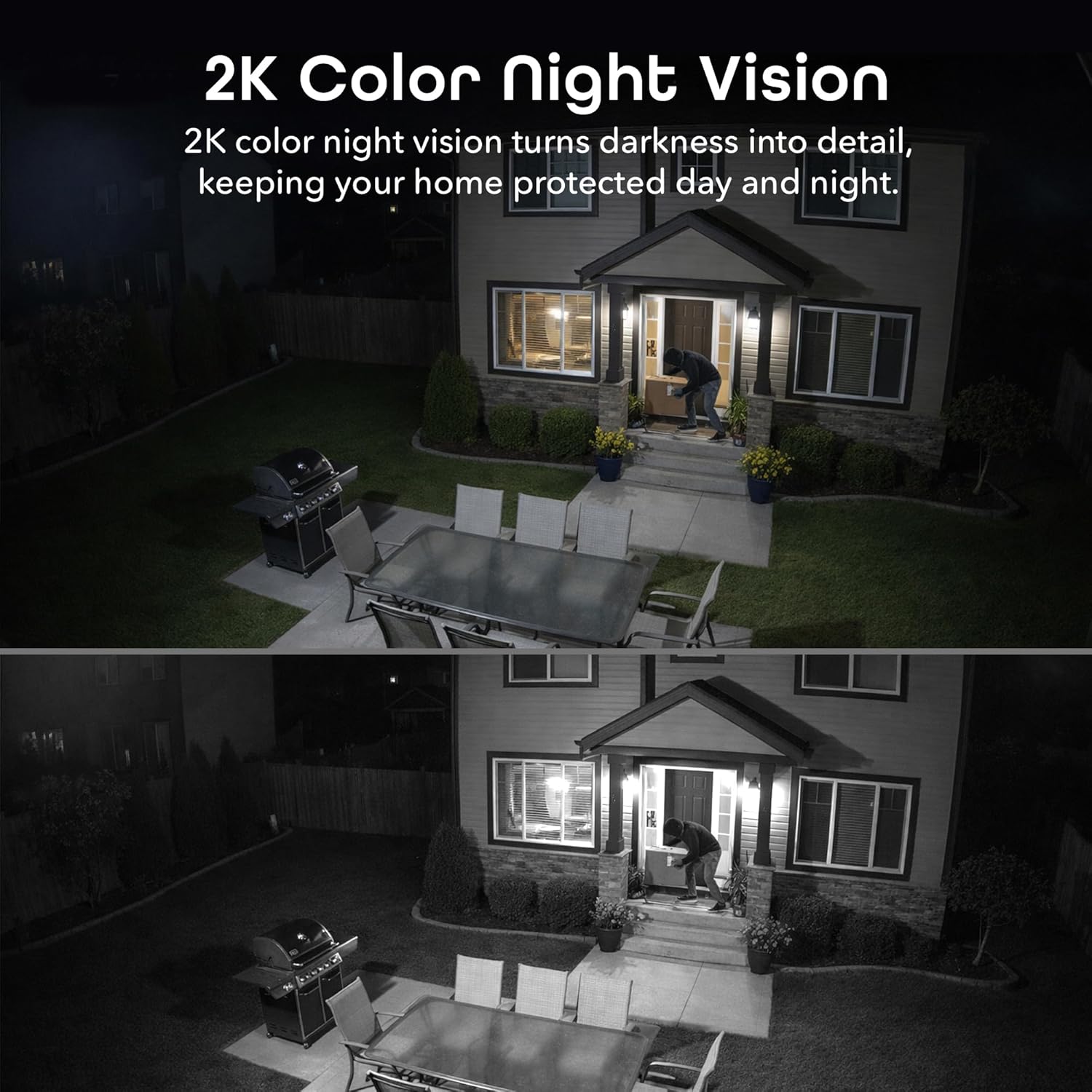
- Two-Way Audio & Night Vision: Enables communication through a built-in microphone and speaker. Offers enhanced night vision for clear visibility up to 8 meters (26ft) in darkness.
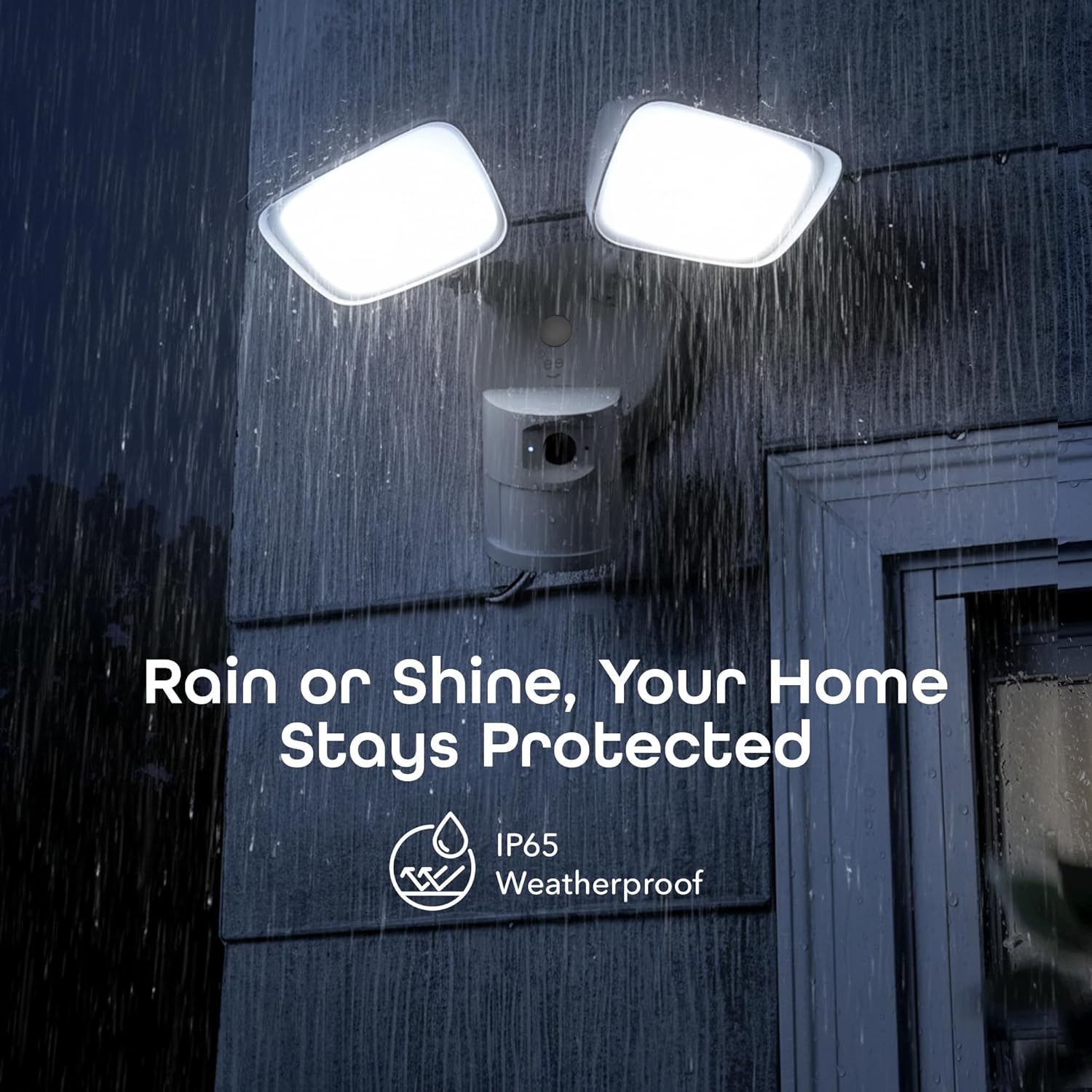
- IP65 Weatherproof & Local Storage: Durable IP65-rated housing protects against dust and heavy rain. Supports local storage via a microSD card up to 256GB (card not included).

Co jest zawarte
The Geeni Lighthawk Smart Floodlight Camera package typically includes the following items:
- Geeni Lighthawk Smart Floodlight Camera
- Instrukcja obsługi
- Śruby montażowe i osprzęt
Przewodnik po konfiguracji
1. Bezpieczeństwo przede wszystkim
- Ensure the power to the installation area is turned off at the circuit breaker before beginning any electrical work.
- Jeśli nie masz pewności co do instalacji elektrycznej, skonsultuj się z wykwalifikowanym elektrykiem.
2. Przygotuj się do instalacji
- Choose a suitable outdoor location for your floodlight camera, such as a wall or eave, ensuring it covers the desired surveillance area.
- The camera is hardwired, requiring an existing electrical junction box.
- Gather necessary tools: screwdriver, wire nuts, electrical tape, and a ladder if needed.
3. Instalacja fizyczna
- Wyłącz zasilanie na wyłączniku obwodu.
- Remove your existing light fixture from the junction box.
- Przymocuj wspornik montażowy do skrzynki przyłączeniowej za pomocą dostarczonych śrub.
- Connect the camera's wires to your home's electrical wires (typically black to black, white to white, and ground to ground) using wire nuts. Secure connections with electrical tape.
- Mount the floodlight camera to the mounting bracket, ensuring a secure fit.
- Adjust the floodlight heads and camera angle to cover your desired area.
- Przywróć zasilanie za pomocą wyłącznika obwodu.
4. Połączenie aplikacji
- Download the Geeni app from your smartphone's app store.
- Utwórz konto lub zaloguj się.
- Follow the in-app instructions to add your Geeni Lighthawk camera. This typically involves scanning a QR code on the device or manually selecting it from a list.
- Ensure your Wi-Fi network is active and accessible. The camera supports both 2.4GHz and 5GHz bands for flexible connection.

Instrukcja obsługi
Na żywo View i nagrywanie
- Open the Geeni app and select your Lighthawk camera to view kanał na żywo.
- You can manually initiate video recording or capture screenshots directly from the live view interfejs.
Wykrywanie ruchu i alerty
- Configure motion detection sensitivity and activity zones within the Geeni app settings.
- Otrzymuj natychmiastowe powiadomienia push na swój smartfon po wykryciu ruchu.
- The 1800-lumen floodlights will automatically activate upon motion detection, illuminating the area.
Dwukierunkowy dźwięk
- Use the two-way audio feature in the app to speak to visitors or deter unwanted guests.
- The built-in microphone and speaker allow for clear communication.

Night Vision and Floodlight Control
- The camera provides enhanced night vision for clear monitoring in low-light conditions.
- The floodlights can be set to activate automatically with motion or controlled manually through the app.
Pamięć lokalna
- Insert a microSD card (up to 256GB, not included) into the designated slot for continuous local recording.
- Uzyskaj dostęp do nagranego pliku footage directly from the Geeni app without requiring a subscription.

Sterowanie głosowe
- The Geeni Lighthawk camera is compatible with voice assistants like Amazon Alexa and Google Assistant.
- Link your Geeni account to your voice assistant app to enable commands such as "Alexa, show me the driveway."

Konserwacja
- Czyszczenie: Okresowo przecieraj obiektyw kamery i osłony reflektora miękką, miękką szmatką.amp Ściereczką usuń kurz i zanieczyszczenia. Unikaj środków czyszczących o działaniu ściernym.
- Aktualizacje oprogramowania układowego: Ensure your camera's firmware is up to date through the Geeni app to benefit from the latest features and security enhancements.
- Kontrola połączenia: Regularly check the physical wiring connections and Wi-Fi signal strength to ensure optimal performance.
Rozwiązywanie problemów
| Wydanie | Możliwe rozwiązanie |
|---|---|
| Kamera nie łączy się z siecią Wi-Fi | Ensure your Wi-Fi password is correct. Verify the camera is within range of your router. Try connecting to both 2.4GHz and 5GHz networks if available. Restart your router and the camera. |
| Motion alerts are inconsistent or delayed | Adjust motion detection sensitivity in the app. Ensure there are no obstructions in the camera's field of view. Check your Wi-Fi signal strength at the camera's location. Ensure app notifications are enabled on your smartphone. |
| Słaba jakość wideo | Check your Wi-Fi connection speed. Ensure the camera lens is clean and free from smudges or dirt. Verify the camera's resolution settings in the app. |
| Two-way audio is unclear or has delay | Ensure your internet connection is stable. Reduce background noise near the camera and your smartphone. Check the volume settings in the app. |
| Reflektory nie włączają się | Check motion detection settings and schedules in the app. Ensure the ambient light sensor is not obstructed. Verify power supply to the unit. |
Specyfikacje
| Funkcja | Szczegół |
|---|---|
| Marka | Geny |
| Nazwa modelu | GNC-CW100-199 |
| Technologia łączności | Bezprzewodowy (Wi-Fi) |
| Rozdzielczość przechwytywania wideo | 3MP (2304 x 1296), 2K |
| Wyjście oświetleniowe | 1800 lumenów |
| Zakres noktowizora | Do 8 metrów (26 stóp) |
| Zakres wykrywania ruchu | Do 8 metrów |
| Częstotliwość Wi-Fi | 2.4GHz & 5GHz Dual-Band |
| Ocena odporności na warunki atmosferyczne | IP65 |
| Pamięć lokalna | Karta microSD do 256 GB (brak w zestawie) |
| Źródło zasilania | Hardwired (No Batteries Required) |
| Kompatybilne urządzenia | Smart Display, Smartphone, Tablet |
| Typ montażu | Montaż ścienny |
| Wymiary przedmiotu | 29 x 15.5 x 22 centymetrów |
| Kraj pochodzenia | Chiny |
Gwarancja i wsparcie
Aby uzyskać informacje dotyczące gwarancji i pomocy technicznej, zapoznaj się z oficjalną stroną Geeni website or contact Geeni customer service directly. Keep your purchase receipt for warranty claims. Support resources, including FAQs and troubleshooting guides, are often available online.