
Wstęp
This manual provides essential instructions for setting up, operating, and maintaining your LG 24-inch FHD IPS Monitor (Model: 24GM79G-B). Please read this manual thoroughly before using the product to ensure proper and safe operation. This monitor features a 1920x1080 resolution, 120Hz refresh rate, 1ms Motion Blur Reduction (MBR), AMD FreeSync Premium, and HDR10 support for an enhanced visual experience.
Informacje dotyczące bezpieczeństwa
- Always use the power cord and adapter supplied with the monitor.
- Nie blokuj otworów wentylacyjnych. Zapewnij odpowiednią ilość miejsca wokół monitora, aby zapewnić prawidłowy przepływ powietrza.
- Chroń monitor przed wodą, wilgocią i bezpośrednim działaniem promieni słonecznych.
- Handle the screen with care. Avoid touching the screen with sharp objects.
- Disconnect the power cable from the wall outlet if the monitor will not be used for an extended period.
Zawartość opakowania
Sprawdź, czy w opakowaniu znajdują się wszystkie komponenty:
- LG 24-inch FHD IPS Monitor
- Stojak na monitor (podstawa i szyjka)
- Przewód zasilający
- Kabel HDMI
- Instrukcja obsługi (ten dokument)
- Inna dokumentacja (np. karta gwarancyjna)
Organizować coś
1. Montaż fizyczny
Carefully remove the monitor and all components from the packaging. Follow these steps to assemble the stand or prepare for VESA mounting.

Image: The LG 24-inch monitor featuring a slim design and stand, displayed on a desk. This image illustrates the monitor's aesthetic and how it appears when fully assembled with its included stand.
Mocowanie stojaka:
- Attach the stand neck to the monitor panel until it clicks into place.
- Przymocuj podstawę stojaka do szyjki stojaka za pomocą dołączonej śruby.
- Zmontowany monitor należy umieścić na stabilnej, płaskiej powierzchni.
Adjusting the Monitor Tilt:
The monitor supports tilt adjustment from -5° to 20° for optimal viewing comfort. Gently hold both sides of the monitor and adjust it to your desired angle.
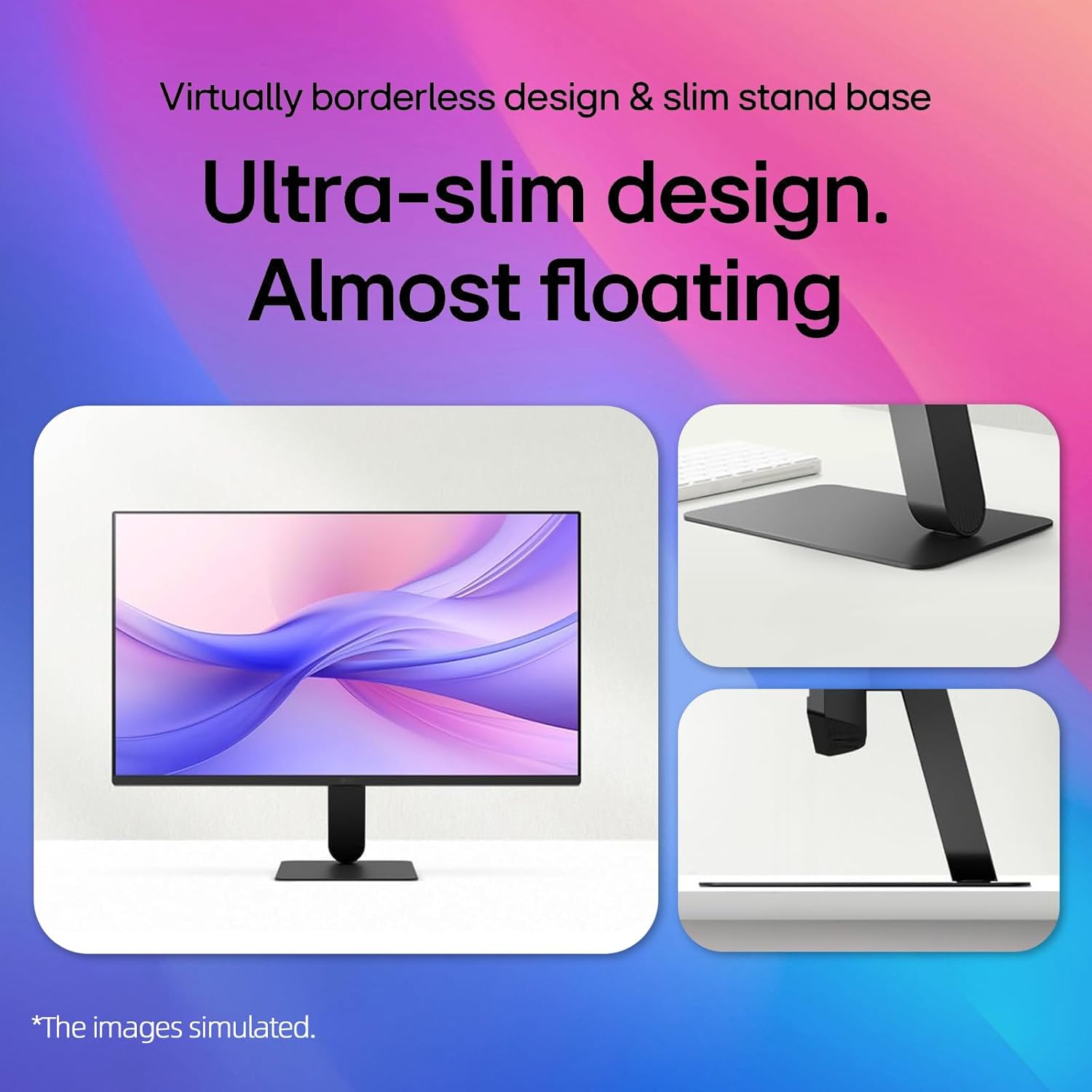
Image: A visual representation demonstrating the monitor's adjustable tilt feature, ranging from -5 degrees backward to 20 degrees forward, allowing users to customize their viewkąt.
Uchwyt ścienny VESA:
This monitor is VESA mount compatible (100 x 100mm). If using a VESA mount, remove the stand and attach the monitor to a compatible VESA bracket (sold separately) according to the bracket's instructions.
2. Łączność
Podłącz monitor do komputera lub innych urządzeń za pomocą odpowiednich kabli.

Image: A close-up of the monitor's rear panel, highlighting the available input ports including HDMI, VGA, and an audio jack, for connecting various devices.
- Połączenie HDMI: Podłącz jeden koniec kabla HDMI do portu HDMI w komputerze, a drugi koniec do portu HDMI IN w monitorze.
- Połączenie VGA: Connect one end of the VGA cable to the VGA port on your computer and the other end to the VGA IN port on the monitor.
- Podłączenie zasilania: Podłącz przewód zasilający do wejścia zasilania monitora, a następnie do gniazdka ściennego.
Video: This video demonstrates the key features and connectivity options of the LG 24-inch FHD IPS Monitor, including its 120Hz refresh rate, 1ms response time, AMD FreeSync, HDMI, and VGA ports.
Instrukcja obsługi
1. Włączanie/wyłączanie zasilania
Press the power button located on the bottom center of the monitor to turn it on or off. The power indicator light will illuminate when the monitor is on.
2. Menu ekranowe (OSD)
Use the joystick button on the bottom center of the monitor to navigate the OSD menu. Press the joystick to open the menu, then move it up/down/left/right to select and adjust settings.
3. Ustawienia wyświetlania
Częstotliwość odświeżania (120 Hz):
The monitor supports a 120Hz refresh rate for smoother motion. Ensure your graphics card and operating system settings are configured to output at 120Hz for optimal performance.

Image: A visual demonstrating the smooth and fluid motion achieved with the monitor's 120Hz refresh rate, ideal for fast-paced content and gaming.
Redukcja rozmycia ruchu 1 ms (MBR):
Activate 1ms MBR in the OSD menu to reduce motion blur in fast-moving scenes, providing clearer and sharper images. Note that some features like Adaptive Sync may be disabled when MBR is active.
Image: A dynamic scene from a racing game on the monitor, illustrating the effect of 1ms Motion Blur Reduction (MBR) in delivering sharp, clear visuals during high-speed action.
AMD Freesync Premium:
This technology synchronizes the monitor's refresh rate with your AMD graphics card's frame rate to eliminate screen tearing and stuttering. Enable FreeSync Premium in your graphics card settings and the monitor's OSD menu.
HDR10 & 99% sRGB:
The monitor supports HDR10 for enhanced contrast and color depth, and covers 99% of the sRGB color gamut for accurate and vibrant colors. Ensure your content and system settings are configured for HDR to utilize this feature.
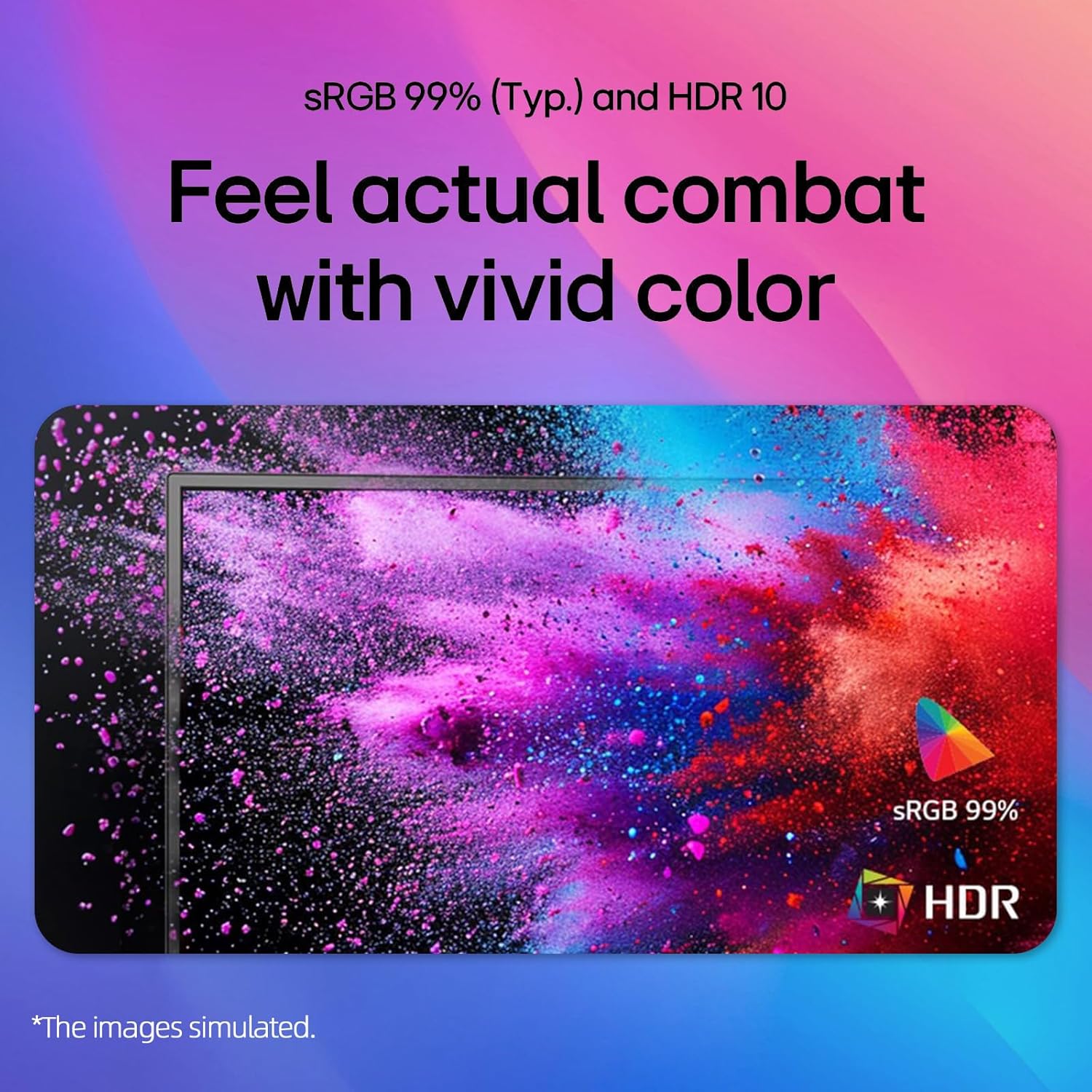
Image: A colorful abstract image displayed on the monitor, highlighting the rich and accurate color reproduction achieved with 99% sRGB coverage and HDR10 support.
Tryb czytania i ochrona przed migotaniem:
Aby zmniejszyć zmęczenie oczu podczas długiego viewing sessions, activate Reader Mode to adjust color temperature and brightness for a paper-like viewing experience. Flicker Safe technology minimizes screen flicker, further enhancing eye comfort.

Image: An illustration detailing the benefits of Reader Mode, which reduces blue light, and Flicker Safe technology, which minimizes screen flicker, both designed to enhance user eye comfort.
4. Aplikacja LG Switch
The LG Switch app (available for download from LG.com) provides additional functionalities such as virtual wallpaper, smart screen split, schedule management, and quick video call launching. Refer to the app's documentation for detailed usage instructions.

Obraz: Wiele zrzutów ekranu pokazujeasing the LG Switch app's interface and features, including virtual wallpaper customization, smart screen splitting for multitasking, and tools for managing schedules and launching video calls.
Konserwacja
- Czyszczenie ekranu: Delikatnie przetrzyj ekran miękką, niepozostawiającą włókien ściereczką. W przypadku uporczywych zabrudzeń,ampen the cloth with a small amount of water or a non-abrasive screen cleaner. Do not spray cleaner directly onto the screen.
- Czyszczenie Casing: Do czyszczenia monitora należy używać miękkiej, suchej ściereczki.asing. Unikaj stosowania silnych detergentów i środków czyszczących o właściwościach ściernych.
- Wentylacja: Ensure the ventilation holes on the back of the monitor are not blocked by dust or debris.
Rozwiązywanie problemów
| Problem | Możliwe rozwiązanie |
|---|---|
| Brak zasilania | Check if the power cord is securely connected to the monitor and the wall outlet. Ensure the power outlet is functioning. |
| Brak obrazu na ekranie | Verify that the video cable (HDMI/VGA) is correctly connected to both the monitor and the computer. Select the correct input source using the OSD menu. Ensure the computer is powered on and not in sleep mode. |
| Obraz jest niewyraźny lub zniekształcony | Adjust the display resolution on your computer to the monitor's native resolution (1920x1080). Check the video cable for damage. |
| Screen tearing or stuttering (gaming) | Ensure AMD FreeSync Premium is enabled in both your graphics card settings and the monitor's OSD menu. Update your graphics card drivers. |
Specyfikacje
| Funkcja | Szczegół |
|---|---|
| Marka | LG |
| Numer modelu | 24GM79G-B |
| Rozmiar ekranu | 24 cali |
| Maksymalna rozdzielczość wyświetlacza | 1920 x 1080 pikseli (FHD 1080p) |
| Częstotliwość odświeżania | 120 Hz |
| Czas reakcji | 1 Millisecond (MBR) / 5 Milliseconds (GTG) |
| Typ panelu | IPS |
| Proporcje obrazu | 16:9 |
| Jasność | 250 cd/m² |
| Współczynnik kontrastu | 3000:1 |
| Viewing kąt | 178° (poziomo) / 178° (pionowo) |
| Gama kolorów | 99% sRGB |
| Łączność | 1xHDMI, 1xVGA |
| Technologia adaptacyjnej synchronizacji | Technologia AMD FreeSync™ |
| Obsługa HDR | HDR10 |
| Cechy specjalne | 1ms MBR, Flicker Safe, Reader Mode, 3-Side Borderless Design, Tilt Adjustment, VESA Mount Compatible (100x100mm) |
| Wymiary (szer. x gł. x wys.) | 21.1" x 8.7" x 16.3" (z podstawą) |
Gwarancja i wsparcie
For warranty information, please refer to the warranty card included in your product package or visit the official LG website. For technical support, product registration, or service inquiries, please contact LG customer support through their official channels.
Wsparcie online: www.lg.com/us/support