
Wstęp
This manual provides detailed instructions for the setup, operation, maintenance, and troubleshooting of your Hwagol Smart Watch. Please read this manual thoroughly before using the device to ensure proper function and longevity.
Co jest w pudełku
Sprawdź, czy w opakowaniu znajdują się wszystkie elementy:
- Hwagol Smart Watch (Model 619704314148)
- Kabel ładujący
- Interchangeable Straps (typically one stainless steel and two silicone straps)
- Instrukcja obsługi (ten dokument)
Organizować coś
1. Ładowanie urządzenia
Before first use, fully charge your Hwagol Smart Watch. Connect the provided charging cable to the charging port on the back of the watch and to a standard USB power adapter (not included). The watch display will indicate charging status.

Image: The Hwagol Smart Watch connected to its charging cable, illustrating the charging process.
2. Instalacja i parowanie aplikacji
To unlock the full functionality of your smart watch, you need to install the companion application on your smartphone.
- Pobierz aplikację: Szukaj the recommended companion app (e.g., 'FitCloudPro' or similar, as indicated in the watch's quick start guide or packaging) in your smartphone's app store (Google Play Store for Android, Apple App Store for iOS).
- Zainstaluj i otwórz: Install the app and open it. Follow the on-screen prompts to create an account or log in.
- Włącz Bluetooth: Upewnij się, że Bluetooth jest włączony w Twoim smartfonie.
- Sparuj zegarek: In the app, navigate to the device pairing section. Select your Hwagol Smart Watch from the list of available devices. Confirm the pairing request on both your phone and the watch if prompted.
3. Wstępna konfiguracja
After successful pairing, configure basic settings:
- Informacje osobiste: Enter your age, height, weight, and gender in the app for accurate health tracking.
- Uprawnienia: Grant necessary permissions to the app (e.g., notification access, location services) for full functionality.
- Oglądaj twarz: Customize your watch face through the app or directly on the watch. Over 200 online UI options are available.
Instrukcja obsługi
1. Podstawowa nawigacja
The Hwagol Smart Watch features a 1.52-inch HD touch screen with 360*360 resolution.
- Przesuń w górę/w dół: Uzyskaj dostęp do szybkich ustawień lub powiadomień.
- Przesuń w lewo/w prawo: Navigate through widgets and main functions (e.g., activity, heart rate, weather).
- Uzyskiwać: Wybierz element lub potwierdź czynność.
- Naciśnij przyciski boczne: The watch typically has side buttons for power, back, or quick access to sport modes. Refer to the watch's on-screen prompts for specific button functions.
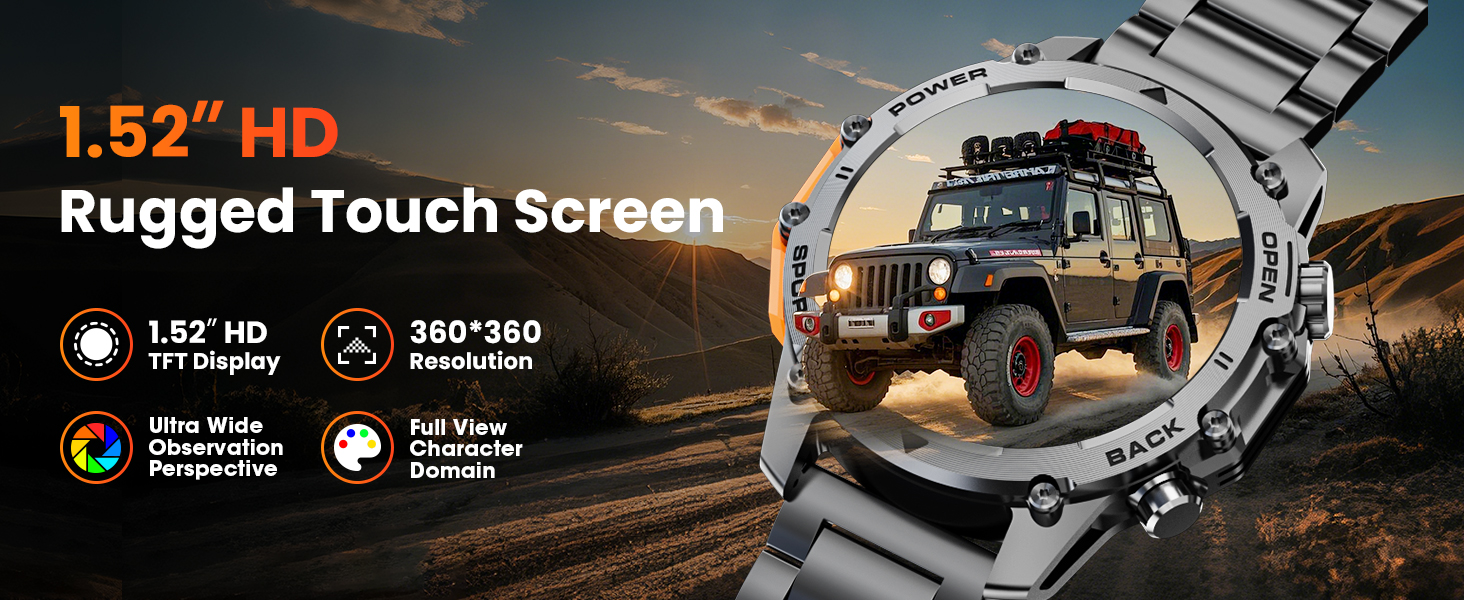
Image: A close-up of the Hwagol Smart Watch display, highlighting its 1.52-inch HD screen and resolution.
2. Połączenia Bluetooth
Po sparowaniu zegarka ze smartfonem możesz wykonywać i odbierać połączenia bezpośrednio z zegarka.
- Dzwonić: Aby nawiązać połączenie, uzyskaj dostęp do klawiatury numerycznej lub listy kontaktów na zegarku.
- Odbieranie połączeń: Gdy ktoś dzwoni, zegarek wyświetla identyfikator dzwoniącego. Dotknij zielonej ikony, aby odebrać, lub czerwonej, aby odrzucić połączenie.
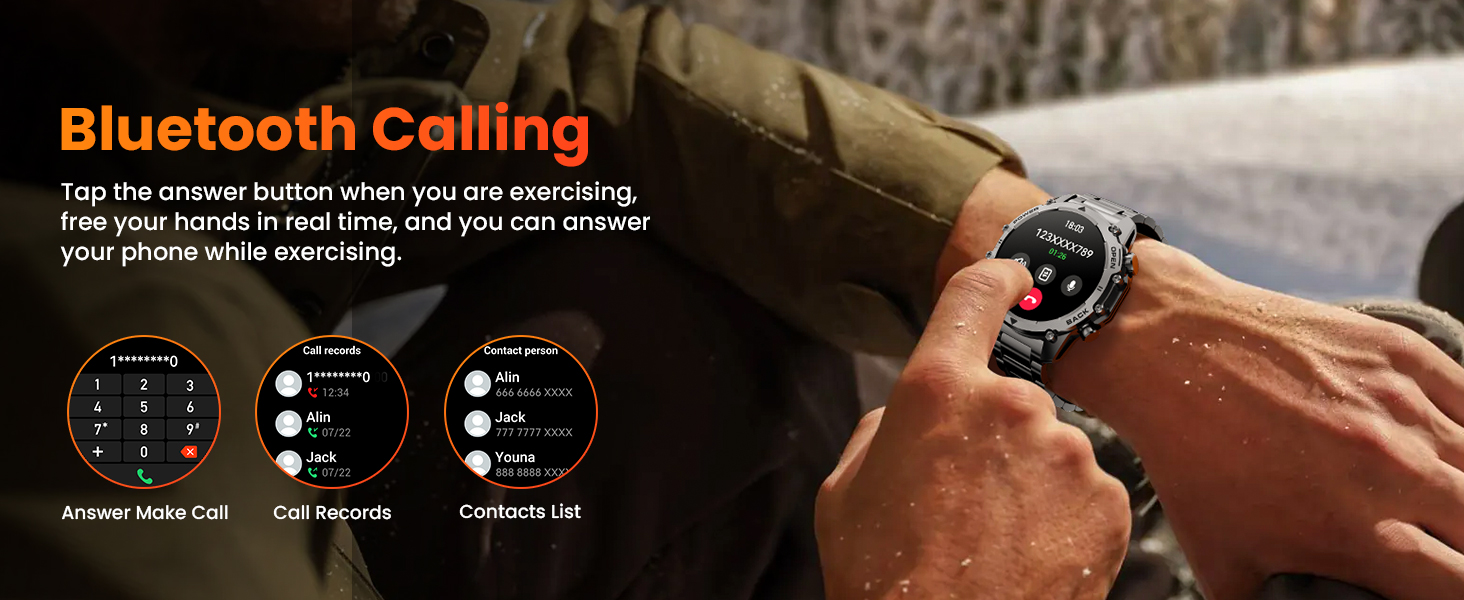
Image: The Hwagol Smart Watch displaying an incoming call, demonstrating the Bluetooth calling function.
3. Inteligentne powiadomienia
Otrzymuj powiadomienia ze smartfona bezpośrednio na zegarku.
- Ensure notification permissions are granted to the app on your smartphone.
- Notifications for calls, messages, and various social media apps will be displayed on the watch screen.
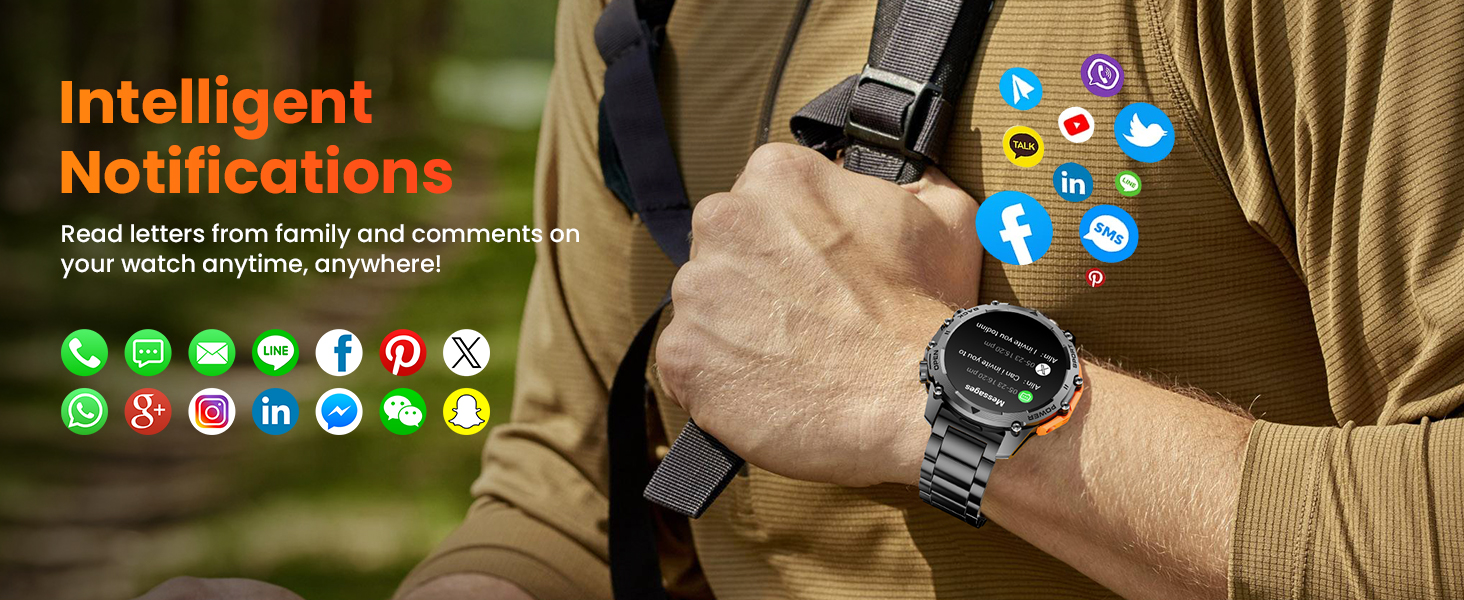
Image: The Hwagol Smart Watch showing various app notification icons, illustrating the intelligent notification feature.
4. Tryby sportowe
The watch supports over 100 sport modes for tracking various physical activities.
- Access the 'Sport' menu on the watch.
- Select your desired activity (e.g., running, cycling, mountaineering).
- The watch will track metrics such as steps, distance, calories burned, and heart rate during your workout.
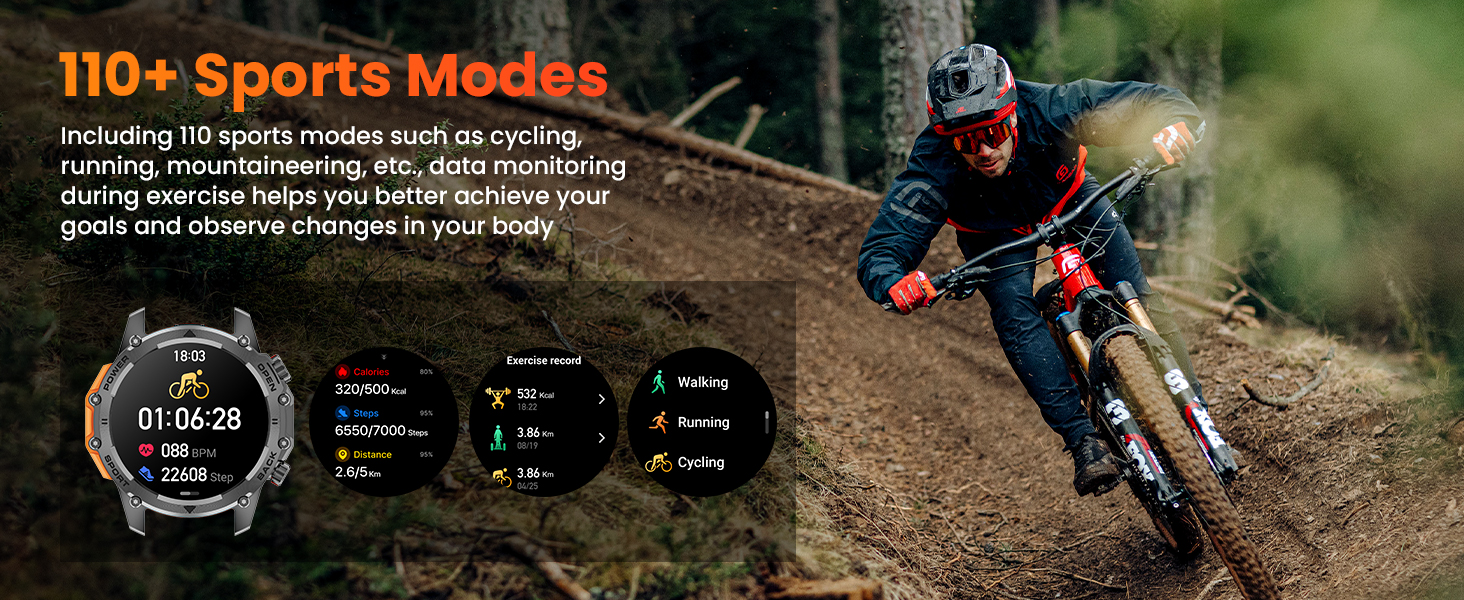
Image: The Hwagol Smart Watch displaying various sport mode icons and activity tracking data.
5. Całodobowy monitoring stanu zdrowia
Zegarek stale monitoruje najważniejsze wskaźniki zdrowia.
- Monitor pracy serca: Dostarcza danych o tętnie w czasie rzeczywistym.
- Monitor tlenu we krwi (SpO2): Mierzy poziom saturacji krwi tlenem.
- Sleep Quality Tracking: Monitoruje wzorce snu, w tym sen głęboki, sen płytki i godziny wybudzania.
- View detailed historical data for all health metrics within the companion app.
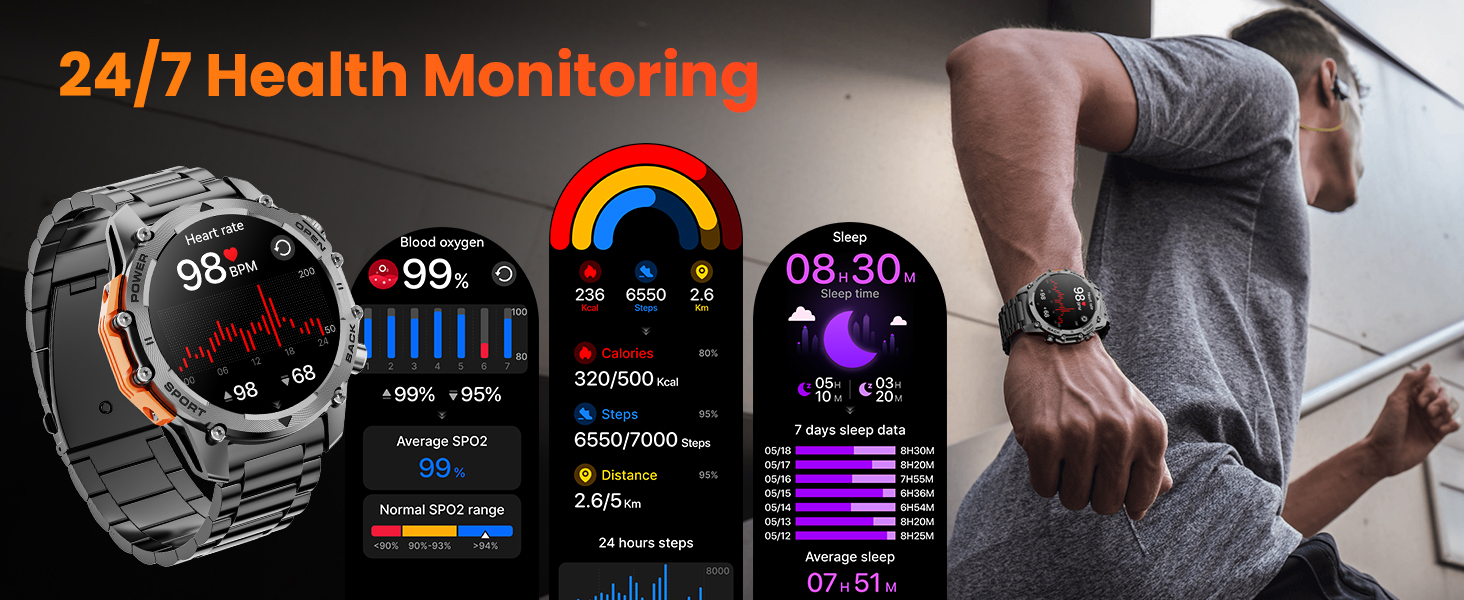
Image: The Hwagol Smart Watch displaying heart rate, blood oxygen, and sleep tracking data.
6. Latarka
Activate the super bright flashlight feature for illumination in dark environments.
- Access the flashlight function from the quick settings menu or a dedicated app on the watch.
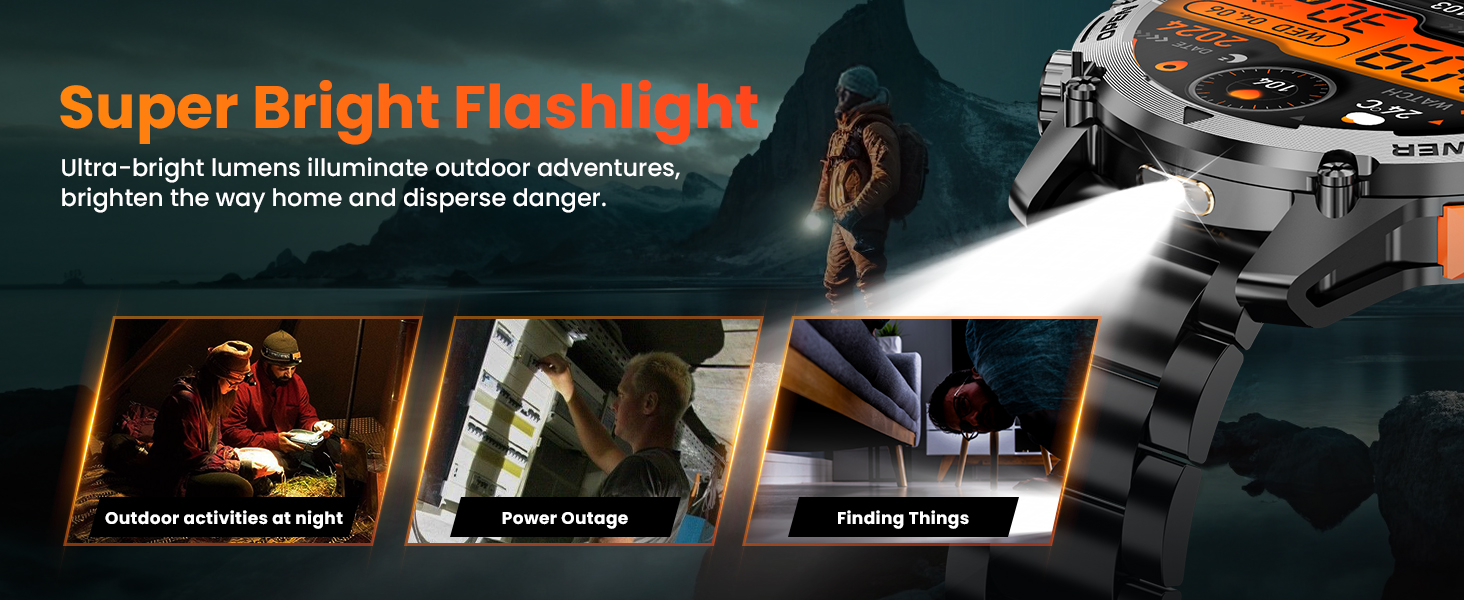
Image: The Hwagol Smart Watch with its flashlight activated, showing its utility in various scenarios.
7. Inne funkcje
The Hwagol Smart Watch includes several additional useful functions:
- Sterowanie odtwarzaczem muzyki: Steruj odtwarzaniem muzyki na swoim smartfonie (odtwarzaj, pauzuj, pomijaj utwory).
- Zdalne robienie zdjęć: Używaj zegarka jako zdalnego wyzwalacza migawki aparatu w smartfonie.
- Prognoza pogody: View aktualne warunki pogodowe i prognozy.
- Kalkulator: Wykonaj podstawowe obliczenia.
- Asystent głosowy: Współdziałaj z asystentem głosowym w swoim smartfonie.
- Budzik: Ustawiaj alarmy bezpośrednio na zegarku.
- Przypomnienie o piciu wody: Receive reminders to stay hydrated.
- Trening oddechowy: Ćwiczenia oddechowe wspomagające relaksację.
- Wyszukiwanie w telefonie komórkowym: Zlokalizuj sparowany smartfon, włączając dzwonek.
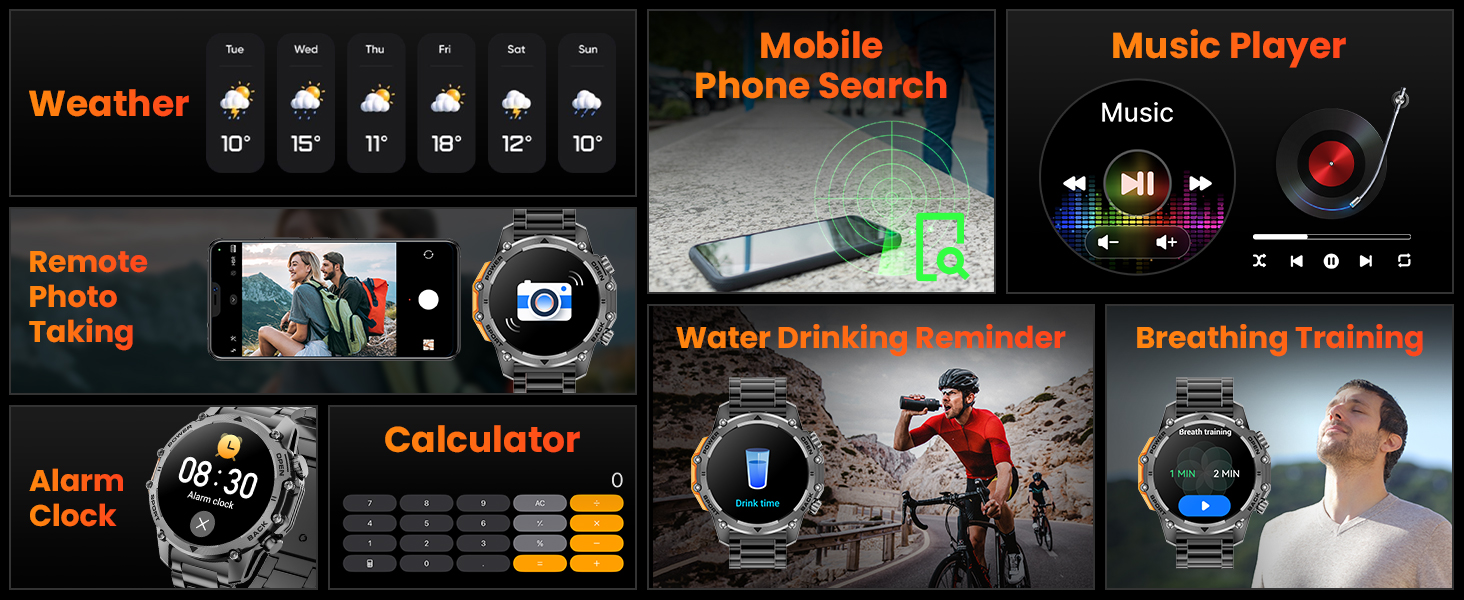
Image: A collage of the Hwagol Smart Watch's various features including weather, music control, remote camera, calculator, and health reminders.
Konserwacja
1. Czyszczenie
Regularne czyszczenie pomaga zachować wygląd i funkcjonalność zegarka.
- Przetrzyj ekran i obudowę zegarka miękką ściereczką.amp, ściereczka nie pozostawiająca włókien.
- W przypadku pasków silikonowych należy je umyć łagodnym mydłem i wodą, a następnie dokładnie spłukać i wysuszyć.
- For metal straps, use a soft brush to remove debris from links, then wipe with a damp płótno.
- Unikaj stosowania silnych środków chemicznych i materiałów ściernych.
2. Wymiana paska
The Hwagol Smart Watch comes with interchangeable straps (stainless steel and silicone) to suit different occasions.
- To remove a strap, locate the quick-release pins on the underside of the strap where it connects to the watch body.
- Przesuń szpilkę do wewnątrz, aby odłączyć pasek.
- To attach a new strap, align one end of the pin with the watch lug hole, then slide the other end of the pin inwards and guide it into the opposite lug hole. Release the pin to secure the strap.

Image: The Hwagol Smart Watch with its various interchangeable straps and a tool for replacement.
3. Wodoodporność
The watch is designed to be water-resistant. However, it is not suitable for deep diving or high-pressure water activities. Avoid prolonged exposure to hot water or steam.
Rozwiązywanie problemów
If you encounter issues with your Hwagol Smart Watch, refer to the following common solutions:
| Wydanie | Możliwe rozwiązanie |
|---|---|
| Zegarek się nie włącza | Upewnij się, że zegarek jest w pełni naładowany. Podłącz go do ładowarki na co najmniej 30 minut. |
| Nie można sparować ze smartfonem | Ensure Bluetooth is enabled on your phone. Restart both the watch and phone. Make sure the watch is not already paired with another device. Try resetting the watch to factory settings. |
| Powiadomienia nie odebrane | Check app permissions on your phone for notification access. Ensure the app is running in the background. Disable 'Do Not Disturb' mode on both devices. Verify that notifications are enabled within the watch app settings. |
| Niedokładne dane dotyczące zdrowia | Ensure the watch is worn snugly on your wrist, not too tight or too loose. Update your personal information (age, height, weight) in the app. Clean the sensor on the back of the watch. |
| Krótki czas pracy baterii | Reduce screen brightness. Turn off continuous heart rate monitoring if not needed. Limit frequent use of power-intensive features like Bluetooth calling. Ensure the watch is fully charged. |
Specyfikacje
- Numer modelu: 619704314148
- Marka: Hwagol
- Rozmiar ekranu: 1.52 cali
- Typ wyświetlacza: TFT HD, 360*360 Resolution
- Pojemność baterii: 500mAh
- Czas pracy baterii: 4-6 days (heavy use), 20 days (standby)
- Łączność: Bluetooth
- Zgodność z systemem operacyjnym: Android, iOS
- GPS: Przez smartfon
- Monitorowanie zdrowia: Heart Rate, Blood Oxygen (SpO2), Sleep Tracking
- Tryby sportowe: 100+
- Trwałość: Military-grade (wear-resistant, shock-resistant, water-resistant, sand-resistant)
- Waga przedmiotu: 0.634 uncji
- Wymiary opakowania: 6.73 x 3.74 x 1.34 cala

Image: The Hwagol Smart Watch highlighting its 3-proof military-grade durability against impact, dust, high, and low temperatures.
Gwarancja i wsparcie
For warranty information and customer support, please refer to the documentation included with your purchase or contact Hwagol customer service through their official webZachowaj dowód zakupu na wypadek roszczeń gwarancyjnych.
- Producent: Hwagol
- ASIN: B0G5MSRRTG