
1. Wprowadzenie
Thank you for choosing the Majority D100X Active Bookshelf Speakers. These speakers are designed to deliver high-quality audio for various applications, including home studios, offices, and living rooms. Featuring a powerful 2.2 stereo system, multiple connectivity options, and adjustable sound controls, the D100X provides a versatile and immersive listening experience.
2. Instrukcje bezpieczeństwa
Please read these safety instructions carefully before using your speakers and retain them for future reference. Incorrect use may result in electric shock, fire, or other hazards.
- Nie wystawiaj urządzenia na działanie deszczu, wilgoci ani bezpośredniego światła słonecznego.
- Zapewnij odpowiednią wentylację wokół głośników. Nie blokuj otworów wentylacyjnych.
- Do not place the speakers near heat sources such as radiators, heat registers, stoves, or other apparatus (including amp(lifiers) wytwarzające ciepło.
- Używaj wyłącznie dodatków/akcesoriów wskazanych przez producenta.
- Odłączaj urządzenie od zasilania podczas burzy z piorunami lub jeśli nie używasz go przez dłuższy czas.
- Wszelkie prace serwisowe należy zlecać wykwalifikowanemu personelowi serwisowemu. Serwisowanie jest wymagane, gdy urządzenie zostało w jakikolwiek sposób uszkodzone, np. przewód zasilający lub wtyczka są uszkodzone, płyn został wylany lub przedmioty wpadły do urządzenia, urządzenie zostało wystawione na działanie deszczu lub wilgoci, nie działa normalnie lub zostało upuszczone.
- Do not open the speaker enclosures. There are no user-serviceable parts inside.
3. Zawartość opakowania
Carefully unpack your D100X speakers and ensure all items are present and in good condition. If any items are missing or damaged, please contact customer support.

Zasilacz

Zdalne sterowanie
3.5m Speaker Connection Cable
Instrukcja obsługi
- Majority D100X Speakers (2 units)
- Zasilacz
- 3.5m Speaker Connection Cable
- Zdalne sterowanie
- Instrukcja obsługi
4. Konfiguracja
Follow these steps to set up your Majority D100X speakers:
- Umieszczenie: Position the speakers on a stable, flat surface, such as a bookshelf or desk. For optimal stereo imaging, place them equidistant from your listening position.
- Podłącz głośniki: Use the provided 3.5m speaker connection cable to link the two D100X speaker units. Ensure a secure connection.
- Podłączenie zasilania: Connect the power adaptor to the main speaker unit and then plug it into a wall outlet.
- Pierwsze włączenie: Turn on the main speaker unit using the power switch located on the rear panel.
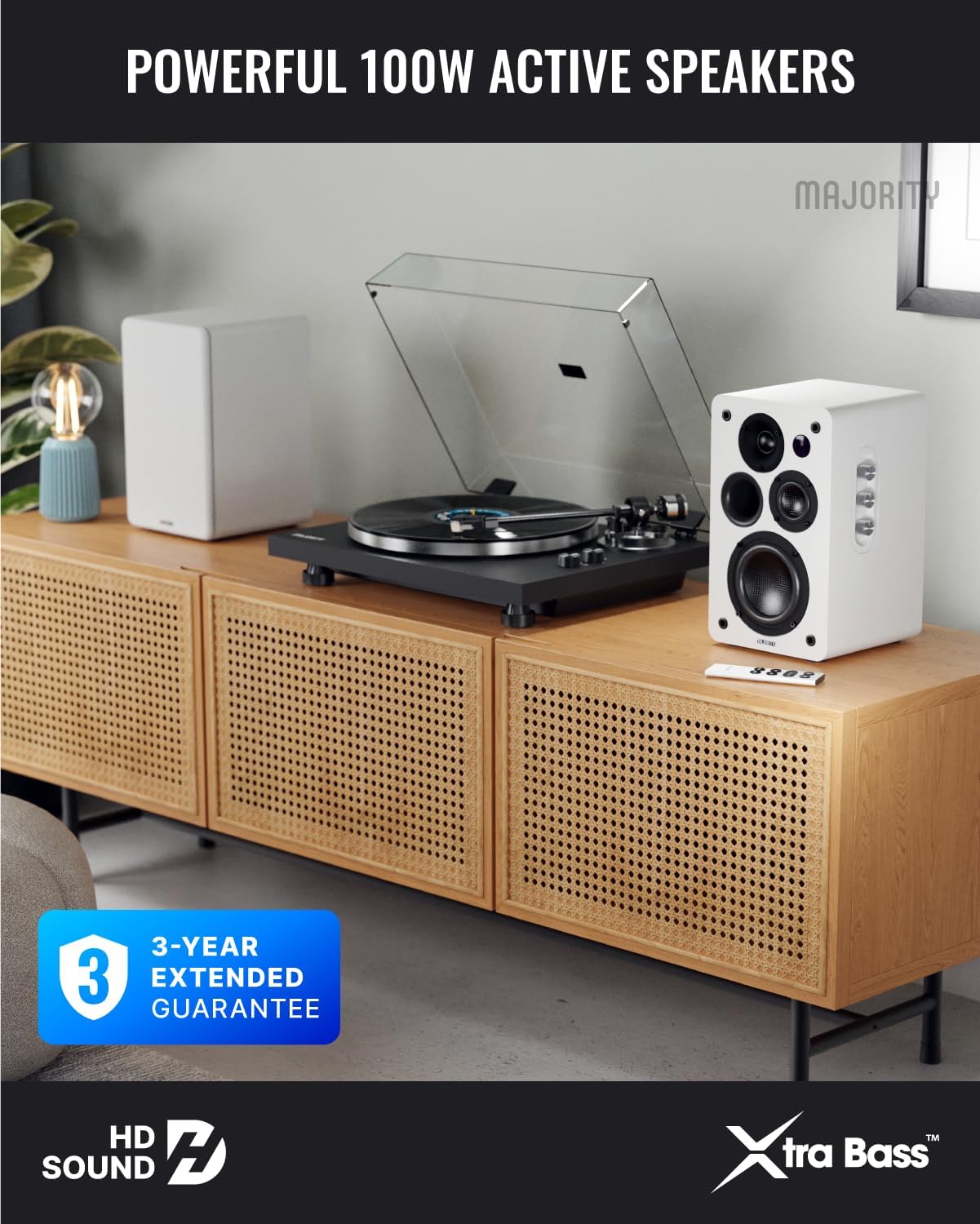
Image: Majority D100X speakers positioned on a wooden cabinet, ready for use.
5. Instrukcja obsługi
The D100X speakers can be controlled via the intuitive front panel controls or the included remote control.
Elementy sterujące na panelu przednim:
- Pokrętło głośności: Obróć, aby dostosować ogólny poziom głośności.
- Pokrętło wysokich tonów: Dostosowuje odpowiedź wysokich częstotliwości.
- Gałka basowa: Dostosowuje odpowiedź niskiej częstotliwości.
- Selektor wejścia: Press to cycle through available input sources (Bluetooth, USB, AUX, HDMI ARC, Optical, Phono).
Zdalne sterowanie:
The remote control provides full functionality, including power, volume, input selection, and EQ modes.
- Przycisk zasilania: Włącza lub wyłącza głośniki.
- Zwiększanie/zmniejszanie głośności: Reguluje głośność.
- Przyciski wejściowe: Dedicated buttons for selecting specific input sources.
- EQ Modes (1-3): Available when connected via HDMI ARC or Optical. These modes are designed to enhance clarity, depth, and balance for movies, music, and games.
Obraz: Przód view of a D100X speaker with its remote control, highlighting the adjustable bass and treble controls.
6. Łączność
The D100X offers a wide range of connectivity options to suit various audio sources.

Image: Rear panel of the D100X speaker, displaying various input ports including USB, Optical, HDMI ARC, Phono, and AUX.
6.1.Bluetooth 5.3
For wireless audio streaming from smartphones, tablets, or laptops.
- Select Bluetooth input on the speakers. The indicator light will flash.
- Enable Bluetooth on your device and search for "Majority D100X".
- Select the speaker to pair. Once connected, the indicator light will be solid.
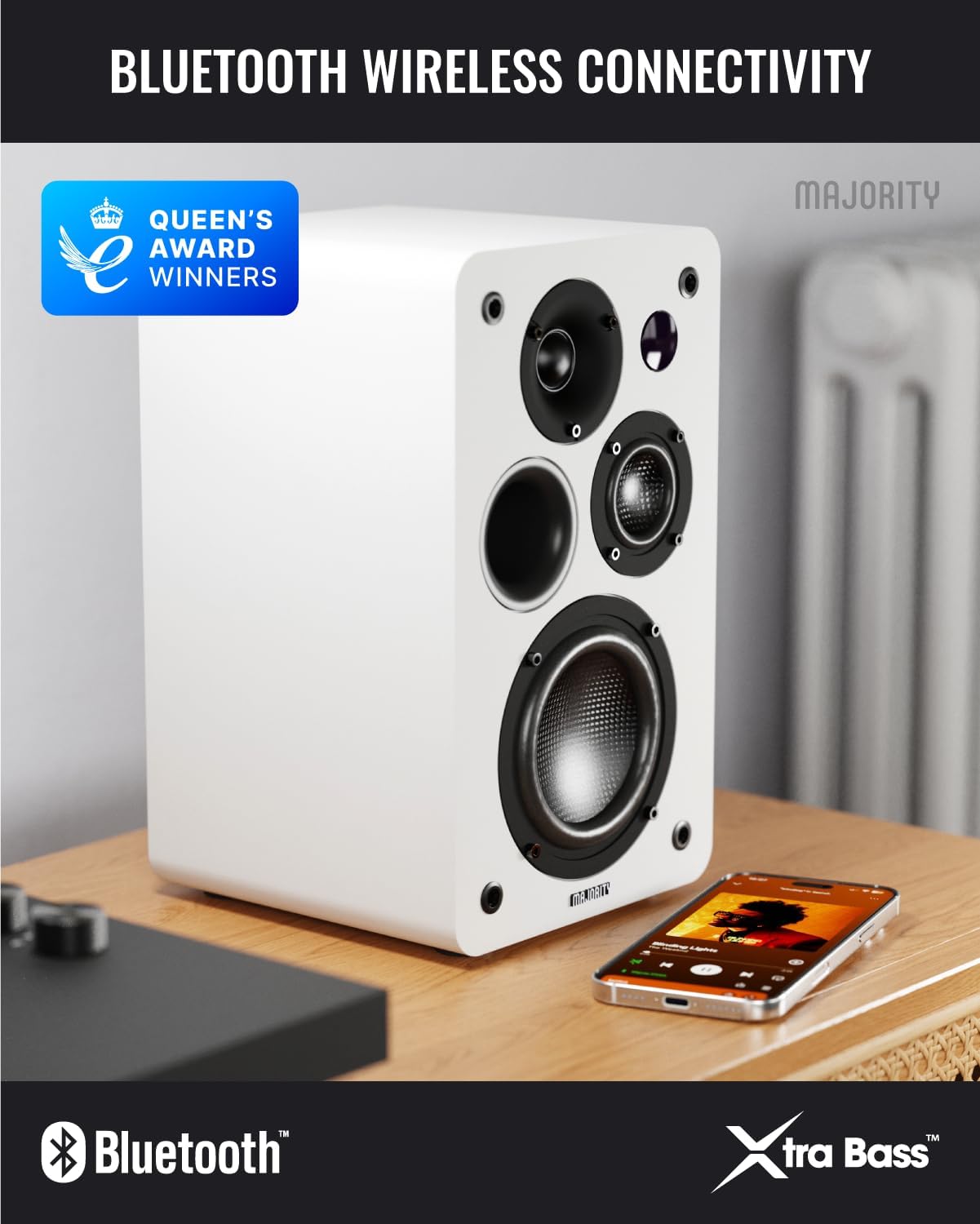
Image: D100X speaker wirelessly connected to a smartphone via Bluetooth.
6.2. HDMI ŁUK
Connect your TV for enhanced audio. This connection supports the EQ modes (1-3).
- Connect an HDMI cable from your TV's HDMI ARC port to the speaker's HDMI ARC port.
- Select HDMI ARC input on the speakers.
- Ensure your TV's audio output is set to HDMI ARC.
6.3. Optyczny
For high-quality digital audio connection from TVs or other devices. This connection also supports the EQ modes (1-3).
- Connect an optical cable from your device's optical output to the speaker's optical input.
- Select Optical input on the speakers.
6.4. Phono (RCA)
Direct connection for turntables with a built-in pre-ampliyfikator.
- Connect RCA cables from your turntable's output to the speaker's Phono (R-PHONO-L) input.
- Select Phono input on the speakers.
- Notatka: If your turntable's output is higher than 100 RMS, use the AUX input instead of Phono.
6.5. AUX (3.5mm)
For connecting devices with a 3.5mm audio output, such as PCs or older audio players.
- Connect a 3.5mm audio cable from your device's headphone jack or audio out to the speaker's AUX (AUDIO IN) input.
- Select AUX input on the speakers.
6.6. Odtwarzanie i ładowanie przez USB
The USB port allows for direct music playback from storage devices and charging of external devices.
- Insert a USB storage device (e.g., USB flash drive) into the USB port for music playback.
- The USB port can also be used to charge compatible devices.
7. Konserwacja
Proper care will ensure the longevity and performance of your D100X speakers.
- Czyszczenie: Do czyszczenia powierzchni głośników należy używać miękkiej, suchej ściereczki. Nie należy używać środków ściernych, wosków ani rozpuszczalników.
- Pył: Regularly dust the speakers to prevent accumulation, which can affect sound quality and internal components.
- Środowisko: Avoid placing speakers in areas with extreme temperatures, high humidity, or direct sunlight.
8. Rozwiązywanie Problemów
If you encounter issues with your D100X speakers, refer to the following common problems and solutions:
| Problem | Możliwa przyczyna / rozwiązanie |
|---|---|
| Brak zasilania |
|
| Brak dźwięku |
|
| Słaba jakość dźwięku / Zniekształcenia |
|
| Pilot nie działa |
|
9. Specyfikacje
Detailed technical specifications for the Majority D100X Active Bookshelf Speakers.
| Marka | Większość |
| Numer modelu | D100X |
| Wymiary (dł. x szer. x wys.) | 18 x 16.8 x 27.5 cm (per speaker) |
| Waga | 7.16 kg (łącznie) |
| Maksymalna moc wyjściowa głośnika | 100 watów |
| Odpowiedź częstotliwościowa | 20000 Hz |
| Technologia łączności | Bluetooth, Optical, HDMI, Phono, Auxiliary, RCA |
| Zasięg Bluetooth | 10 metrów |
| Tryb wyjścia audio | Stereo (2.2 kanały) |
| Wejście Voltage | 240 wolty |
| Typ montażu | Mocowanie do półki |
| Tworzywo | Drewno |
| Średnica głośnika niskotonowego | 4 cali |
| Średnica głośnika wysokotonowego | 1 cali |
| Stosunek sygnału do szumu | 80dB |
| Impedancja | 4 omy |
| Metoda kontroli | Zdalne sterowanie |
| Zalecane zastosowania | Gaming Console, Computer, Television, Home Cinema, Studio |

Obraz: Szczegółowy view of the D100X speaker's carbon fiber drivers, designed for high-quality audio.
10. Gwarancja i wsparcie
The Majority D100X speakers come with a 3-year extended guarantee, ensuring peace of mind and reliable performance. For any technical support, warranty claims, or further assistance, please contact Majority customer service.
- Wsparcie online: Visit the official Majority webwitryna z często zadawanymi pytaniami, przewodnikami rozwiązywania problemów i informacjami kontaktowymi.
- Wsparcie e-mailowe: Reach out to our support team via email for detailed assistance.
- Wsparcie telefoniczne: Contact our dedicated support line during business hours.
Prosimy zachować dowód zakupu w celach gwarancyjnych.

Image: Majority D100X speakers highlighting the 3-year extended guarantee.


