
Wstęp
Thank you for choosing the GOBOULT Z40 V2.0 True Wireless Earbuds. These earbuds are designed to provide a superior audio experience with advanced features such as 70 hours of total playtime, Quad Mic Environmental Noise Cancellation (ENC), 45ms low latency for gaming, and Bluetooth 5.4 connectivity. This manual will guide you through the setup, operation, maintenance, and troubleshooting of your new earbuds.
Co jest w pudełku
Sprawdź zawartość paczki, aby upewnić się, że znajdują się w niej wszystkie elementy:
- GOBOULT Z40 V2.0 Earbuds
- Etui ładujące
- Kabel ładujący USB
- Końcówki douszne (różne rozmiary)
- Instrukcja obsługi
- Karta gwarancyjna
Produkt ponadview
The GOBOULT Z40 V2.0 earbuds offer a range of features for enhanced audio and communication.


Organizować coś
Początkowe ładowanie
Before first use, ensure both the earbuds and the charging case are fully charged. Connect the charging case to a power source using the provided USB cable. The LED indicator on the case will show charging status. A 10-minute charge can provide approximately 120 minutes of playtime.

Parowanie z urządzeniem
- Otwórz pokrywę etui ładującego. Słuchawki douszne automatycznie włączą się i przejdą w tryb parowania.
- Na smartfonie lub urządzeniu z włączoną funkcją Bluetooth przejdź do ustawień Bluetooth.
- Szukaj available devices and select 'GOBOULT Z40 V2.0' from the list.
- Once connected, you will hear a confirmation tone, and the LED indicator on the earbuds will change.
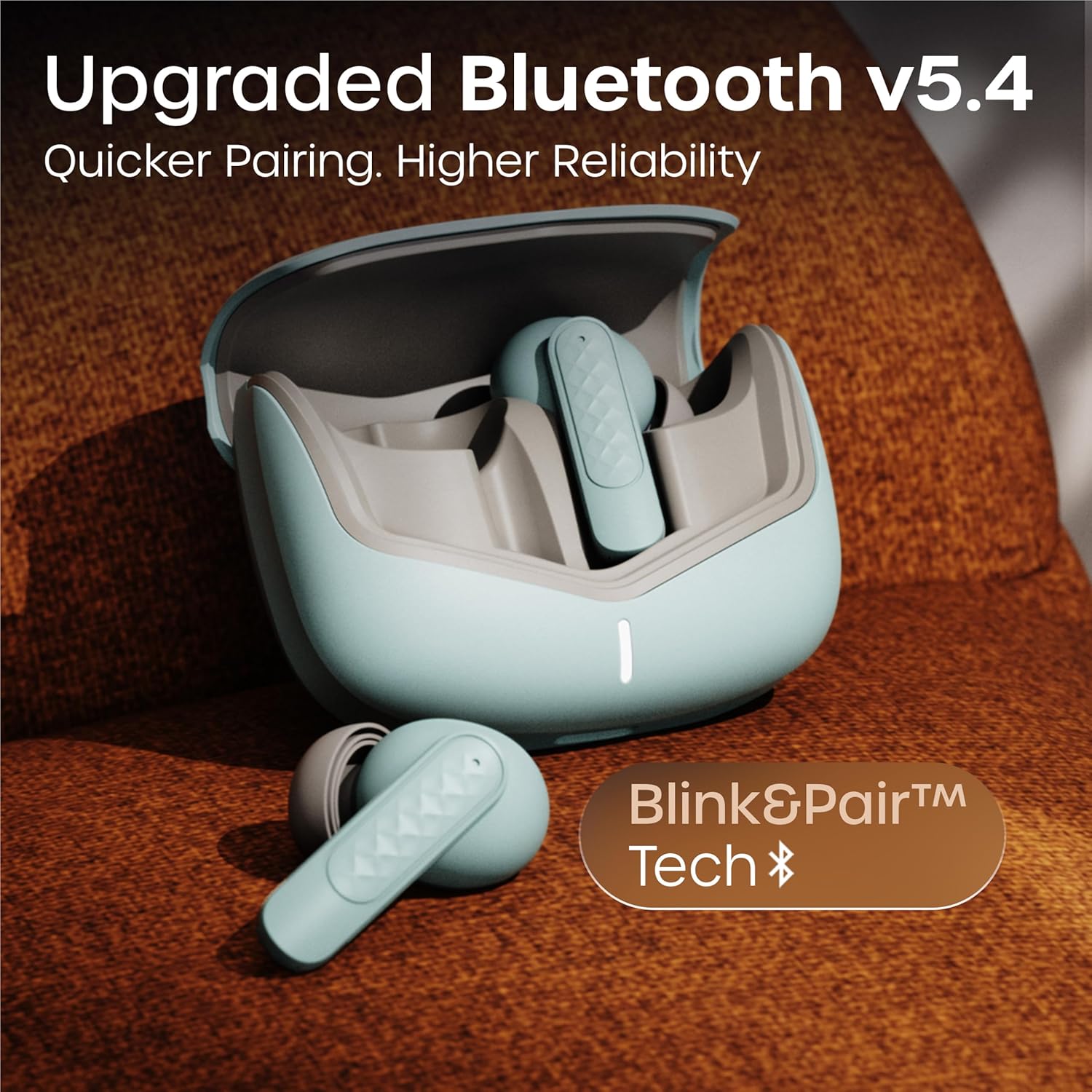
Słuchawki wykorzystują technologię Bluetooth 5.4, która zapewnia stabilne i efektywne połączenie.
Instrukcja obsługi
Włączanie/wyłączanie zasilania
- Włączanie: Otwórz etui ładujące, a słuchawki włączą się automatycznie. Możesz również nacisnąć i przytrzymać obszar dotykowy na obu słuchawkach przez 3 sekundy.
- Wyłączone: Włóż słuchawki douszne z powrotem do etui ładującego i zamknij pokrywę. Możesz też nacisnąć i przytrzymać obszar dotykowy na obu słuchawkach przez 5 sekund.
Odtwarzanie muzyki
| Działanie | Sterowanie dotykowe |
|---|---|
| Odtwórz/Pauza | Pojedyncze dotknięcie dowolnej słuchawki |
| Następny utwór | Kliknij dwukrotnie prawą słuchawkę |
| Poprzedni utwór | Kliknij dwukrotnie lewą słuchawkę |
| Zwiększ głośność | Kliknij trzykrotnie prawą słuchawkę |
| Zmniejsz głośność | Kliknij trzykrotnie lewą słuchawkę |
Zarządzanie połączeniami
| Działanie | Sterowanie dotykowe |
|---|---|
| Odbierz/Zakończ połączenie | Pojedyncze dotknięcie dowolnej słuchawki |
| Odrzuć połączenie | Naciśnij i przytrzymaj dowolną słuchawkę przez 2 sekundy |
The Quad Mic Environmental Noise Cancellation (ENC) ensures clear voice calls by minimizing background noise, making them ideal for office calls and online meetings.

Asystent głosowy
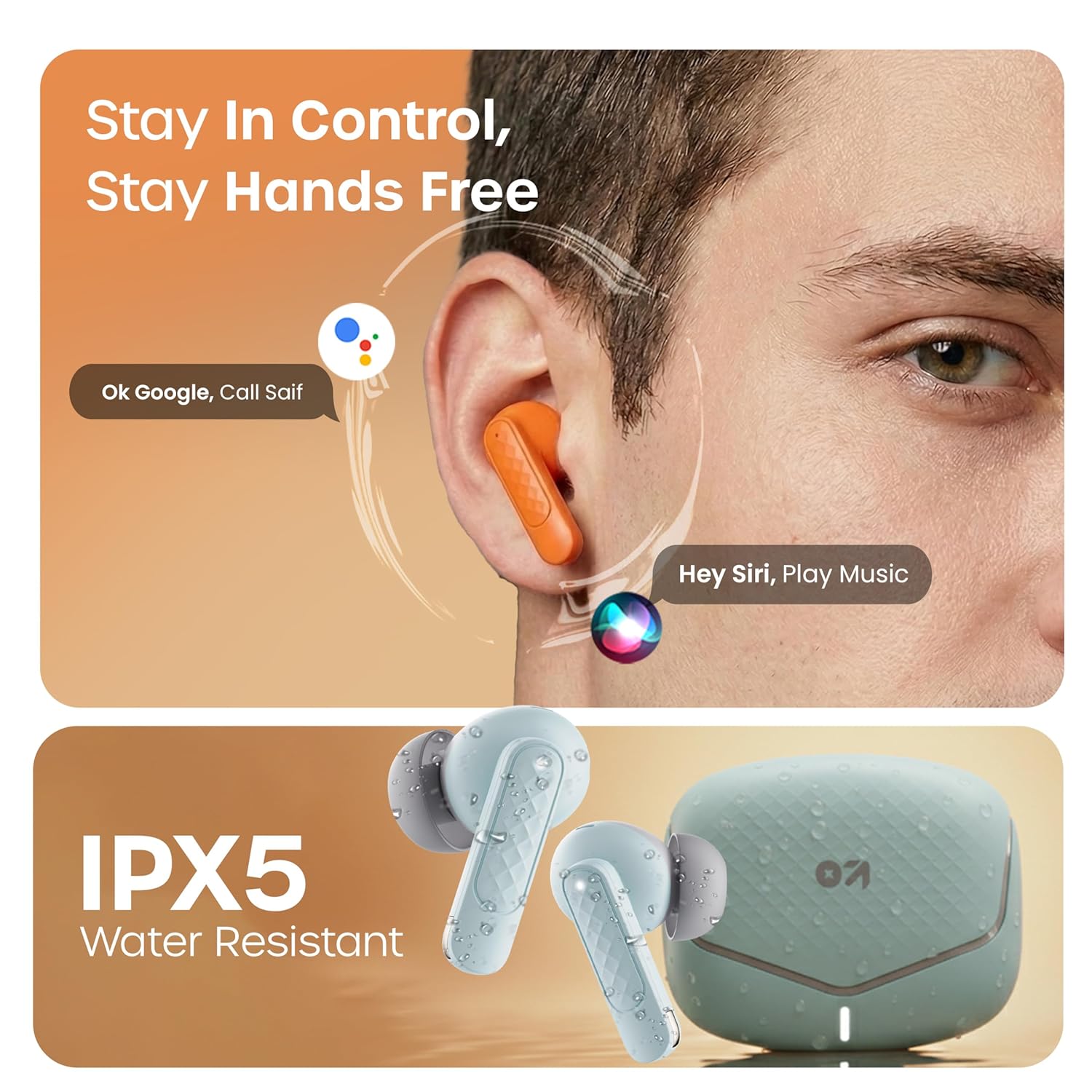
Activate your device's voice assistant (e.g., Google Assistant, Siri) by long-pressing the touch area on either earbud for 2 seconds (when not on a call).
Tryb gry
Activate the low latency gaming mode for a synchronized audio experience during gaming. This mode reduces audio delay to 45 milliseconds, providing faster responses and an immersive gaming experience.
- Aktywuj tryb gry: Long press the touch area on the left earbud for 2 seconds.
- Dezaktywuj tryb gry: Repeat the same action.

Konserwacja
Czyszczenie
Regularly clean your earbuds and charging case to ensure optimal performance and hygiene. Use a soft, dry, lint-free cloth. Do not use abrasive cleaners, solvents, or harsh chemicals. Gently remove any earwax or debris from the eartips and speaker mesh.
Odporność na wodę
The GOBOULT Z40 V2.0 earbuds are IPX5 water-resistant, meaning they are protected against sweat and splashes. They are suitable for workouts and outdoor activities. However, they are not designed for swimming or submersion in water. Avoid exposing them to heavy rain or direct water jets.
Rozwiązywanie problemów
If you encounter any issues with your GOBOULT Z40 V2.0 earbuds, please refer to the following common solutions:
- Brak dźwięku:
- Sprawdź, czy słuchawki są prawidłowo sparowane z urządzeniem.
- Sprawdź poziom głośności zarówno w urządzeniu, jak i w słuchawkach.
- Make sure the earbuds are seated correctly in your ears.
- Nie można sparować:
- Ensure the earbuds are charged and in pairing mode (LED blinking).
- Wyłącz i włącz ponownie Bluetooth na swoim urządzeniu.
- Przysuń słuchawki douszne bliżej urządzenia.
- Usuń urządzenie z listy Bluetooth i spróbuj sparować je ponownie.
- Jedna słuchawka douszna nie działa:
- Umieść obie słuchawki z powrotem w etui ładującym, zamknij pokrywę, a następnie otwórz ją ponownie, aby zresetować połączenie.
- Upewnij się, że obie słuchawki douszne są naładowane.
- Problemy z ładowaniem:
- Sprawdź, czy kabel ładujący jest prawidłowo podłączony do obudowy i źródła zasilania.
- Sprawdź, czy styki ładowania na słuchawkach i wewnątrz etui są czyste i wolne od zanieczyszczeń.
- Wypróbuj inny kabel ładujący lub zasilacz.
Specyfikacje
| Funkcja | Szczegół |
|---|---|
| Marka | GOBOULT |
| Nazwa modelu | Z40 V2.0 (Airbass) |
| Umieszczenie ucha | W uchu |
| Kontrola hałasu | Redukcja szumów otoczenia (poczwórny mikrofon) |
| Średnia żywotność baterii | 70 godzin (z etui ładującym) |
| Czas ładowania akumulatora | 10 Minutes for 120 Minutes Playtime |
| Rozmiar sterownika audio | 13 milimetrów |
| Opóźnienie dźwięku | 45 milisekund (tryb gier) |
| Metoda kontroli | Dotykać |
| Poziom wodoodporności | IPX5 (odporność na wodę) |
| Typ technologii bezprzewodowej | Bluetooth |
| Wersja Bluetooth | 5.4 |
| Zasięg Bluetooth | 10 metrów |
| Waga przedmiotu | 0.6 Kilograms (total package weight) |
| Zawartość pudełka | Cable, Eartip, User Manual, Warranty Card, Z40v2.0 Earbuds |
Gwarancja i wsparcie
Informacje o gwarancji
The GOBOULT Z40 V2.0 True Wireless Earbuds are backed by a 1-letnia gwarancja producenta from the date of purchase. This warranty covers manufacturing defects. Please retain your purchase receipt as proof of purchase for warranty claims.
Obsługa klienta
For any technical assistance, warranty claims, or product-related inquiries, please refer to the contact information provided on the warranty card included in your product box. You may also visit the official GOBOULT webWięcej zasobów pomocy znajdziesz na tej stronie.